
It’s a common but frustrating experience: you pull out your phone to capture a moment indoors, only to find the camera lens clouded with fog. The image appears blurry, unusable, and no amount of wiping seems to help immediately. This isn’t a defect in your device—it’s condensation. Understanding why this happens and how to respond quickly can save you time, protect your hardware, and keep your photos sharp.
Condensation on your phone’s camera occurs when warm, moist air meets a cooler surface—like the glass lens of your smartphone. This is especially common during seasonal transitions, in humid climates, or when moving between environments with significant temperature differences (e.g., from cold outdoors to warm indoors). While temporary, repeated exposure to moisture can lead to long-term issues if not managed properly.
The Science Behind Camera Fogging
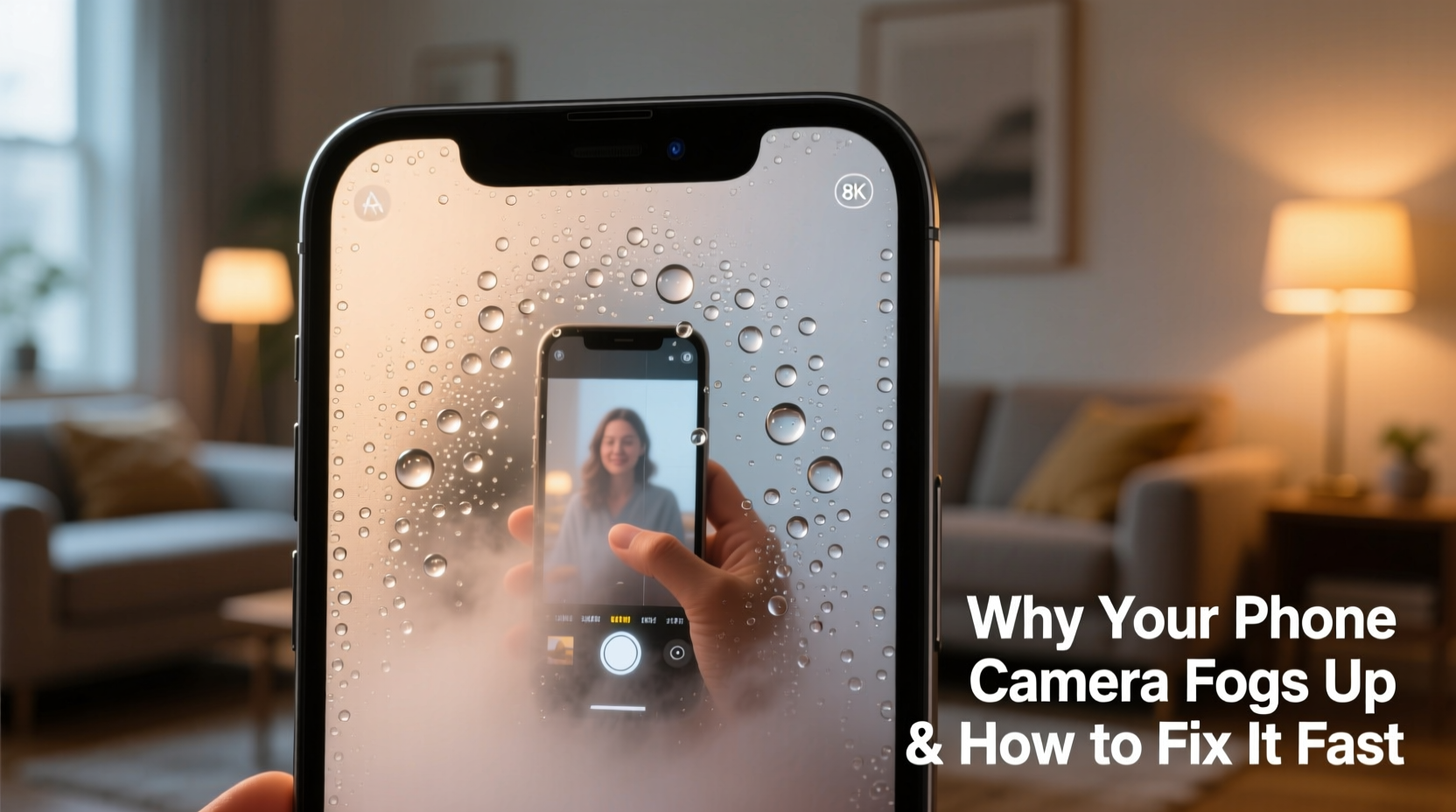
Fogging on your phone camera is a physical phenomenon known as condensation. When water vapor in the air cools rapidly upon contact with a colder surface, it changes from gas to liquid, forming tiny droplets that appear as fog. Your phone’s camera lens, often made of smooth glass, provides an ideal surface for this process.
This typically happens in one of two scenarios:
- External Condensation: Moisture forms on the outside of the lens when the phone—especially one brought in from a cold environment—is warmer than the surrounding humid air.
- Internal Condensation: In rare cases, moisture gets trapped inside the camera module itself, usually due to exposure to high humidity or water without proper sealing.
While external fog clears relatively quickly, internal fog is more concerning and may require professional inspection.
Common Causes of Indoor Camera Fog
Understanding the root causes helps prevent recurrence. Here are the most frequent triggers:
- Sudden Temperature Changes: Coming indoors from winter cold or stepping into an air-conditioned room from hot outdoor weather.
- High Indoor Humidity: Activities like cooking, showering, or drying clothes indoors increase moisture levels in the air.
- Poor Ventilation: Rooms without adequate airflow trap humid air, increasing the chance of condensation.
- Phone Design: Some phones have tighter camera housings that trap heat, making them more prone to internal fogging.
- Carrying Phones in Pockets: Body heat warms the phone, which then fogs when exposed to cooler indoor air.
A study by the National Institute of Standards and Technology (NIST) found that surfaces below the dew point—the temperature at which air becomes saturated with moisture—will inevitably develop condensation in humid conditions. Smartphones, particularly those with metal or glass bodies, cool and heat quickly, making them susceptible.
How to Clear a Foggy Camera Lens Fast
When your camera fogs up, immediate action can restore clarity and prevent potential damage. Follow this step-by-step guide to resolve the issue safely and effectively.
Step-by-Step Guide to Clearing Camera Fog
- Turn Off Flash and Avoid Wiping Immediately: Don’t use the flash or take pictures while the lens is fogged. Wiping too soon can smear moisture or scratch coatings.
- Let It Acclimate Naturally: Place the phone in the room where you are, away from direct heat sources. Allow 10–20 minutes for temperature equilibrium.
- Use a Dry, Lint-Free Cloth: Once droplets begin to evaporate, gently wipe the lens with a microfiber cloth used for glasses or screens.
- Blot, Don’t Rub: If moisture remains, lightly blot the area instead of rubbing to avoid pushing water into seams.
- Use Silica Gel Packets (Optional): Place the phone in a sealed container with silica gel packets for 1–2 hours to absorb residual moisture.
- Test the Camera: After drying, open the camera app and check for clarity. If fog persists inside the lens housing, stop using it and seek professional help.
“Never use heat sources like hair dryers or radiators to dry a fogged lens. Rapid heating can warp components or crack glass.” — Dr. Alan Zhou, Electronics Thermal Engineer
Prevention Strategies for Long-Term Protection
While clearing fog is important, preventing it altogether is better for your phone’s longevity. These proactive measures reduce the risk of both external and internal condensation.
Do’s and Don’ts of Phone Camera Care
| Do | Don’t |
|---|---|
| Allow your phone to adjust gradually when entering heated/cooled spaces | Bring a cold phone directly into a steamy bathroom |
| Store your phone in a dry, ventilated area | Leave it near sinks, showers, or stoves |
| Use a protective case with breathable materials | Seal it in plastic bags unless drying after water exposure |
| Wipe the lens weekly with a dry microfiber cloth | Use alcohol or window cleaners on coated lenses |
| Monitor humidity levels in your home (ideal: 30–50%) | Ignore persistent internal fogging |
Real-World Example: A Photographer’s Winter Dilemma
Consider the case of Maya Tran, a freelance event photographer based in Minneapolis. During winter assignments, she frequently moved between freezing outdoor locations and warm banquet halls. She noticed her iPhone’s rear camera would fog within seconds of entering buildings, causing her to miss key shots during golden hour.
Initially, she tried wiping the lens aggressively, which only smeared the moisture. After consulting a technician, she adopted a simple routine: before entering any warm space, she placed her phone inside a sealed ziplock bag while still outdoors. Once inside, she left the phone in the bag for 15 minutes, allowing it to warm up slowly without direct air contact. The condensation formed on the outside of the bag, not the lens.
This small change eliminated 95% of her fogging issues. She now carries a small insulated pouch lined with desiccant beads for extended shoots. Her experience highlights how understanding thermal dynamics can solve real-world tech problems.
When Internal Fog Signals a Bigger Problem
Occasional external fogging is normal. But if you see persistent moisture *inside* the camera lens housing, it could indicate compromised water resistance or seal failure—even if your phone has an IP68 rating.
Modern smartphones are designed with gaskets and seals to resist dust and water, but these degrade over time due to wear, temperature stress, or accidental drops. Once the seal breaks, humidity can seep into sensitive areas, including the camera module.
Signs of internal moisture include:
- Fog that doesn’t clear after 30+ minutes
- Visible droplets beneath the lens glass
- Discoloration or residue around the lens ring
- Autofocus errors or blurred images even after cleaning
If you observe any of these, discontinue use and contact the manufacturer or an authorized repair center. Continuing to operate a moisture-compromised device risks short circuits or permanent lens damage.
FAQ: Common Questions About Phone Camera Fog
Can humidity permanently damage my phone’s camera?
Yes, if moisture penetrates the internal components. Prolonged exposure can corrode sensors, degrade adhesives, and cause mold growth on lens elements. While brief condensation is harmless, recurring internal fog requires professional attention.
Will putting my phone in rice fix a foggy camera?
Rice is not recommended. It’s ineffective at absorbing moisture from tight spaces and can introduce dust or starch into ports. Instead, use silica gel in a sealed container for faster, cleaner results.
Does using a case make fogging worse?
Some thick or non-breathable cases can trap heat and moisture, especially around the camera bump. Opt for slim, ventilated designs or remove the case temporarily when acclimating your phone to new temperatures.
Quick Prevention Checklist
Stay ahead of camera fog with this actionable checklist:
- ✅ Gradually transition your phone between extreme temperatures
- ✅ Store your phone away from kitchens, bathrooms, and laundry areas
- ✅ Use a microfiber cloth to clean the lens weekly
- ✅ Keep silica gel packets in your phone drawer or bag
- ✅ Monitor indoor humidity with a hygrometer (target: 30–50%)
- ✅ Replace damaged phone cases that don’t seal properly
- ✅ Avoid placing your phone on cold windowsills or near AC vents
Final Thoughts: Protect Your Device, Preserve Your Memories
Your smartphone camera is one of its most valuable features—responsible for capturing life’s fleeting moments. Fogging may seem minor, but ignoring it can lead to degraded performance or costly repairs. By understanding the science of condensation and adopting simple preventive habits, you ensure your device remains ready to shoot, no matter the environment.
Small actions—like letting your phone acclimate slowly or keeping desiccants nearby—can make a big difference over time. Treat your phone not just as a tool, but as a precision instrument sensitive to environmental changes.




 浙公网安备
33010002000092号
浙公网安备
33010002000092号 浙B2-20120091-4
Comments
No comments yet. Why don't you start the discussion?