
It’s a frustratingly common scenario: you pull out your phone to capture a moment indoors—maybe a birthday toast, a cozy pet photo, or a quick note for work—and the camera lens is suddenly foggy. No visible smudge, no fingerprints, just a hazy blur. You wipe it down, but the fog returns seconds after opening the camera app. What’s going on?
The culprit is almost always humidity. But why does this happen specifically indoors? And more importantly, how can you stop it from ruining your photos—or worse, an important video call? This article dives into the science of condensation on phone lenses, explains when and why it occurs, and delivers practical, tested solutions to keep your camera clear all year round.
The Science Behind Camera Fog: Condensation 101
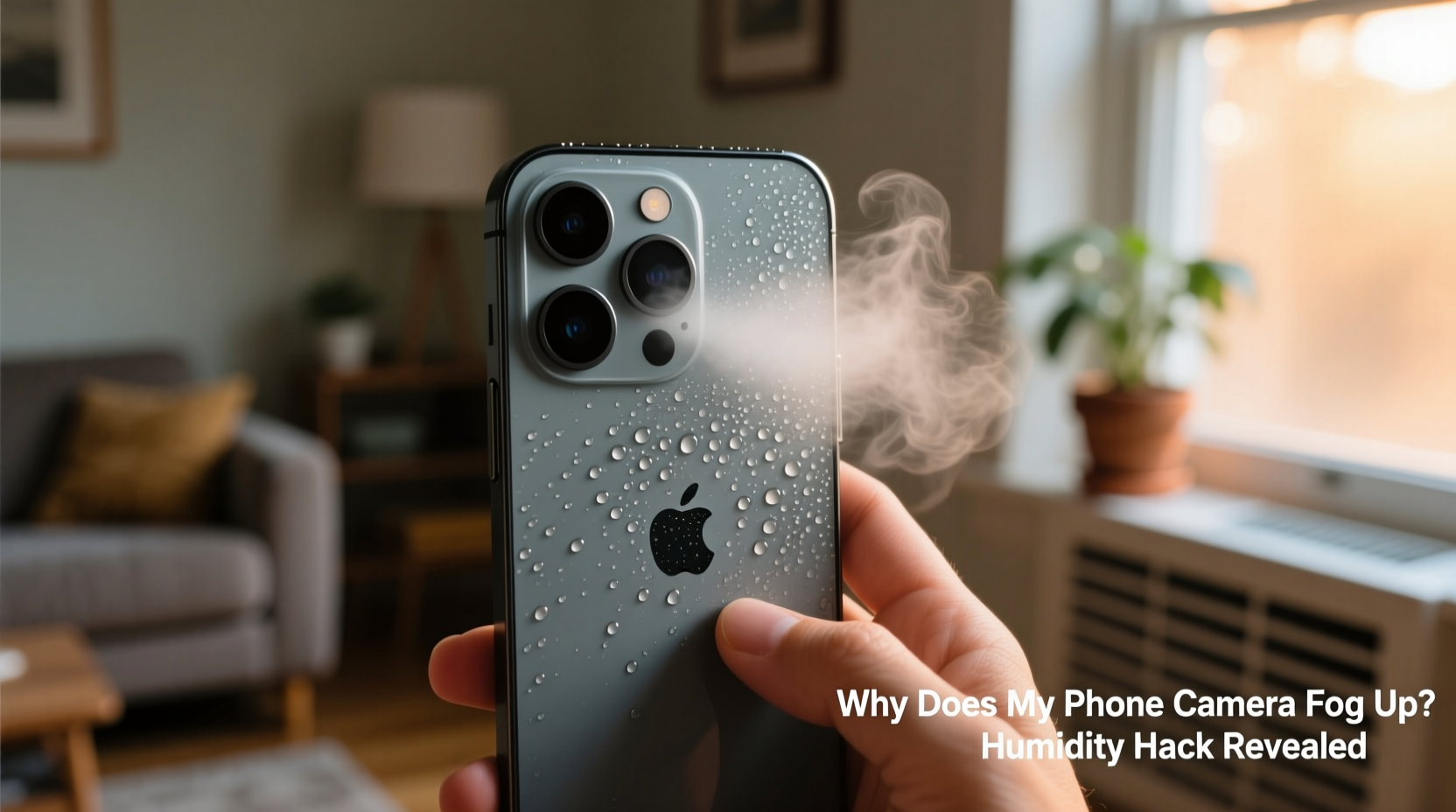
Fogging on your phone’s camera isn’t a defect—it’s physics. When warm, moist air meets a cooler surface, water vapor condenses into tiny droplets. That’s exactly what happens when your phone moves between environments with different temperatures and humidity levels.
Indoors, especially in winter, indoor heating creates warm, dry air. But if you’ve just come from outside—a cold garage, a frosty walk, or even a chilly car—your phone’s exterior, particularly the metal camera housing, remains significantly colder than the room. As warm indoor air hits the cold lens, moisture in the air condenses on its surface, forming a thin film of fog.
This is the same reason bathroom mirrors fog up after a hot shower or why glasses steam up when entering a warm building in winter. The camera lens, being small and often recessed, traps this moisture temporarily, making it harder to notice until you open the camera app and see a blurry image.
“Condensation on electronics isn’t just inconvenient—it can, over time, contribute to internal moisture buildup, which may affect performance.” — Dr. Lena Torres, Environmental Engineer & Electronics Durability Researcher
When Indoor Humidity Triggers Lens Fog
While outdoor-to-indoor transitions are the most common cause, fogging can also occur entirely indoors under certain conditions:
- High indoor humidity: Homes with poor ventilation, drying laundry indoors, or using unvented gas heaters increase ambient moisture.
- Cool surfaces near warm air: If your phone rests on a marble countertop or near an air conditioning vent, the lens may stay cool enough to attract condensation.
- Rapid temperature shifts: Turning on a space heater or oven can create microclimates where localized humidity spikes.
- Bathroom or kitchen use: Taking photos in steam-heavy rooms increases immediate fog risk, even if the phone was already indoors.
Modern phones are designed with water resistance (IP67/IP68 ratings), but that protection guards against liquid exposure—not internal condensation from thermal shock. The fog forms on the *outside* of the lens, but repeated exposure without proper drying can eventually allow moisture to seep into seams.
Proven Hacks to Prevent and Clear Camera Fog Instantly
Waiting for fog to evaporate naturally can take minutes—time you don’t have when capturing fleeting moments. Here are five effective, scientifically sound methods to eliminate and prevent lens fog.
1. Use a Microfiber Cloth (But Not Immediately)
Wiping a foggy lens right away often smears moisture or pushes it into crevices. Instead, wait 30–60 seconds to allow partial evaporation, then gently wipe in circular motions with a clean microfiber cloth. Avoid paper towels—they can scratch coatings.
2. Breathe and Wipe (The Diver’s Trick)
Just like divers prevent mask fog by exhaling warm air onto the glass, you can do the same with your phone. Gently breathe directly onto the camera lens to raise its temperature slightly, then wipe with a cloth. The warm breath reduces the temperature differential, minimizing further condensation.
3. Leverage Body Heat
Place your phone in your pocket for 2–3 minutes. Your body heat gradually warms the device, equalizing it with room temperature. This method prevents sudden fogging and is ideal before entering a humid environment.
4. Anti-Fog Solutions for Electronics
Commercial anti-fog wipes or sprays (like those used for sports goggles) can be applied sparingly to the lens. These contain surfactants that reduce surface tension, preventing water droplets from clustering. Apply once weekly for lasting protection.
5. DIY Silica Gel Storage
Store your phone overnight in a container with silica gel packets (the kind found in shoeboxes or supplement bottles). These desiccants absorb excess moisture from the air, reducing the chance of condensation forming the next time temperature shifts occur.
“Anti-fog treatments work best when applied proactively, not reactively. Prevention beats cleanup every time.” — Mark Chen, Optics Technician at MobileLens Labs
Do’s and Don’ts: Managing Phone Camera Fog
| Do’s | Don’ts |
|---|---|
| Let your phone adjust to room temperature before use | Blow dry the lens with a hairdryer on high heat |
| Use a microfiber cloth for gentle cleaning | Wipe the lens aggressively with rough fabric |
| Keep silica gel packs in storage drawers | Leave your phone near steam sources (kettle, shower) |
| Apply anti-fog spray designed for lenses | Use household cleaners like Windex on the camera |
| Carry your phone in an insulated case during winter | Put a wet phone directly into a charging dock |
Real-World Example: The Winter Wedding Photographer
Sophie, a freelance event photographer in Minneapolis, relies on her smartphone for candid shots during weddings. At a December reception held in a historic church, she stepped outside briefly to take night photos. When she returned inside, her phone’s rear camera was completely fogged—just as the couple began their first dance.
She remembered a tip from a photography forum: place the phone screen-side against your chest for warmth. She tucked it under her coat for 90 seconds. After removing it, she gave the lens a soft breath and wiped it with a corner of her scarf. The camera cleared instantly, and she captured several key moments in crisp clarity.
Sophie now keeps a microfiber cloth in her clutch and pre-warms her phone before re-entering heated venues. “It’s not just about comfort,” she says. “It’s about readiness. A three-second delay can mean missing the shot.”
Step-by-Step Guide: How to Defog Your Phone Camera in Under 2 Minutes
- Step 1: Power off the camera app – Prevents software from misinterpreting fog as focus issues.
- Step 2: Warm the phone gently – Hold it in your palms or place it in an inner pocket for 60 seconds.
- Step 3: Exhale lightly on the lens – One short breath raises surface temperature without adding excess moisture.
- Step 4: Wipe with a dry microfiber cloth – Use light pressure in a spiral motion from center to edge.
- Step 5: Test the camera – Open the app and check focus. Repeat if necessary.
This sequence works because it addresses both the symptom (fog) and the cause (temperature imbalance). It’s especially effective in high-humidity indoor settings like gyms, greenhouses, or crowded events.
Long-Term Prevention Strategies
While quick fixes help in the moment, long-term habits reduce fogging frequency:
- Use a protective case with insulation: Silicone or neoprene cases slow down temperature changes.
- Avoid rapid transitions: If coming from cold outdoors, leave your phone in a bag or coat pocket until it warms up.
- Maintain indoor humidity below 50%: Use a dehumidifier or exhaust fans in kitchens and bathrooms.
- Clean lenses weekly: Oils and dust attract moisture. Use lens cleaner and a microfiber cloth regularly.
- Store phones away from windows and vents: Cold drafts create micro-condensation zones.
Frequently Asked Questions
Can camera fog damage my phone permanently?
Occasional external fogging won’t harm your phone. However, frequent condensation—especially if followed by charging or heavy use—can encourage moisture to penetrate seals over time. While rare, this may lead to corrosion or sensor issues years later. Prevention is key.
Why does only the camera fog up, not the whole phone?
The camera lens is typically made of glass or sapphire with a metal housing that conducts heat quickly. It cools faster than the plastic or polymer body of the phone, making it a prime condensation site. Its recessed design also traps moisture briefly, making fog more noticeable.
Are there apps that fix foggy camera images?
No app can remove physical fog from a lens. Software sharpening or clarity filters might improve a slightly hazy photo, but they can’t correct true condensation blur. The solution must be physical: clear the lens first, then shoot.
Conclusion: Stay Ready, Stay Clear
Your phone’s camera is one of its most-used features, yet few users understand the simple environmental factors that disrupt it. Fogging isn’t a flaw—it’s a predictable interaction between temperature, humidity, and material science. By understanding when and why it happens, you gain control over it.
Whether you’re a parent capturing bedtime stories, a remote worker joining video meetings, or a creative documenting daily life, a clear lens means confidence in every shot. Implement the warming techniques, storage habits, and cleaning routines outlined here, and you’ll spend less time wiping and more time creating.




 浙公网安备
33010002000092号
浙公网安备
33010002000092号 浙B2-20120091-4
Comments
No comments yet. Why don't you start the discussion?