
Walking into a warm building after being outside in freezing temperatures is a common winter experience. But if you've ever pulled out your phone to take a photo only to find the camera lens clouded with fog, you're not alone. This phenomenon isn't a sign of a faulty device—it's physics in action. Understanding why this happens and how to respond properly can prevent damage and keep your phone functioning at its best.
The sudden appearance of fog on your phone’s camera is due to condensation—tiny water droplets forming on cold surfaces exposed to warmer, moist air. While temporary, repeated exposure to moisture without proper care can lead to long-term issues like internal corrosion or mold growth inside the lens housing. The good news is that most cases are harmless if managed correctly. Let’s explore the science, prevention strategies, and safe recovery methods.
The Science Behind Camera Fogging
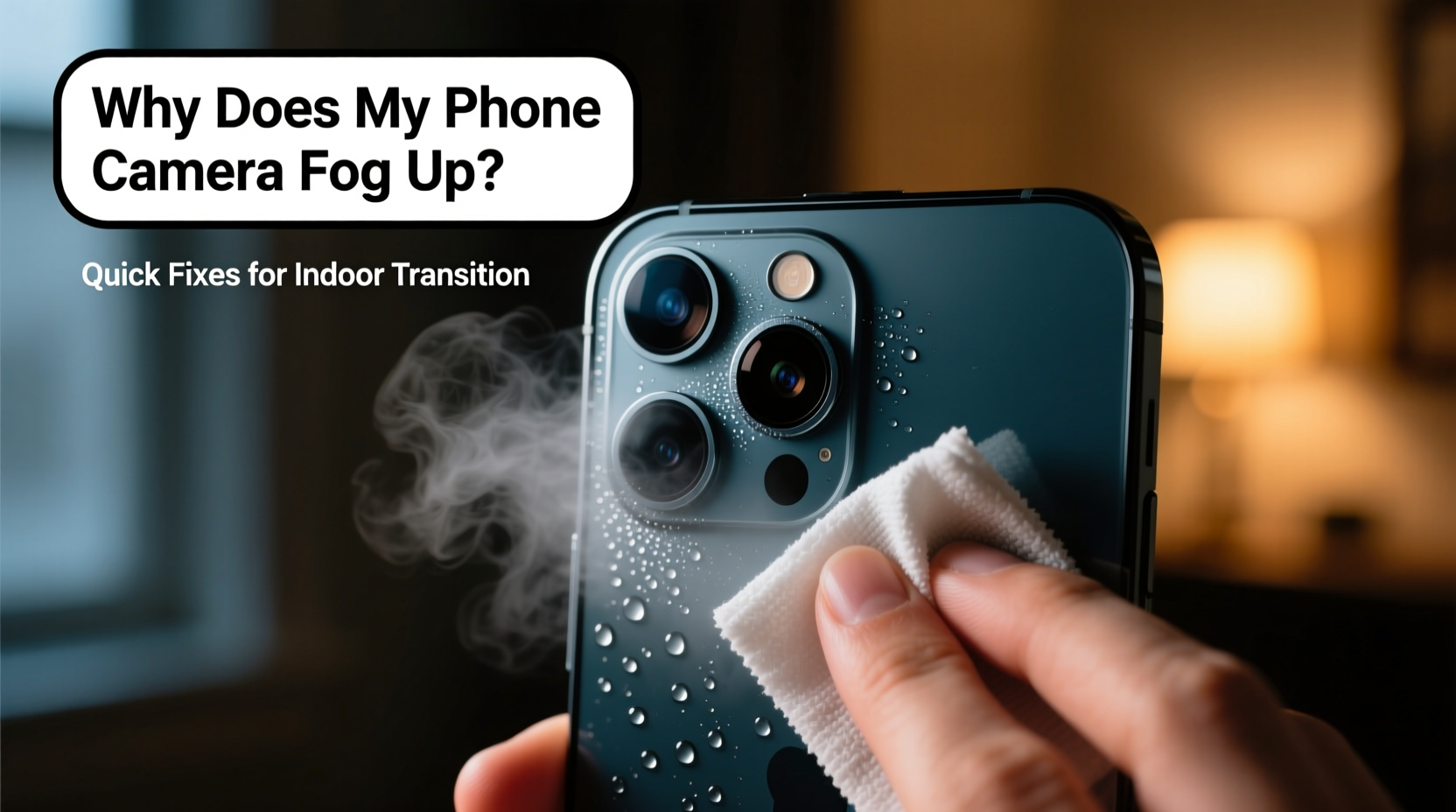
When your phone is outdoors in cold weather, its entire body—including the glass lens cover—cools down significantly. The metal and glass components conduct temperature efficiently, so they reach near-ambient outdoor levels. Upon entering a heated indoor space, the surrounding air—typically warm and carrying more moisture than cold air—comes into contact with these chilled surfaces.
Warm air holds more water vapor than cold air. When this humid indoor air hits the cold lens, it rapidly cools. As air cools, its capacity to hold moisture drops, forcing excess water vapor to condense into liquid form. This process is identical to how dew forms overnight or how bathroom mirrors fog after a hot shower.
The camera lens, often slightly recessed and surrounded by ridges, creates a micro-environment ideal for trapping moisture. Because the lens is smooth and non-porous, droplets form evenly across the surface, creating that hazy, foggy appearance. In some cases, moisture may even accumulate inside the lens module if seals have degraded over time, though this is less common in newer, well-sealed devices.
“Condensation on electronics is inevitable in high-humidity transitions. The key is managing exposure and allowing gradual equalization.” — Dr. Lena Park, Environmental Physicist, MIT Materials Lab
How Long Does It Take for the Fog to Clear?
In most cases, fog on the external lens clears within 5 to 15 minutes as the phone warms to room temperature and the moisture evaporates naturally. Internal fogging—where condensation forms beneath the lens cover—may take longer, sometimes up to an hour, depending on humidity and airflow.
Rushing the process with heat sources like hairdryers or placing the phone near radiators can do more harm than good. Excessive heat can warp plastic components, degrade adhesives, or damage image sensors. Patience is the safest approach.
Step-by-Step Guide to Safely Clear a Fogged Camera Lens
If your phone camera fogs up upon re-entering a warm environment, follow this sequence to restore clarity without risking damage:
- Wait Before Use: Resist the urge to take photos immediately. Blurry images caused by fogged lenses can mislead you into thinking the camera is broken.
- Keep the Phone Powered On: Leaving the phone active generates minimal internal heat, which helps accelerate warming. Avoid shutting it down unless necessary.
- Place in a Dry, Ventilated Area: Set the phone on a table away from direct heat sources. Good airflow supports evaporation.
- Avoid Wiping Too Soon: If water droplets are visible, wiping can smear them or push moisture into crevices. Wait until the fog appears dry.
- Use a Microfiber Cloth Gently: Once the surface looks dry but still hazy, lightly buff the lens in circular motions.
- Check for Internal Condensation: If fog persists beyond 30–45 minutes or seems trapped under the lens, stop using the device and let it acclimate further.
Prevention: How to Stop Camera Fog Before It Starts
While condensation is natural, there are practical steps to minimize or delay its occurrence:
- Seal Your Phone in a Bag Before Entering Warm Spaces: Place your phone in a ziplock plastic bag while still outside. Seal it tightly. As you enter the warm area, the bag acts as a buffer—the moist air condenses on the outside of the bag, not your phone. Once the phone reaches room temperature (after 15–20 minutes), remove it safely.
- Reduce Indoor Humidity: Homes with high humidity levels (above 50%) worsen condensation. Using a dehumidifier, especially in entryways or mudrooms, reduces the moisture available to condense.
- Store Phones in Insulated Pockets: Keeping your phone in an inner jacket pocket slows down cooling, reducing the temperature differential when moving indoors.
- Avoid Rapid Temperature Swings: If possible, transition through a cooler vestibule or garage before entering fully heated areas. This allows gradual warming.
Do’s and Don’ts When Dealing with a Fogged Camera
| Do’s | Don’ts |
|---|---|
| Let the phone warm up gradually indoors | Don’t use a hairdryer or heat gun |
| Use a sealed plastic bag during transitions | Don’t wipe the lens aggressively when wet |
| Gently clean with a dry microfiber cloth | Don’t submerge in rice or desiccants unnecessarily |
| Keep indoor humidity below 50% | Don’t place phone directly on heaters or vents |
| Allow 20+ minutes for full acclimation | Don’t panic—fog is usually temporary |
Real-World Example: A Photographer’s Winter Dilemma
Sarah, a freelance photographer based in Minneapolis, frequently shoots outdoor events in sub-zero conditions. After one wedding held in a snowy park, she entered the reception hall eager to capture candid moments. Her iPhone’s rear camera, however, was completely fogged. Guests noticed her hesitation, and she worried about missing key shots.
Remembering a tip from a workshop, she placed her phone inside a sandwich bag before stepping inside. Ten minutes later, she removed it—completely dry and ready to shoot. She later implemented this habit across all her gear, including backup phones and tablets. “It’s such a small step,” she says, “but it saved my reputation at two winter gigs.”
This case illustrates how understanding environmental science translates into real-world reliability—especially for professionals relying on mobile devices in extreme climates.
Can Internal Fog Damage Your Phone?
Occasional external fogging poses no threat. However, persistent internal condensation—visible as fog *under* the lens glass—indicates a potential breach in sealing. Modern smartphones are designed with water-resistant ratings (like IP67 or IP68), but these degrade over time due to wear, drops, or exposure to dust and salt.
If moisture repeatedly gets inside the camera module, risks include:
- Lens fungus development in warm, damp environments
- Corrosion of internal circuitry near the sensor
- Reduced autofocus performance due to obstructed mechanisms
If internal fog doesn’t clear after 2–3 hours in a dry room, professional service is recommended. Do not attempt disassembly yourself—this voids warranties and increases contamination risk.
FAQ: Common Questions About Phone Camera Fogging
Is it bad if my phone camera fogs up every time I come inside?
No, occasional fogging is normal and harmless as long as it clears within 15–20 minutes and no moisture remains inside the lens. It’s a physical response, not a defect. However, frequent internal fogging may suggest compromised water resistance.
Can I use silica gel packets to speed up drying?
Silica gel can help absorb ambient moisture, but only after the phone has warmed to room temperature. Placing a cold phone in a sealed container with desiccants too soon may trap condensation inside. Wait at least 30 minutes post-entry before using drying agents.
Does putting my phone in rice work?
Rice is outdated and ineffective. It lacks sufficient absorption power and can introduce starch or dust into ports. Instead, use purpose-made electronic drying kits with activated silica or simply allow passive drying in low-humidity air.
Checklist: Prevent and Respond to Camera Fogging
Use this checklist to protect your phone during seasonal transitions:
- ✅ Carry a small ziplock bag for temperature shifts
- ✅ Keep indoor humidity between 30%–50%
- ✅ Store phone in an insulated pocket when outdoors
- ✅ Wait 10–15 minutes before using after coming indoors
- ✅ Clean lens only when fully dry with a microfiber cloth
- ✅ Monitor for recurring internal fog—seek repair if needed
- ✅ Avoid direct heat sources like radiators or blow dryers
Conclusion: Smart Habits for All-Weather Phone Use
Fogged phone cameras aren’t a flaw—they’re a predictable interaction between temperature, humidity, and materials. By respecting the science behind condensation, you can avoid unnecessary stress and prevent real damage. Simple habits like using a plastic bag during transitions, controlling indoor humidity, and allowing time for acclimation go a long way in preserving your device’s functionality.
Whether you're capturing family memories in the snow or documenting work in cold environments, your phone can perform reliably year-round—with just a little foresight. Stay aware of your surroundings, treat your device with care, and never underestimate the power of patience when physics is at play.




 浙公网安备
33010002000092号
浙公网安备
33010002000092号 浙B2-20120091-4
Comments
No comments yet. Why don't you start the discussion?