
It’s a familiar frustration: you step outside on a crisp morning or after a rainstorm, ready to capture a beautiful landscape or a candid moment, only to find your phone’s camera lens clouded with fog. The image appears blurry, colors look washed out, and no amount of tapping the screen helps. This isn’t a hardware defect—it’s condensation. Understanding why it happens and how to address it properly can save your photos and protect your device in the long run.
Fogging occurs when moisture from the air condenses on cold surfaces. Your phone, especially if it’s been indoors in a warm environment, becomes a prime target for this reaction when exposed to cooler, humid outdoor conditions. The same principle applies to eyeglasses fogging up when stepping outside in winter or bathroom mirrors steaming after a hot shower. But unlike those situations, a fogged camera lens directly impacts functionality—and potentially long-term performance if ignored.
The Science Behind Camera Lens Fogging
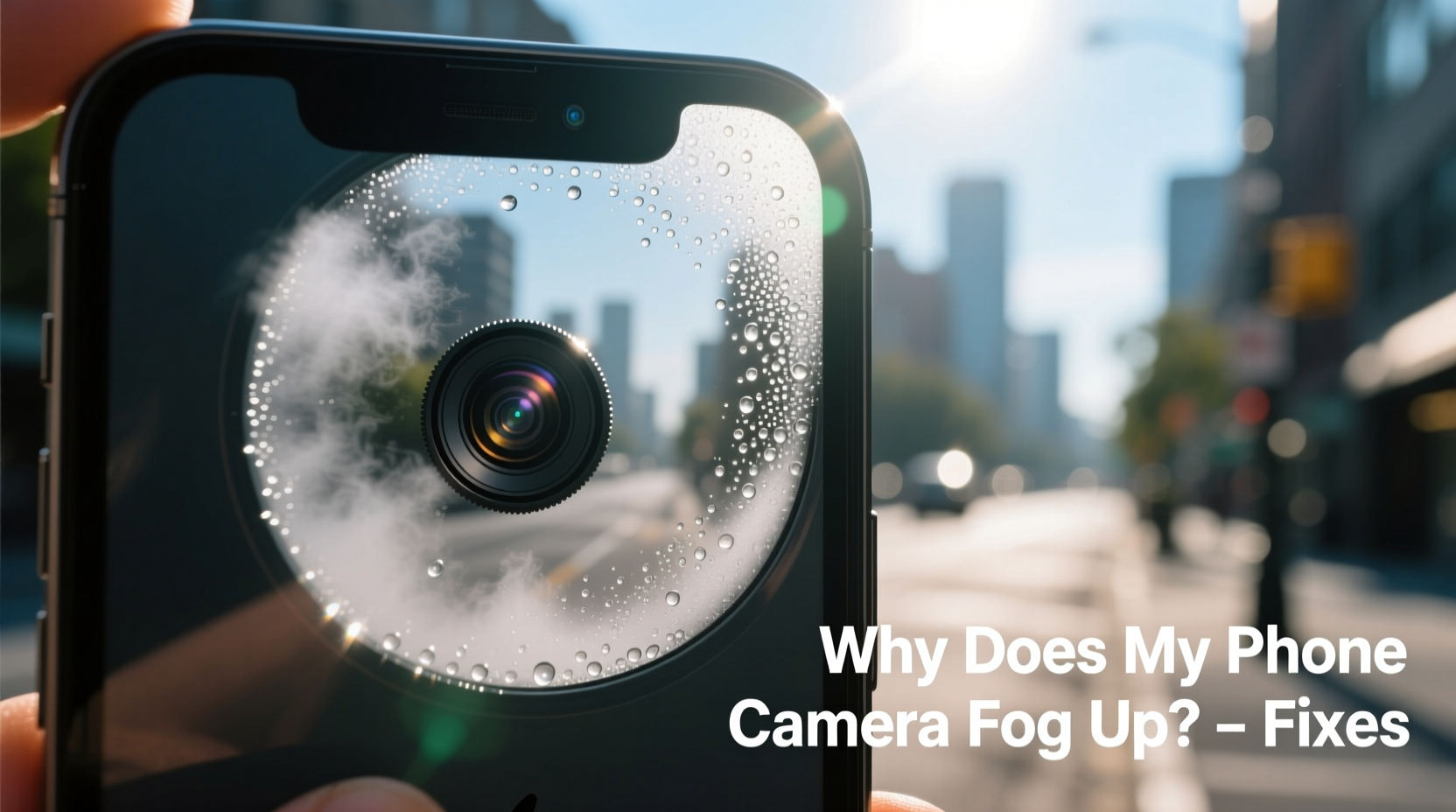
Condensation forms due to temperature differentials between your phone and the surrounding air. When a cold surface meets warm, moist air, the air cools rapidly at the point of contact. As air cools, its capacity to hold water vapor decreases. Once it reaches its dew point—the temperature at which air becomes saturated—excess moisture condenses into tiny droplets on the surface. In the case of your smartphone, the glass lens acts as that cold surface.
This is most common during seasonal transitions—early spring mornings, late autumn evenings, or moving from heated indoor spaces into colder outdoor environments. It also frequently occurs in coastal areas or regions with high humidity, where ambient moisture levels are naturally elevated.
While external fogging (on the outer lens) is more visible and easier to manage, internal fogging—moisture trapped inside the camera module—is far more concerning. Internal condensation may not clear up on its own and can lead to mold growth, electrical corrosion, or permanent lens damage over time.
“Temperature shock is one of the leading causes of temporary optical impairment in consumer electronics. Preventing rapid transitions between environments reduces risk significantly.” — Dr. Alan Reyes, Materials Scientist at the Institute for Mobile Technology Research
How to Fix a Fogged Phone Camera (Step-by-Step)
If your camera lens has fogged up, don’t panic. Most cases are temporary and reversible with proper handling. Follow these steps to restore clarity safely:
- Stop Using the Camera Immediately
Continuing to take photos while the lens is foggy will result in poor-quality images and may cause software confusion, especially with autofocus systems trying to lock onto blurred visuals. - Wipe the Outer Lens Gently
Use a clean, lint-free microfiber cloth to lightly wipe the exterior lens. Avoid paper towels or clothing, which can scratch the oleophobic coating. If there’s visible moisture, let the phone sit for a few minutes first—wiping too soon may smear water droplets. - Let the Device Acclimate Gradually
Bring the phone into a stable environment with moderate temperature and low humidity. Allow 15–30 minutes for the device to adjust. Never place it near direct heat sources like radiators or hair dryers, as sudden warming can worsen condensation or damage internal components. - Check for Internal Fogging
If the haze persists after acclimation and cleaning, inspect closely. Shine a flashlight at an angle across the lens. If you see fog *behind* the glass—within the camera housing—this indicates internal moisture. Do not attempt to open the phone yourself. - Seek Professional Service if Needed
Persistent internal condensation requires expert attention. Authorized repair centers can disassemble the device, dry internal modules, and reseal them properly without voiding warranties.
Preventive Measures to Avoid Future Fogging
Prevention is always better than cure, especially when dealing with sensitive electronics. Implementing a few smart habits can drastically reduce the likelihood of fogging:
- Allow gradual temperature transitions: Before going outside in cold weather, place your phone in an outer jacket pocket rather than keeping it in a heated room until the last second. This allows it to cool slowly.
- Use protective cases with seals: While most standard cases don’t offer full waterproofing, some rugged models include rubber gaskets that minimize exposure to humid air.
- Avoid placing phones on cold surfaces: Setting your phone directly on snow-covered benches, wet grass, or icy car dashboards increases thermal shock risk.
- Store in climate-stable zones: Don’t leave your phone in unheated garages, cars overnight, or near open windows during rainy seasons.
Real-Life Example: Hiking Photographer’s Dilemma
Mark, an amateur nature photographer, regularly hikes in the Pacific Northwest, where misty forests and sudden rain showers are common. On one trip, he exited a heated cabin into 40°F (4°C) drizzle, pulled out his phone instantly, and found the rear camera completely fogged. Frustrated, he missed capturing a rare elk sighting.
After researching the issue, Mark changed his routine. He now keeps his phone zipped inside an inner layer of his backpack for 10–15 minutes before reaching trailheads. He also uses a compact desiccant pouch stored in a side pocket. Since adopting these practices, he hasn’t experienced a single fogging incident—even in heavy fog zones.
Do’s and Don’ts: Quick Reference Table
| Do’s | Don’ts |
|---|---|
| ✔ Let your phone acclimate slowly when moving between environments | ✘ Expose your phone suddenly to extreme temperature changes |
| ✔ Wipe lenses with microfiber cloths only | ✘ Use alcohol wipes or tissues that can degrade lens coatings |
| ✔ Store with silica gel packs in humid climates | ✘ Place near heaters or blow dryers to “dry” it faster |
| ✔ Check for persistent internal fog and seek help early | ✘ Ignore recurring fogging, assuming it will resolve itself |
When to Worry: Signs of Permanent Damage
Occasional fogging is normal and typically harmless. However, repeated exposure to moisture without proper drying can lead to lasting issues. Watch for these red flags:
- Fog remains even after 24 hours in a dry room
- Visible water droplets inside the camera module
- Discoloration, streaks, or film-like residue behind the lens
- Autofocus errors or reduced image sharpness post-fogging
- Beeping sounds or system alerts about moisture detection
If any of these occur, discontinue use and consult a service provider. Continued operation with internal moisture risks short circuits, sensor degradation, or complete camera failure.
Frequently Asked Questions
Can using a lens cleaner remove fog from my phone camera?
Lens cleaners designed for glasses or cameras can help remove smudges and oils but won’t eliminate condensation. If the fog is due to moisture, cleaning won’t fix it. Wait for the lens to dry naturally or address the root cause—temperature differential. Also, avoid spraying liquids directly on the phone; apply cleaner to the cloth instead.
Is fogging a sign my phone isn’t waterproof?
Not necessarily. Water resistance (e.g., IP67/IP68 ratings) protects against submersion and splashes, not condensation. Fogging is caused by atmospheric humidity meeting cold surfaces—not water intrusion under pressure. Even fully sealed devices can experience condensation under extreme thermal shifts.
Will putting my phone in rice fix internal fogging?
No. The rice method is largely ineffective and outdated. Uncooked rice has very low moisture absorption compared to silica gel. Worse, rice dust can enter ports and damage connectors. Instead, place your phone in a sealed container with silica gel packets for 24–48 hours. For internal fogging, professional servicing is safer and more effective.
Action Plan: Your Anti-Fog Checklist
To stay ahead of camera fogging, follow this simple checklist every time you transition between indoor and outdoor environments:
- ✅ Anticipate climate changes before stepping outside
- ✅ Place phone in an intermediate zone (like a coat pocket) for 10–15 minutes
- ✅ Carry a microfiber cloth for quick lens wiping
- ✅ Store with a reusable silica gel pack in your bag or case
- ✅ Inspect camera regularly for signs of lingering moisture
- ✅ Schedule professional inspection if internal fog persists beyond a day
Conclusion: Clarity Starts with Prevention
Fogged phone cameras are more than just a minor annoyance—they’re a reminder of how delicate modern technology is when facing natural forces like humidity and temperature change. By understanding the science behind condensation and adopting simple, proactive habits, you can preserve both photo quality and device longevity.
Whether you're a daily commuter, weekend traveler, or passionate mobile photographer, protecting your phone from fog doesn’t require expensive gear—just awareness and consistency. Start applying these strategies today, and never miss a clear shot again.




 浙公网安备
33010002000092号
浙公网安备
33010002000092号 浙B2-20120091-4
Comments
No comments yet. Why don't you start the discussion?