
It’s a common winter experience: you step inside from the freezing outdoors, relieved to be in a warm room, only to pull out your phone and find the camera lens clouded with fog. You wipe it—only for the mist to return moments later. This frustrating phenomenon isn’t a sign of device malfunction or poor build quality. Instead, it’s a predictable result of basic physics involving temperature, moisture, and condensation. Understanding the science behind this issue not only demystifies the problem but also empowers you to manage it effectively.
The fogging occurs due to condensation forming on the cooler surface of the camera lens when warm, moist indoor air comes into contact with it. While harmless in most cases, persistent fog can interfere with photo quality, delay quick shots, and even raise concerns about long-term moisture exposure. Fortunately, with the right knowledge and habits, you can minimize or even prevent this issue altogether.
The Science Behind Camera Lens Fogging
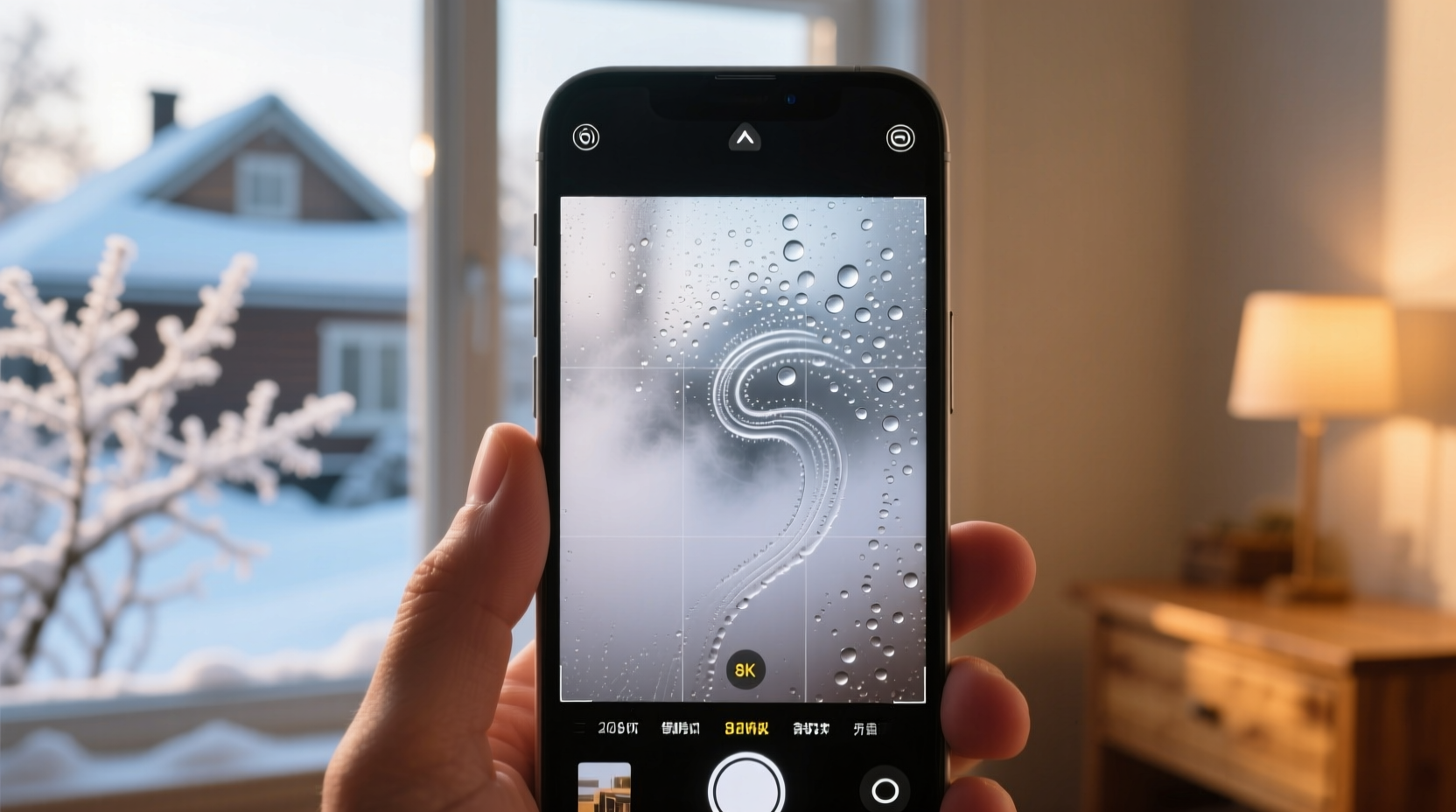
When you move from a cold outdoor environment into a warmer indoor space, your phone—like any object—is still at or near the external temperature. The glass lens of the camera is particularly susceptible to thermal changes because it conducts heat efficiently and cools rapidly. Meanwhile, the indoor air typically holds more moisture than cold outdoor air, especially if heating systems are running, which increases relative humidity indoors.
Condensation occurs when warm, humid air meets a cold surface. As the air cools upon contact with the chilled lens, its capacity to hold water vapor decreases. The excess moisture then transitions from gas to liquid form, creating tiny droplets that appear as fog on the lens. This is the same principle that causes bathroom mirrors to fog after a hot shower or car windows to mist up on cold mornings.
Dr. Alan Prescott, a materials physicist at the University of Edinburgh, explains:
“Any surface below the dew point of the surrounding air will attract condensation. Electronics like phones cool quickly in winter and retain that chill longer than many realize, making them prime candidates for temporary fogging.”
The dew point—the temperature at which air becomes saturated with moisture and condensation begins—varies based on humidity levels. In a typical heated home during winter (around 20°C or 68°F with 40–50% relative humidity), the dew point ranges between 6°C and 10°C (43°F–50°F). If your phone has been outside in temperatures below that range—even briefly—it will likely trigger condensation indoors.
Why the Camera Lens Is Especially Vulnerable
You may notice fog primarily on the camera lens rather than the entire screen or body of your phone. There are several reasons for this:
- Material Differences: Camera lenses are made of optical glass, which cools faster and retains cold longer than plastic or coated metal surfaces found elsewhere on the phone.
- Surface Curvature: The slightly convex shape of the lens creates micro-pockets where moisture can accumulate more visibly than on flat surfaces.
- Exposure: Unlike the screen, which may be shielded by your hand or case, the rear camera protrudes and remains fully exposed to ambient air.
- Thermal Mass: The small size of the lens means it reaches equilibrium with outdoor temperatures quickly and takes time to warm up indoors.
In addition, modern smartphones often feature multiple rear cameras housed closely together, creating small gaps and edges where moisture can pool. These design elements, while beneficial for photography, inadvertently increase the likelihood of visible fogging.
Step-by-Step Guide to Preventing and Clearing Fog
Fog on your camera lens doesn’t require technical fixes—but timing and simple precautions make all the difference. Follow this sequence to reduce or eliminate fog buildup:
- Anticipate the Transition: Before stepping indoors, place your phone in an inner coat pocket or bag. Body heat will begin warming it slightly, reducing the temperature gap between the device and indoor air.
- Wait Before Use: Once inside, resist the urge to immediately use your camera. Let your phone sit for 5–10 minutes to gradually adjust to room temperature.
- Avoid Breath Warming: Don’t blow on the lens to warm it—your breath is moist and will worsen fogging temporarily.
- Dry Gently: If fog appears, use a clean, dry microfiber cloth to lightly wipe the lens. Avoid paper towels or rough fabrics that could scratch the coating.
- Use a Sealed Container (Optional): For extreme conditions (e.g., skiing or arctic travel), store your phone in a zip-seal plastic bag before going inside. Seal it while still outdoors. This traps dry air around the phone, preventing humid indoor air from contacting cold surfaces until warming occurs.
- Store Smartly: Keep your phone away from direct heat sources like radiators or vents. Rapid warming can create uneven condensation and stress components.
This process leverages passive warming and moisture control—two key factors in minimizing condensation. It’s low-effort but highly effective, especially when practiced consistently during colder months.
Do’s and Don’ts When Handling Cold-to-Warm Transitions
| Do | Don’t |
|---|---|
| Place phone in an inner pocket before entering warmth | Leave phone exposed in outer jacket pockets |
| Allow 5–10 minutes for temperature acclimation | Immediately take photos upon entering indoors |
| Wipe lens gently with a microfiber cloth | Use saliva, breath, or damp tissues to clean |
| Use a protective case with lens coverage | Touch the lens with fingers frequently (oils attract moisture) |
| Keep indoor humidity moderate (below 50%) | Run humidifiers excessively near electronics |
Maintaining awareness of environmental conditions and handling habits significantly reduces the frequency and severity of fogging incidents. Over time, these small adjustments become second nature.
Real-World Scenario: A Photographer’s Winter Challenge
Consider Sarah Lin, a freelance event photographer based in Minneapolis. During a December wedding shoot, she moved repeatedly between a snowy outdoor ceremony and a heated church reception hall. Each time she stepped inside, her smartphone’s camera fogged instantly, delaying candid shots of guests re-entering the building.
Initially frustrated, Sarah began experimenting with solutions. She started storing her phone in a padded inner vest pocket between outdoor segments. She also kept a small silica gel packet in her camera bag to absorb ambient moisture. Within days, she noticed a dramatic reduction in fogging. By pre-warming her phone and limiting direct exposure to humid air, she maintained consistent access to her device without compromising shot timing.
“I used to think it was just part of winter photography,” Sarah said. “But once I understood the science, I realized I had control over it. Now I plan for temperature shifts like I do lighting or angles.”
Her experience underscores how practical knowledge transforms inconvenience into manageable routine—especially for professionals relying on mobile devices in dynamic environments.
Can Fog Damage Your Phone?
In most cases, surface fog on the camera lens poses no risk to your phone’s internal components. Modern smartphones are designed with some degree of moisture resistance; many carry IP ratings (e.g., IP67 or IP68) indicating protection against dust and temporary water immersion.
However, repeated or prolonged exposure to high humidity, especially when combined with rapid temperature swings, can eventually contribute to long-term issues such as:
- Fogging inside the lens assembly (indicating possible seal failure)
- Corrosion of internal connectors over time
- Mold growth in speaker grilles or charging ports in extreme cases
If you notice persistent internal fogging—moisture trapped beneath the lens cover—or recurring condensation inside the display, stop using the device and consult the manufacturer. That level of intrusion suggests compromised seals and potential water damage.
Frequently Asked Questions
Does using a phone case help prevent camera fog?
Yes, to an extent. A well-designed case can provide minor insulation, slowing down how quickly the phone cools outdoors. However, most cases leave the camera lens exposed, so they won’t fully prevent fogging. Look for models with raised bezels or lens hoods that offer slight physical shielding.
Can I use anti-fog wipes or sprays on my phone camera?
Not recommended. Consumer anti-fog products (like those for goggles or glasses) often contain chemicals that can degrade the hydrophobic or oleophobic coatings on smartphone lenses. Stick to dry microfiber cloths unless the manufacturer specifies safe cleaning agents.
Will turning off my phone reduce fogging?
No. Power state has little effect on surface temperature in the short term. A powered-off phone cools and warms at nearly the same rate as one that’s on. The primary factor remains the ambient temperature difference, not internal electronics activity.
Final Thoughts and Action Steps
Fogging on your phone camera when transitioning from cold to warm environments is a natural, physics-driven occurrence—not a defect. While it may be momentarily inconvenient, it’s easily managed with foresight and simple habits. The key lies in minimizing the temperature differential and controlling moisture exposure during critical transition periods.
To summarize, integrate these practices into your daily routine:
- Pre-warm your phone by keeping it close to your body before entering heated spaces.
- Allow a brief acclimation period before using the camera.
- Use a microfiber cloth for gentle, safe cleaning.
- Avoid excessive indoor humidity and direct heat exposure.
- Monitor for signs of internal condensation, which may indicate deeper issues.
By treating your smartphone with the same care you’d give any precision optical instrument, you ensure reliable performance year-round. Whether you're capturing memories, scanning documents, or taking professional-grade mobile photos, understanding environmental effects gives you a clear advantage—literally.




 浙公网安备
33010002000092号
浙公网安备
33010002000092号 浙B2-20120091-4
Comments
No comments yet. Why don't you start the discussion?