
A foggy phone camera lens can turn what should be a crisp, vibrant photo into a blurry disappointment. Whether you're capturing memories, scanning documents, or taking professional-quality shots, clarity matters. But why does this happen? And more importantly, how can you clean it without risking damage to one of the most delicate parts of your smartphone? Understanding the causes behind lens fogging—and knowing the correct cleaning techniques—can preserve both image quality and device longevity.
What Causes a Phone Camera Lens to Get Foggy?
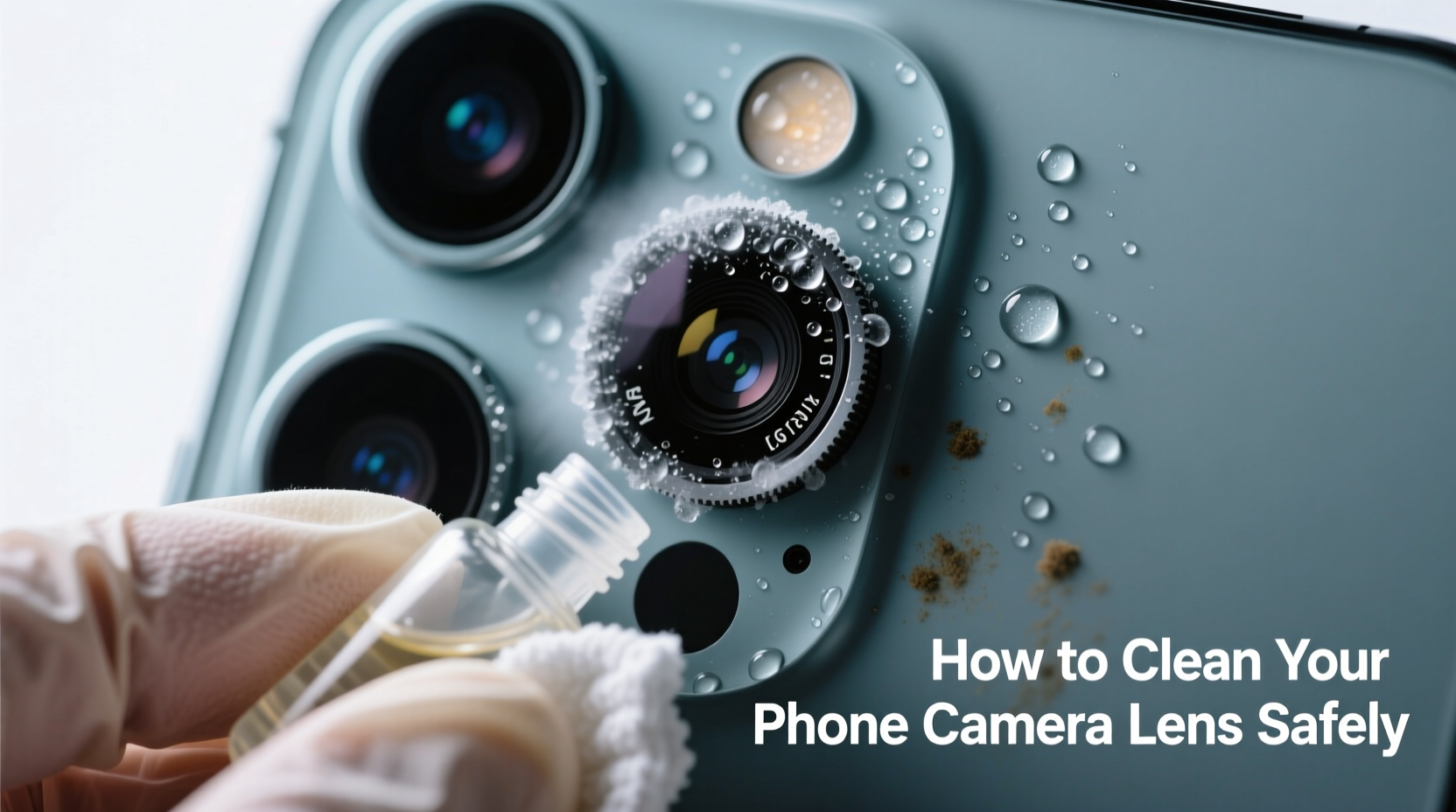
Fogginess on your phone’s camera lens isn’t always dirt in the traditional sense. It often results from a combination of environmental exposure, physical contact, and internal issues. The primary culprits include:
- Oily residue from fingers: Every time you handle your phone, natural oils transfer from your skin to the lens surface, creating a hazy film.
- Dust and lint buildup: Pockets, bags, and desks are full of microscopic particles that cling to the lens over time.
- Condensation inside the lens housing: Sudden temperature changes—like moving from a cold outdoor environment into a warm room—can cause moisture to form between lens layers.
- Exposure to humidity or liquids: Rain, sweat, or even steam from cooking can leave behind a thin layer of residue or promote internal fogging.
- Accumulated smudges from improper wiping: Using rough materials like clothing or paper towels spreads grime and may scratch anti-reflective coatings.
Over time, these factors compound, leading to reduced light transmission and distorted images. While external fogging is usually easy to address, internal condensation requires careful attention and sometimes professional help.
Step-by-Step Guide to Safely Clean Your Phone Camera Lens
Cleaning your phone's camera lens properly is essential to avoid scratches, coating damage, or pushing debris further into the housing. Follow this step-by-step process to ensure a thorough yet gentle clean:
- Power off your phone. This prevents accidental touches or flashes during cleaning and reduces static attraction to dust.
- Use compressed air (optional but recommended). Gently blow around the lens ring to dislodge loose dust and lint. Hold the can upright and use short bursts to avoid moisture spray.
- Wipe with a microfiber cloth. Use a clean, dry section of a lens-safe microfiber cloth. Wipe in a circular motion starting from the center outward.
- Tackle stubborn smudges with a slightly dampened corner. Dampen one edge of the cloth with distilled water or lens cleaner (never spray directly on the phone). Wipe lightly, then dry immediately with the dry part of the cloth.
- Avoid pressing hard. The lens sits flush with the casing, and excessive pressure can compromise seals or scratch the surface.
- Inspect under light. Check for remaining streaks or haze. Repeat if necessary, but never scrub.
This method works for both rear and front-facing cameras. Remember, consistency is key—cleaning weekly prevents long-term buildup.
Do’s and Don’ts of Phone Camera Maintenance
Mistakes in cleaning can lead to permanent damage. To protect your investment, refer to this table outlining best practices versus common errors.
| Do’s | Don’ts |
|---|---|
| Use a dedicated microfiber cloth designed for lenses | Use your shirt sleeve, tissue paper, or napkin |
| Clean the lens gently in circular motions | Apply heavy pressure or scrub aggressively |
| Use distilled water or optical lens cleaner sparingly | Apply alcohol, window cleaner, or household chemicals |
| Store your phone in a clean case with a lens cutout cover | Leave the lens exposed in pockets or bags full of debris |
| Check for updates if image quality drops suddenly | Assume all issues are hardware-related without troubleshooting |
The anti-smudge and anti-reflective coatings on modern smartphone lenses are fragile. Harsh substances like isopropyl alcohol—even at low concentrations—can degrade these layers over time, increasing glare and reducing clarity.
“Camera lenses on smartphones are precision optics. Treat them like you would a pair of prescription glasses—gentle, regular care makes a dramatic difference.” — Dr. Lena Torres, Optical Engineer at Mobile Imaging Labs
When Fog Is Internal: Condensation Inside the Lens
Sometimes, wiping the exterior doesn’t solve the problem. If the fog appears *under* the glass, you’re likely dealing with internal condensation. This occurs when humid air enters the lens module through tiny gaps—often due to wear, impact damage, or compromised waterproof seals.
Unlike surface grime, internal fog cannot be wiped away. Attempting to open the phone yourself risks voiding warranties and causing further harm. However, there are cautious steps you can take before seeking professional repair:
- Place the phone in a sealed container with silica gel packets for 24–48 hours. Silica absorbs moisture more effectively than rice.
- Avoid direct heat sources like hairdryers or ovens. Rapid temperature changes can worsen condensation or warp components.
- If the fog clears temporarily but returns after cold exposure, the seal is likely compromised and needs servicing.
Manufacturers design phones with IP ratings (e.g., IP68) for dust and water resistance, but these protections degrade over time. A drop, prolonged submersion, or aging gaskets can allow moisture ingress. In such cases, authorized service centers have vacuum chambers and climate-controlled tools to safely remove internal moisture.
Mini Case Study: Recovering from Winter Hiking Damage
Mark, an outdoor photographer in Colorado, noticed his iPhone camera producing consistently hazy photos after a winter hike. He assumed snow had gotten inside, but initial attempts to wipe the lens did nothing. After reviewing online forums, he realized the fog was internal. Instead of using rice (a common myth), he placed his phone in a ziplock bag with four silica gel packs overnight. By morning, the fog had cleared. He later took it to an Apple Store, where a technician confirmed minor seal wear from repeated temperature cycling and recommended a protective case with raised edges to reduce future exposure.
This real-world example shows that while some internal moisture issues resolve with patience, proactive maintenance and early detection prevent permanent lens damage.
Prevention Checklist: Keep Your Lens Clear Long-Term
Prevention is far more effective than cleanup. Incorporate these habits into your daily routine to minimize lens fogging:
- ✅ Wash hands regularly—or use hand sanitizer—before handling your phone
- ✅ Carry a small microfiber cloth in your pocket or bag
- ✅ Use a phone case with a raised bezel around the camera bump
- ✅ Avoid placing your phone face-down on surfaces
- ✅ Clean the lens at least once a week, especially if used frequently
- ✅ Replace worn-out cases that no longer protect the lens adequately
- ✅ Keep spare silica gel packets in storage areas to control ambient humidity
These small actions significantly reduce the accumulation of oils and particulates. For professionals or frequent travelers, consider investing in a portable lens cleaning pen, which has a soft brush on one end and a microfiber pad on the other—ideal for on-the-go touch-ups.
Frequently Asked Questions
Can I use alcohol wipes to clean my phone camera lens?
No. Most alcohol-based wipes contain solvents that can strip anti-reflective coatings and degrade adhesives around the lens housing. Even diluted isopropyl alcohol poses long-term risks. Stick to distilled water and a microfiber cloth for safe cleaning.
Why does my front camera look foggy only during video calls?
This is often due to breath moisture accumulating on the front lens during close-up use, especially in humid environments. It may also indicate oil buildup from cheek or hand contact. Wipe the lens before calls and avoid resting your face against the screen.
Is it safe to use lens cleaning sprays made for eyeglasses?
Only if they are specifically labeled as safe for multi-coated optics and free of ammonia, alcohol, and abrasives. Many eyeglass cleaners are formulated differently than those for camera lenses. When in doubt, opt for products designed for smartphones or digital cameras.
Conclusion: Clarity Starts with Care
Your phone’s camera is only as good as the condition of its lens. A foggy appearance doesn’t mean it’s time for a new device—it’s often a simple maintenance issue. By understanding the causes of lens fogging and adopting safe, consistent cleaning practices, you preserve not just image quality but the overall lifespan of your phone. From choosing the right cloth to preventing internal moisture, every detail counts.
Take action today: pull out your phone, inspect the lens under light, and give it a proper clean using the steps outlined here. Small habits yield big results. Share your own tips or experiences in the comments—your insight might help someone avoid a costly repair or ruined photo moment.




 浙公网安备
33010002000092号
浙公网安备
33010002000092号 浙B2-20120091-4
Comments
No comments yet. Why don't you start the discussion?