
Waking up to a partially charged phone can be frustrating—especially when you’ve left it plugged in all night. You expect a full battery by morning, but instead, you’re greeted with sluggish progress or even a drop in charge. While modern smartphones are designed for efficiency, several hidden factors can interfere with overnight charging performance. The issue isn’t always a faulty charger or aging battery. It could stem from environmental conditions, background processes, or overlooked device settings. Understanding the root causes is the first step toward restoring reliable, fast charging.
This article breaks down the most common reasons your phone may charge slower overnight, backed by technical insights and real-world testing. More importantly, it provides actionable, easy-to-follow solutions so you can wake up to a fully powered device every morning.
1. Environmental and Physical Factors Affecting Charging Speed
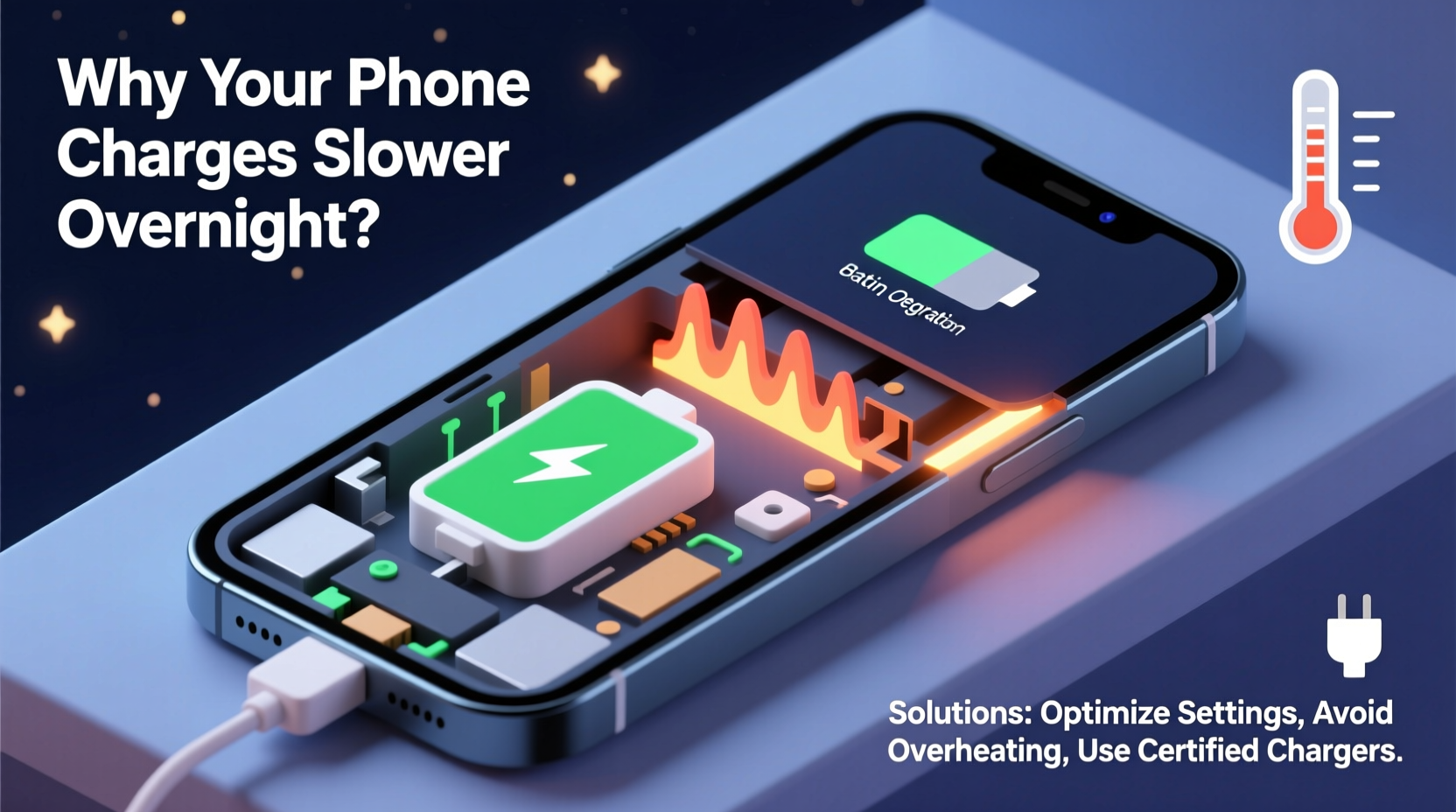
Temperature plays a critical role in how efficiently your phone charges. Lithium-ion batteries, used in nearly all smartphones today, are sensitive to both heat and cold. When the ambient temperature drops below 10°C (50°F) or rises above 35°C (95°F), the phone’s internal systems may slow down or temporarily halt charging to protect the battery.
Overnight charging often occurs in environments that aren’t climate-controlled—like a bedroom near a window during winter or on a wooden nightstand under direct sunlight. Even slight temperature fluctuations can trigger thermal throttling, where the phone reduces charging speed to prevent overheating or overcooling.
Another physical factor is the charging cable and adapter itself. Over time, cables degrade due to bending, fraying, or exposure to moisture. A damaged cable might still deliver power, but at a fraction of its original capacity. Similarly, using third-party chargers not certified by your phone’s manufacturer can lead to inconsistent voltage delivery, especially if they don’t support the correct wattage or charging protocol (e.g., USB Power Delivery or Qualcomm Quick Charge).
Dust and Debris Buildup in Charging Port
A frequently overlooked issue is lint and dust accumulation in the charging port. Over months of daily use, pocket lint, dust, and fibers can pack into the small connector, creating a poor electrical connection. This forces the phone to draw less current to avoid instability, resulting in significantly slower charging—even when using a high-quality cable.
To check for debris, shine a flashlight into the port. If you see visible buildup, gently clean it with a dry toothpick or a soft-bristled brush. Avoid metal tools or compressed air, which can damage internal contacts or push debris deeper.
2. Software and Background Processes Draining Power Overnight
Even when your phone appears idle, it’s rarely truly “off.” Background apps, system updates, location tracking, and syncing services continue to run, consuming power while the device is charging. If the rate of energy consumption exceeds the rate of charging, your phone may gain little or even lose charge overnight.
For example, apps like social media platforms, email clients, or navigation tools often refresh in the background. Some apps are poorly optimized and consume excessive CPU resources, leading to increased battery drain. Additionally, features like Bluetooth, Wi-Fi, and push notifications remain active unless manually disabled.
“Modern smartphones are designed to manage power intelligently, but aggressive background activity can easily offset charging gains, especially on older devices.” — Dr. Lin Zhao, Mobile Systems Engineer at TechInsight Labs
Software Bugs and OS Updates
Sometimes, a recent operating system update introduces bugs that affect power management. Users have reported slower charging or erratic battery behavior after installing major OS patches. These issues are typically resolved in subsequent updates, but they can persist for weeks.
To determine if software is the culprit, monitor your battery usage statistics. On Android, go to Settings > Battery > Battery Usage. On iOS, navigate to Settings > Battery. Look for apps or system functions consuming disproportionate power overnight. Uninstall or restrict permissions for problematic apps.
3. Charger and Cable Compatibility Issues
Not all chargers are created equal. Using a low-wattage charger (e.g., 5W) with a modern smartphone that supports 18W or higher fast charging will result in longer charge times. While this setup is safe, it’s inefficient for overnight charging—especially if the phone starts at a very low battery level.
Additionally, many users unknowingly rely on old or non-compliant USB cables. Cables lacking proper certification may not support the required amperage or data signaling needed for fast charging protocols. For instance, a cable missing an E-Mark chip (required for USB-C Power Delivery above 60W) will default to standard 5V/3A charging, limiting peak speeds.
| Charger Type | Max Output | Typical Use Case | Suitable for Fast Charging? |
|---|---|---|---|
| Standard 5W (5V/1A) | 5 watts | Older phones, basic charging | No |
| 10W (5V/2A) | 10 watts | Budget Android devices | Limited |
| 18W+ PD / QC | 18–30 watts | Modern iPhones, Samsung, Google Pixel | Yes |
| 65W+ GaN Chargers | 65+ watts | Flagship phones, tablets | Yes (if supported) |
Always verify that both your charger and cable support the fast charging standard your phone uses. Refer to your device’s manual or manufacturer website for compatibility details.
4. Battery Health Degradation Over Time
All lithium-ion batteries degrade with use. After about 500 full charge cycles, a typical smartphone battery retains only 80% of its original capacity. As the battery ages, internal resistance increases, reducing its ability to accept and hold a charge efficiently. This degradation leads to slower charging, especially in the final 20% of the battery level, where charging naturally tapers to prolong lifespan.
If your phone is more than two years old, declining battery health could be the primary reason for slow overnight charging. Most modern phones include built-in battery health diagnostics:
- iOS: Settings > Battery > Battery Health & Charging > Maximum Capacity
- Android: Settings > Battery > Battery Care > Health (varies by brand)
If your battery health is below 80%, consider a replacement. Apple and authorized service providers offer official battery replacements, as do third-party repair shops. Replacing an aged battery often restores faster charging and improves overall device performance.
Real Example: Sarah’s Overnight Charging Struggle
Sarah, a freelance designer in Portland, noticed her iPhone 12 was taking nearly 10 hours to charge from 20% to 100%. She used the same charger she’d had for three years and kept her phone on her bedside table, which sat near a drafty window. After reading about temperature effects, she moved her phone to a warmer part of the room and replaced her frayed cable with a certified USB-C to Lightning cable. She also enabled Optimized Battery Charging to reduce overnight wear.
The next night, her phone reached 100% in just over four hours. A quick check revealed her battery health was at 82%—still functional but nearing replacement threshold. By addressing environmental and hardware factors, Sarah restored efficient charging without replacing the phone.
5. Step-by-Step Guide to Diagnose and Fix Slow Charging
Follow this systematic approach to identify and resolve slow overnight charging:
- Inspect the charging cable and adapter. Look for fraying, bent connectors, or loose connections. Replace with a manufacturer-approved or MFi-certified alternative.
- Clean the charging port. Use a non-metallic tool to remove lint or debris. Shine a light to confirm visibility of clean contacts.
- Check ambient temperature. Ensure the phone isn’t charging in a cold or hot environment. Move it away from windows, heaters, or direct sunlight.
- Monitor battery usage. Review which apps or services are draining power overnight. Disable unnecessary background refresh and location access.
- Test with different chargers. Try a higher-wattage, certified charger to see if charging speed improves.
- Enable power-saving modes. Turn on Airplane Mode, Do Not Disturb, or Low Power Mode before bed to reduce background load.
Check battery health. If health is below 80%, consider professional battery replacement.- Restart the device. A simple reboot can clear temporary software glitches affecting charging behavior.
Frequently Asked Questions
Can I leave my phone charging overnight safely?
Yes, modern smartphones are designed to stop charging once the battery reaches 100%. However, frequent full charges can accelerate battery wear. To mitigate this, enable features like Optimized Battery Charging (iOS) or Adaptive Charging (Samsung), which delay the final charge until you wake up.
Why does my phone charge fast at first but slow down later?
This is normal behavior. Phones use a three-stage charging process: trickle, constant current, and constant voltage. The final stage (above 80%) slows dramatically to protect battery longevity. This tapering is intentional and prevents overheating or chemical stress.
Does using my phone while charging slow down the process?
Yes. Running apps, streaming video, or playing games while charging increases power consumption. If usage exceeds input, the battery may drain despite being plugged in. For fastest charging, avoid heavy use during charging sessions.
Troubleshooting Checklist
- ✅ Inspect cable and adapter for damage
- ✅ Clean charging port with care
- ✅ Verify charger wattage matches phone capability
- ✅ Charge in a temperature-stable environment
- ✅ Disable background apps and connectivity (Wi-Fi, Bluetooth)
- ✅ Enable Airplane Mode or Do Not Disturb overnight
- ✅ Check battery health in settings
- ✅ Restart phone to clear software glitches
- ✅ Update operating system and apps
- ✅ Consider battery replacement if health is poor
Conclusion: Take Control of Your Charging Routine
Slow overnight charging isn’t something you have to accept. In most cases, the solution lies in simple adjustments—replacing a worn cable, cleaning the port, managing background activity, or optimizing your charging environment. While battery aging is inevitable, proactive maintenance can extend its life and performance for years.
Don’t wait until your phone dies midday to address charging issues. Start tonight: inspect your setup, apply the tips above, and reclaim reliable, fast charging. Small changes can make a big difference in how your phone performs—and how prepared you feel each morning.




 浙公网安备
33010002000092号
浙公网安备
33010002000092号 浙B2-20120091-4
Comments
No comments yet. Why don't you start the discussion?