
It’s a familiar experience: you’re in the middle of an important call, and suddenly your phone starts warming up—sometimes uncomfortably so. While a slight temperature increase is normal, excessive heat can indicate underlying issues that affect performance, battery health, and even safety. Understanding why phones overheat during calls—and what you can do about it—is essential for maintaining device longevity and ensuring smooth communication.
Modern smartphones are powerful mini-computers packed with components that generate heat under load. Voice calls may seem simple, but they engage multiple systems simultaneously: cellular radios, processors, microphones, speakers, and background apps. When these systems work together, especially under suboptimal conditions, thermal buildup becomes inevitable. This article breaks down the science behind phone heating, identifies key contributing factors, and offers practical solutions to keep your device cool and functioning efficiently.
How Phone Components Generate Heat During Calls
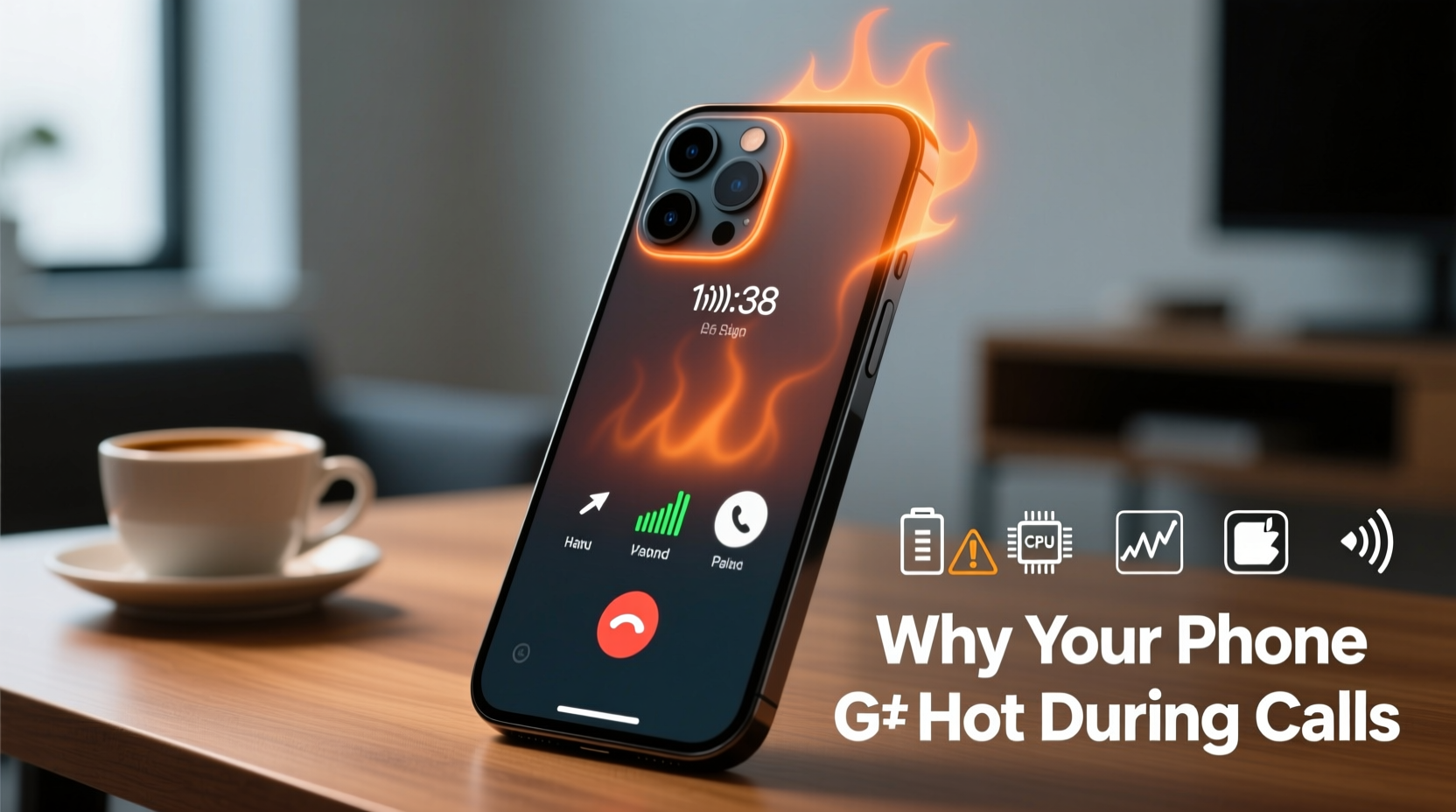
Every smartphone contains several heat-producing components. During a call, the following parts become particularly active:
- Cellular Radio Module: Connecting to cell towers requires continuous signal transmission and reception. In areas with weak reception, your phone boosts its radio power, increasing energy consumption and heat output.
- Processor (CPU): Encodes and decodes voice data, manages audio processing, and runs background apps—all tasks that raise CPU usage and temperature.
- Battery: As current flows to power components, internal resistance generates heat. Older or degraded batteries produce more heat due to reduced efficiency.
- Display and Audio Circuits: Even on speakerphone or with the screen off, audio amplifiers and proximity sensors remain active, adding to thermal load.
The compact design of modern phones limits airflow and heat dissipation. Unlike laptops with fans and heat sinks, smartphones rely on passive cooling through metal frames and thermal pads. When multiple systems run at high intensity, heat accumulates faster than it can dissipate—especially if insulation from cases or environmental factors is present.
Common Causes of Overheating During Phone Calls
While some warmth is expected, persistent or extreme heating often stems from specific triggers. Identifying these can help prevent recurring issues.
Poor Network Signal Strength
When your phone struggles to maintain a stable connection, it increases transmit power to reach distant towers. This process, known as \"cell tower hunting,\" forces the modem and antenna systems to work harder, significantly raising temperatures. Rural areas, basements, elevators, and buildings with thick walls commonly cause this strain.
Background App Activity
Even during a call, apps running in the background—such as social media, navigation, or cloud sync services—consume CPU and memory. High resource usage prevents the processor from idling, leading to sustained heat generation. Some apps continue streaming location data or downloading updates, compounding the load.
Software Bugs or Outdated OS
Firmware glitches, especially in carrier-specific software or outdated operating systems, can cause inefficient power management. For example, a bug might fail to deactivate unnecessary sensors during calls or allow apps to run indefinitely in the foreground.
Physical Obstruction or Poor Ventilation
Thick silicone or rubber cases trap heat. Similarly, holding the phone tightly against your ear or placing it on soft surfaces like beds or couches blocks ventilation zones near the earpiece, microphone, or charging port.
Aging Battery or Hardware Degradation
Lithium-ion batteries degrade over time. After 2–3 years of regular use, internal resistance increases, making them less efficient and more prone to heating. Swollen or damaged batteries also create thermal hotspots and pose safety risks.
“Phones are designed to handle moderate heat, but chronic overheating accelerates wear on both battery and processor.” — Dr. Alan Zhou, Mobile Hardware Engineer at TechInsight Labs
Preventive Measures to Reduce Call-Related Heating
Addressing overheating doesn’t always require technical expertise. Simple behavioral and maintenance changes can make a significant difference.
Optimize Network Conditions
If you frequently experience poor signal, consider using Wi-Fi calling when available. It offloads voice traffic from the cellular network to your internet connection, reducing radio strain. Most modern phones support Wi-Fi calling; enable it via Settings > Phone > Wi-Fi Calling.
Close Unnecessary Background Apps
Before starting a long call, swipe away unused apps from the recent apps menu. This frees up RAM and reduces CPU overhead. On iOS, double-click the home button or swipe up from the bottom; on Android, tap the square or recent apps icon.
Remove Protective Cases During Long Calls
While cases protect against drops, they also insulate heat. If your phone consistently overheats during calls, remove the case temporarily or switch to a thinner, breathable material like TPU or polycarbonate.
Keep Your Software Updated
Manufacturers release OS updates that improve thermal management, fix bugs, and optimize radio performance. Check for updates monthly under Settings > System > Software Update (Android) or Settings > General > Software Update (iOS).
Step-by-Step Guide to Diagnose and Cool Down an Overheating Phone
If your phone becomes too hot to hold during a call, follow this sequence to address immediate discomfort and prevent long-term damage.
- End the call immediately. Continued use under high temperatures risks throttling or shutdown.
- Turn off the screen. Press the power button to dim the display, reducing GPU and CPU load.
- Remove the case. Allow direct air contact with the phone’s body to speed up cooling.
- Move to a cooler environment. Avoid direct sunlight, cars, or heated rooms.
- Disable non-essential features. Turn off Bluetooth, GPS, and mobile data if not needed.
- Wait 5–10 minutes. Let the device cool naturally—never place it in a fridge or freezer, as condensation can damage internal components.
- Restart the phone. Clears temporary system errors and stops rogue processes.
- Monitor future behavior. If overheating persists under normal conditions, investigate hardware issues.
Do’s and Don’ts: Managing Phone Temperature
| Do | Don’t |
|---|---|
| Use Wi-Fi calling in low-signal areas | Leave the phone in a car on a sunny day |
| Update your OS and carrier settings regularly | Forcefully charge while on a long call |
| Remove thick cases during intensive use | Place a hot phone in the freezer |
| Enable battery saver mode during extended calls | Ignore repeated overheating warnings |
| Check battery health annually | Run graphics-heavy apps during calls |
Real-World Example: Maria’s Commute Calls
Maria, a sales executive, noticed her iPhone getting excessively hot every morning during client calls from her subway commute. The issue worsened over weeks until the phone occasionally disconnected mid-call. After consulting a technician, she learned that her phone was constantly switching between weak underground signals and emerging into stronger zones—a process causing rapid radio cycling and heat accumulation.
She enabled Wi-Fi calling and connected to her hotspot instead. Within days, the overheating stopped. Her battery life improved by nearly 30%, and call quality became more stable. This small change not only solved the heat problem but also enhanced her professional reliability.
When to Seek Professional Help
Occasional warmth is normal, but consistent overheating—even after implementing preventive steps—may signal deeper problems:
- Visible battery bulge under the screen
- Random shutdowns below 20% charge
- Performance throttling during light use
- Frequent “Temperature Exceeded” warnings
In such cases, visit an authorized service center. A certified technician can test battery impedance, check for water damage, and inspect thermal paste degradation in high-end models. Replacing a worn battery often resolves chronic heating and restores peak performance.
Frequently Asked Questions
Is it dangerous if my phone gets hot during calls?
Short-term heating is generally safe due to built-in thermal safeguards. However, prolonged exposure to high temperatures can degrade the battery, reduce lifespan, and in rare cases, pose fire risks with damaged hardware. If the phone feels uncomfortably hot or shuts down repeatedly, stop using it and let it cool.
Can malware cause my phone to overheat during calls?
Yes. Malicious apps can run hidden processes that consume CPU and network resources, increasing heat. Install apps only from official stores, review app permissions, and use reputable antivirus tools to scan for suspicious behavior.
Does using speakerphone reduce heating?
Not directly. Speakerphone uses more audio amplifier power than earpiece mode, potentially increasing heat slightly. However, holding the phone away from your face improves airflow and reduces perceived warmth. The real benefit comes from combining speaker use with reduced grip pressure and better ventilation.
Conclusion: Take Control of Your Phone’s Temperature
Your phone’s tendency to heat up during calls isn’t just a nuisance—it’s a signal from your device asking for better care. By understanding the interplay between network strength, software efficiency, and physical design, you can take meaningful steps to prevent overheating. Simple habits like enabling Wi-Fi calling, removing bulky cases, and keeping your system updated go a long way toward preserving performance and battery health.
Don’t wait for warning messages or shutdowns to act. Proactive maintenance today ensures your phone remains reliable tomorrow. Whether you're managing business calls or catching up with family, a cooler phone means clearer conversations and longer device life.




 浙公网安备
33010002000092号
浙公网安备
33010002000092号 浙B2-20120091-4
Comments
No comments yet. Why don't you start the discussion?