
Fast charging has become a standard feature in modern smartphones, offering the convenience of a full charge in minutes rather than hours. However, many users notice their devices getting unusually hot during this process—sometimes uncomfortably so. While some warmth is normal, excessive heat can indicate underlying problems that affect battery health, performance, and even safety. Understanding why this happens and how to address it is essential for anyone relying on fast charging daily.
This guide dives into the science behind fast charging heat, identifies common causes of overheating, and provides actionable solutions to keep your device cool and functioning optimally.
The Science Behind Fast Charging and Heat Generation
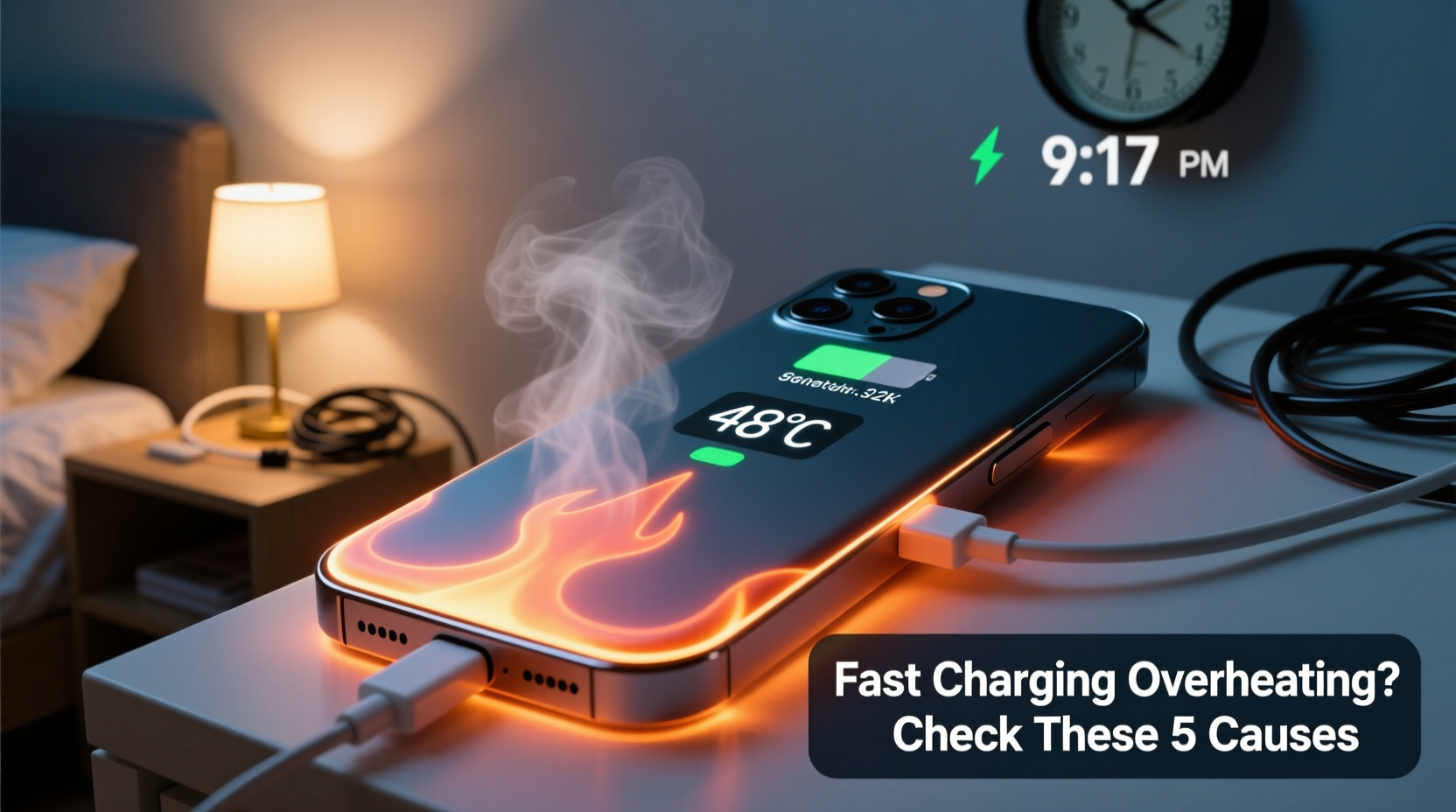
Fast charging works by increasing the electrical current or voltage delivered to your phone’s battery, significantly reducing charging time. Most systems use protocols like Qualcomm Quick Charge, USB Power Delivery (PD), or proprietary technologies such as Samsung Adaptive Fast Charging or Apple Fast Charging. These methods allow phones to charge up to 50% or more in just 30 minutes under ideal conditions.
However, higher power input increases energy conversion within the battery and charging circuitry. This process isn’t 100% efficient—some energy is lost as heat due to resistance in circuits and chemical reactions inside the lithium-ion battery. The faster the charge, the greater the thermal output.
Manufacturers design safeguards into both hardware and software to manage this heat. For example, phones may automatically reduce charging speed when internal temperatures rise above safe thresholds. Still, external factors—like poor ventilation, case materials, or substandard accessories—can overwhelm these protections.
“Thermal management is critical in fast-charging systems. Even a 10°C increase above optimal operating temperature can accelerate battery degradation by over 30%.” — Dr. Lin Zhao, Battery Technology Researcher at MIT Energy Initiative
Common Causes of Overheating During Fast Charging
While some warmth is expected, persistent or extreme heat suggests one or more contributing factors. Identifying the root cause is key to resolving the issue.
- Incompatible or low-quality chargers and cables: Third-party accessories not certified for your device may deliver unstable voltage, leading to inefficiencies and excess heat.
- Damaged or frayed cables: Physical wear increases electrical resistance, generating additional heat along the cable and at connection points.
- Using the phone while charging: Running processor-heavy apps (games, video streaming, GPS navigation) while fast charging multiplies heat production from both CPU and battery activity.
- Poor ventilation: Placing the phone under pillows, on beds, or inside thick cases traps heat and prevents natural cooling.
- Aged or degraded battery: As batteries age, internal resistance increases, making them less efficient and more prone to heating.
- Background processes: Apps syncing data, updating, or using location services can elevate system load without user awareness.
- High ambient temperature: Charging in hot environments (e.g., direct sunlight, parked cars) reduces the phone’s ability to dissipate heat.
Troubleshooting Steps to Reduce Phone Overheating
If your phone consistently becomes too hot during fast charging, follow this step-by-step approach to diagnose and resolve the issue.
- Unplug immediately if excessively hot: If the device feels uncomfortably warm or shows a warning message, disconnect it from the charger and let it cool down completely before resuming use.
- Remove the case: Many protective cases, especially those made of silicone or leather, insulate heat. Take it off during charging to improve airflow.
- Check charger and cable compatibility: Use only original or manufacturer-certified accessories. Look for logos like “Made for iPhone” or “Samsung Approved Accessory.”
- Inspect cables for damage: Bend the cable gently along its length while connected; if charging cuts in and out, replace it.
- Restart your phone: A reboot clears stuck background processes that may be causing unnecessary CPU usage.
- Update software: Install the latest OS update, which often includes thermal management improvements and bug fixes.
- Monitor battery health: On iPhones, go to Settings > Battery > Battery Health. On Android, check under Settings > Battery > Battery Care. Replace the battery if maximum capacity is below 80%.
- Charge in a cool, open area: Avoid carpets, blankets, or enclosed spaces. A hard surface like a desk allows better heat dissipation.
- Disable features during charging: Turn off Bluetooth, Wi-Fi, or location services temporarily if not needed.
- Try slow charging overnight: Use a standard 5W charger instead of fast charging to see if heat reduces—this helps isolate whether the issue is related to high power input.
Do’s and Don’ts When Fast Charging Your Phone
| Do’s | Don’ts |
|---|---|
| Use manufacturer-recommended chargers and cables | Use cheap, uncertified third-party chargers |
| Charge in a well-ventilated, cool environment | Charge under pillows, blankets, or in direct sunlight |
| Remove thick cases during fast charging | Keep insulating cases on during high-power sessions |
| Limit app usage while charging | Play graphics-intensive games while fast charging |
| Regularly inspect cables for wear and tear | Continue using frayed or damaged cables |
| Keep your phone’s software up to date | Ignore system updates related to battery or power management |
Real-World Example: Sarah’s Overheating Smartphone
Sarah, a freelance photographer based in Miami, relied heavily on her Android phone for client meetings and editing on the go. She used fast charging every morning to quickly power up before heading out. After six months, she noticed her phone becoming extremely hot during charging—even shutting down unexpectedly once.
Initially concerned about safety, she visited a repair shop where diagnostics revealed no hardware failure. The technician reviewed her habits: she charged with a third-party car charger, kept the phone in a rugged OtterBox case, and often browsed Instagram while charging.
Following the technician’s advice, Sarah switched to an OEM wall charger, removed her case during charging, and avoided using the phone until fully charged. Within days, the overheating stopped. Her battery also began lasting longer throughout the day, likely because reduced thermal stress improved efficiency.
This case illustrates how behavior and accessory choices—not just hardware—are central to managing heat during fast charging.
Prevention Checklist: Keep Your Phone Cool While Charging
- ✅ Use only certified chargers and cables
- ✅ Inspect cables monthly for physical damage
- ✅ Remove phone case during fast charging
- ✅ Avoid using the phone during fast charging sessions
- ✅ Charge in a cool, dry, open space
- ✅ Keep your operating system and apps updated
- ✅ Monitor battery health quarterly
- ✅ Replace the battery if degraded (below 80% capacity)
- ✅ Limit background app refresh and sync settings
- ✅ Consider switching to standard charging at night
Frequently Asked Questions
Is it normal for my phone to get warm when fast charging?
Yes, mild warmth is normal due to increased electrical flow and energy conversion. However, if the phone becomes too hot to hold comfortably, shuts down, or displays a temperature warning, there is likely an issue that needs attention.
Can overheating damage my phone’s battery permanently?
Yes. Prolonged exposure to high temperatures accelerates lithium-ion battery degradation. Studies show that keeping a battery at 40°C (104°F) or higher for extended periods can reduce its lifespan by up to 35% compared to operation at 25°C (77°F). Frequent overheating may lead to reduced capacity, shorter runtime, and potential swelling.
Does wireless fast charging produce more heat than wired?
Generally, yes. Wireless charging is inherently less efficient than wired due to electromagnetic induction losses, often resulting in more heat generation. Fast wireless charging exacerbates this effect. For minimal heat, prefer wired fast charging with proper ventilation over wireless methods.
When to Seek Professional Help
If you’ve followed all recommended troubleshooting steps and your phone still overheats during charging, it may indicate deeper hardware issues. Warning signs include:
- Battery swelling (visible bulge in screen or back panel)
- Random restarts or shutdowns during charging
- Charger repeatedly disconnecting or failing to initiate fast charging
- Burning smell or discoloration near charging port
In such cases, stop using the device and contact the manufacturer or an authorized service center. Continuing to charge a malfunctioning battery poses fire and safety risks.
Conclusion: Protect Your Device and Yourself
Fast charging should enhance your mobile experience—not compromise it. While some heat is inevitable, consistent or severe overheating signals preventable issues ranging from poor habits to faulty equipment. By using quality accessories, optimizing charging conditions, and monitoring your device’s health, you can enjoy rapid power-ups without risking long-term damage.
Heat isn't just uncomfortable—it's costly. Every degree above the ideal operating range chips away at your battery’s longevity and performance. Taking proactive steps today ensures your phone stays reliable, safe, and efficient for years to come.




 浙公网安备
33010002000092号
浙公网安备
33010002000092号 浙B2-20120091-4
Comments
No comments yet. Why don't you start the discussion?