
It’s common to pick up your phone while it’s charging and feel warmth radiating from the device. A slight increase in temperature is normal—after all, energy transfer generates heat. But when your phone becomes uncomfortably hot, it signals something deeper may be wrong. Excessive heat during charging doesn’t just make your device uncomfortable to hold; it can degrade battery health, slow performance, and even pose safety risks.
Understanding why this happens—and how to respond—is essential for preserving your phone’s lifespan and ensuring safe daily use. From charger compatibility to background app usage, multiple factors contribute to overheating. This guide breaks down the science behind phone heating, offers actionable solutions, and highlights red flags that demand immediate attention.
What Causes a Phone to Heat Up During Charging?
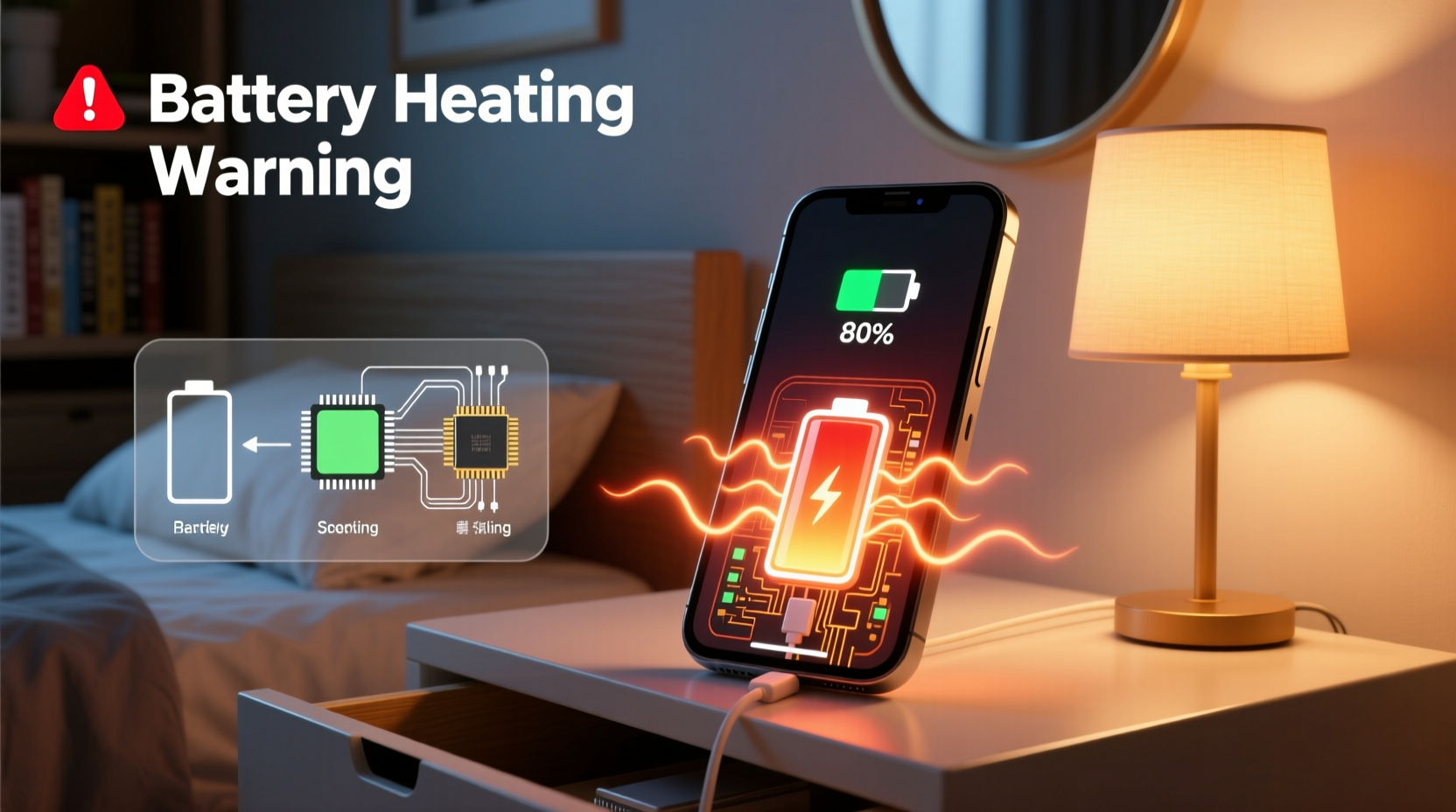
Heat generation during charging is a natural byproduct of electrical resistance and chemical reactions within the lithium-ion battery. However, excessive heat usually stems from inefficiencies or external stressors. The primary causes include:
- Inefficient power conversion: Chargers convert AC power from the wall into DC power the phone can store. Lower-quality chargers do this inefficiently, wasting energy as heat.
- Fast charging technology: While convenient, fast charging increases current flow, accelerating both charging speed and heat production.
- Background app activity: Apps running in the background—especially those using GPS, video streaming, or heavy processing—consume power and generate internal heat.
- Poor ventilation: Covering the phone with blankets, placing it under a pillow, or using thick cases traps heat.
- Aging batteries: As batteries degrade, their internal resistance increases, making them less efficient and more prone to heating.
- Environmental conditions: Charging in direct sunlight or a hot car raises ambient temperature, reducing the phone’s ability to dissipate heat.
When Is Heating Normal vs. Dangerous?
Not all heat is cause for alarm. A slightly warm phone during charging, especially with fast charging enabled, falls within acceptable limits. But there’s a clear line between normal operation and hazardous overheating.
| Temperature Level | Symptoms | Risk Level |
|---|---|---|
| Slightly Warm (35–40°C / 95–104°F) | Barely noticeable warmth when touched | Normal – No action needed |
| Warm (40–45°C / 104–113°F) | Easily felt, but not uncomfortable | Moderate – Monitor usage |
| Hot (45–50°C / 113–122°F) | Uncomfortable to hold; screen may dim or throttle performance | High – Investigate causes |
| Very Hot (>50°C / >122°F) | Painful to touch; device shuts down or displays overheat warning | Dangerous – Stop charging immediately |
“Lithium-ion batteries operate best between 20°C and 35°C. Sustained exposure above 45°C accelerates capacity loss and increases the risk of thermal runaway.” — Dr. Alan Reyes, Battery Systems Engineer at GreenTech Labs
Step-by-Step Guide to Reduce Charging Heat
If your phone consistently gets too hot while charging, follow this systematic approach to identify and eliminate contributing factors.
- Remove the case: Take off any protective cover, especially silicone or leather cases that trap heat. Charge the phone bare for one cycle and observe if temperatures improve.
- Use the original charger: Replace third-party or generic chargers with the manufacturer-approved adapter and cable. Counterfeit chargers often lack proper voltage regulation.
- Disable unnecessary features: Turn off Bluetooth, Wi-Fi, GPS, and haptic feedback during charging to reduce system load.
- Close background apps: Swipe away unused apps from the recent menu. Pay special attention to social media, navigation, and streaming apps.
- Enable airplane mode: For fastest and coolest charging, switch to airplane mode. This halts network activity and minimizes processor strain.
- Charge in a cool environment: Avoid direct sunlight, hot cars, or near heaters. Ideal charging locations are indoors with stable room temperature (20–25°C).
- Inspect the charging port: Check for lint, dust, or corrosion. Use a soft brush or compressed air to clean gently—debris can cause poor contact and increased resistance.
- Update software: Install the latest OS update. Manufacturers often release thermal management improvements through firmware patches.
Checklist: Prevent Overheating When Charging
- Use OEM or MFi-certified charger and cable
- Remove phone case during charging
- Keep the phone on a hard, flat surface
- Avoid using the phone while charging
- Enable airplane mode for faster, cooler charging
- Keep room temperature below 27°C (80°F)
- Clean charging port monthly
- Update phone software regularly
Real Example: How One User Fixed Chronic Overheating
Mark, a delivery driver in Phoenix, noticed his Android phone would shut down during midday charging breaks. The device became too hot to touch, even after just 10 minutes on the charger. Initially, he assumed the desert heat was the sole cause. But after replacing his cracked third-party charger—purchased at a gas station—he saw an immediate improvement.
He then disabled live navigation and music streaming apps that ran in the background while charging in his vehicle. By switching to airplane mode and removing his rubberized case, the phone's peak temperature dropped from 53°C to 41°C. Mark now charges his phone in the shade using the original cable and reports no further shutdowns—even on 40°C (104°F) days.
This case illustrates how multiple small issues compound into serious overheating. Addressing each factor systematically led to a complete resolution without needing hardware replacement.
Warning Signs That Require Immediate Action
While mild heating is expected, certain symptoms indicate potential danger. If you notice any of the following, stop charging and power off the device immediately:
- Swollen battery: The back panel bulges or screen lifts from the frame. This is a critical failure sign and poses explosion risk.
- Burning smell or smoke: Indicates internal short circuit or component failure. Move the device away from flammable materials.
- Overheat error messages: Phones like iPhones show “Temperature: iPhone needs to cool down before you can use it” alerts. Heed these warnings.
- Charger or cable damage: Frayed wires, bent connectors, or melted insulation increase fire hazard.
- Device shuts down unexpectedly during charge: Repeated automatic shutdowns suggest thermal throttling has failed.
In such cases, do not attempt to restart or continue charging. Disconnect the device, place it in a safe, non-flammable area, and contact the manufacturer or a certified repair center. Never puncture or disassemble a swollen battery.
FAQ: Common Questions About Phone Heating
Is it bad if my phone gets hot while charging?
Occasional warmth is normal, but sustained high temperatures degrade battery capacity over time and can lead to permanent hardware damage. Consistently hot phones lose battery health faster and may experience reduced performance due to thermal throttling.
Can a phone explode from overheating?
While rare, lithium-ion batteries can enter thermal runaway—a self-sustaining reaction leading to fire or explosion—if severely damaged, defective, or exposed to extreme heat. Most modern phones have built-in safeguards, but using counterfeit chargers or physical damage increases risk.
Does wireless charging make phones hotter?
Yes. Wireless charging is inherently less efficient than wired charging, losing more energy as heat. Many phones run 5–10°C hotter during wireless charging. For minimal heat, use low-wattage Qi chargers or opt for wired charging in high-temperature environments.
Long-Term Battery Care Tips
Preventing overheating isn’t just about comfort—it’s central to extending your phone’s usable life. Lithium-ion batteries degrade faster when exposed to heat and full charge cycles. To maximize longevity:
- Keep battery levels between 20% and 80% whenever possible.
- Avoid leaving the phone plugged in overnight regularly.
- Use “Optimized Battery Charging” (iOS) or “Adaptive Charging” (Android) features that delay full charge until you typically unplug.
- Store the phone at around 50% charge if not used for extended periods.
- Replace batteries showing significant degradation—typically after 500 full cycles or two years of heavy use.
Conclusion: Protect Your Device and Yourself
Your phone getting hot when charging isn’t something to ignore. While some warmth is inevitable, persistent or extreme heat reveals underlying issues that compromise safety, performance, and battery lifespan. By using quality chargers, managing software load, and maintaining a cool environment, you can prevent most overheating problems before they escalate.
Remember, modern smartphones are powerful but sensitive devices. Treating them with care during charging pays dividends in reliability and longevity. If warning signs appear, act quickly—don’t wait for irreversible damage.




 浙公网安备
33010002000092号
浙公网安备
33010002000092号 浙B2-20120091-4
Comments
No comments yet. Why don't you start the discussion?