
It’s a common experience: you plug in your phone, only to notice it quickly warming up—sometimes uncomfortably so. While a slight temperature increase during charging is normal, excessive heat can signal underlying issues that affect performance, battery life, and even safety. Overheating doesn’t just make your phone uncomfortable to hold; it can accelerate battery degradation, trigger thermal throttling, and in extreme cases, lead to hardware failure. Understanding why this happens and knowing what steps to take can save your device from long-term damage.
Modern smartphones are powerful, compact devices packed with energy-dense batteries and high-efficiency processors. When charging, multiple systems work simultaneously—battery management, screen activity, background processes—each contributing to heat generation. But when the temperature climbs beyond acceptable levels, it's time to intervene. This guide explores the science behind phone heating during charging, identifies key causes, and provides actionable solutions you can apply immediately.
What Causes Your Phone to Heat Up While Charging?
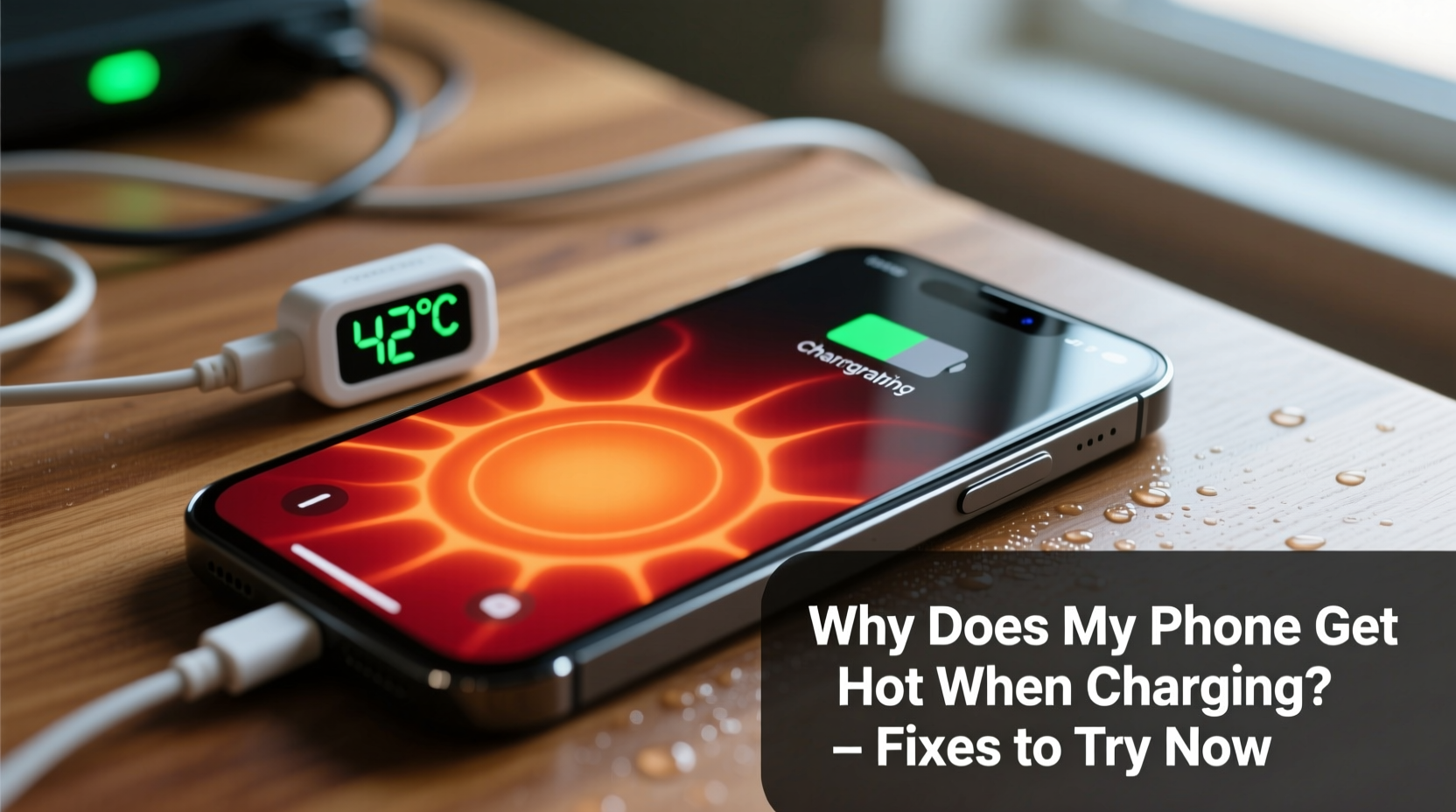
Heat during charging results from energy conversion inefficiencies. No battery charges at 100% efficiency; some electrical energy inevitably turns into heat. However, several factors can amplify this effect:
- Inefficient charging circuits: Lower-quality or aging chargers may not regulate voltage properly, leading to excess current and heat buildup.
- Fast charging technology: While convenient, fast charging increases power input, which naturally produces more heat.
- Background app activity: Apps running in the background—especially those using GPS, streaming, or syncing data—can keep the processor active and generate additional heat.
- Poor ventilation: Placing your phone under a pillow, on a bed, or inside a thick case traps heat and prevents dissipation.
- Battery age and health: As lithium-ion batteries degrade over time, internal resistance increases, making them less efficient and more prone to heating.
- Environmental conditions: Charging in direct sunlight or hot environments pushes temperatures higher than normal operating ranges.
“Even a 10°C rise above optimal operating temperature can reduce lithium-ion battery lifespan by up to 50%.” — Dr. Alan Kim, Battery Research Scientist, MIT Energy Initiative
Immediate Fixes to Cool Down an Overheating Phone
If your phone is already hot during charging, act quickly to prevent further stress on components. Here’s a step-by-step approach:
- Unplug immediately if too hot to touch: If the device feels excessively warm, disconnect it from the charger. Let it cool down before resuming use.
- Remove the case: Many protective cases trap heat. Taking it off allows better airflow and faster cooling.
- Turn off the phone or enable Airplane Mode: This stops background processes, reduces CPU load, and minimizes heat generation.
- Cool it passively: Place the phone on a cool surface (not in the fridge or freezer). Avoid rapid temperature changes that could cause condensation.
- Check for software updates: Outdated firmware may contain bugs affecting thermal management. Install any pending OS updates.
Once cooled, reassess how you charge. Immediate intervention helps prevent permanent damage, but long-term prevention requires smarter habits and better equipment.
Do’s and Don’ts of Charging an Overheating Phone
| Do’s | Don’ts |
|---|---|
| Use manufacturer-approved chargers and cables | Use cheap, unbranded charging accessories |
| Charge in a well-ventilated, room-temperature area | Charge under pillows, blankets, or in direct sunlight |
| Remove thick cases during charging | Keep rubberized or insulated cases on while charging |
| Enable adaptive or optimized charging features | Leave the phone charging overnight regularly |
| Update your phone’s operating system regularly | Ignore repeated overheating warnings |
Following these guidelines reduces strain on your battery and thermal systems. Consistency matters—occasional lapses may not cause harm, but repeated exposure to poor charging practices accelerates wear.
Step-by-Step Guide to Prevent Future Overheating
Prevention is far more effective than reacting after the fact. Implement this routine to maintain optimal charging temperatures:
- Inspect your charging setup (Weekly): Examine your charger, cable, and port for damage. Frayed wires or bent connectors can cause erratic power delivery and heat spikes.
- Switch to slow charging overnight: Instead of fast charging before bed, use a standard 5W or 10W charger. It takes longer but generates significantly less heat.
- Enable built-in battery protection features:
- iOS: Go to Settings > Battery > Battery Health & Charging > Enable “Optimized Battery Charging”
- Android: Look for “Adaptive Charging” or “Protect Battery” (Samsung) and set limits to 85%
- Limit multitasking while charging: Close unnecessary apps, disable Bluetooth and GPS if not needed, and avoid screen-heavy activities.
- Monitor ambient temperature: Keep your phone away from heat sources. Ideal charging temperature is between 16°C and 22°C (60°F–72°F).
- Test with different outlets: Some wall sockets may deliver unstable voltage. Try another circuit or use a surge protector with clean power output.
Real-World Example: How One User Fixed Chronic Overheating
Sarah, a digital marketer from Austin, noticed her Android phone frequently shutting down during charging. The device would become too hot to handle within 15 minutes of plugging in, especially when used for navigation. She initially assumed the battery was failing and considered replacing the phone.
Instead, she took a methodical approach:
- She stopped using her third-party fast charger and switched back to the original OEM charger.
- She removed her silicone case during charging sessions.
- She disabled live wallpapers and background sync for non-essential apps.
- She enabled Samsung’s “Protect Battery” mode, capping charge at 85%.
Within two days, the overheating stopped. Her phone now charges without exceeding safe temperatures, and battery longevity has improved. Sarah’s experience highlights how simple behavioral and equipment changes can resolve what seems like a hardware issue.
Frequently Asked Questions
Is it dangerous if my phone gets hot while charging?
Mild warmth is normal, but excessive heat—especially if the phone becomes uncomfortable to hold or displays a warning message—can be dangerous. Prolonged overheating may lead to battery swelling, reduced lifespan, or in rare cases, fire risk. Always unplug and cool the device if it exceeds safe temperatures.
Can a software update cause my phone to overheat?
Yes. Major OS updates sometimes introduce inefficient background processes or bugs in power management. If overheating begins shortly after an update, check forums for similar reports. A patch may be available, or you might need to reset settings or uninstall problematic apps.
Does wireless charging make phones hotter than wired charging?
Generally, yes. Wireless charging is less efficient due to energy loss through electromagnetic induction. This lost energy converts to heat. To minimize this, use Qi-certified chargers, remove thick cases, and avoid using the phone during wireless charging.
Expert-Recommended Checklist to Stop Phone Overheating
To ensure your phone stays cool and performs reliably, follow this checklist every time you charge:
- ✅ Use only certified, OEM-recommended chargers and cables
- ✅ Remove the phone case during charging
- ✅ Charge in a cool, shaded, well-ventilated area
- ✅ Avoid using the phone for gaming, streaming, or calls while charging
- ✅ Enable battery optimization features (e.g., Optimized Charging, Adaptive Battery)
- ✅ Keep the charging port clean and free of lint
- ✅ Monitor battery health monthly (Settings > Battery > Battery Health)
- ✅ Replace old or swollen batteries promptly
Sticking to this routine not only prevents overheating but also extends your phone’s usable life by years. Think of it as preventive maintenance—small efforts today prevent costly replacements tomorrow.
Final Thoughts: Take Control of Your Phone’s Temperature
Your phone getting hot when charging isn’t something to ignore. It’s a clear signal from your device that conditions aren’t ideal. While modern phones have built-in safeguards, relying solely on software limits won’t solve the root cause. Real protection comes from informed habits—choosing the right charger, managing usage patterns, and respecting environmental factors.
The fixes outlined here don’t require technical expertise or expensive tools. Most involve simple behavior changes backed by engineering principles. Whether you’re using an iPhone, Samsung Galaxy, or budget Android device, these strategies apply universally. By taking action now, you preserve battery health, maintain peak performance, and reduce the risk of unexpected failures.




 浙公网安备
33010002000092号
浙公网安备
33010002000092号 浙B2-20120091-4
Comments
No comments yet. Why don't you start the discussion?