
It’s common to plug in your phone before bed, expecting a fully charged device in the morning. But if you wake up to a warm or even hot phone, it’s more than just an inconvenience—it could signal potential long-term harm. Overheating during overnight charging affects battery health, performance, and in extreme cases, poses safety risks. Understanding why this happens and how to prevent it is essential for extending your phone’s lifespan and ensuring safe usage.
Heat generation during charging is normal to some degree, but excessive warmth indicates inefficiencies in the charging process, poor thermal management, or environmental factors. Left unchecked, chronic overheating can degrade lithium-ion batteries faster, reduce peak performance, and increase the risk of hardware failure. This guide explores the root causes of phone heating at night and provides actionable strategies to protect your device.
The Science Behind Phone Heating During Charging
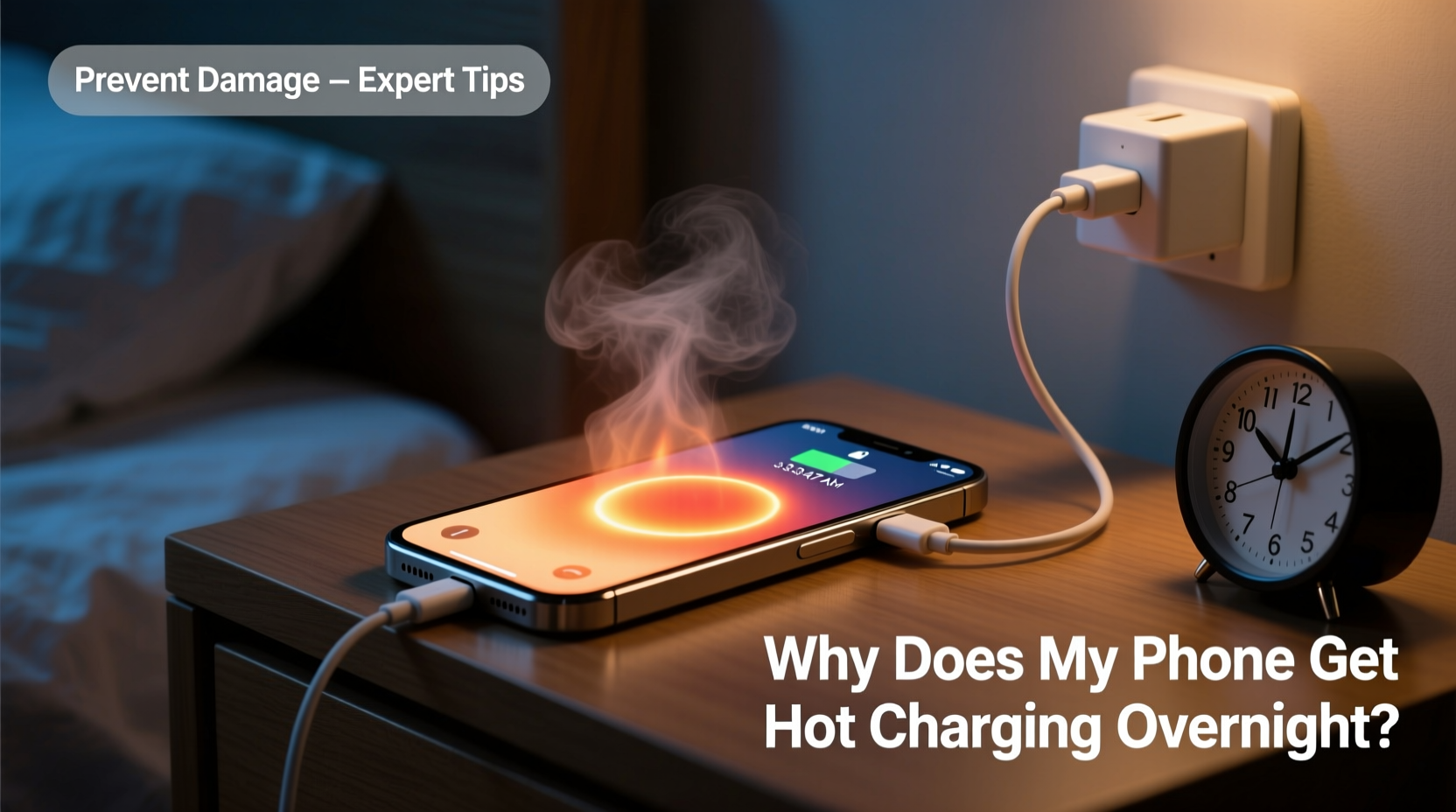
When your phone charges, electrical energy from the charger converts into chemical energy stored in the battery. This process isn’t 100% efficient—some energy dissipates as heat. The lithium-ion batteries used in modern smartphones are particularly sensitive to temperature fluctuations. As ions move between the anode and cathode during charging, resistance within the battery generates thermal energy.
Fast charging technologies amplify this effect. While convenient, they push higher currents through the battery in shorter timeframes, increasing internal resistance and heat output. Overnight charging compounds the issue because the phone often remains plugged in after reaching 100%, entering a “trickle charge” phase where small amounts of power continue to top off the battery. This sustained input keeps circuits active and contributes to residual heating.
Additionally, background processes like app updates, cloud syncs, or location tracking may run while the phone charges, forcing the processor to work harder and generate more heat. If the phone is under a pillow, inside a case, or on a soft surface like a bed, airflow is restricted, preventing natural cooling.
Common Causes of Excessive Heat During Overnight Charging
Several factors contribute to abnormal heating. Identifying them helps pinpoint solutions tailored to your habits and environment.
- Using non-certified chargers or cables: Cheap or counterfeit accessories may deliver inconsistent voltage, causing erratic charging behavior and excess heat.
- Damaged or aging batteries: As batteries degrade over time, their internal resistance increases, making them less efficient and more prone to overheating.
- Poor ventilation: Charging on soft surfaces like beds or couches blocks air circulation around the device.
- Thick or poorly ventilated cases: Some protective cases trap heat, especially those made of silicone or rubber.
- High ambient temperatures: Charging in hot rooms (above 77°F/25°C) reduces the phone’s ability to cool itself.
- Running resource-intensive apps: Streaming, gaming, or downloading large files while charging multiplies heat production.
“Lithium-ion batteries operate best between 20°C and 35°C. Sustained exposure above 40°C accelerates capacity loss by up to 20% per year.” — Dr. Alan Zhou, Battery Research Scientist, MIT Energy Initiative
How Heat Damages Your Phone Over Time
Battery degradation is the most immediate consequence of repeated overheating. Each lithium-ion battery has a finite number of charge cycles—typically 500 to 800 full cycles before capacity drops below 80%. High temperatures accelerate this decline by promoting side reactions within the electrolyte, forming resistive layers on electrodes that reduce efficiency.
Performance throttling is another outcome. Modern phones use thermal management systems that slow down the CPU and GPU when temperatures rise to prevent damage. You might notice slower app launches, reduced screen brightness, or delayed camera response after prolonged overheating.
In rare but serious cases, extreme heat can lead to swelling, leakage, or even thermal runaway—a chain reaction that may result in fire or explosion. While modern phones include safeguards like thermal cutoff switches and charge controllers, these aren’t foolproof, especially with compromised hardware.
Long-Term Effects of Chronic Overheating
| Effect | Description | Reversibility |
|---|---|---|
| Battery Capacity Loss | Reduced runtime due to accelerated chemical aging | Irreversible |
| Screen Delamination | Display layers separate due to thermal expansion | Requires repair |
| Data Corruption | Storage chips malfunction under high heat | Potentially recoverable |
| Camera Sensor Damage | Lens alignment shifts; autofocus becomes unreliable | Service needed |
Step-by-Step Guide to Safer Overnight Charging
Preventing overheating doesn’t require drastic changes. Follow this timeline each evening to minimize risk:
- Remove the case before plugging in: Take off thick or insulated cases to allow better heat dissipation.
- Use original or MFi-certified accessories: Stick to manufacturer-approved chargers and cables to ensure stable power delivery.
- Place the phone on a hard, flat surface: Use a nightstand or desk instead of a bed or sofa to promote airflow.
- Enable optimized battery charging (iOS) or adaptive charging (Android): These features learn your routine and delay full charging until you wake up, reducing time spent at 100%.
- Close unnecessary apps: Swipe away background apps to reduce CPU load during charging.
- Avoid using the phone while charging: Scrolling or watching videos adds heat stress.
- Keep the room cool: Maintain ambient temperature below 75°F (24°C), especially in summer months.
- Inspect the cable and port regularly: Frayed wires or lint buildup can cause resistance and overheating.
Checklist: Prevent Phone Overheating When Charging
Use this checklist nightly to maintain optimal charging conditions:
- ✅ Remove phone case
- ✅ Plug in using certified charger
- ✅ Place on hard, non-flammable surface
- ✅ Enable adaptive/optimized charging mode
- ✅ Turn off Bluetooth, Wi-Fi, or cellular data (optional)
- ✅ Activate Airplane Mode or Do Not Disturb
- ✅ Keep away from direct sunlight or heat sources
- ✅ Check battery health monthly (Settings > Battery)
Real Example: A Cautionary Case
Mark, a 32-year-old graphic designer, routinely charged his smartphone overnight under his pillow. He liked waking up to a full battery but began noticing the phone felt unusually warm every morning. Within six months, he observed significant battery drain—even with light use, the phone died by mid-afternoon. A diagnostic at a repair shop revealed only 68% of original battery capacity remained, far below average for a one-year-old device.
The technician explained that constant overheating had degraded the battery prematurely. Mark switched to charging on a wooden nightstand without the case, using the original charger. He also enabled iOS Optimized Battery Charging. After three months, battery performance stabilized, and daily heat levels dropped noticeably. Though the damage couldn’t be reversed, further deterioration slowed significantly.
Best Practices for Long-Term Battery Health
Beyond avoiding overnight overheating, adopt habits that support overall battery longevity:
- Maintain a 20–80% charge range: Lithium-ion batteries experience less stress when not fully charged or depleted.
- Charge in short bursts: Partial top-ups are gentler than full cycles.
- Update software regularly: Manufacturers often release firmware improvements for battery management.
- Monitor battery health: On iPhones, go to Settings > Battery > Battery Health. On Android, use built-in diagnostics or apps like AccuBattery.
- Replace swollen batteries immediately: A bulging back cover or screen lifting are signs of internal pressure—stop using the device and seek professional replacement.
“Keeping your phone between 20% and 80%, avoiding extreme temperatures, and using quality chargers are the top three things users can do to extend battery life.” — Sarah Kim, Senior Engineer at Consumer Reports Electronics Lab
Frequently Asked Questions
Is it dangerous if my phone gets hot while charging?
Occasional warmth is normal, but if the phone is too hot to hold comfortably, it’s a warning sign. Prolonged high temperatures increase the risk of battery degradation and, in rare cases, fire hazards. Unplug the device and let it cool down. Investigate the cause before resuming regular charging.
Can I leave my phone charging all night safely?
Modern phones have circuitry to stop charging at 100%, but trickle charging and background processes still generate heat. For safer overnight charging, use adaptive charging features, remove the case, and ensure good ventilation. Avoid doing this nightly over extended periods without monitoring battery health.
Does fast charging cause more heat than standard charging?
Yes. Fast charging delivers higher current, which increases internal resistance and heat output. While convenient, frequent use of fast charging—especially overnight—can accelerate battery wear. Reserve fast charging for when you need a quick boost, and use standard charging when time allows.
Conclusion: Protect Your Phone, One Charge at a Time
Your phone is designed to handle everyday demands, but consistent exposure to heat during charging undermines its reliability and longevity. The habit of plugging in overnight may seem harmless, but combined with poor ventilation, subpar accessories, or background activity, it creates conditions ripe for damage. By understanding the causes of overheating and adopting smarter charging routines, you preserve both performance and safety.
Small changes—like removing the case, using a certified charger, or enabling smart charging modes—add up to meaningful protection over time. Don’t wait until your battery swells or your phone slows down. Start tonight. Treat your device with care, and it will serve you reliably for years to come.




 浙公网安备
33010002000092号
浙公网安备
33010002000092号 浙B2-20120091-4
Comments
No comments yet. Why don't you start the discussion?