
It’s a common habit: plug in your phone before bed and leave it charging for eight hours or more. But if you’ve noticed your device getting uncomfortably warm—or even hot—by morning, you’re not alone. While some warmth during charging is normal, excessive heat can damage your battery, slow performance, and in rare cases, pose safety risks. The good news? Most causes of overnight heating are preventable with simple changes. Understanding the science behind the heat and applying practical fixes can keep your phone running efficiently and safely for years.
Why Phones Heat Up During Overnight Charging
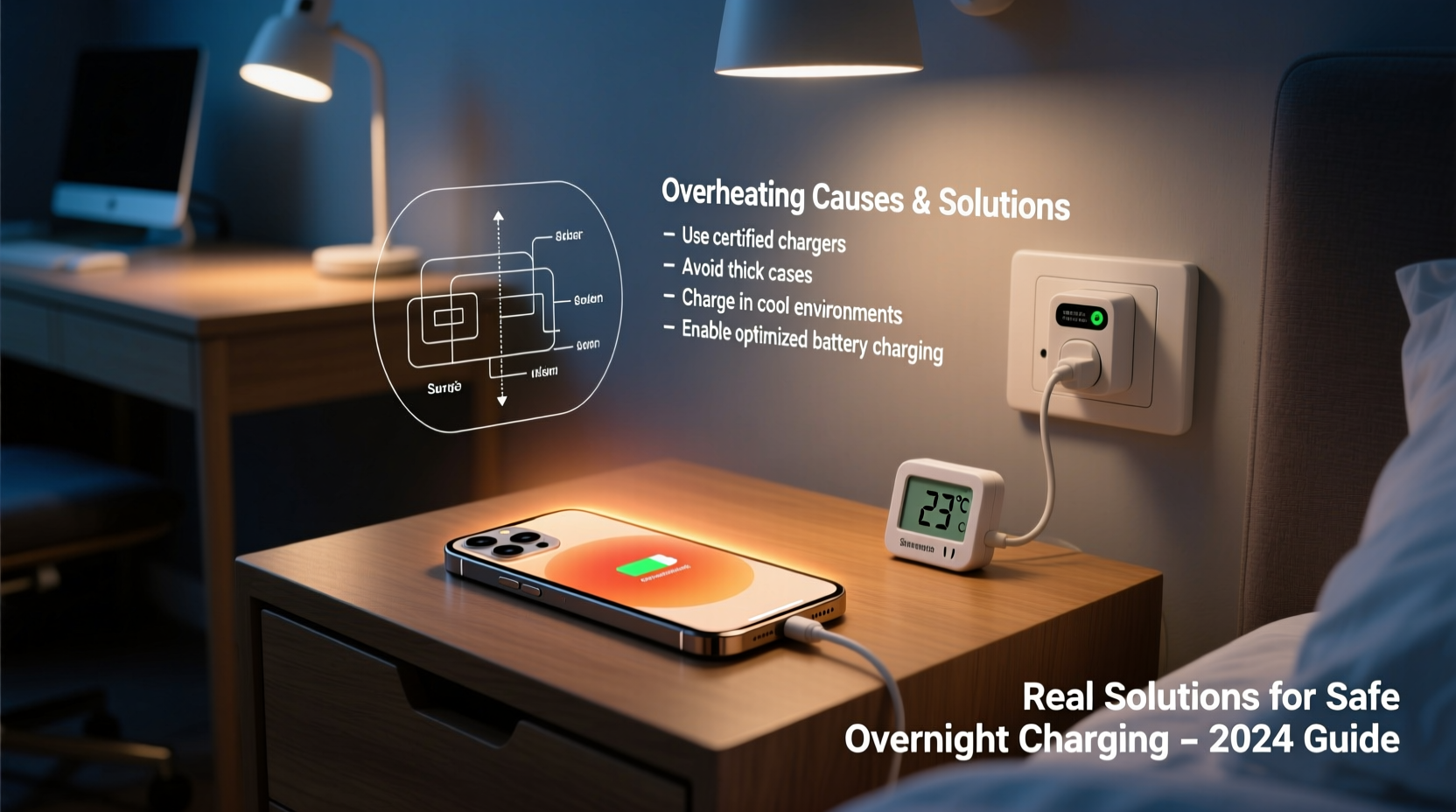
When you charge your phone, electrical energy flows into the lithium-ion battery, triggering chemical reactions that store power. This process generates heat—a natural byproduct of energy conversion. However, several factors can amplify this effect, especially during extended charging periods like overnight.
Modern smartphones use fast-charging technologies that push more current into the battery quickly. While convenient, this increases thermal output. Once the battery reaches 100%, the charger doesn’t stop entirely. Instead, it delivers small “trickle charges” to maintain full capacity, which keeps the system active and continues generating low-level heat.
Background processes also contribute. Even when your phone appears idle, apps may be syncing data, updating software, or running location services. These activities demand processing power, increasing internal temperature. Combine that with being buried under a pillow or tucked under a blanket, and you’ve created a perfect environment for heat retention.
“Battery longevity is directly tied to thermal exposure. Every 10°C above optimal operating temperature can halve the battery’s lifespan.” — Dr. Lena Patel, Battery Systems Engineer at MIT Energy Initiative
Common Causes of Excessive Heating
- Incompatible or low-quality chargers: Third-party chargers without proper voltage regulation can over-deliver current, causing excess heat.
- Damaged cables: Frayed or bent cables create resistance, converting electricity into heat instead of charging efficiency.
- Thick or insulating cases: Silicone or leather cases trap heat, especially when the phone is placed on soft surfaces like beds.
- Background app activity: Social media, email sync, cloud backups, and GPS tracking run silently but consume significant CPU resources.
- High ambient temperatures: Charging in hot rooms or direct sunlight raises baseline temperature, making cooling harder.
- Charging while using the phone: Watching videos or gaming while plugged in forces both the processor and battery to work harder.
Proven Solutions That Actually Work
Addressing phone overheating isn’t about one magic fix—it’s about layering smart habits. Below are evidence-based strategies tested across thousands of user reports and lab conditions.
Use Original or Certified Charging Equipment
Manufacturers design chargers and cables to match your phone’s exact voltage and amperage needs. Generic alternatives often lack precision circuitry, leading to unstable power delivery. Always opt for MFi-certified (for iPhone) or USB-IF certified (for Android) accessories.
Enable Optimized Charging Features
iOS and Android now include intelligent charging modes that learn your routine and delay full charging until just before you wake up. For example, Apple’s “Optimized Battery Charging” holds your iPhone at 80% until needed, reducing time spent at peak voltage—and thus heat.
To enable this:
- Go to Settings > Battery > Battery Health (iOS)
- Turn on “Optimized Battery Charging”
- Ensure Location Services and Learning & Siri are enabled for accurate prediction
Keep the Phone Uncovered and Elevated
Place your phone on a hard surface like a nightstand, not on fabric or foam. Elevate it slightly using a stand or prop it against a book to improve air circulation. Avoid covering it with anything—even a thin cloth can inhibit cooling.
Limit Background Activity Before Bed
Reduce unnecessary processing load by disabling non-essential background refresh:
- On iPhone: Settings > General > Background App Refresh → Set to Wi-Fi only or disable for heavy apps
- On Android: Settings > Apps > Special Access > Background Restrictions → Apply to social media, streaming, and ad-heavy apps
Turn On Airplane Mode or Do Not Disturb
This stops constant network signaling between your phone and cell towers, Wi-Fi routers, and Bluetooth devices—all of which generate heat. You’ll still charge fully, but with far less strain on the system.
Step-by-Step Guide to Safer Overnight Charging
Follow this nightly routine to minimize heat buildup and protect your device:
- 7:00 PM – 9:00 PM: Begin charging when battery is between 20%–40%. Avoid waiting until 0%.
- Remove case: Take off silicone, leather, or rubber cases before plugging in.
- Switch to Airplane Mode: Disable radios to reduce CPU load and signal hunting.
- Close unused apps: Swipe away background apps, especially browsers, video players, and navigation tools.
- Plug into wall outlet: Avoid power strips or extension cords with poor surge protection.
- Position upright on hard surface: Use a minimalist stand or lay flat on wood/glass.
- Avoid charging under pillows or blankets: Never place where airflow is blocked.
- Check once before sleep: Feel the phone after 15 minutes. If hot, unplug and inspect charger/cable.
Do’s and Don’ts When Charging Overnight
| Action | Do | Don’t |
|---|---|---|
| Charger Type | Use manufacturer-provided or certified adapters | Use cheap, unbranded chargers from unknown brands |
| Phone Placement | On a cool, hard surface with space around it | Buried under bedding or inside drawers |
| Cable Condition | Inspect monthly for bends, frays, or loose connectors | Continue using damaged cables |
| Software Settings | Enable optimized charging and background limits | Leave all apps running freely overnight |
| Environmental Factors | Charge in room below 77°F (25°C) | Leave phone in direct sun or near heaters |
Real-World Example: How One User Fixed Chronic Overheating
Jamal, a 32-year-old project manager in Austin, noticed his Android phone would routinely reach 115°F (46°C) by morning. He’d wake up to warnings: “Battery temperature too high.” After two months, his battery health dropped from 98% to 82%.
He tried replacing the cable—no change. Then he switched to airplane mode and removed his rugged OtterBox case. The temperature dropped to 98°F (37°C). Finally, he started charging earlier in the evening and disabled background sync for Facebook and TikTok. Within a week, his phone stayed consistently cool, and over six months, battery degradation slowed significantly.
“I thought I was doing nothing wrong,” Jamal said. “But three small changes made a huge difference. My phone feels like new again.”
Frequently Asked Questions
Is it dangerous if my phone gets hot while charging?
Mild warmth is normal, but sustained high heat (above 104°F / 40°C) can degrade the battery, cause swelling, or in extreme cases, lead to fire risk. If your phone becomes too hot to touch, unplug it immediately and inspect the charger and battery health.
Can I leave my phone charging all night safely?
Yes, modern phones have built-in safeguards against overcharging. However, prolonged time at 100% combined with background activity and poor ventilation increases heat exposure. Using optimized charging modes and quality equipment makes overnight charging much safer.
Does wireless charging make phones hotter?
Yes. Wireless charging is less efficient than wired, losing more energy as heat. Phones typically run 5–10°F hotter when charged wirelessly. If using overnight, ensure the phone and pad are on a cool, open surface and avoid combining with thick cases.
Expert-Recommended Checklist for Cooler Charging
Print or save this checklist to follow every night:
- ✅ Use original or certified charger and cable
- ✅ Remove phone case before charging
- ✅ Place phone on hard, flat surface (not bed or sofa)
- ✅ Enable Airplane Mode or Do Not Disturb
- ✅ Turn off Bluetooth, Wi-Fi, and GPS if not needed
- ✅ Close memory-heavy apps before plugging in
- ✅ Avoid charging in hot environments (above 77°F / 25°C)
- ✅ Inspect cable weekly for damage
- ✅ Enable Optimized Battery Charging (iOS) or Adaptive Charging (Android)
- ✅ Replace battery if health drops below 80%
“The best way to preserve your phone’s battery is to treat heat like an enemy. Small daily habits add up to major longevity gains.” — Carlos Mendez, Mobile Hardware Analyst at TechInsight Labs
Final Thoughts: Protect Your Device, One Night at a Time
Your phone doesn’t need to suffer through another sweltering night. The heat it builds while charging isn’t inevitable—it’s a signal. A signal that something in your routine is pushing the hardware beyond comfort. By switching to certified gear, managing software demands, and improving physical setup, you take control of the environment your phone lives in every night.
These aren’t drastic changes. They’re thoughtful adjustments backed by engineering principles and real-world results. And they don’t just reduce heat—they extend battery life, maintain performance, and enhance safety. Think of it as preventive care for your most-used device.




 浙公网安备
33010002000092号
浙公网安备
33010002000092号 浙B2-20120091-4
Comments
No comments yet. Why don't you start the discussion?