
It’s common to pick up your phone while it’s charging and notice it feels unusually warm—sometimes even uncomfortably hot. While a slight temperature increase is normal during charging, excessive heat can signal underlying issues that may affect performance, battery life, or even pose safety risks. Understanding why your phone heats up, recognizing warning signs, and knowing how to prevent or resolve the issue are essential for maintaining your device’s longevity and ensuring personal safety.
What Causes Your Phone to Heat Up During Charging?
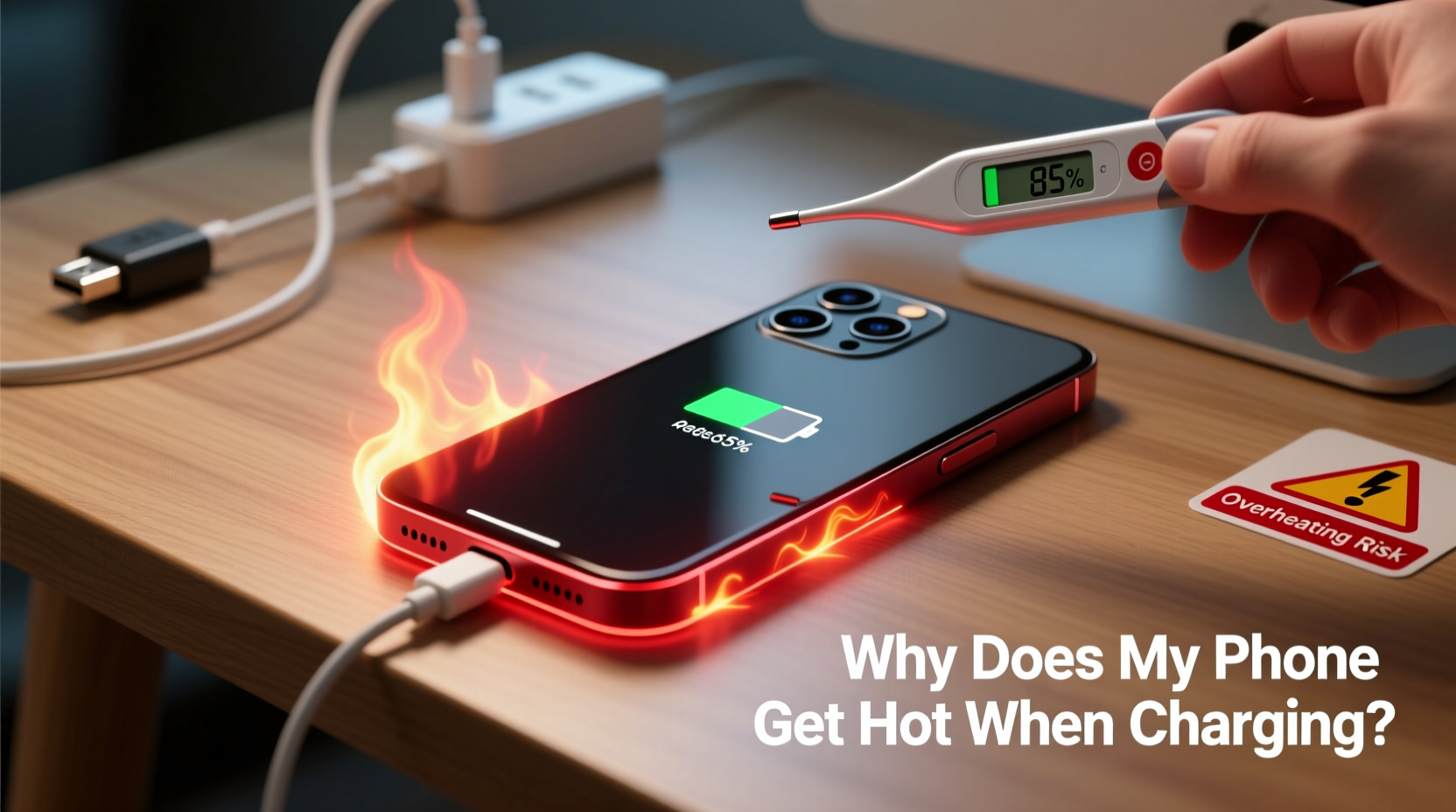
Several factors contribute to a phone heating up while charging. The process of converting electrical energy into stored battery power inherently generates some heat. However, certain conditions amplify this effect significantly.
- Battery chemistry: Lithium-ion batteries, used in nearly all modern smartphones, generate heat during both charging and discharging. Fast charging accelerates this process, increasing thermal output.
- High-power chargers: Using a charger with higher wattage than recommended (e.g., a 65W charger on a phone that supports only 18W) doesn’t always cause overheating—but if the phone’s internal regulation fails, excess energy converts to heat.
- Poor-quality cables or adapters: Counterfeit or damaged charging accessories often lack proper voltage regulation, leading to inconsistent current flow and increased resistance, which produces heat.
- Background activity: Running resource-heavy apps—like GPS navigation, video streaming, or gaming—while charging forces the processor and battery to work harder, compounding heat generation.
- Ambient temperature: Charging in direct sunlight, a hot car, or near a heater raises the baseline temperature, making it harder for the phone to dissipate heat.
- Case insulation: Thick silicone or leather cases trap heat, especially when combined with fast charging.
Potential Dangers of an Overheating Phone
While occasional warmth is expected, sustained high temperatures can lead to serious consequences. Ignoring persistent overheating may result in irreversible damage or hazardous situations.
“Prolonged exposure to high temperatures degrades lithium-ion batteries at the chemical level, reducing capacity and increasing failure risk.” — Dr. Alan Reyes, Battery Technology Researcher at MIT Energy Initiative
Battery Degradation
Heat is one of the most damaging factors for lithium-ion batteries. According to studies by Battery University, keeping a battery above 30°C (86°F) for extended periods accelerates capacity loss. After just a few months of regular overheating, users may notice their phone dying much faster, even after a full charge.
Performance Throttling
To protect internal components, phones automatically reduce CPU speed when they overheat. This leads to sluggish performance, app crashes, and unresponsiveness—especially frustrating during critical tasks or emergencies.
Fire and Explosion Risk
Though rare, extreme overheating can lead to thermal runaway—a chain reaction where rising temperature causes further heat generation, potentially resulting in fire or explosion. Incidents involving swollen batteries or burning devices have been reported globally, often linked to faulty chargers or physical battery damage.
Data Loss and Hardware Failure
Excessive heat affects not only the battery but also memory chips, displays, and circuitry. Prolonged exposure may corrupt data or permanently disable components, necessitating costly repairs or replacement.
How to Diagnose and Fix an Overheating Phone
Before assuming the worst, assess whether the heat is within normal range or indicates a deeper problem. Use these steps to identify and resolve the issue.
Step-by-Step Guide to Troubleshooting Overheating
- Check surface temperature: If the phone is too hot to hold comfortably (above 40°C / 104°F), it's overheating.
- Unplug immediately: Stop charging and turn off the phone if it feels excessively hot.
- Inspect the charger and cable: Look for frayed wires, bent connectors, or branding inconsistencies. Replace with manufacturer-approved accessories.
- Observe usage patterns: Note if overheating occurs only during fast charging, specific app use, or in certain environments.
- Test without case: Remove any protective cover and recharge under normal room conditions.
- Monitor background apps: Close unused apps, disable location services, and limit push notifications.
- Update software: Install the latest OS update—many include thermal management improvements.
- Reset settings: As a last step before service, reset network and system settings to eliminate configuration issues.
When to Seek Professional Help
If the phone continues to overheat despite using genuine accessories and optimal conditions, internal hardware may be failing. Signs include:
- Visible bulging or warping of the screen or back panel
- Charging interruptions or sudden shutdowns
- Unusual smells (burning plastic or metallic odor)
- Frequent warnings like “Temperature too high”
In such cases, stop using the device and contact the manufacturer or an authorized repair center. Do not attempt to open or repair the phone yourself.
Prevention Checklist: Keep Your Phone Cool While Charging
Proactive habits go a long way in preventing overheating. Follow this checklist regularly:
- ✅ Use original or certified charging accessories
- ✅ Avoid charging under pillows, blankets, or thick surfaces
- ✅ Charge in a cool, dry place away from direct sunlight
- ✅ Turn off or enable airplane mode during overnight charging
- ✅ Remove thick cases while charging
- ✅ Limit intensive app usage while plugged in
- ✅ Keep software and firmware updated
- ✅ Avoid leaving the phone in a hot car
Real-Life Example: A Cautionary Scenario
Consider the case of Maria, a rideshare driver who kept her phone mounted on the dashboard and charged continuously during 10-hour shifts. She used a third-party fast charger and left GPS, music, and messaging apps running simultaneously. After three months, she noticed the phone became too hot to touch, battery life dropped from all-day to half a day, and one evening, the screen flickered and shut down mid-trip.
She visited a repair shop, where technicians found significant battery swelling due to chronic overheating. The technician explained that constant exposure to high temperatures—exacerbated by direct sun on the dashboard and non-stop processing load—had degraded the battery beyond recovery. Replacing the battery cost $75, and she lost unsaved trip data. Since switching to a slower charger, parking in shaded areas, and closing unnecessary apps while driving, her new phone runs cooler and lasts longer.
Maria’s experience highlights how everyday habits, when unchecked, can compound into serious device issues.
Do’s and Don’ts: Charging Best Practices
| Do’s | Don’ts |
|---|---|
| Use manufacturer-recommended chargers and cables | Use cheap, unbranded charging accessories |
| Charge in a well-ventilated area | Charge under pillows, blankets, or cushions |
| Remove case if phone gets warm | Leave phone in direct sunlight while charging |
| Enable battery optimization features | Run games or videos while fast charging |
| Keep battery between 20% and 80% for daily use | Leave phone plugged in overnight regularly |
Frequently Asked Questions
Is it normal for my phone to get warm while charging?
Yes, mild warmth is normal, especially with fast charging. However, if the phone becomes too hot to hold, shuts down unexpectedly, or displays overheating warnings, there’s likely an issue requiring attention.
Can an overheating phone explode?
While extremely rare, yes—under severe conditions such as damaged batteries, defective chargers, or physical impact followed by charging, thermal runaway can occur. Modern phones have multiple safety layers, but risks increase with poor handling or substandard accessories.
Does wireless charging make phones hotter than wired?
Generally, yes. Wireless charging is less efficient than wired, losing more energy as heat. Phones often run warmer during wireless charging, especially if placed on non-certified pads or used simultaneously. For cooler operation, opt for wired charging when possible.
Conclusion: Protect Your Device and Yourself
Your smartphone is a sophisticated piece of technology designed to manage energy efficiently—but it relies on user behavior to operate safely. Heat during charging isn't something to ignore, even if the device still functions. Over time, repeated overheating diminishes battery health, slows performance, and increases safety risks. By choosing quality accessories, avoiding high-temperature environments, and monitoring usage patterns, you can prevent most overheating issues before they start.
Taking simple precautions today ensures your phone remains reliable, safe, and durable for years. Whether you're a heavy user, a parent, or someone who depends on their phone for work, being mindful of heat is part of responsible ownership. Share these insights with friends and family—because a cooler phone isn’t just more comfortable, it’s safer and smarter.




 浙公网安备
33010002000092号
浙公网安备
33010002000092号 浙B2-20120091-4
Comments
No comments yet. Why don't you start the discussion?