
It’s a familiar scenario: you’re relying on your phone for turn-by-turn navigation, and within minutes, the device becomes uncomfortably warm—sometimes even hot enough to make you pause. You might wonder: is this normal? Could the heat damage your phone or pose a safety risk? The answer lies in how modern smartphones manage complex tasks like GPS tracking, and understanding the underlying processes can help you use your device more safely and efficiently.
GPS usage triggers multiple hardware components simultaneously, demanding significant processing power and energy. This workload generates heat, especially during extended use. While some warmth is expected, persistent or extreme heating may signal deeper issues or inefficient usage patterns. More importantly, knowing how to respond can protect your phone’s longevity and ensure uninterrupted navigation when you need it most.
How GPS Usage Generates Heat in Smartphones
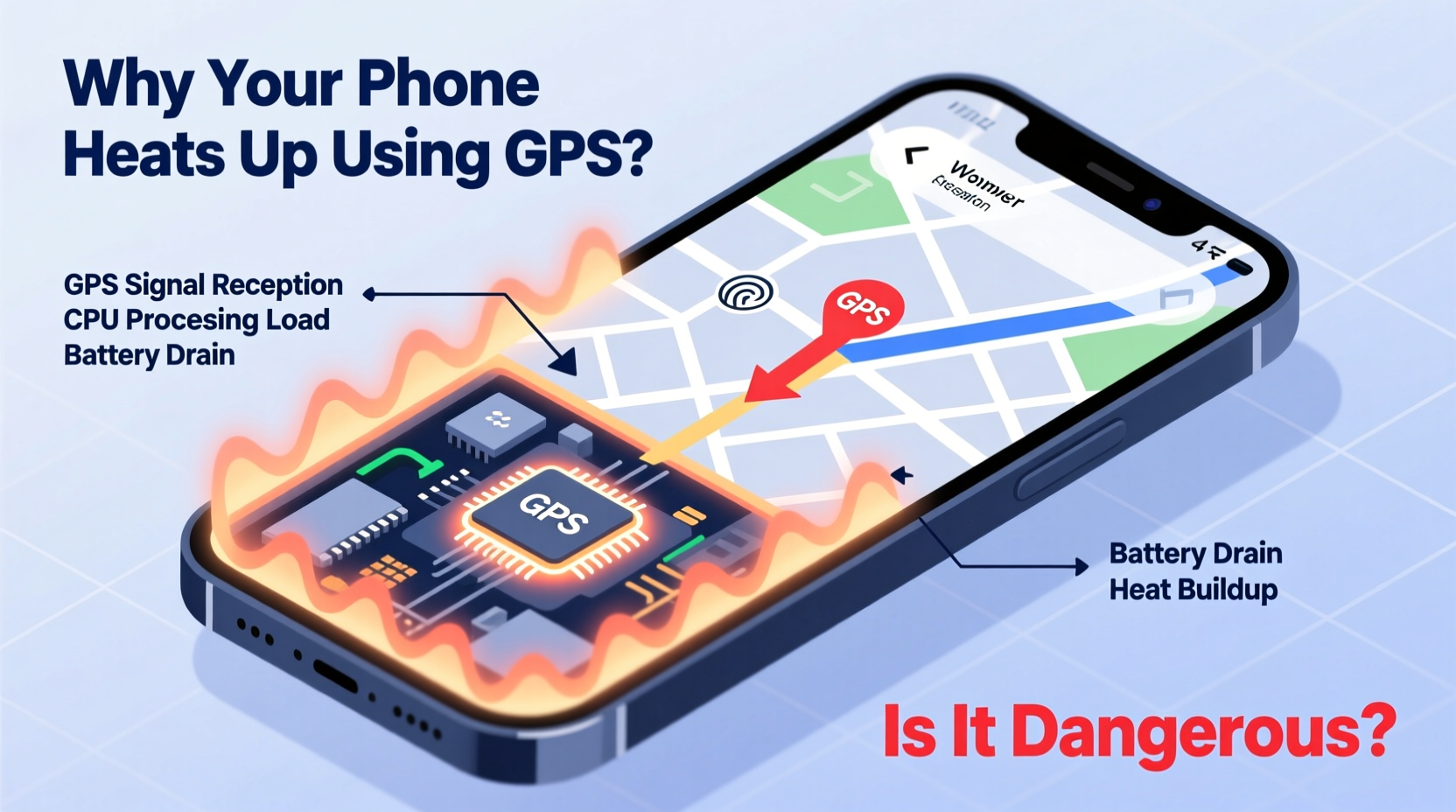
When you activate GPS on your smartphone, you're not just turning on a single function. You're engaging a network of sensors, processors, and wireless systems that work in tandem to determine and update your location in real time. Each of these components contributes to thermal output.
The Global Positioning System relies on signals from at least four satellites orbiting Earth. Your phone’s GPS receiver must constantly interpret these weak signals, often under challenging conditions like urban canyons or dense tree cover. To maintain accuracy, the system runs frequent calculations, which requires sustained CPU activity. Unlike simple background apps, GPS navigation demands continuous high-performance processing, particularly when combined with map rendering, voice guidance, and live traffic updates.
In addition to the GPS chip itself, other components ramp up activity:
- Processor (CPU/GPU): Renders maps, calculates routes, and updates your position on screen—tasks that require intensive graphical and computational power.
- Display: Bright screens, especially on long drives, consume substantial energy and generate heat.
- Cellular Radio: Downloads map data, traffic information, and satellite imagery in real time, increasing power draw.
- Battery: As current flows to support all these functions, internal resistance causes the battery to warm up—a natural but cumulative effect.
This combination creates a feedback loop: more power consumption leads to higher temperatures, which in turn reduces battery efficiency, prompting the system to draw even more power to maintain performance.
Is Phone Heating During GPS Use Dangerous?
Mild to moderate warmth during GPS use is generally not dangerous. Modern smartphones are engineered with thermal regulation systems that monitor temperature and throttle performance if needed. However, consistently high temperatures—especially above 45°C (113°F)—can lead to long-term consequences.
Lithium-ion batteries, which power nearly all smartphones, degrade faster when exposed to heat. According to research by Battery University, sustained exposure to temperatures above 30°C accelerates capacity loss. For example, a battery kept at 40°C with 100% charge can lose up to 35% of its capacity in one year, compared to just 6% at 25°C.
“Prolonged operation at elevated temperatures is one of the most damaging factors for lithium-ion battery health.” — Dr. Isidor Buchmann, Founder of Battery University
Excessive heat can also trigger automatic shutdowns. iPhones, for instance, may display a warning: “Temperature: iPhone needs to cool down before you can use it.” Android devices behave similarly, often reducing processor speed or disabling GPS until temperatures drop. In rare cases, extreme overheating—especially in poorly ventilated environments like direct sunlight inside a car—can cause permanent hardware damage or, in worst-case scenarios, swelling of the battery.
Signs Your Phone Is Overheating Dangerously
Watch for these red flags:
- Sudden app crashes or GPS disconnections
- Noticeable slowdown in performance
- Physical discomfort when holding the device
- Visible warping or bulging of the casing
- Frequent shutdowns during navigation
If your phone regularly exhibits these symptoms during GPS use, it’s a sign that thermal management is failing or usage conditions need adjustment.
Common Factors That Worsen GPS-Related Overheating
While GPS inherently produces heat, several external and behavioral factors can intensify the problem:
- Poor Signal Conditions: Weak GPS or cellular signals force your phone to “search” harder, increasing radio transmission power and energy use.
- Direct Sunlight: Leaving your phone on a dashboard in bright sun can raise internal temperatures beyond safe limits—even without active use.
- Thick Cases: Insulating materials trap heat, preventing dissipation. Rubber or silicone cases are particularly problematic during long navigation sessions.
- Background Apps: Social media, music streaming, or cloud sync processes add to CPU load, compounding thermal stress.
- Older Devices: Aging batteries and degraded thermal paste reduce efficiency, making overheating more likely.
A real-world example illustrates this: Sarah, a rideshare driver in Phoenix, noticed her three-year-old Android phone frequently shutting down during summer shifts. Despite using GPS only for navigation, the combination of prolonged screen-on time, high ambient temperatures (often over 40°C/104°F inside her car), and a bulky protective case led to chronic overheating. After switching to a vent-mounted setup without a case and pre-downloading offline maps, her phone remained functional throughout 10-hour days.
Practical Steps to Reduce GPS-Induced Heating
You don’t need to stop using GPS to avoid overheating. Instead, adopt smarter usage habits and optimize your device settings for thermal efficiency.
Step-by-Step Guide to Cooler Navigation
- Download Offline Maps: Use Google Maps or HERE WeGo to download regional maps. This reduces reliance on cellular data, lowering radio activity and power draw.
- Lower Screen Brightness: Set brightness to 50% or lower. Consider enabling auto-brightness to adapt to lighting conditions.
- Remove Protective Case: Take off insulating cases during long trips to improve airflow and heat dissipation.
- Close Background Apps: Swipe away unused apps to free up memory and reduce CPU strain.
- Use Airplane Mode Strategically: If you’ve downloaded maps, enable airplane mode and manually turn on Wi-Fi or Bluetooth as needed. This disables unnecessary radios.
- Ventilate the Device: Avoid placing the phone directly on leather seats or dashboards. Use a mount that allows air circulation around the edges.
- Monitor Temperature: Install a system monitoring app (e.g., CPU-Z for Android) to track real-time temperature and detect abnormal spikes.
Do’s and Don’ts When Using GPS
| Do’s | Don’ts |
|---|---|
| Pre-download maps for your route | Leave the phone in direct sunlight |
| Use a well-ventilated phone mount | Run GPS while fast-charging |
| Turn off Bluetooth and Wi-Fi if not needed | Ignore repeated overheating warnings |
| Keep software updated for optimized performance | Use resource-heavy launchers or live wallpapers |
| Take breaks during multi-hour trips to let the phone cool | Block speaker grilles or ports with mounts |
Frequently Asked Questions
Can GPS permanently damage my phone?
Occasional heating during GPS use won’t cause permanent damage. However, repeated exposure to high temperatures—especially above 45°C—can degrade the battery, reduce performance over time, and potentially damage internal components. Consistent overheating shortens the overall lifespan of the device.
Does using a car charger increase overheating risk?
Yes. Charging while using GPS forces the battery to handle both energy input and high output simultaneously, creating excess heat. Fast chargers exacerbate this. To minimize risk, use low-wattage chargers (5W–10W) and avoid charging to 100% during navigation.
Are some phones better at handling GPS heat than others?
Yes. Flagship models often include advanced thermal management, such as vapor chambers or graphite cooling layers. Phones designed for outdoor or rugged use (e.g., Samsung Galaxy XCover, Cat S series) typically have better heat dissipation. Additionally, newer chipsets are more energy-efficient, generating less heat under load.
Protecting Your Device for Long-Term Reliability
Smartphone longevity depends heavily on how you treat it under stress. GPS navigation is one of the most demanding everyday tasks, and managing its thermal impact should be part of your digital hygiene. By understanding the sources of heat and adjusting your habits accordingly, you can maintain peak performance without risking hardware failure.
Consider setting up your phone for navigation like a professional driver: minimal apps, offline resources, optimal placement, and awareness of environmental conditions. These small changes compound into significant benefits—longer battery life, fewer interruptions, and a device that remains reliable for years.
“The best way to extend your phone’s life isn’t buying a new model every year—it’s managing how you use it under load.” — Lin Zhao, Mobile Hardware Analyst at TechDurability Labs
Conclusion
Your phone getting warm during GPS use is normal; becoming hot is a warning sign. While modern devices are built to handle temporary heat, ignoring persistent overheating can lead to reduced battery life, performance throttling, and even safety concerns. The good news is that simple adjustments—like downloading maps, removing cases, and optimizing settings—can keep temperatures in check without sacrificing functionality.




 浙公网安备
33010002000092号
浙公网安备
33010002000092号 浙B2-20120091-4
Comments
No comments yet. Why don't you start the discussion?