
It’s a familiar scenario: you’re navigating through an unfamiliar city, relying on GPS for directions, when suddenly your phone starts feeling uncomfortably warm—sometimes even too hot to hold. While some heat is expected during intensive tasks, persistent or extreme warmth can raise concerns about performance, battery life, and long-term device health. Understanding the science behind this phenomenon helps separate normal operation from warning signs that demand attention.
GPS functionality, while essential for navigation, fitness tracking, and location-based services, places significant demands on your phone’s hardware. The combination of satellite signal processing, constant data transmission, screen brightness, and background app activity creates a perfect storm for thermal buildup. But not all heat is created equal. Knowing what causes it, how to manage it, and when to intervene can make the difference between a smoothly running device and one at risk of damage.
How GPS Use Contributes to Phone Heating
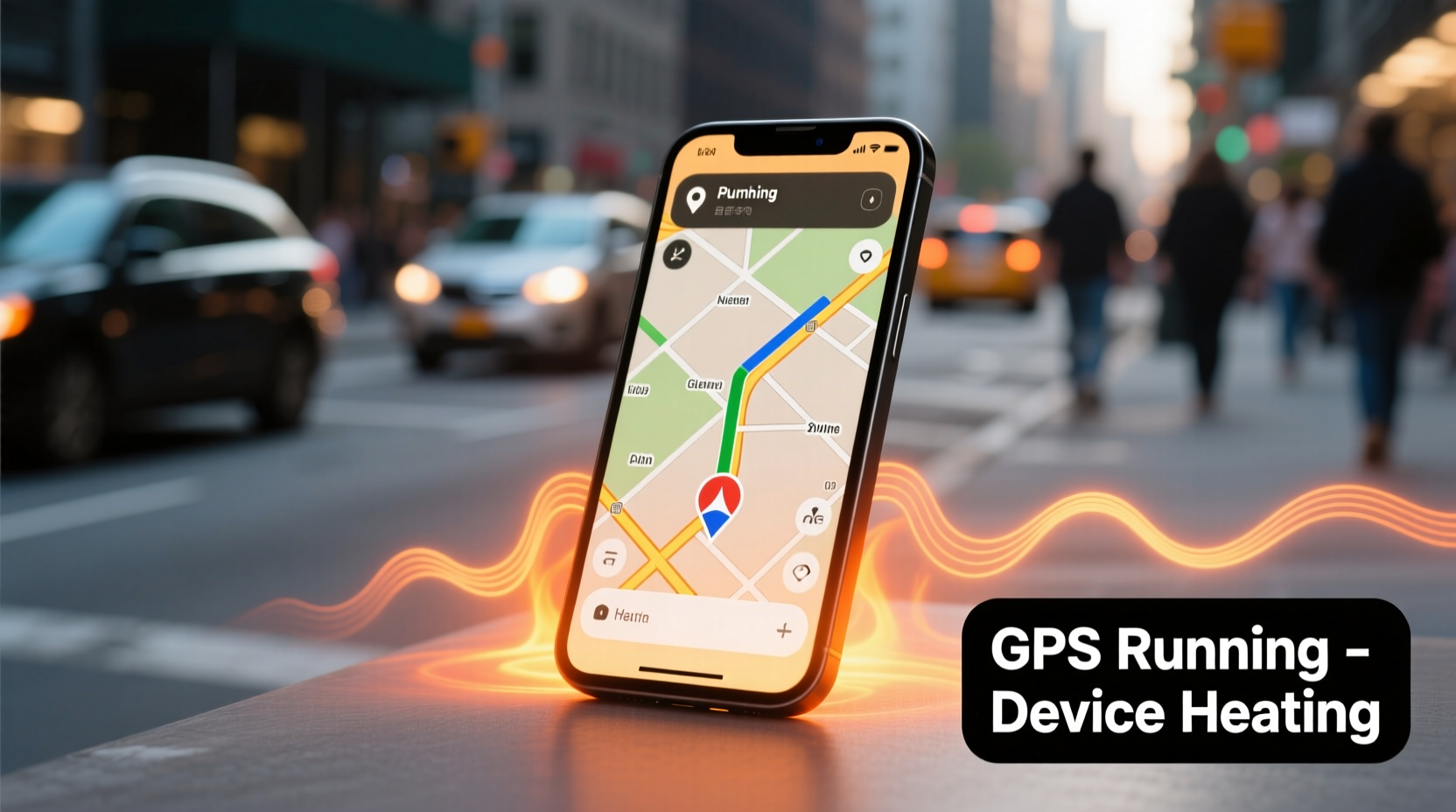
Your smartphone doesn’t just “turn on” GPS like a flashlight—it engages multiple systems simultaneously. When GPS is active, the phone’s processor works harder to calculate your position using signals from satellites orbiting Earth. This process, known as trilateration, requires continuous computation, especially when high accuracy is needed.
Beyond the GPS chip itself, several components contribute to heat generation:
- Processor (CPU/GPU): Runs navigation apps, renders maps, and processes real-time traffic updates.
- Radio modules: Constantly communicate with GPS satellites, Wi-Fi networks, and cellular towers to triangulate location.
- Display: Bright screens consume more power and generate additional heat, particularly during extended outdoor use.
- Battery: Increased energy draw leads to internal resistance and heat production within the battery cells.
In essence, using GPS transforms your phone into a mobile command center. The longer the session—such as a two-hour road trip—the more sustained the workload, and the greater the likelihood of noticeable warmth.
Normal vs. Abnormal Heat: What You Should Watch For
A slightly warm phone during GPS use is generally harmless. However, there are thresholds beyond which heat becomes a concern. Apple and Android manufacturers design phones to operate safely up to around 35°C (95°F) under normal conditions. During heavy use, surface temperatures may rise to 40–45°C (104–113°F), which feels hot but is still within operational limits.
The following table outlines key indicators of acceptable versus problematic heating:
| Temperature Range | Sensation | Status | Action Required |
|---|---|---|---|
| 30–35°C (86–95°F) | Slightly warm | Normal | None |
| 36–40°C (97–104°F) | Warm to touch | Moderate | Monitor; reduce load if possible |
| 41–45°C (106–113°F) | Hot, uncomfortable | Caution zone | Pause GPS, cool down |
| Over 45°C (113°F) | Painfully hot | Dangerous | Shut down immediately |
If your phone exceeds 45°C, especially if accompanied by performance throttling, unexpected shutdowns, or visible warping, it has entered a danger zone. Prolonged exposure to such temperatures can degrade battery capacity, weaken adhesive seals, and shorten the lifespan of internal components.
“Sustained high temperatures accelerate lithium-ion battery degradation. Even brief episodes above 45°C can reduce overall battery health over time.” — Dr. Lin Zhao, Mobile Device Engineer, University of Michigan
Common Causes of Excessive Heat During GPS Use
While GPS usage inherently generates heat, certain factors amplify thermal output beyond typical levels. Identifying these contributors allows users to mitigate risks before they escalate.
Poor Signal Conditions
In areas with weak GPS reception—such as dense urban environments, tunnels, or mountainous regions—your phone increases radio power to maintain connectivity. This heightened signal search effort significantly boosts energy consumption and heat production.
Background App Activity
Navigation apps rarely run in isolation. Music streaming, messaging alerts, live traffic updates, and cloud syncing all run concurrently, taxing the CPU and draining the battery faster. Each additional process contributes incrementally to thermal load.
Charging While Using GPS
Using GPS while charging creates a double burden: the battery is both discharging (to power the system) and charging (from external power). This conflicting state increases internal resistance and heat, especially with fast chargers or low-quality cables.
Ambient Temperature
External environment plays a major role. A phone used in direct sunlight on a 35°C (95°F) day absorbs radiant heat, making it harder for internal cooling mechanisms to dissipate warmth. Dashboard mounting in parked cars can push internal temperatures past safe limits within minutes.
Step-by-Step Guide to Prevent GPS-Related Overheating
Preventing excessive heat isn’t about avoiding GPS altogether—it’s about managing usage intelligently. Follow this five-step plan to keep your device running cool and efficiently:
- Download Offline Maps
Use Google Maps, HERE WeGo, or Apple Maps to download regional maps ahead of time. This reduces reliance on constant data fetching and lowers network strain. - Lower Screen Brightness
Set brightness to 50% or lower, or enable auto-brightness. High screen output accounts for up to 30% of total power consumption. - Close Unnecessary Background Apps
Before starting navigation, swipe away unused apps. Disable auto-sync for email and social media during travel. - Use Airplane Mode Strategically
If you’ve downloaded offline maps, turn on airplane mode and manually re-enable GPS (location services). This disables cellular and Wi-Fi radios, cutting power use dramatically. - Improve Ventilation
Avoid enclosing the phone in thick cases or placing it against upholstery. Use a vent-mounted holder instead of a closed dashboard slot to allow airflow.
For frequent travelers or delivery drivers who rely on GPS daily, consider investing in a dedicated GPS unit or a ruggedized phone designed for thermal resilience. These devices often feature better heat dissipation and optimized power management.
When to Worry: Warning Signs That Demand Action
Occasional warmth is expected. But recurring or severe symptoms suggest deeper issues. Be alert for the following red flags:
- Frequent automatic shutdowns during GPS use
- Noticeable lag or app crashes when navigating
- Battery draining unusually fast—even with moderate use
- Physical changes: warping, bulging battery, or discoloration
- Repeated overheating warnings from the operating system
Modern smartphones include built-in thermal sensors that trigger protective measures. On iPhones, iOS may display: “Temperature: iPhone needs to cool down before you can use it.” Android devices show similar alerts like “Device overheating.” These messages should never be ignored. Continuing to use the phone under such conditions risks permanent hardware damage.
Mini Case Study: The Delivery Driver’s Dilemma
Carlos, a food delivery driver in Phoenix, noticed his Android phone frequently shutting down mid-route during summer afternoons. Initially dismissing it as “just getting hot,” he began experiencing missed deliveries and customer complaints. After consulting a technician, he learned that mounting his phone directly on a sun-exposed dashboard pushed internal temperatures above 50°C. The battery had swollen slightly, and performance was severely throttled.
By switching to a vent-mounted holder, removing his silicone case during shifts, and downloading offline maps, Carlos reduced average operating temperatures by 8°C. His phone now lasts full shifts without interruption, and battery health stabilized after three months of cooler operation.
Frequently Asked Questions
Can GPS damage my phone over time?
GPS itself won’t damage your phone under normal conditions. However, prolonged overheating caused by extended GPS use—especially in poor ventilation or high ambient temperatures—can degrade the battery and other components over time. Managing heat effectively prevents long-term harm.
Is it safe to use GPS while charging?
It’s technically safe but not ideal. Charging while using GPS increases heat generation due to simultaneous input and output of power. If necessary, use a low-wattage charger and avoid fast charging. Never leave the phone unattended in hot environments like parked cars.
Why does my phone get hotter with Google Maps than Apple Maps?
Differences in app optimization, background data usage, and interface complexity affect thermal output. Google Maps often runs more background services (e.g., live traffic, local search) compared to Apple Maps. However, individual results vary based on device model, software version, and settings.
Checklist: Keep Your Phone Cool During GPS Use
Print or save this checklist for quick reference before your next trip:
- ✅ Download offline maps for your route
- ✅ Lower screen brightness to 50% or less
- ✅ Close all non-essential apps
- ✅ Remove thick or insulating phone case
- ✅ Use a ventilated mount (vent or windshield) instead of dashboard
- ✅ Avoid direct sunlight exposure
- ✅ Charge battery fully before departure to minimize charging en route
- ✅ Monitor for overheating warnings and act immediately
Conclusion: Stay Informed, Stay in Control
Your phone heating up during GPS use is usually a sign of hard work, not failure. But understanding the balance between normal operation and potential risk empowers you to protect your device and ensure reliable performance. Simple habits—like reducing screen brightness, managing background apps, and improving airflow—can prevent minor warmth from escalating into serious overheating.
Technology should serve you, not stress you. By recognizing the early signs of thermal strain and taking proactive steps, you extend your phone’s lifespan, maintain battery health, and enjoy uninterrupted navigation. Don’t wait for a shutdown or warning message to take action. Start applying these strategies today and keep your phone running cool, no matter where your journey takes you.




 浙公网安备
33010002000092号
浙公网安备
33010002000092号 浙B2-20120091-4
Comments
No comments yet. Why don't you start the discussion?