
It’s a familiar scenario: you’re on a road trip, relying on GPS navigation to guide you through unfamiliar terrain, when suddenly your phone starts feeling uncomfortably warm—maybe even too hot to touch. You might wonder if this is normal or a sign of a deeper issue. The truth is, smartphones heating up during GPS use is common, but understanding why it happens—and how to manage it—is essential for both device longevity and safety.
Modern smartphones are powerful mini-computers, capable of handling complex tasks like real-time location tracking, high-resolution map rendering, voice guidance, and constant data streaming. All these functions generate heat. When combined with external factors like direct sunlight or poor ventilation, that heat can accumulate quickly. This article breaks down the primary reasons your phone heats up during GPS navigation, identifies the internal and external heat sources, and provides actionable strategies to keep your device running cool and efficiently.
The Science Behind Phone Heating During GPS Use
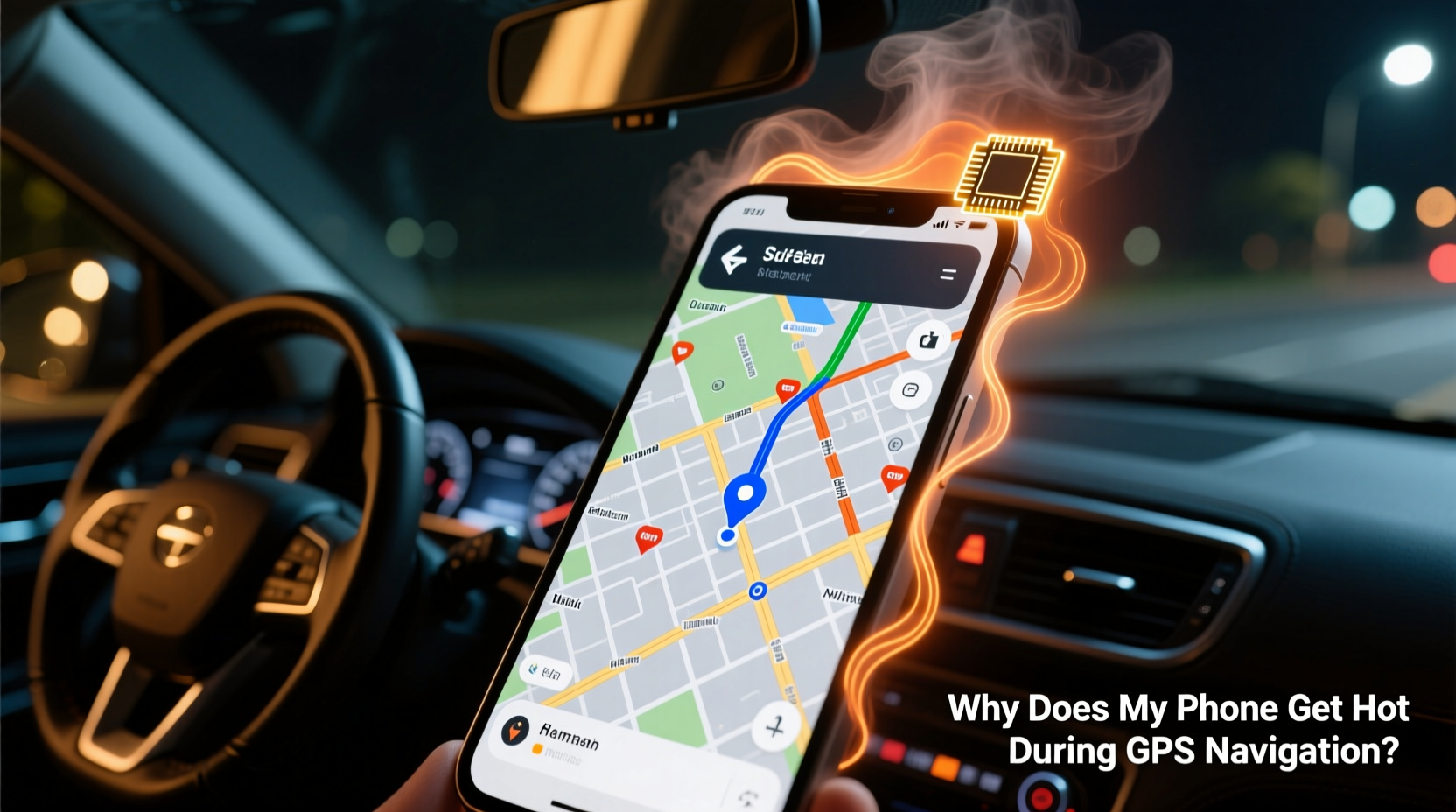
Heat generation in smartphones is primarily due to electrical resistance within components. As current flows through circuits, energy is lost as heat—a phenomenon known as Joule heating. During GPS navigation, multiple subsystems work simultaneously at high intensity, increasing power consumption and thermal output.
The main contributors include:
- GPS receiver module: Constantly acquiring satellite signals requires sustained processing power.
- CPU and GPU: Rendering 3D maps, calculating routes, and animating turn-by-turn directions demand significant computational resources.
- Display: Bright screens, especially OLED or AMOLED panels, consume more power and emit heat.
- Mobile data/Wi-Fi: Streaming live traffic updates, downloading map tiles, and syncing with cloud services keep the modem active and hot.
- Battery: Charging while navigating compounds heat production due to dual load (charging + discharging).
According to Dr. Lin Zhao, an electronics thermal management researcher at MIT, “Smartphones operate best between 0°C and 35°C. Beyond that, performance throttling kicks in to protect hardware. Prolonged exposure to temperatures above 45°C can degrade battery capacity and shorten overall lifespan.”
“Every watt of power consumed by your phone ultimately turns into heat. Navigation apps push multiple systems to their limits, making thermal buildup almost inevitable without proper mitigation.” — Dr. Lin Zhao, Electronics Thermal Management Researcher, MIT
Internal Heat Sources: What’s Working Harder Than You Think?
While GPS seems like a single function, it triggers a cascade of interdependent processes across your phone’s architecture. Each plays a role in heat generation.
1. GPS and Sensor Fusion
Your phone doesn’t rely solely on GPS satellites. It uses sensor fusion—combining inputs from GPS, Wi-Fi triangulation, cellular towers, accelerometers, gyroscopes, and magnetometers—to deliver accurate positioning, especially in tunnels or urban canyons. This multi-sensor coordination increases CPU workload significantly.
2. High-Performance Processing
Navigation apps like Google Maps, Waze, or Apple Maps require continuous route recalculations, especially when traffic conditions change. These calculations involve complex algorithms processed by the CPU and supported by the GPU for smooth visual transitions. On mid-range or older devices, this sustained load leads to noticeable thermal stress.
3. Screen Brightness and Resolution
Outdoor visibility often forces users to max out screen brightness. A display running at 80–100% brightness can account for up to 40% of total power draw. Higher-resolution screens (e.g., QHD+) intensify this effect, contributing directly to heat buildup.
4. Network Activity
Real-time traffic updates, rerouting suggestions, and live ETA adjustments require constant internet connectivity. Whether over 4G/5G or Wi-Fi, the radio module works harder than usual, generating heat independently of other components.
External Factors That Amplify Overheating
Even if your phone manages internal heat well, environmental conditions can push temperatures into dangerous zones.
| Factor | Impact on Temperature | Mitigation Strategy |
|---|---|---|
| Direct Sunlight (e.g., dashboard mounting) | Can raise surface temperature by 15–25°C | Use sunshades; position phone away from direct light |
| Poor Ventilation (e.g., enclosed car mounts) | Traps heat, slows cooling | Choose open-design mounts; avoid sealed cases |
| Charging While Navigating | Adds 5–10°C due to dual energy flow | Use low-wattage chargers; charge before departure |
| Ambient Temperature (hot climates) | Reduces thermal headroom | Start trips with a cool device; park in shade |
In one documented case, a driver in Arizona reported her phone shutting down mid-navigation after being mounted on a dashboard in 100°F (38°C) weather. Despite functioning normally indoors, the combination of solar gain and app usage pushed internal temperatures beyond the safe threshold. After switching to a vent-mounted holder and enabling airplane mode with offline maps, she experienced no further overheating—even on 110-mile journeys.
Mini Case Study: Long-Distance Commuter in Texas
Mark R., a field service technician in Houston, drives over 1,200 miles weekly. He noticed his Android phone frequently warning of overheating during summer months. Diagnostics revealed CPU temperatures reaching 52°C during extended navigation sessions. By implementing three changes—downloading regional offline maps, lowering screen brightness to 60%, and using a magnetic vent mount instead of a sticky dashboard pad—he reduced average operating temperature by 8°C. His phone now completes full-day routes without throttling or shutdowns.
Practical Steps to Prevent Excessive Heating
You don’t need to stop using GPS navigation—just optimize how you use it. Follow this step-by-step guide to minimize heat accumulation:
- Pre-download maps: In Google Maps, search for your destination area, tap the name, and select “Download” under Offline Maps. This reduces data fetching and server requests.
- Lower screen brightness manually: Auto-brightness often overcompensates. Set it to 50–60% and use dark mode if available.
- Enable Airplane Mode (with Wi-Fi on): If using offline maps, disable cellular data to stop background syncs while keeping GPS functional.
- Close unused apps: Background apps consume RAM and CPU cycles, adding to thermal load.
- Avoid charging during navigation: If necessary, use a standard 5W charger instead of fast-charging bricks to reduce heat input.
- Remove thick cases: Silicone or rugged cases trap heat. Consider removing them during long drives.
- Use passive cooling methods: Park in shaded areas when stopping; place phone near AC vents; never leave it unattended in direct sun.
Checklist: Keep Your Phone Cool During GPS Navigation
- ✅ Download offline maps before departure
- ✅ Reduce screen brightness to 60% or less
- ✅ Switch to dark mode in your navigation app
- ✅ Mount phone in a ventilated area (e.g., air vent)
- ✅ Avoid direct sunlight exposure
- ✅ Disable unnecessary notifications and background apps
- ✅ Refrain from fast charging while navigating
- ✅ Monitor temperature via built-in diagnostics (if available)
Frequently Asked Questions
Is it harmful if my phone gets hot during GPS use?
Occasional warmth is normal, but sustained high temperatures (above 45°C) can accelerate battery degradation and cause temporary performance throttling. Repeated exposure may reduce your phone’s lifespan. If the device feels too hot to hold or displays overheating warnings, stop using it immediately and let it cool down.
Does using GPS drain the battery faster?
Yes. GPS, combined with screen usage and data connectivity, is one of the most power-intensive operations on a smartphone. Expect up to 20–30% battery loss per hour under heavy navigation use, depending on model and settings.
Can I damage my phone by using it for navigation in hot weather?
Potentially. Manufacturers design phones to operate safely within specific temperature ranges (usually 0–35°C). Operating outside this range—especially above 45°C—can trigger automatic shutdowns, and chronic overheating may lead to permanent battery swelling or component failure.
Conclusion: Navigate Smarter, Not Hotter
Your phone heating up during GPS navigation isn’t just inconvenient—it’s a signal that multiple systems are under strain. While modern devices are engineered to handle temporary thermal spikes, consistent overheating compromises performance, battery health, and safety. The good news is that simple behavioral and technical adjustments can make a dramatic difference.
By understanding the interplay between internal processing demands and external environmental factors, you gain control over your device’s thermal profile. Whether you're commuting daily or embarking on a cross-country adventure, applying these strategies ensures your phone remains reliable, responsive, and cool under pressure.




 浙公网安备
33010002000092号
浙公网安备
33010002000092号 浙B2-20120091-4
Comments
No comments yet. Why don't you start the discussion?