
It’s a familiar scene: you plug in your phone, only to pick it up moments later and find it uncomfortably warm—sometimes even hot enough to make you pause. While a slight warmth during charging is normal, excessive heat can signal deeper issues. Overheating doesn’t just reduce charging efficiency—it can degrade battery life, damage internal components, and in extreme cases, pose safety risks. Understanding why your phone heats up while charging, recognizing when it becomes dangerous, and knowing how to prevent or fix the issue are essential for both performance and longevity.
Why Phones Heat Up During Charging
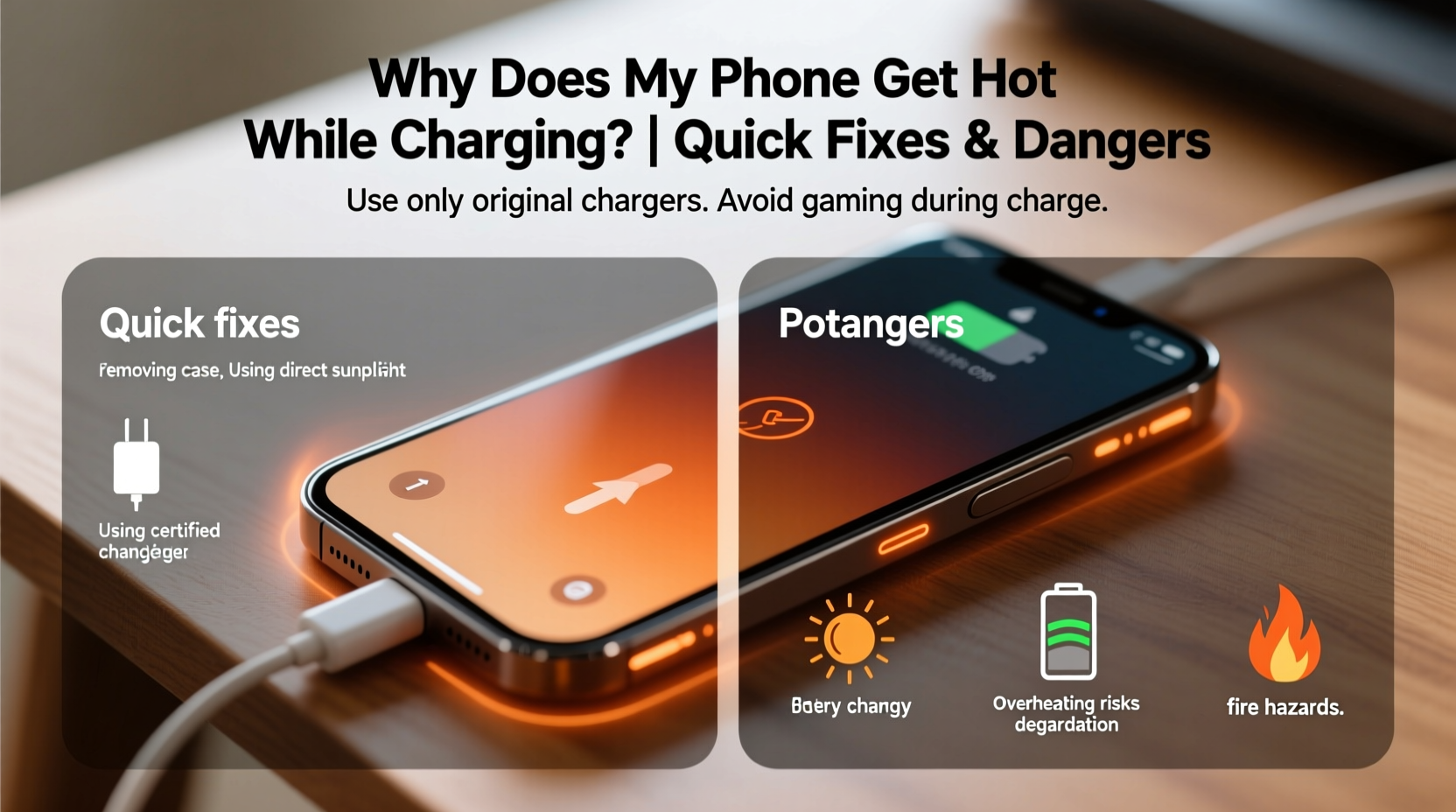
When you charge your phone, electrical energy flows into the battery, converting from alternating current (AC) to direct current (DC) via the charger and internal circuitry. This process generates heat as a natural byproduct. The faster the charging speed, the more energy is transferred in a shorter time, increasing thermal output. Additionally, modern smartphones pack powerful processors, high-resolution displays, and dense batteries into compact designs, leaving little room for heat dissipation.
Beyond physics, several factors amplify heating:
- Fast charging technology: While convenient, 30W, 65W, or even 100W+ chargers push large currents through the battery, significantly raising temperature.
- Background activity: Apps running in the background, GPS tracking, syncing data, or streaming audio continue consuming power even while charging.
- Poor ventilation: Placing your phone under a pillow, on a bed, or inside a thick case traps heat.
- Aged or low-quality batteries: As lithium-ion batteries degrade over time, they become less efficient and generate more heat during charging.
- Defective or non-certified chargers: Third-party adapters may not regulate voltage properly, leading to unstable current flow and excess heat.
“Any device that converts energy will produce heat. The key isn’t eliminating heat entirely, but managing it before it damages sensitive electronics.” — Dr. Lena Patel, Electrical Engineer & Mobile Device Safety Researcher
Dangers of an Overheating Phone
Occasional warmth is expected. Sustained high temperatures, however, introduce real risks:
Battery Degradation
Lithium-ion batteries are highly sensitive to heat. According to studies by Battery University, sustained exposure to temperatures above 35°C (95°F) accelerates chemical aging. After prolonged overheating, you may notice reduced battery capacity, shorter usage times between charges, and eventually, the need for replacement much earlier than expected.
Performance Throttling
To protect hardware, phones automatically reduce processor speed when internal temperatures rise. This means slower app launches, laggy animations, and interrupted multitasking—even if your device is otherwise capable.
Component Damage
Repeated overheating stresses internal parts like the display, memory chips, and motherboard. In rare cases, this can lead to screen discoloration, storage corruption, or permanent system failure.
Safety Hazards
In extreme scenarios, thermal runaway—a self-sustaining increase in temperature—can occur. Though rare due to built-in safeguards, there have been documented cases of swollen batteries, smoke emission, and even combustion. The U.S. Consumer Product Safety Commission has recalled multiple devices over fire risks linked to overheating during charging.
Data Loss Risk
If overheating causes sudden shutdowns or forces restarts, unsaved work or cached data may be lost. Long-term, filesystem corruption can develop from repeated improper shutdowns.
Quick Fixes to Cool Down Your Phone
If your phone is already hot during charging, immediate action can prevent further escalation. Try these practical steps:
- Unplug immediately: Disconnect the charger to stop additional heat input.
- Turn off the device: Powering down halts CPU activity and reduces overall heat production.
- Remove the case: Silicone, leather, or rubber cases trap heat. Take them off to allow airflow.
- Cool passively: Place the phone on a cool surface (like a tile floor), away from direct sunlight. Do not put it in the fridge or freezer—condensation can cause short circuits.
- Wait before resuming use: Let the phone cool for at least 15–20 minutes before turning it back on or recharging.
Preventive Measures to Stop Overheating
Prevention is far more effective than reacting after the fact. Incorporate these habits into your daily routine to keep your phone cool and safe:
| Action | Benefit | How Often? |
|---|---|---|
| Use manufacturer-approved chargers | Ensures proper voltage regulation and safety protocols | Always |
| Charge in well-ventilated areas | Promotes natural cooling and prevents heat buildup | Every time |
| Disable unnecessary features while charging | Reduces CPU load (e.g., Bluetooth, hotspot, brightness) | Daily |
| Update software regularly | Includes battery optimization and thermal management patches | Monthly or as available |
| Avoid charging under pillows or blankets | Eliminates fire risk and improves airflow | Always |
Enable Optimized Charging Features
Modern operating systems include intelligent charging modes. For example, iOS offers “Optimized Battery Charging,” which learns your routine and delays charging past 80% until you need it. Android devices with Adaptive Charging (Pixel, Samsung One UI) do the same. These features reduce time spent at full charge, minimizing stress on the battery.
Switch to Slow Charging Overnight
If you charge while sleeping, consider using a standard 5W or 10W charger instead of fast-charging bricks. Slower charging produces less heat and is gentler on battery chemistry. Many users report longer battery lifespan when avoiding fast charging except when absolutely necessary.
Mini Case Study: The Gamer Who Burned Out His Battery
Mark, a 28-year-old mobile gamer, noticed his new flagship phone was getting unusually hot each night. He charged it every evening using a 65W fast charger while playing online matches before bed. Within six months, the battery drained twice as fast, and the phone occasionally shut down mid-game despite being at 30% charge.
After visiting a repair shop, he learned the battery had degraded to 72% health due to consistent high-temperature charging combined with heavy usage. The technician explained that gaming taxed the CPU while fast charging heated the battery—creating a perfect storm for accelerated wear.
Following advice, Mark now uses a 10W charger at night, closes all apps before plugging in, and removes his rugged case. His battery health stabilized, and the phone stays cool. He still uses fast charging during the day when needed, but never while actively using the device.
“Thermal stress is cumulative. It’s not one hot charge session that kills a battery—it’s dozens done repeatedly without relief.” — Carlos Mendez, Senior Technician at TechCare Pro
Frequently Asked Questions
Is it normal for my phone to get warm while charging?
Yes, mild warmth is normal, especially with fast charging. However, if the phone is too hot to hold comfortably, emits a burning smell, or shows a temperature warning, it’s overheating and requires attention.
Can a hot phone explode?
While extremely rare, yes—under specific conditions. Damaged batteries, poor-quality chargers, physical impact, or blocked ventilation can contribute to thermal runaway, potentially leading to swelling, smoke, or ignition. Modern phones have multiple safety layers, but misuse increases risk.
Does wireless charging make phones hotter?
Generally, yes. Wireless charging is less efficient than wired, losing more energy as heat. Combine that with enclosed spaces (like car mounts or stands), and temperatures can rise noticeably. Some manufacturers include cooling fans in premium wireless chargers to mitigate this.
Step-by-Step Guide: How to Charge Safely in Hot Environments
If you live in a warm climate or frequently charge in hot conditions (e.g., in a car), follow this sequence to minimize risk:
- Assess ambient temperature: Avoid charging if surroundings exceed 35°C (95°F).
- Shade the device: Keep out of direct sunlight—never leave a phone on a dashboard.
- Use slow charging: Opt for lower-wattage chargers to reduce heat generation.
- Remove insulating accessories: Take off cases, screen protectors (if trapping air), and covers.
- Limit usage: Don’t play games, stream video, or run navigation while charging.
- Monitor temperature: Feel the phone periodically. If warm, unplug and let it cool.
- Store safely after charging: Once done, move the phone to a cool area before resuming heavy tasks.
Final Checklist: Prevent Phone Overheating While Charging
- ✅ Use original or certified chargers and cables
- ✅ Avoid fast charging unless necessary
- ✅ Remove phone case during charging
- ✅ Charge in open, cool environments with good airflow
- ✅ Turn off unused features (Bluetooth, hotspot, GPS)
- ✅ Never charge under pillows, blankets, or cushions
- ✅ Update OS and enable optimized charging
- ✅ Monitor battery health monthly
- ✅ Replace swollen or aged batteries promptly
- ✅ Avoid using the phone intensively while charging
Conclusion: Protect Your Phone, Performance, and Peace of Mind
Your smartphone is a sophisticated piece of engineering designed to balance power, portability, and safety. But it’s not immune to the effects of heat—especially during charging. By understanding the causes of overheating and adopting simple, proactive habits, you can extend your battery’s lifespan, maintain peak performance, and eliminate potential hazards.
Start today: unplug that third-party charger, remove the bulky case, and charge mindfully. Small changes compound into long-term protection. Your phone works hard for you—return the favor by keeping it cool, cared for, and safe.




 浙公网安备
33010002000092号
浙公网安备
33010002000092号 浙B2-20120091-4
Comments
No comments yet. Why don't you start the discussion?