
It’s a common experience: you plug in your phone, only to find it uncomfortably warm—or even hot—within minutes. While some warmth during charging is normal, excessive heat can signal deeper issues that affect performance, battery life, and safety. Understanding the causes behind this phenomenon and knowing what steps to take can protect your device and ensure long-term reliability.
Heat generation during charging stems from energy conversion inefficiencies, background processes, and external factors like case materials or ambient temperature. But when temperatures rise beyond safe thresholds, risks such as battery degradation, screen damage, or even fire hazards increase. This guide breaks down the science behind phone heating, identifies red flags, and provides actionable safety checks every user should perform.
Understanding How Phones Generate Heat During Charging
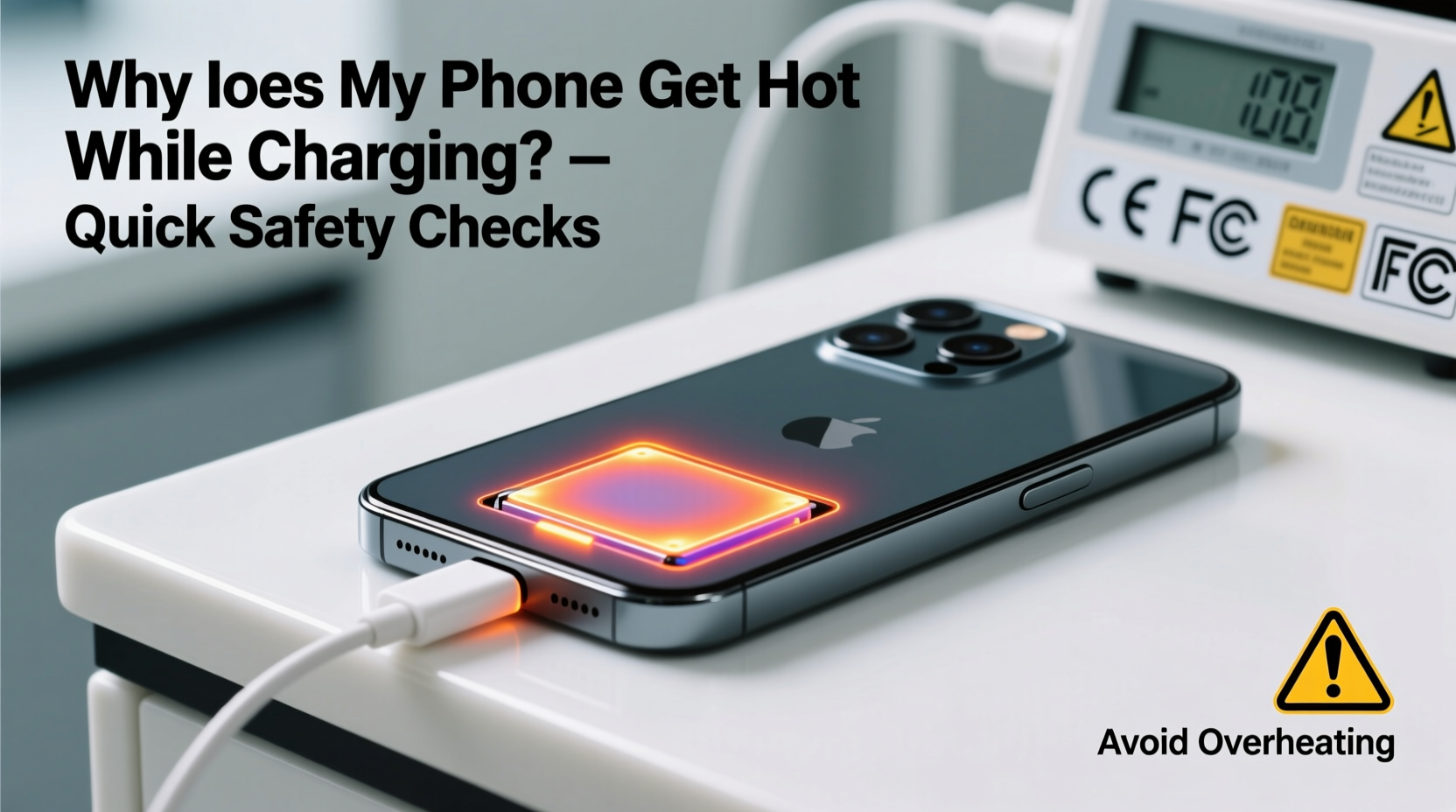
When a phone charges, electrical energy from the charger flows into the battery, where it's stored as chemical energy. This process isn’t 100% efficient—some energy is lost as heat due to resistance in circuits and internal components. Fast charging technologies amplify this effect by pushing higher currents through the system, increasing thermal output.
The phone’s processor, display, and wireless radios also contribute to heat buildup. If apps are running in the background—especially those using GPS, camera, or data syncing—the CPU works harder, generating additional warmth. Combine active usage with fast charging, and the cumulative effect can push surface temperatures above 40°C (104°F), which may feel alarming to touch.
“Any electronic device converting energy will produce heat. The key is managing it within safe limits.” — Dr. Lena Patel, Electrical Engineer & Mobile Device Safety Researcher
Manufacturers design phones with thermal management systems, including heat-dissipating materials and software throttling. However, these safeguards can be overwhelmed under certain conditions, especially if poor-quality accessories or environmental extremes are involved.
Common Causes of Excessive Phone Heating While Charging
- Incompatible or counterfeit chargers: Non-certified adapters often lack proper voltage regulation, leading to unstable current flow and excess heat.
- Fast charging on high-performance modes: Turbo or super-fast charging boosts power delivery but increases thermal load significantly.
- Using the phone while charging: Playing games, streaming video, or multitasking forces both the processor and battery to work harder.
- Poor ventilation: Charging under pillows, on beds, or inside thick cases traps heat and prevents dissipation.
- Aging batteries: As lithium-ion batteries degrade, their internal resistance increases, making them less efficient and more prone to overheating.
- High ambient temperatures: Leaving a phone charging in direct sunlight or a hot car accelerates heat accumulation.
Quick Safety Checks to Perform When Your Phone Gets Hot
Spotting early warning signs and taking immediate action can prevent permanent damage. Here’s a step-by-step checklist to follow whenever your phone feels unusually hot during charging:
- Unplug immediately: If the device feels too hot to hold comfortably (above 45°C), disconnect it from the charger.
- Power off the phone: Shutting down stops all internal processes, allowing the device to cool faster.
- Remove the case: Many protective cases trap heat. Removing them improves airflow and speeds up cooling.
- Inspect the charger and cable: Look for frayed wires, bent connectors, or branding inconsistencies. Only use OEM or MFi/USB-IF certified accessories.
- Check for physical damage: Swollen batteries or warped casings indicate serious internal problems requiring professional service.
- Monitor temperature recovery: After 10–15 minutes of rest, the phone should feel noticeably cooler. If not, do not recharge.
| Check | Action Required | Risk Level |
|---|---|---|
| Device too hot to touch | Stop charging; let cool completely | High |
| Swelling or warping | Do not use; seek repair | Critical |
| Frayed or damaged cable | Replace immediately | High |
| No brand/logo on charger | Discard; use certified adapter | Moderate |
| Phone restarts unexpectedly | Test without charging; contact support | High |
Real-World Scenario: A Close Call With Overheating
Jamal, a college student, noticed his phone getting unusually hot every time he charged it overnight. He dismissed it at first, assuming fast charging was just “intense.” One evening, after playing a graphics-heavy game while charging, he placed the phone under his pillow to sleep. By morning, the device was extremely hot, the screen flickered, and the battery drained despite showing full charge.
He took it to a repair shop, where the technician found the battery had begun to swell due to prolonged thermal stress. The case had prevented heat dissipation, and the combination of gaming and fast charging pushed the system beyond its limits. Fortunately, there was no fire, but the battery needed replacement, and Jamal learned a costly lesson about safe charging habits.
This example highlights how seemingly minor behaviors—like using a phone while charging or covering it—can escalate into serious issues when repeated over time.
Best Practices to Prevent Overheating During Charging
Prevention is far more effective than reacting after damage occurs. Implementing consistent, smart charging habits reduces strain on your phone and extends its lifespan.
Use Certified Chargers and Cables
Always opt for original equipment manufacturer (OEM) chargers or third-party accessories bearing official certifications like USB-IF, MFi (for Apple), or CE/FCC marks. These meet strict safety and efficiency standards, minimizing the risk of erratic power delivery.
Charge in a Cool, Open Environment
Avoid charging on soft surfaces like beds or sofas, which block ventilation ports. Instead, place the phone on a hard, flat surface away from direct sunlight or heat sources.
Remove Cases During Charging
Silicone, leather, or rugged cases act as insulators. Removing them—even temporarily—during charging allows better heat dispersion, especially with fast-charging models.
Limit Usage While Charging
Resist the urge to stream videos, play games, or run navigation apps while plugged in. These activities spike CPU and GPU usage, compounding heat from charging alone.
Update Software Regularly
Manufacturers release firmware updates that optimize power management and thermal regulation. Keeping your OS and apps updated ensures your phone uses the latest efficiency improvements.
FAQ: Common Questions About Phone Heating and Charging
Is it normal for my phone to get warm while charging?
Yes, mild warmth is normal, especially with fast charging. However, if the phone becomes too hot to hold, emits a burning smell, or shows visual glitches, it’s a sign of malfunction or unsafe conditions.
Can an overheating phone catch fire?
While rare, yes—especially if the battery is damaged, swollen, or exposed to extreme heat. Lithium-ion batteries contain flammable electrolytes. Thermal runaway, a chain reaction caused by overheating, can lead to combustion if safety mechanisms fail.
Should I turn off my phone while charging?
Not necessary, but beneficial in high-heat scenarios. Turning it off eliminates background activity and reduces overall thermal load, promoting safer and sometimes faster charging.
Conclusion: Stay Informed, Stay Safe
Your phone’s tendency to heat up while charging isn’t something to ignore. Behind that warmth lies a complex interplay of electrical engineering, material science, and user behavior. By understanding the root causes and adopting simple yet effective safety practices, you protect not only your investment but also your personal safety.
Start today: inspect your charging setup, remove unnecessary cases, avoid intensive use during charging, and replace any suspect cables. Small changes yield significant long-term benefits. A cooler phone runs more efficiently, maintains battery health, and reduces the risk of sudden failures.




 浙公网安备
33010002000092号
浙公网安备
33010002000092号 浙B2-20120091-4
Comments
No comments yet. Why don't you start the discussion?