
It’s a familiar scenario: you plug in your phone, only to find it uncomfortably warm—or even hot—within minutes. While some warmth during charging is normal, excessive heat can signal deeper issues and may damage your battery, degrade performance, or even pose safety risks. Understanding why this happens and how to stop it isn’t just about comfort—it’s about preserving your phone’s lifespan and ensuring safe daily use.
Modern smartphones are powerful, but their compact design means components like the battery, processor, and charging circuitry generate significant heat, especially under load. When combined with external factors like poor chargers, environmental conditions, or background app activity, that heat can quickly escalate. The good news: most overheating problems are preventable with the right knowledge and habits.
What Causes Your Phone to Overheat During Charging?
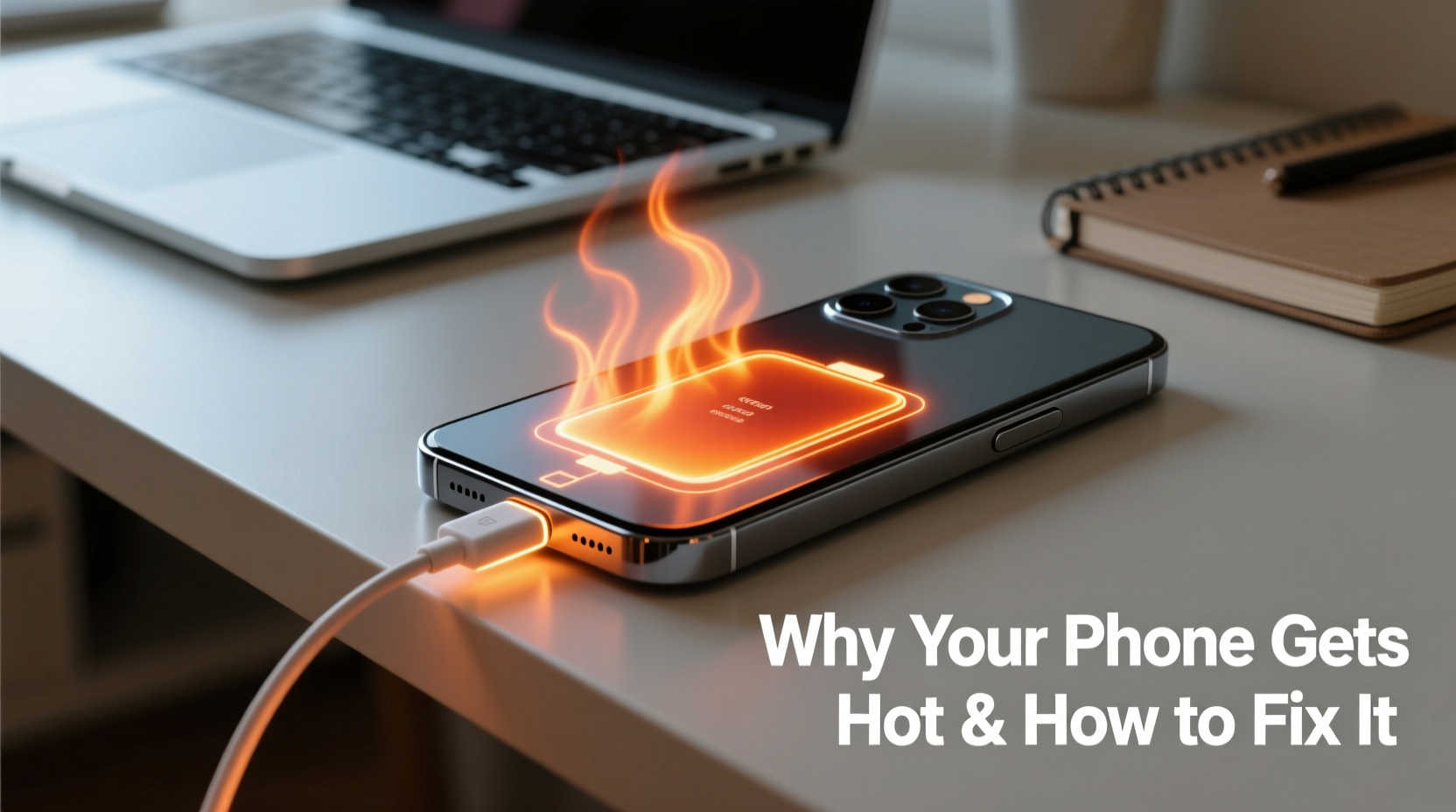
Heat during charging results from energy conversion inefficiencies. When electricity flows into the battery, not all of it is stored—some is lost as heat. Fast charging amplifies this effect because higher power levels increase thermal output. But beyond basic physics, several specific triggers contribute to overheating:
- Incompatible or low-quality chargers: Third-party or counterfeit chargers often lack proper voltage regulation, leading to erratic current flow and excess heat.
- Background app usage: Running intensive apps (like games or video streaming) while charging forces both the CPU and battery to work harder, multiplying heat generation.
- Poor ventilation: Placing your phone under a pillow, on a bed, or inside a thick case traps heat and prevents dissipation.
- Aging batteries: As lithium-ion batteries degrade over time, internal resistance increases, making them less efficient and more prone to heating.
- High ambient temperatures: Charging in direct sunlight or a hot car creates a feedback loop where external heat worsens internal heat buildup.
- Software bugs or OS updates: Occasionally, firmware glitches cause processes to run continuously in the background, increasing CPU load and temperature.
While occasional warmth is expected, sustained high temperatures—especially above 38–40°C (100–104°F)—can accelerate battery wear and trigger thermal throttling, where your phone slows down to cool itself.
How to Prevent Your Phone from Overheating While Charging
Prevention starts with understanding your charging environment and adjusting habits accordingly. Many users overlook simple fixes that dramatically reduce heat buildup. Here’s what actually works:
Use Original or Certified Charging Equipment
Manufacturers design chargers and cables to match your phone’s power requirements. Generic alternatives may claim compatibility but often deliver unstable current, causing the phone to regulate power inefficiently—which generates heat. Always opt for chargers certified by reputable standards bodies (like USB-IF or MFi for Apple devices).
Remove Thick Cases During Charging
Silicone, leather, or rugged cases act as insulation. While they protect against drops, they also trap heat around the battery. Removing the case during charging—especially fast charging—can reduce surface temperature by up to 5–7°C.
Charge in a Cool, Well-Ventilated Area
Avoid charging near radiators, in direct sunlight, or on soft surfaces like beds and couches. These block airflow and absorb heat. Instead, place your phone on a hard surface like a desk or nightstand.
Turn Off or Enable Airplane Mode
If you don’t need connectivity while charging, switching to Airplane Mode disables cellular, Wi-Fi, and Bluetooth radios—all of which consume power and generate heat. For overnight charging, this is one of the most effective ways to minimize thermal stress.
“Overheating during charging is rarely due to a single factor—it’s usually a combination of poor equipment, environmental conditions, and user behavior.” — Dr. Lena Park, Electrical Engineer & Mobile Device Safety Researcher
Step-by-Step Guide to Safe Charging Habits
Follow this practical sequence every time you charge your phone to keep temperatures under control:
- Inspect your charger and cable: Ensure they’re original or certified. Discard frayed or damaged cables immediately.
- Power down or enable Airplane Mode: Reduce system load before plugging in, especially if charging quickly or overnight.
- Remove the phone case: Let heat escape freely during the charging cycle.
- Place on a hard, flat surface: Avoid carpets, beds, or enclosed spaces.
- Keep away from heat sources: Don’t charge near windows, stoves, or in parked cars.
- Monitor temperature: Check periodically. If the phone becomes hot, disconnect and allow cooling.
- Unplug once fully charged: Prolonged charging, especially overnight, keeps the battery in a high-voltage state, contributing to long-term degradation.
This routine takes less than a minute to implement but significantly reduces the risk of overheating and extends battery health over time.
Do’s and Don’ts of Charging: A Quick Reference Table
| Do’s | Don’ts |
|---|---|
| Use manufacturer-approved chargers and cables | Use cheap, uncertified chargers from unknown brands |
| Charge in a cool, dry place with good airflow | Charge under pillows, blankets, or in direct sunlight |
| Remove thick cases during charging | Leave your phone in a case while fast charging |
| Enable Airplane Mode or turn off the screen | Play graphics-intensive games while charging |
| Unplug once battery reaches 100% | Leave your phone plugged in for hours after full charge |
Real Example: How One User Fixed Chronic Overheating
Jamal, a freelance photographer in Austin, noticed his phone frequently shut down during shoots—even when charging between sessions. He’d plug it in during breaks, only to find it too hot to touch minutes later. After consulting a technician, he discovered three key issues: he was using a third-party fast charger bought online, leaving the phone in a protective case, and editing photos while connected to power.
He switched to the OEM charger, removed the case during charging, and began turning his phone off completely for 20-minute top-ups between assignments. Within days, the shutdowns stopped, and his battery lasted longer throughout the day. “I didn’t realize how much those small changes would make,” he said. “Now I charge smarter, not harder.”
Frequently Asked Questions
Is it dangerous if my phone gets hot while charging?
Occasional warmth is normal, but persistent high heat—especially if accompanied by swelling, strange odors, or shutdowns—can indicate a serious issue. Lithium-ion batteries exposed to prolonged high temperatures may become unstable, posing fire or explosion risks in extreme cases. If your phone regularly exceeds safe operating temps, discontinue use and seek professional inspection.
Can software updates cause overheating?
Yes. Some updates introduce bugs that cause background processes to run nonstop, increasing CPU usage and heat. This was notably seen in early versions of iOS 16 and Android 13, where users reported elevated temperatures post-update. Installing subsequent patches usually resolves these issues. Monitor your phone’s behavior after updates and report anomalies to the manufacturer.
Should I avoid fast charging to prevent heat?
You don’t need to avoid fast charging entirely, but use it strategically. Reserve fast charging for times when you need a quick boost. For overnight or extended charging, use a standard 5W or 10W charger, which generates far less heat. Many modern phones also include adaptive charging modes that slow down charging when the battery is nearly full—enable these features in settings.
Battery Health: The Long-Term Impact of Heat
Heat is one of the biggest enemies of lithium-ion batteries. According to research from Battery University, keeping a battery at 40°C (104°F) with a 100% charge level can result in a 35% loss of capacity within a year. At 25°C (77°F), the same battery loses only 4%. This shows how temperature directly accelerates chemical aging inside the battery.
Repeated overheating leads to:
- Reduced battery lifespan (fewer full charge cycles)
- Increased likelihood of premature battery replacement
- Thermal throttling, slowing down your phone
- Higher chance of sudden shutdowns, even with remaining charge
To monitor your battery health, check built-in tools: iPhones offer “Battery Health” in Settings > Battery, while many Android devices display battery status in Developer Options or through manufacturer-specific apps like Samsung’s “Device Care.” Replace the battery if health drops below 80%.
Checklist: Prevent Phone Overheating Now
Use this checklist to ensure safe, cool charging every time:
- ✅ Use only OEM or certified chargers and cables
- ✅ Remove phone case before charging
- ✅ Charge on a hard, flat surface with airflow
- ✅ Avoid direct sunlight and hot environments
- ✅ Turn off phone or enable Airplane Mode while charging
- ✅ Limit app usage during charging, especially gaming or video
- ✅ Unplug once fully charged—don’t leave overnight unnecessarily
- ✅ Inspect battery health monthly via device settings
- ✅ Replace damaged cables or swollen batteries immediately
- ✅ Keep software updated to patch known thermal bugs
Conclusion
Your phone getting hot while charging isn’t something to ignore. While minor warmth is part of the process, consistent overheating damages your battery, slows performance, and can even compromise safety. The solution lies not in avoiding technology, but in using it wisely. By choosing quality equipment, optimizing your charging environment, and adopting simple daily habits, you can keep your device cool, efficient, and reliable for years.
Start today: unplug that worn-out charger, remove the case, and charge mindfully. Small actions compound into major gains in device longevity and personal peace of mind. Your phone works hard for you—return the favor by protecting it from avoidable harm.




 浙公网安备
33010002000092号
浙公网安备
33010002000092号 浙B2-20120091-4
Comments
No comments yet. Why don't you start the discussion?