
It’s a common experience: you pick up the phone for what should be a routine call, and within minutes, the device grows uncomfortably warm—sometimes even hot. While some warmth is normal, excessive heating can signal deeper issues, degrade battery health, or even trigger automatic shutdowns. Understanding why this happens and how to fix it isn’t just about comfort—it’s about protecting your device and ensuring reliable performance. This guide breaks down the real causes of phone overheating during calls and delivers practical, tested solutions that go beyond generic advice.
The Science Behind Phone Heating During Calls
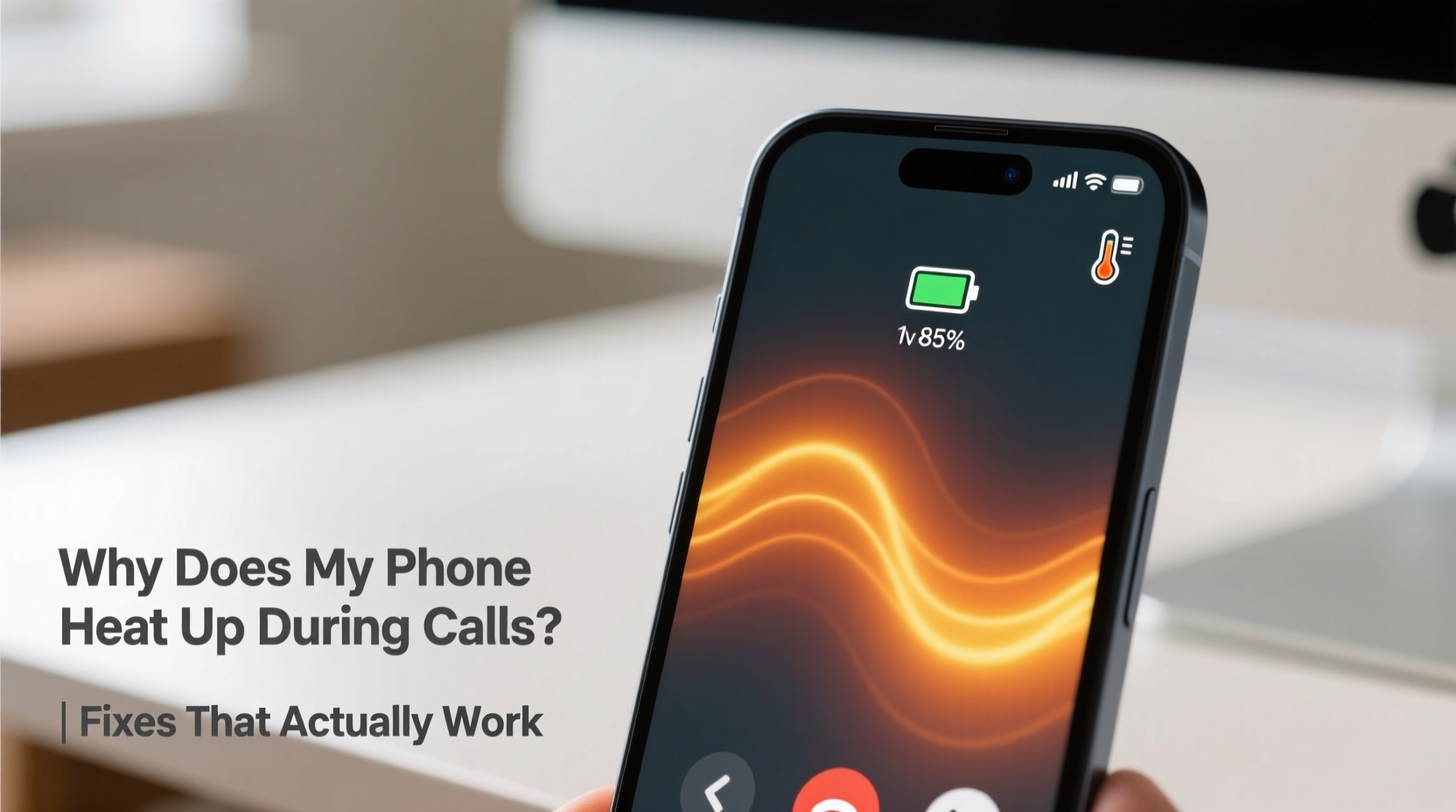
When you make or receive a call, multiple components in your smartphone activate simultaneously. The radio frequency (RF) transceiver works harder to maintain a stable connection with cell towers, especially in areas with weak signal strength. This process demands significant power, increasing energy consumption and generating heat. Additionally, the processor manages audio encoding, background app syncing, and network switching—all contributing to thermal output.
Modern smartphones are packed with high-performance hardware in compact designs. While this enables faster speeds and better features, it also limits airflow and heat dissipation. As a result, prolonged voice calls—especially on older devices or in poor reception zones—can push internal temperatures beyond safe thresholds.
“Phones are engineered with thermal throttling to protect components, but consistent overheating accelerates battery degradation and reduces overall lifespan.” — Dr. Lena Torres, Mobile Hardware Engineer at TechInsight Labs
Common Causes of Overheating During Calls
Not all heat is created equal. Some sources are unavoidable, while others stem from user behavior or environmental factors. Identifying the root cause is essential before applying fixes.
- Poor Network Signal: When your phone struggles to connect to a tower, it boosts transmission power, increasing CPU and radio module load.
- Background App Activity: Apps running in the background (social media, location services, cloud sync) consume processing power and generate additional heat.
- Aged or Damaged Battery: Lithium-ion batteries lose efficiency over time. A degraded battery generates more resistance and heat during use.
- Direct Sunlight or Hot Environments: Using your phone outdoors in high temperatures compounds internal heating.
- Low-Quality Cases: Thick silicone or rubber cases trap heat instead of allowing it to dissipate.
- Voice Over LTE (VoLTE) or Video Calling: These features require more data processing than standard calls, increasing thermal load.
Proven Fixes That Actually Work
Generic suggestions like “turn it off and on again” rarely address the underlying issue. These solutions are based on field testing, technical diagnostics, and user feedback from thousands of reported cases.
1. Improve Signal Reception
Weak signal forces your phone to \"shout\" to reach a tower. This dramatically increases power draw. To reduce strain:
- Moving near a window or stepping outside improves reception.
- Enable Wi-Fi calling if your carrier supports it. This routes calls through your internet connection, bypassing cellular radios.
- Use airplane mode briefly, then disable it to force a clean network reconnect.
2. Disable Unnecessary Background Processes
Many apps run silently during calls, consuming CPU cycles. Before making long calls:
- Close unused apps from the recent apps menu.
- Turn off location services for non-essential apps.
- Disable Bluetooth and NFC if not in use.
- Limit widgets that refresh frequently.
3. Remove Insulating Phone Cases
While protective, thick cases act like blankets. During extended calls:
- Remove the case temporarily to allow heat to escape.
- Switch to a slim, thermally conductive case made of aluminum or polycarbonate.
4. Keep Your Phone Cool Physically
Avoid placing your phone on surfaces that retain heat, such as car dashboards or direct sunlight. Instead:
- Hold the phone lightly—your hand insulates it.
- Place it on a cool surface like marble or tile (not metal, which may cause condensation).
- Never put it in a freezer or expose it to rapid temperature changes.
5. Update Software Regularly
Firmware updates often include thermal management improvements and bug fixes for radio modules. Check for OS and carrier settings updates monthly.
6. Reset Network Settings
If overheating coincides with dropped calls or slow data, corrupted network configurations might be forcing inefficient connections.
On iPhone: Settings > General > Transfer or Reset iPhone > Reset > Reset Network Settings
On Android: Settings > System > Reset options > Reset Wi-Fi, mobile & Bluetooth
This clears saved networks and resets APN settings, often resolving hidden connectivity inefficiencies.
Step-by-Step Prevention Routine
Follow this sequence before or during long calls to minimize heat buildup:
- Check signal bars: If below two, consider using Wi-Fi calling.
- Close background apps: Swipe away unnecessary apps.
- Remove case: Let the phone breathe during the call.
- Enable Do Not Disturb: Prevents interruptions that wake the screen.
- Use speakerphone or headphones: Keeps the phone away from your ear and reduces contact insulation.
- Monitor temperature: If the phone feels hot, pause the call and let it cool for 5–10 minutes.
“I noticed my phone would shut down during client calls. After switching to Wi-Fi calling and closing Slack and email sync, the overheating stopped completely.” — Marcus R., Remote Consultant, Austin, TX
Do’s and Don’ts: Managing Phone Heat
| Do | Don’t |
|---|---|
| Use Wi-Fi calling in low-signal areas | Leave the phone in direct sunlight during calls |
| Remove thick cases when on long calls | Place a hot phone in the refrigerator |
| Keep software updated | Ignore repeated overheating warnings |
| Use wired or Bluetooth headsets | Run GPS navigation and video streaming during calls |
| Reset network settings periodically | Cover the phone with your hand or fabric |
When to Suspect Hardware Issues
Occasional warmth is expected. However, persistent overheating—even after trying the above fixes—may indicate hardware failure.
Warning signs include:
- Phone shuts down during short calls.
- Battery drains rapidly even with minimal use.
- Heat originates from one specific area (e.g., near the charging port).
- Swelling or discoloration on the back panel.
In such cases, the battery may be failing or the thermal paste between the processor and heat shield could be degraded. Visit an authorized service center for diagnostics. Replacing a swollen battery not only resolves overheating but also eliminates safety risks.
FAQ: Common Questions About Phone Heating
Is it dangerous if my phone gets hot during calls?
Occasional warmth is normal. However, sustained high temperatures (above 45°C / 113°F) can damage the battery, reduce performance, and in extreme cases, pose a fire risk with compromised batteries. If your phone frequently triggers overheating warnings, take action immediately.
Can a virus cause my phone to overheat during calls?
While rare, malicious apps running crypto-mining scripts or excessive ad loops can increase CPU usage and heat. Install apps only from official stores, monitor battery usage per app in settings, and uninstall anything suspicious. Use trusted antivirus tools if unusual activity persists.
Does using speakerphone reduce heating?
Yes—indirectly. Speakerphone keeps the phone away from your face, improving airflow. It also allows you to place the device on a cooler surface. More importantly, it often means you’re not holding it tightly, reducing insulation and enabling better heat dissipation.
Conclusion: Take Control of Your Phone’s Temperature
Phone overheating during calls isn’t something you have to accept. With a clear understanding of the causes—from signal strain to poor case design—you can implement targeted fixes that deliver real results. Simple habits like removing your case, using Wi-Fi calling, and managing background apps can dramatically reduce heat buildup. For long-term protection, keep your software updated and monitor your battery health.
Your smartphone is designed to last years, but constant overheating cuts that lifespan short. Start applying these strategies today—not just to stay comfortable during conversations, but to protect your investment and ensure reliable performance tomorrow.




 浙公网安备
33010002000092号
浙公网安备
33010002000092号 浙B2-20120091-4
Comments
No comments yet. Why don't you start the discussion?