
It’s a familiar scenario: you’re driving through an unfamiliar city, relying on GPS navigation to guide you, when suddenly your phone starts feeling uncomfortably warm—sometimes hot enough to worry you. You might even notice the screen dimming or the app slowing down. While this is common, persistent overheating can affect performance, battery life, and long-term device health. Understanding why GPS use causes your phone to heat up—and what you can do about it—is essential for both safety and functionality.
The combination of GPS, cellular data, screen brightness, and background processes creates a perfect storm for thermal buildup. But with informed habits and smart adjustments, you can reduce heat generation and maintain reliable navigation without risking hardware damage.
Why GPS Navigation Triggers Phone Overheating
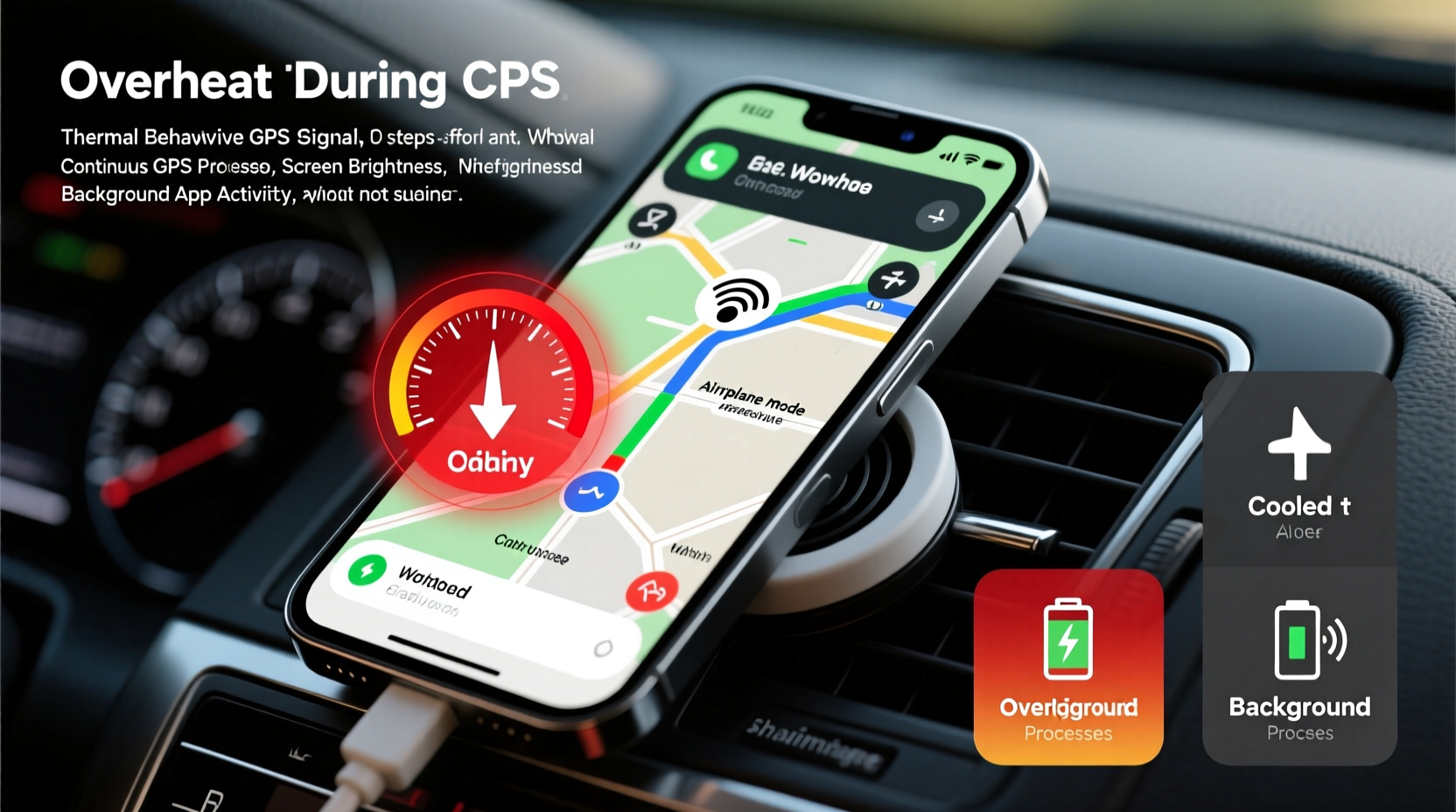
GPS navigation is one of the most resource-intensive tasks your smartphone performs regularly. Unlike passive apps that only check for updates occasionally, navigation apps run continuously, pulling data from multiple sources at once. Here’s what happens under the hood:
- Constant GPS signal processing: Your phone communicates with satellites to determine your precise location, recalculating your position dozens of times per second. This requires sustained CPU and radio module activity.
- High screen brightness: To remain visible in daylight, especially while driving, screens are often set to maximum brightness—a major contributor to power draw and heat.
- Cellular and Wi-Fi data usage: Real-time traffic updates, route recalculations, and map downloads rely heavily on mobile data, keeping the modem active and generating additional heat.
- Background app activity: Even when navigation is the primary task, other apps continue syncing, receiving notifications, and using sensors, compounding the load.
- Poor ventilation: Phones placed in enclosed car mounts or left under direct sunlight absorb ambient heat, reducing their ability to dissipate internal warmth.
This convergence of factors pushes your phone’s components beyond typical operating temperatures. While modern devices have thermal throttling (which slows performance to cool down), prolonged exposure to high heat can degrade the battery and shorten the lifespan of internal electronics.
How Heat Affects Your Phone’s Performance and Longevity
Occasional warmth during intensive use is normal. However, chronic overheating leads to tangible consequences:
- Battery degradation: Lithium-ion batteries are highly sensitive to heat. Sustained exposure above 35°C accelerates capacity loss. Studies by Battery University show that a battery kept at 40°C with 100% charge loses about 35% of its capacity in one year.
- Thermal throttling: To protect itself, your phone may reduce processor speed, leading to lag, delayed voice prompts, or frozen maps—dangerous when navigating at high speeds.
- Component stress: Repeated expansion and contraction of circuits due to temperature swings can weaken solder joints and connections over time.
- Safety shutdowns: iOS and Android systems may shut down unexpectedly if internal temperatures reach critical levels, leaving you without navigation mid-trip.
“Phones aren’t designed for continuous peak-load operation in uncontrolled environments. GPS navigation in a hot car is essentially asking a laptop to run a video game nonstop without cooling.” — Dr. Lena Torres, Mobile Hardware Engineer at TechInsight Labs
Practical Fixes to Keep Your Phone Cool During Navigation
You don’t need to stop using GPS—but you can significantly reduce heat buildup with these actionable strategies.
1. Optimize App and System Settings
Adjusting software settings reduces the workload on your phone’s hardware:
- Download offline maps in advance to minimize real-time data fetching.
- Turn off unnecessary features like Bluetooth, hotspot, or vibration feedback.
- Lower screen brightness manually instead of relying on auto-brightness.
- Enable “Battery Saver” mode, which limits background processes and CPU usage.
- Close unused apps before starting navigation to free up RAM and reduce multitasking load.
2. Improve Physical Ventilation
Where and how you place your phone matters more than you think:
- Use a vent-mounted holder that allows airflow around the device instead of a closed dash mount.
- Avoid covering the phone with cases that trap heat—especially thick or silicone ones.
- If possible, park in the shade and let the car cool before extended drives.
- Never leave your phone charging while navigating in direct sun—charging adds significant heat on top of GPS load.
3. Leverage Airplane Mode Strategically
While counterintuitive, using airplane mode with Wi-Fi enabled can help. After downloading your route:
- Turn on airplane mode to disable cellular and Bluetooth radios.
- Manually re-enable Wi-Fi if you’re connected to a trusted hotspot for traffic updates.
- Keep GPS active (it works independently of cellular networks).
This reduces background network pings and signal searching, which are major contributors to heat.
Step-by-Step Guide: Preparing Your Phone for a Long Drive
Follow this timeline before and during your trip to prevent overheating:
| Time Before Departure | Action | Purpose |
|---|---|---|
| 24 hours | Update navigation app and download offline maps | Ensures latest routes and reduces live data dependency |
| 1 hour | Charge to 80–90%, then unplug; close background apps | Prevents combined charging + usage heat |
| 15 minutes | Set up mount in shaded area; enable dark mode and reduce brightness | Lowers display power consumption |
| At start of drive | Launch navigation, disable Bluetooth, turn on battery saver | Minimizes system load |
| During drive | Monitor phone temperature; pause navigation if too hot | Prevents thermal throttling or shutdown |
Real-World Example: The Cross-Country Commute Fix
Mark, a regional sales manager based in Arizona, used his phone daily for two-hour commutes across desert highways. He frequently experienced mid-drive shutdowns due to overheating, especially in summer. After consulting a mobile technician, he implemented several changes:
- Switched from a rubberized case to a slim aluminum frame for better heat dissipation.
- Started downloading weekly route bundles every Sunday night.
- Moved his mount from the center dash to the air vent, where cooler air circulated behind the phone.
- Set screen brightness to 50% and used voice-only prompts after memorizing key turns.
The result? His phone temperature dropped from averaging 48°C (118°F) to staying below 39°C (102°F), with zero shutdowns over the next three months—even during 45°C (113°F) external temperatures.
Do’s and Don’ts When Using GPS Navigation
| Do | Don't |
|---|---|
| Use offline maps to reduce data strain | Rely solely on live data in poor signal areas |
| Place phone in a well-ventilated mount | Leave it on a sun-facing dashboard |
| Remove thick cases during long trips | Use fast charging while navigating |
| Enable battery saver and dark mode | Run multiple navigation apps simultaneously |
| Take breaks during multi-hour drives | Ignore warning messages like “Device Too Hot” |
Frequently Asked Questions
Is it dangerous if my phone gets hot during GPS use?
Short-term heating is not immediately dangerous, but prolonged exposure to high temperatures can permanently damage the battery and internal components. If your phone repeatedly exceeds safe operating temps (above 40°C), it’s a sign to change your usage habits. Immediate danger arises only if the device swells, emits odor, or shows signs of melting—stop using it and power down.
Can I use GPS without internet and still avoid overheating?
Yes. GPS relies on satellite signals, not cellular data, so you can navigate offline. Downloading maps in advance eliminates constant data fetching, which reduces CPU and modem load—two major heat sources. This is one of the most effective ways to stay cool while navigating.
Does using a car’s built-in navigation prevent phone overheating?
Yes, and it’s often the best solution. Factory-installed or aftermarket car navigation systems are designed for continuous use, with dedicated cooling and power management. They also eliminate the need to mount and operate a phone, enhancing safety. If available, use CarPlay or Android Auto through your vehicle’s infotainment system—it offloads processing and keeps your phone idle.
Checklist: Keep Your Phone Cool on Every Trip
Print or save this checklist for quick reference before hitting the road:
- ✅ Download offline maps for your route
- ✅ Charge phone fully the night before (avoid charging while driving)
- ✅ Remove bulky or insulating phone case
- ✅ Set screen brightness below 60%
- ✅ Enable Dark Mode and Battery Saver
- ✅ Mount phone in a ventilated area (preferably near AC vent)
- ✅ Close all unused apps before launching navigation
- ✅ Disable Bluetooth, hotspot, and haptic feedback
- ✅ Monitor phone temperature periodically
- ✅ Take a 5-minute break every 90 minutes on long drives
Conclusion: Smart Habits for Safer, Cooler Navigation
Your phone is a powerful tool, but it wasn’t built to function like industrial-grade hardware. GPS navigation pushes its limits, especially in challenging environments like hot cars or remote areas with weak signals. By understanding the root causes of overheating and applying simple, proactive measures, you protect both your device and your peace of mind.
Start small: download offline maps this week, adjust your mount placement, and remove that thick case during drives. These minor changes yield immediate results—cooler operation, longer battery life, and uninterrupted guidance. Over time, they become second nature, ensuring your phone remains reliable no matter how far the road takes you.




 浙公网安备
33010002000092号
浙公网安备
33010002000092号 浙B2-20120091-4
Comments
No comments yet. Why don't you start the discussion?