
As holiday seasons roll around, more people are turning to smart lighting systems to create dazzling synchronized displays set to music. With apps like Falcon Player, xLights, or proprietary controllers from brands such as Twinkly and Light-O-Rama, smartphones have become the remote control for festive brilliance. But many users report a frustrating issue: their phone lags or stutters when managing these animations. The lights fall out of sync, the app freezes, or the entire interface becomes unresponsive just when the show should be at its peak.
This isn’t just a minor annoyance—it undermines the effort put into designing complex sequences and can ruin the experience for both creators and viewers. The root causes are often misunderstood. It’s not always about an old phone or weak Wi-Fi. The reality involves a combination of hardware limitations, network congestion, software inefficiencies, and user configuration choices. Understanding these factors is key to smoothing out performance and ensuring your holiday display runs flawlessly.
The Hidden Bottlenecks Behind Holiday Light Control Lag
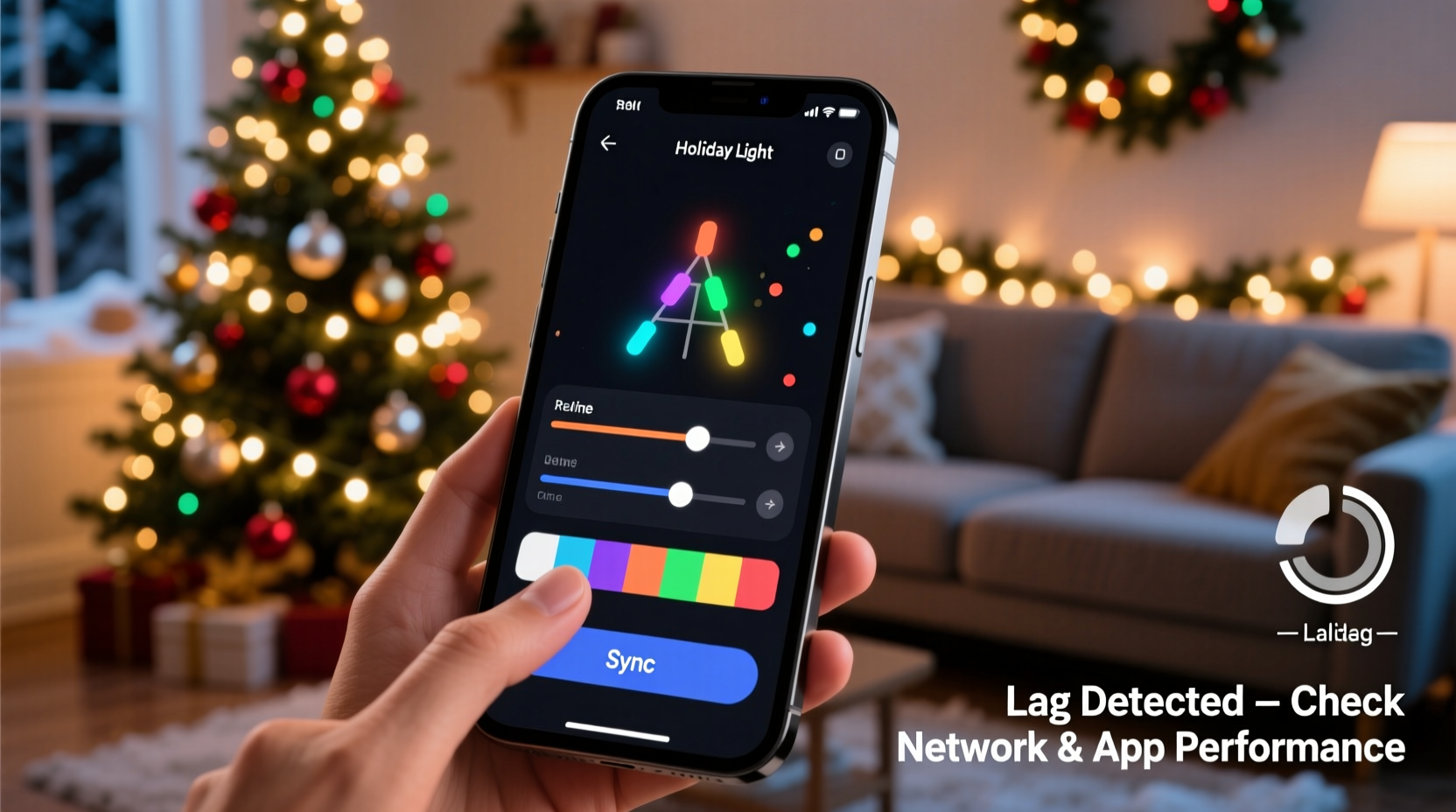
When you tap “Play” on a lighting app, a chain reaction begins. Your phone sends commands over Wi-Fi (or Bluetooth) to a controller, which then translates those signals into electrical pulses that drive LED strips. For synchronized shows involving hundreds or thousands of lights, this process happens dozens of times per second. Any delay in transmission or processing creates visible lag—lights flashing late, dimming too early, or skipping frames entirely.
One major misconception is that the phone itself must handle all the animation data in real time. In reality, most modern systems pre-load sequences onto local controllers. However, the phone still acts as the conductor—sending start/stop cues, adjusting volume-linked effects, or changing modes. Even this reduced role can overwhelm under certain conditions.
Latency typically stems from one or more of the following: wireless interference, insufficient processing power on the phone, poorly optimized apps, background processes consuming resources, or outdated firmware. Each plays a part, and addressing them systematically yields the best results.
How Wireless Networks Contribute to Phone Lag
Wi-Fi is the backbone of most smart holiday lighting systems. Yet, home networks during the holidays are often under unprecedented stress. Between streaming services, video calls, smart TVs, and multiple connected devices, bandwidth becomes fragmented and signal quality drops.
Most lighting controllers operate on the 2.4 GHz band because it offers better range and wall penetration than 5 GHz. Unfortunately, this same band is shared by microwaves, cordless phones, baby monitors, and nearly every other IoT device. When too many devices compete for airtime, packet loss increases and latency spikes—directly affecting how quickly your phone's commands reach the lights.
Consider this scenario: You're running a 300-light pixel string controlled via ESP8266 modules, each requiring constant UDP packets for synchronization. If your router is located 40 feet away with two walls in between, and your neighbor’s security camera is also broadcasting nearby, your signal strength may drop below -75 dBm—a level where instability becomes common.
Bluetooth-controlled systems aren't immune either. While newer versions like Bluetooth 5.0 offer improved range and throughput, they’re still susceptible to interference and limited in supporting large-scale setups. Attempting to manage more than 50 addressable LEDs over Bluetooth LE from a single phone can easily saturate the channel.
“Even small delays of 100–200 milliseconds can throw off audio synchronization enough to make a display look amateurish.” — Dr. Alan Reeves, Embedded Systems Engineer at MIT Media Lab
Optimizing Your Phone for Smooth Animation Control
Your smartphone may seem powerful, but managing real-time lighting control demands consistent CPU availability, low-latency networking stacks, and minimal interruptions from background tasks. Many users overlook how much background activity impacts performance.
For example, receiving a push notification while starting a show can cause the operating system to pause the lighting app momentarily. On Android, Doze mode might throttle background network access. On iOS, aggressive memory management could suspend the app if another resource-heavy process (like a photo backup) kicks in.
To optimize your phone:
- Close all non-essential apps before launching your lighting controller.
- Enable \"Do Not Disturb\" or Airplane Mode (then re-enable Wi-Fi manually) to prevent interruptions.
- Disable automatic updates, cloud backups, and syncing during performances.
- Use a dedicated device—such as an older tablet—for lighting control only.
Battery-saving modes should also be disabled. These features limit CPU clock speeds and delay background processes, which may seem harmless but introduce unpredictable jitter in command delivery.
Step-by-Step Optimization Checklist
- Update your lighting app and phone OS to the latest version.
- Reboot the phone 15 minutes before the scheduled show.
- Turn off Bluetooth, NFC, GPS, and mobile data (use Wi-Fi only).
- Enable Airplane Mode, then manually turn Wi-Fi back on.
- Launch the lighting app and connect to your network.
- Keep screen brightness high to avoid sleep triggers.
- Start the animation from within the app without switching screens.
Controller Limitations and Firmware Issues
The problem may not lie solely with your phone. Many budget-friendly lighting controllers use low-power microcontrollers like the ESP8266 or STM32F103, which have limited RAM and processing headroom. When handling complex animations with high frame rates (e.g., 30 FPS), these chips can struggle to parse incoming data quickly enough—especially if the protocol isn’t optimized.
Some apps send full frame updates even when only a few pixels change. This inefficient approach floods the network and overwhelms both sender and receiver. Better protocols, like E1.31 (sACN), use multicast UDP and delta encoding to reduce traffic, but not all consumer-grade apps implement them properly.
Firmware matters too. Outdated firmware on your controller may lack bug fixes for buffer overflows, Wi-Fi disconnects, or timing inaccuracies. Always check the manufacturer’s website or community forums for updates. For open-source platforms like WLED or NodeMCU, compiling custom firmware with optimized settings can dramatically improve responsiveness.
| Firmware Type | Lag Risk | Recommended Fix |
|---|---|---|
| Stock (default) | High | Upgrade to latest stable release |
| Custom (optimized) | Low | Compile with reduced logging and higher baud rate |
| Outdated (>1 year old) | Very High | Flash new firmware using Arduino IDE or Web Flasher |
Real-World Example: A Neighborhood Display Rescue
In suburban Denver, Mark T., an electrical engineer and hobbyist, spent six weeks building a 12-channel synchronized light show synced to classic carols. He used a mix of Twinkly strings, DIY WLED nodes, and a central Raspberry Pi running Home Assistant for scheduling. Despite meticulous planning, his iPhone consistently lagged by nearly half a second during live tests.
Initial troubleshooting focused on the phone: he tried resetting network settings, deleting and reinstalling the app, and even borrowed a friend’s newer model—no improvement. Then he noticed that the lag disappeared when he moved closer to the router. Using a Wi-Fi analyzer app, he discovered that his kitchen microwave was causing massive interference on channel 6, precisely where his guest network operated.
He switched his router to channel 11, created a dedicated SSID named “Holiday_Lights” with QoS prioritization enabled, and assigned static IPs to all controllers. He also configured his iPhone to stay connected exclusively to that network during shows. The result? Sub-50ms latency and perfect lip-sync across all speakers and lights.
Mark’s case illustrates that while the phone appears to be the culprit, the true source often lies deeper in the ecosystem.
Advanced Tips for Large-Scale Installations
If you’re managing more than 500 lights or running multi-zone displays, consider moving beyond phone-only control. Here are several advanced strategies:
- Use a local server: Run xLights or Vixen Lights on a mini PC near your display. Use your phone only for triggering pre-rendered sequences.
- Adopt sACN/E1.31: This industry-standard protocol scales better than proprietary methods and supports multicast distribution across multiple universes.
- Add a secondary access point: Place a Wi-Fi extender or mesh node near your display area to ensure strong signal coverage.
- Hardwire critical nodes: For permanent installations, use Ethernet-to-Wi-Fi bridges or PoE-powered controllers to eliminate wireless dependency.
Additionally, avoid relying on cloud-dependent apps during performances. Some systems require internet connectivity to authenticate or decrypt scenes. If your ISP has an outage—or worse, the vendor’s servers go down—you risk losing control entirely. Opt for local-first architectures whenever possible.
Frequently Asked Questions
Can I reduce lag by using a different phone?
Yes, but only up to a point. Newer phones generally have better Wi-Fi chips, faster processors, and more efficient radios. However, if the bottleneck is network congestion or controller firmware, upgrading your phone won’t solve the core issue. Focus on optimizing the entire system rather than just the endpoint device.
Is Bluetooth worse than Wi-Fi for light control?
Generally, yes—especially for larger setups. Bluetooth has lower bandwidth and shorter effective range compared to Wi-Fi. It works well for small indoor displays (under 50 lights) but struggles with timing precision and scalability. Wi-Fi-based systems offer superior performance for outdoor or complex animations.
Why do my lights work fine in testing but lag during actual shows?
This usually indicates environmental changes. During testing, fewer devices are active on your network. During a live show, guests arrive, phones connect, TVs stream, and appliances run—increasing interference and load. Always conduct final rehearsals under real-world conditions, ideally with your full guest list present and using their devices normally.
Conclusion: Take Control of Your Holiday Display Experience
Phone lag during holiday light animations is a solvable problem—not a inevitable flaw. By understanding the interplay between your device, network, controllers, and software, you can diagnose issues accurately and apply targeted fixes. Whether it’s switching Wi-Fi channels, updating firmware, or dedicating a single device to control duties, the solutions are within reach.
A smooth, synchronized light show reflects not just technical skill but attention to detail. Don’t let avoidable lag diminish months of creative effort. Audit your setup now, implement the optimizations outlined here, and deliver a performance that dazzles audiences and stays perfectly in rhythm.




 浙公网安备
33010002000092号
浙公网安备
33010002000092号 浙B2-20120091-4
Comments
No comments yet. Why don't you start the discussion?