
It’s a familiar scenario: you’re in the middle of an important call, and suddenly your phone becomes uncomfortably hot—so hot that it starts lagging or even shuts down. Overheating during calls isn’t just inconvenient; it can shorten your device’s lifespan and degrade battery performance over time. While some warmth is normal, excessive heat signals underlying issues that need attention. Understanding the causes and knowing how to respond quickly can protect your phone and ensure smoother communication.
Why Phones Overheat During Calls
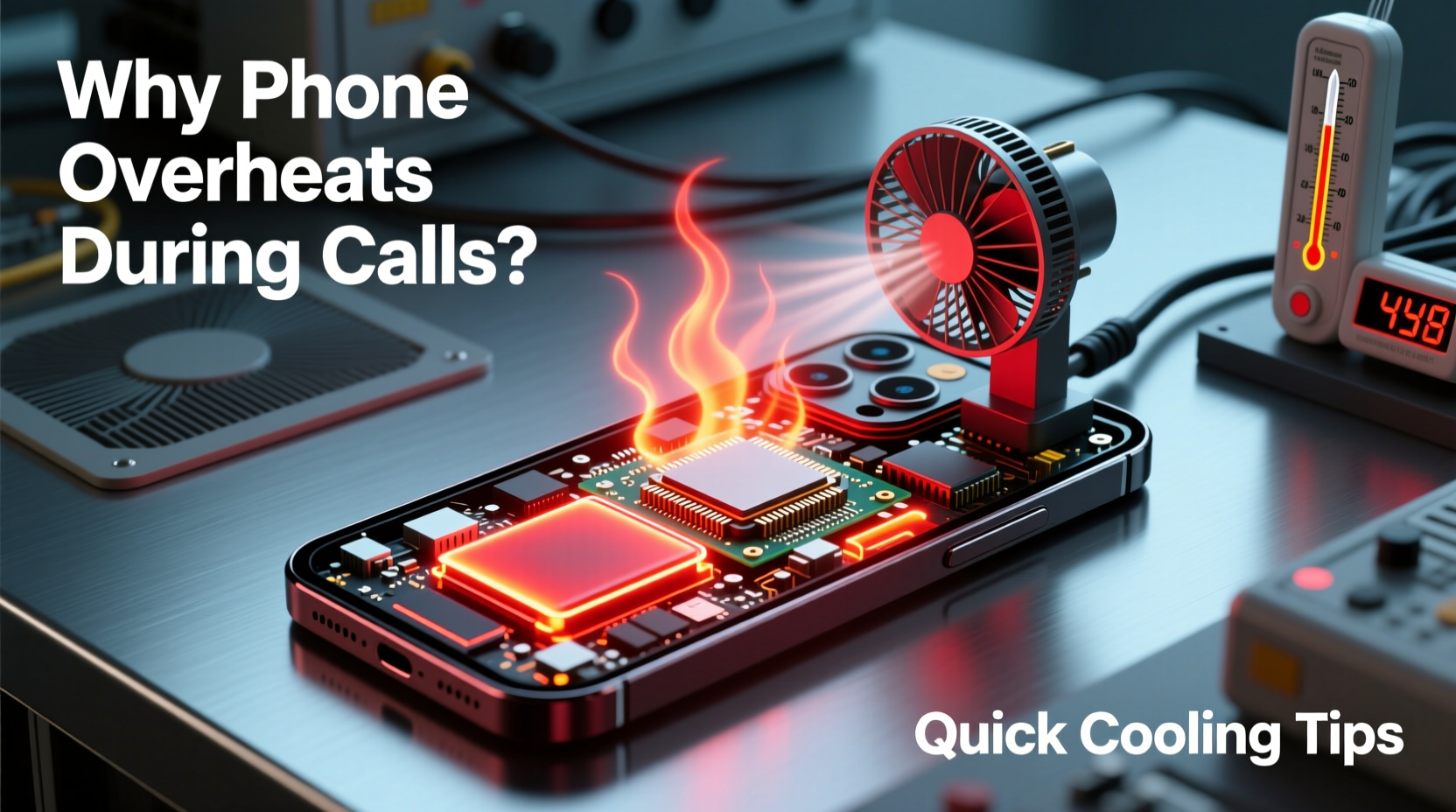
When you make or receive a call, your phone activates multiple hardware components simultaneously: the cellular radio, microphone, speaker, display, and sometimes GPS if location services are active. This coordinated effort increases power consumption and generates heat. Under ideal conditions, modern smartphones manage this heat efficiently through thermal regulation systems. However, several factors can disrupt this balance and lead to overheating.
Common Causes of Overheating
- Poor Signal Strength: When your phone struggles to maintain a connection due to weak reception, it boosts its radio output to stay connected. This increased transmission power significantly raises internal temperature.
- Background Apps: Applications running in the background—especially those using GPS, streaming data, or syncing large files—consume CPU resources and generate additional heat.
- Direct Sunlight or Hot Environments: Using your phone outdoors on a sunny day or leaving it near a heater can push already warm components past their thermal threshold.
- Phone Case Trapping Heat: Thick silicone or leather cases may insulate heat instead of dissipating it, especially during prolonged use.
- Aged or Damaged Battery: As lithium-ion batteries degrade, they become less efficient and more prone to generating excess heat during charging and usage.
- Software Glitches: Bugs in operating systems or apps can cause processes to run continuously, leading to high CPU usage and thermal stress.
How to Cool Down Your Phone Fast
When your phone gets too hot, immediate action helps prevent long-term damage. The goal is to reduce heat without causing condensation or physical harm to internal components. Avoid drastic measures like placing your phone in a freezer—this can lead to moisture buildup and permanent damage.
Step-by-Step Cooling Procedure
- End the Call Immediately: Stop further strain on the system by hanging up or switching to speakerphone to create distance from your ear while you address the issue.
- Remove the Case: Take off any protective cover to allow better airflow around the chassis.
- Turn Off Unnecessary Features: Disable Bluetooth, Wi-Fi, GPS, and NFC. These radios contribute to heat generation even when not actively used.
- Lower Screen Brightness: Reduce brightness manually or enable auto-brightness to minimize display-related heat.
- Place in a Cool, Shaded Area: Move away from direct sunlight or heated surfaces. A room with air conditioning works best.
- Enable Airplane Mode (Temporarily): This stops all wireless transmissions, giving the processor and modem a chance to cool down.
- Wait 5–10 Minutes: Allow passive cooling before resuming use. Do not force restart or rapidly power cycle the device.
“Thermal throttling is built into smartphones to protect hardware, but frequent overheating accelerates wear on both the battery and processor.” — Dr. Rajiv Mehta, Mobile Hardware Engineer at TechInsight Labs
Preventive Measures to Avoid Future Overheating
Proactive habits are far more effective than reactive fixes. By optimizing your phone’s environment and usage patterns, you can drastically reduce the risk of overheating during calls.
Optimize Network Usage
Weak signal forces your phone to work harder. In buildings with poor reception, consider using Wi-Fi calling if your carrier supports it. This shifts voice data over a stable internet connection, reducing reliance on the cellular antenna.
Manage Background Activity
Regularly audit which apps run in the background. On iOS, go to Settings > General > Background App Refresh. On Android, navigate to Settings > Apps > Special Access > Background Restrictions. Limit non-essential apps from refreshing or syncing in the background.
Update Software Regularly
Manufacturers release updates that improve thermal management and fix bugs contributing to high CPU usage. Enable automatic updates or check monthly for new patches.
| Do’s | Don’ts |
|---|---|
| Use Wi-Fi calling in low-signal zones | Leave phone in direct sunlight during calls |
| Remove case when phone feels warm | Run GPS navigation and video calls simultaneously |
| Keep software updated | Place phone in fridge or freezer |
| Close unused apps before long calls | Use third-party chargers during calls |
| Monitor battery health monthly | Ignore repeated overheating warnings |
Real-World Example: Maria’s Commute Fix
Maria, a sales representative based in Chicago, frequently made client calls during her subway commute. She noticed her phone would overheat within minutes, often dropping calls or displaying a “Temperature Too High” warning. After testing different scenarios, she realized two key issues: first, underground tunnels caused constant signal fluctuation; second, her navigation app was tracking her route in the background.
She enabled Wi-Fi calling and turned off location services for non-essential apps. She also began removing her thick rubber case during calls. Within a week, her phone no longer overheated—even during 30-minute conversations. Her proactive adjustments saved her from potential hardware failure and improved call reliability.
Checklist: Prevent Phone Overheating During Calls
- ✅ Enable Wi-Fi calling in weak signal areas
- ✅ Remove phone case during extended calls
- ✅ Close unnecessary background apps before calling
- ✅ Keep the phone out of direct sunlight
- ✅ Update OS and apps regularly
- ✅ Monitor battery health (iOS: Settings > Battery > Battery Health; Android: Use diagnostic tools or dial *#*#4636#*#*)
- ✅ Avoid charging while on long calls
- ✅ Restart your phone weekly to clear memory leaks
- ✅ Replace swollen or degraded batteries promptly
- ✅ Use speakerphone or headphones to reduce contact heat
Frequently Asked Questions
Can overheating permanently damage my phone?
Yes. Repeated exposure to high temperatures degrades the lithium-ion battery, reduces maximum capacity, and can cause solder joints on internal chips to weaken over time. Chronic overheating may result in unresponsive screens, random reboots, or complete failure.
Is it safe to keep using my phone after it overheats?
If the phone returns to normal temperature and functions correctly afterward, it’s generally safe to resume use—with caution. However, if overheating occurs frequently, investigate the root cause. Persistent thermal issues indicate deeper problems requiring intervention.
Does using headphones help reduce heat during calls?
Yes. Wired or Bluetooth headphones eliminate the need to hold the phone against your ear, allowing better airflow and reducing localized heat buildup. Additionally, using headphones often means shorter screen-on time, lowering overall power draw.
Conclusion: Protect Your Device Before It’s Too Late
Overheating during calls is more than a minor annoyance—it’s a warning sign your phone is under stress. Ignoring it risks reduced performance, battery degradation, and costly repairs. The good news is that most causes are preventable with smart usage habits and timely maintenance. From enabling Wi-Fi calling to managing background apps and upgrading worn-out accessories, small changes yield significant protection.
Your smartphone is designed to last years, not months. Treat it with care, respond swiftly to heat warnings, and adopt preventive strategies now. Don’t wait for a shutdown or swelling battery to take action. Start today by auditing your settings, checking your case, and ensuring your device stays cool under pressure.




 浙公网安备
33010002000092号
浙公网安备
33010002000092号 浙B2-20120091-4
Comments
No comments yet. Why don't you start the discussion?