
It’s a familiar scenario: you plug in your phone, only to notice it getting unusually hot within minutes. While some warmth during charging is normal, excessive heat can be alarming—and potentially harmful. Overheating not only affects performance but can degrade your battery over time, reduce device lifespan, and even pose safety risks. Understanding why this happens and how to address it quickly is essential for any smartphone user.
Modern phones are powerful, compact devices packed with high-capacity batteries and energy-intensive components. When combined with suboptimal charging habits or environmental factors, the result can be thermal stress. This article breaks down the most common reasons behind phone overheating during charging, backed by technical insights and real-world examples, and provides actionable solutions to keep your device cool and functioning safely.
Common Causes of Phone Overheating During Charging
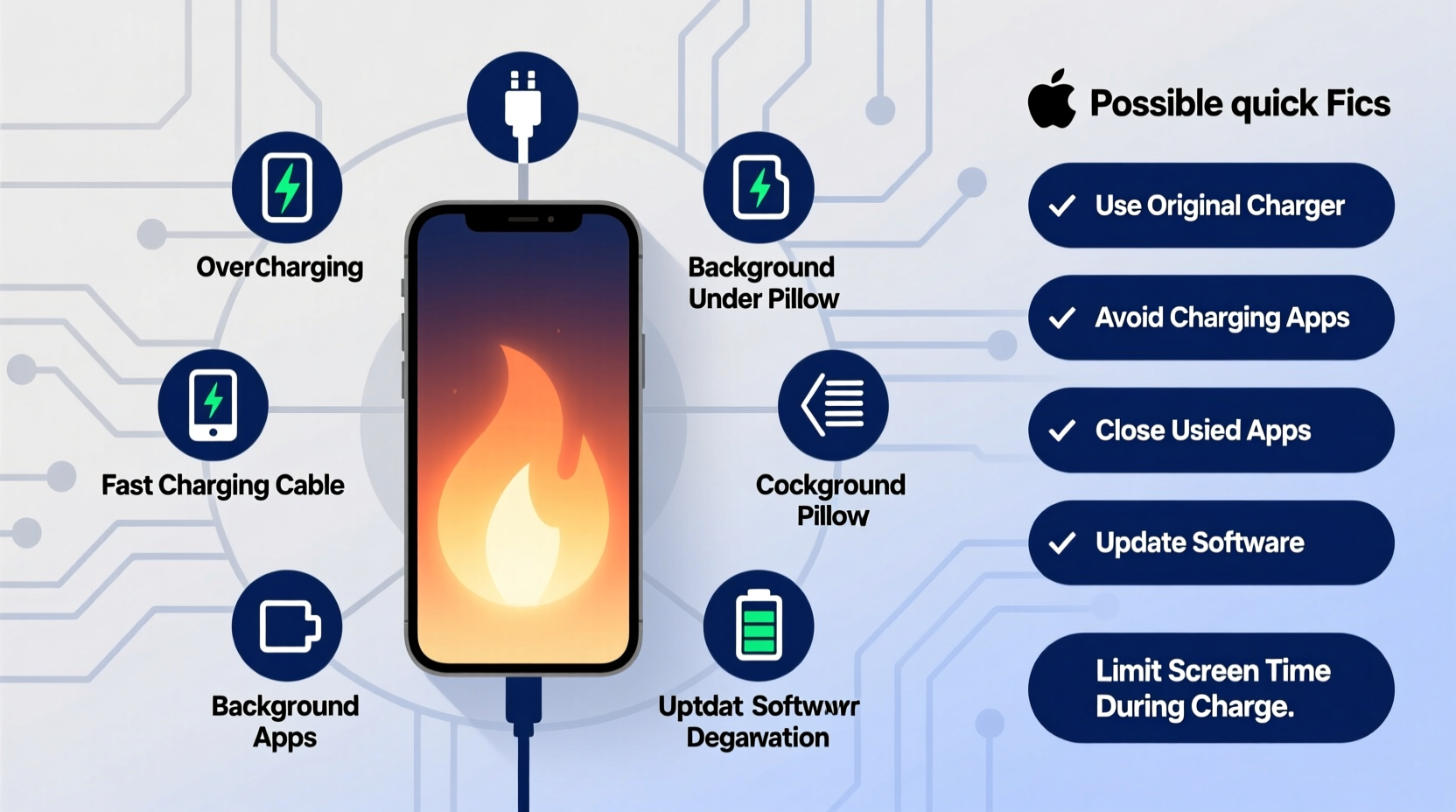
Several internal and external factors contribute to a phone heating up while charging. Identifying the root cause is the first step toward prevention.
Battery and Charging System Dynamics
Lithium-ion batteries, used in nearly all smartphones, generate heat during both charging and discharging. The chemical reactions inside the battery produce energy—but also waste heat. Fast charging technologies amplify this effect by pushing more current into the battery in less time. While convenient, this process increases thermal output significantly, especially if the phone lacks proper thermal regulation.
Poor-Quality or Incompatible Chargers
Using third-party or counterfeit chargers is one of the leading causes of overheating. These chargers often fail to regulate voltage and current properly, causing erratic power delivery that stresses the battery and charging circuitry. A charger not certified for your specific phone model may deliver inconsistent power, forcing the phone to work harder and generate excess heat.
Background App Activity and CPU Load
Even when idle, smartphones run background processes—syncing emails, updating apps, location tracking, or running malware. If resource-heavy apps are active while charging, the CPU works harder, increasing internal temperature. Charging adds additional heat, creating a compounding effect.
Environmental and Physical Factors
Charging your phone in direct sunlight, on a bed, or under a pillow traps heat and blocks ventilation. Phones rely on passive cooling through their casing. Insulating materials like blankets or thick cases restrict airflow, preventing heat dissipation. Similarly, high ambient temperatures—such as leaving a phone in a hot car—can push an already warm device past its thermal threshold.
Aging Battery or Hardware Degradation
As batteries age, their internal resistance increases, making them less efficient at storing energy. This inefficiency results in more heat generation during charging. Swollen or damaged batteries are particularly dangerous, as they can short-circuit or overheat rapidly. Physical damage to the phone’s internal components can also disrupt thermal management systems.
Quick Fixes to Stop Your Phone from Overheating
If your phone consistently gets too hot while charging, immediate action can prevent long-term damage. Try these proven strategies:
- Remove the case while charging – Many protective cases, especially thick silicone or leather ones, trap heat. Taking the phone out of its case allows better airflow and faster cooling.
- Turn off the phone or enable Airplane Mode – This reduces CPU load and disables wireless radios (Wi-Fi, Bluetooth, cellular), which are significant heat contributors.
- Use the original charger and cable – Replace generic or frayed cables with manufacturer-approved accessories to ensure proper power regulation.
- Charge in a cool, well-ventilated area – Avoid placing the phone on soft surfaces like beds or couches. Instead, charge it on a hard, flat surface away from direct sunlight.
- Close unnecessary apps – Before plugging in, close memory-intensive apps like games, video editors, or navigation tools.
Do’s and Don’ts When Charging Your Phone
| Do’s | Don’ts |
|---|---|
| Use certified chargers and cables | Use cheap, uncertified charging accessories |
| Charge in a cool, dry place | Charge under pillows or blankets |
| Remove thick cases during charging | Leave phone in direct sunlight while charging |
| Enable battery-saving modes | Play graphics-heavy games while fast charging |
| Keep software updated | Ignore persistent overheating warnings |
Real-World Example: Sarah’s Overheating iPhone
Sarah, a graphic designer, noticed her iPhone 13 was becoming uncomfortably hot every time she charged it overnight. She initially dismissed it as normal, but after a week, the phone began shutting down unexpectedly during charging. Concerned, she took it to an Apple technician.
The diagnosis revealed two issues: first, she had been using a non-MFi-certified third-party charger purchased online; second, she routinely left her phone under her pillow while charging, blocking airflow. The combination caused sustained thermal stress, triggering the phone’s safety mechanisms to shut down.
After switching to an official Apple charger and charging on her nightstand without the case, the overheating stopped. The technician also recommended replacing the battery, which had degraded to 78% capacity after two years of heavy use. Sarah’s experience highlights how simple behavioral changes can resolve serious overheating issues.
“Over 60% of overheating cases we see stem from improper charging environments or incompatible accessories. Often, the fix is simpler than people think.” — Dr. Raj Mehta, Senior Mobile Engineer at TechCare Solutions
Step-by-Step Guide to Diagnose and Prevent Overheating
Follow this systematic approach to identify and eliminate the source of overheating:
- Monitor temperature patterns – Note when and where overheating occurs. Is it during fast charging? Only with certain apps open?
- Inspect your charging setup – Check if the charger and cable are genuine and undamaged. Look for fraying, bent pins, or loose connections.
- Test with the original charger – If available, use the OEM charger to see if the problem persists.
- Check battery health – On iPhones, go to Settings > Battery > Battery Health. On Android, use built-in diagnostics or apps like AccuBattery. Replace the battery if health is below 80%.
- Observe usage during charging – Avoid gaming, streaming, or video calls while charging, especially with fast chargers.
- Update your OS and apps – Software bugs can cause abnormal CPU usage. Updates often include thermal management improvements.
- Reset settings if necessary – As a last resort, reset network settings or perform a factory reset (after backing up data) to rule out software conflicts.
Frequently Asked Questions
Is it normal for my phone to get warm while charging?
Yes, mild warmth is normal due to energy conversion in the battery. However, if the phone becomes too hot to touch, shuts down, or displays a temperature warning, it’s overheating and requires attention.
Can overheating damage my phone permanently?
Yes. Prolonged exposure to high temperatures can degrade the battery, reduce its maximum capacity, damage internal components, and in extreme cases, lead to swelling or fire hazards. Lithium-ion batteries are especially sensitive to heat above 35°C (95°F).
Does fast charging cause more heat?
Absolutely. Fast charging delivers higher current to charge the battery quicker, which increases heat generation. While modern phones have safeguards, combining fast charging with heavy usage or poor ventilation can push temperatures beyond safe limits.
Expert Tips for Long-Term Prevention
Maintaining your phone’s thermal health goes beyond immediate fixes. Adopt these habits for lasting protection:
- Avoid full 0–100% cycles regularly – Keeping your battery between 20% and 80% reduces stress and heat buildup.
- Use adaptive charging features – Both iOS and Android offer settings that learn your routine and slow charging overnight to preserve battery health.
- Keep vents clean – Dust accumulation around the charging port can interfere with connection and generate localized heat. Gently clean with a dry brush or compressed air.
- Replace old cables and adapters – Worn-out chargers lose efficiency and may deliver unstable power, increasing the risk of overheating.
- Monitor for physical damage – Dropped phones may have internal damage affecting battery contact or cooling pathways. Get them inspected if overheating starts after impact.
“The best way to extend your phone’s lifespan is to treat the battery gently. Avoid extreme temperatures, use quality chargers, and minimize fast charging unless necessary.” — Lena Park, Battery Technology Researcher at GreenTech Labs
Conclusion: Take Control of Your Phone’s Temperature
Phone overheating during charging isn’t something to ignore. While occasional warmth is expected, consistent or severe heat signals underlying issues that can compromise performance, safety, and longevity. By understanding the causes—from faulty chargers to poor ventilation—and applying practical fixes, you can maintain optimal device health.
Start today by auditing your charging habits. Are you using the right accessories? Charging in a safe environment? Monitoring battery condition? Small changes can make a big difference. Your phone is designed to last years, but only if treated with care.




 浙公网安备
33010002000092号
浙公网安备
33010002000092号 浙B2-20120091-4
Comments
No comments yet. Why don't you start the discussion?