
Phone overheating during charging is more than just an annoyance—it can signal deeper hardware problems that, if ignored, may lead to permanent damage or safety risks. While some warmth is normal due to energy conversion, excessive heat often points to underlying malfunctions. Understanding the root causes helps users take timely action, avoid data loss, and extend device lifespan. This article explores the most common hardware-related reasons for overheating, how to identify them, and what steps to take next.
Normal vs. Abnormal Heat: What’s the Difference?
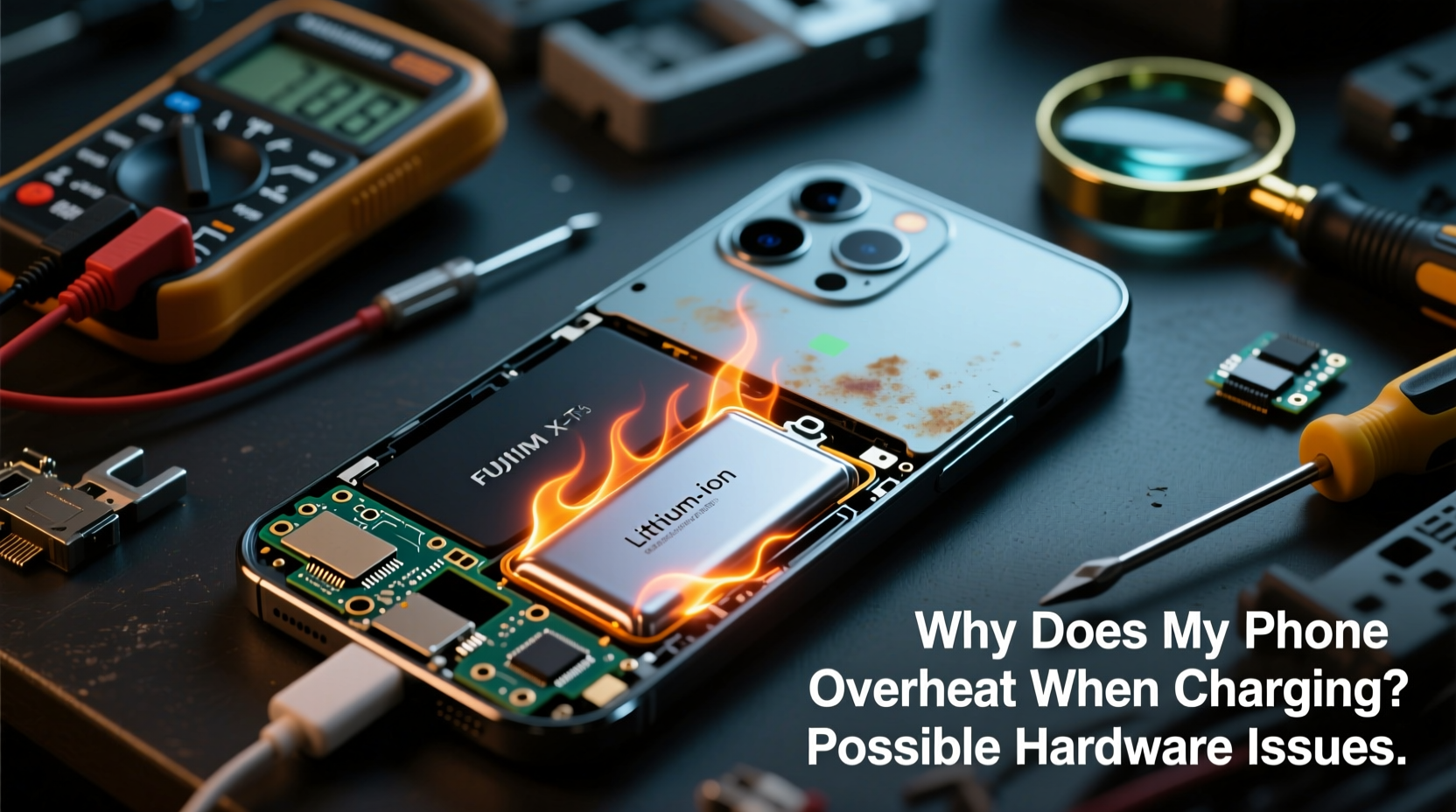
When a phone charges, electrical energy converts into chemical energy stored in the battery. This process generates heat as a byproduct. A slightly warm device after 30 minutes of charging is typical, especially with fast-charging technologies. However, abnormal heat—such as a phone too hot to hold, sudden shutdowns, or visible swelling—is a red flag.
Abnormal heating often stems from inefficient power transfer, failing components, or poor thermal management. Unlike software-induced heat (like running heavy apps), hardware-related overheating persists even when the phone is idle during charging. Recognizing this distinction is crucial before diagnosing potential issues.
Common Hardware Causes of Overheating During Charging
1. Degrading or Damaged Battery
The lithium-ion batteries in smartphones degrade over time. After 300–500 charge cycles, internal resistance increases, reducing efficiency and generating more heat. A swollen battery is a clear indicator of failure. Swelling occurs when gases build up inside the cell due to electrolyte breakdown, often caused by overcharging, physical damage, or manufacturing defects.
A damaged battery struggles to regulate voltage and current properly, leading to thermal runaway—a dangerous feedback loop where rising temperature accelerates further degradation. In severe cases, this can result in fire or explosion.
“Battery health is the number one factor in charging-related overheating. Once capacity drops below 80%, thermal performance declines significantly.” — Dr. Alan Reyes, Electrical Engineer & Mobile Device Safety Researcher
2. Faulty or Non-OEM Charging Accessories
Using third-party or counterfeit chargers and cables is a leading cause of hardware stress. These accessories often lack proper voltage regulation, overcurrent protection, and temperature monitoring circuits. Cheap adapters may deliver inconsistent power, forcing the phone’s charging circuitry to work harder and generate excess heat.
Non-compliant USB-C or Lightning cables might not support proper handshake protocols, causing mismatched charging speeds and unstable connections. Even minor fluctuations can increase resistance at the port, contributing to localized heating.
3. Charging Port Damage or Debris Buildup
Physical damage to the charging port—such as bent pins, corrosion, or accumulated lint—can disrupt the electrical connection. Poor contact forces the system to draw higher current intermittently to maintain charging, increasing resistance and heat generation.
Dust and debris act as insulators, trapping heat around the port area. In humid environments, moisture can lead to micro-short circuits or oxidation, further degrading conductivity. Users often notice intermittent charging or “plugged-in, not charging” messages alongside rising temperatures.
4. Internal Component Failure
Beyond the battery and port, other internal hardware can contribute to overheating. The power management integrated circuit (PMIC) regulates voltage distribution across the device. If it fails or operates inefficiently, it may over-deliver power to the battery or fail to cut off charging at full capacity, both of which generate heat.
Similarly, damaged logic board traces or solder joints near the charging circuit can create high-resistance paths. These microscopic faults are hard to detect but can cause significant thermal output under load. Such issues often arise after drops, liquid exposure, or prolonged thermal stress.
5. Poor Thermal Design or Blocked Heat Dissipation
Modern phones pack powerful components into slim bodies, leaving little room for heat dissipation. While manufacturers use graphite sheets, vapor chambers, and copper layers to spread heat, these systems can be compromised by case design, screen protectors, or internal wear.
Rigid phone cases made of silicone or thick plastic trap heat, especially when combined with wireless charging. Some aftermarket screen protectors also inhibit surface cooling. Internally, degraded thermal paste between the processor and heatsink reduces efficiency over time, particularly in older devices subjected to frequent fast charging.
Diagnostic Checklist: Is It a Hardware Problem?
Before concluding that hardware is at fault, rule out environmental and user factors. Use this checklist to isolate the cause:
- ✅ Does the phone overheat only when charging, regardless of usage?
- ✅ Does the issue persist with different chargers and cables?
- ✅ Is the battery visibly swollen or lopsided?
- ✅ Is there lint, corrosion, or physical damage in the charging port?
- ✅ Does the phone shut down unexpectedly during charging?
- ✅ Has the device been exposed to water or physical impact recently?
- ✅ Does the heat concentrate near the battery or charging port?
- ✅ Is the phone excessively hot even with minimal ambient temperature?
If three or more of these apply, hardware failure is likely. Proceed with caution—continued use could worsen the problem.
Step-by-Step Guide to Address Hardware-Related Overheating
- Stop using the device immediately if it’s extremely hot, smoking, or emitting odd smells. Place it on a non-flammable surface away from combustibles.
- Unplug the charger and let the phone cool down completely in a well-ventilated area. Do not place it in a freezer or under direct AC airflow, as condensation can damage internals.
- Inspect the charging cable and adapter. Use only manufacturer-approved or MFi-certified accessories. Test with a known-good setup.
- Clean the charging port gently using a dry toothbrush or wooden pick. Avoid metal tools that could short the pins.
- Remove the case and any screen protector during charging to improve heat dissipation.
- Check battery health via built-in diagnostics (e.g., iOS Settings > Battery > Battery Health or Android apps like AccuBattery).
- Monitor temperature patterns over several charging cycles. Note whether heat builds gradually or spikes suddenly.
- Visit an authorized service center if symptoms persist. Request inspection of the battery, PMIC, and charging circuitry.
Real-World Example: When a Charger Caused Repeated Overheating
Jamal, a freelance photographer, noticed his phone shutting down during shoots despite being plugged in. Initially blaming app usage, he later observed the phone getting hot within minutes of connecting to his car charger. He tested multiple cables and wall outlets—same result. Only when he borrowed a friend’s OEM charger did the issue disappear.
A technician inspected the original charger and found missing surge protection and unstable voltage output. The substandard adapter was sending erratic power pulses, forcing the phone’s PMIC to compensate constantly. This not only caused overheating but had already reduced the battery’s capacity by 35% in six months. Replacing the charger stopped the immediate problem, but Jamal needed a new battery to restore performance.
This case illustrates how a seemingly minor component—the charger—can trigger cascading hardware stress. It also highlights the importance of using certified accessories, especially for professionals relying on their devices.
Do’s and Don’ts: Managing Phone Heat Safely
| Do’s | Don’ts |
|---|---|
| Use manufacturer-recommended chargers and cables | Use cheap, unbranded charging accessories |
| Charge in a cool, dry environment | Leave the phone in direct sunlight or a hot car while charging |
| Remove thick cases during charging | Wrap the phone in blankets or pillows while charging |
| Keep the charging port clean and dry | Blow into the port or use wet cleaning tools |
| Replace batteries showing signs of wear | Continue using a swollen or leaking battery |
Frequently Asked Questions
Can a bad motherboard cause my phone to overheat while charging?
Yes. The motherboard houses the power management IC (PMIC), which controls charging voltage and current. If the PMIC is damaged or malfunctioning, it may fail to regulate power properly, leading to overvoltage, inefficient charging, and excessive heat. Physical damage, moisture exposure, or voltage spikes from faulty chargers can all harm the PMIC.
Is wireless charging more likely to cause overheating?
Wireless charging is inherently less efficient than wired charging, losing 15–30% of energy as heat. This makes overheating more common, especially with poor alignment, thick cases, or low-quality pads. However, modern phones include thermal sensors that slow or stop charging if temperatures rise too high. Still, combining wireless charging with intensive app usage increases risk.
How long should I wait before using a hot phone after charging?
Wait until the device returns to near-room temperature—usually 15 to 30 minutes after unplugging. Using an overheated phone strains the processor and battery further, accelerating wear. If the phone remains hot after an hour of rest, seek professional inspection.
Conclusion: Act Now to Protect Your Device and Safety
Overheating during charging isn’t just inconvenient—it’s a warning sign that something in your phone’s hardware chain isn’t functioning safely. Whether it’s a failing battery, a counterfeit charger, or internal circuit damage, ignoring the heat puts your device, data, and even personal safety at risk. Modern smartphones are complex systems where one compromised component can destabilize the entire ecosystem.
The best defense is proactive maintenance: use quality accessories, monitor battery health, and respond quickly to early signs of trouble. If you suspect hardware failure, don’t delay. Visit a certified technician rather than risking further damage with DIY fixes. Your phone is an essential tool—treat its health with the seriousness it deserves.




 浙公网安备
33010002000092号
浙公网安备
33010002000092号 浙B2-20120091-4
Comments
No comments yet. Why don't you start the discussion?