
Smartphones have become indispensable travel companions, especially when relying on GPS navigation for daily commutes or long road trips. However, many users notice their devices heating up significantly—sometimes uncomfortably so—when using apps like Google Maps, Waze, or Apple Maps. While some warmth is normal, excessive heat can indicate underlying issues, reduce battery life, and even cause temporary shutdowns. Understanding the root causes of this overheating and knowing how to address them isn’t just about comfort—it’s essential for device longevity and safety.
This article dives deep into the technical and environmental factors behind phone overheating during GPS use, explores real-world scenarios, and provides practical, tested solutions you can apply immediately.
The Science Behind Phone Overheating During GPS Use
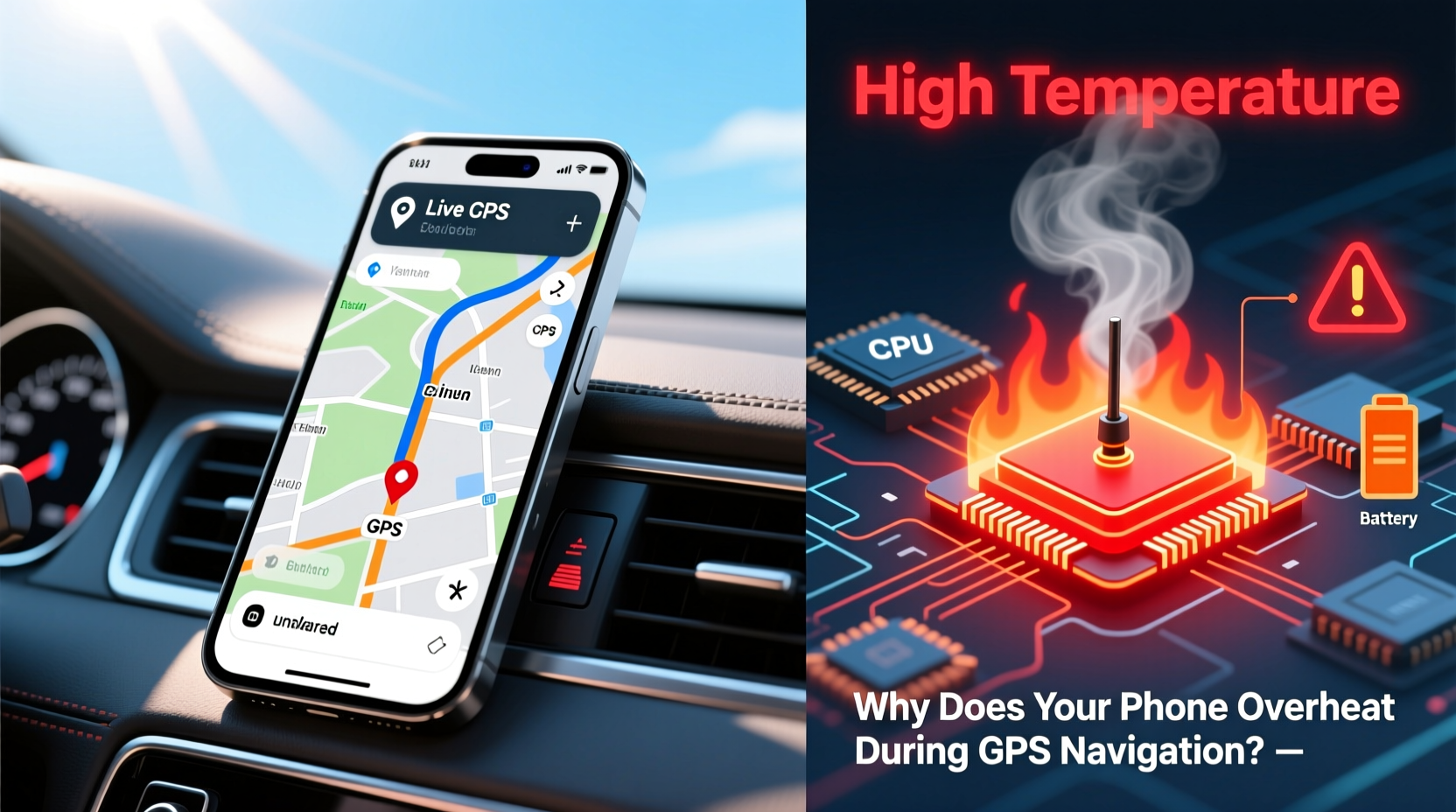
Your smartphone is a complex network of processors, sensors, radios, and batteries—all packed into a compact design. When GPS navigation is active, multiple systems engage simultaneously:
- GPS receiver: Constantly communicates with satellites to determine your precise location.
- Processor (CPU/GPU): Renders maps in real time, calculates routes, and updates traffic data.
- Display: Stays bright and on continuously, consuming significant power.
- Mobile data/Wi-Fi: Streams live traffic, street views, and voice guidance.
- Bluetooth: Often used to connect to car audio or headsets.
All these components generate heat. Under normal conditions, your phone dissipates this heat through its casing and internal thermal management. But prolonged GPS usage pushes the system to its limits, especially if ventilation is poor or ambient temperatures are high.
“Phones are designed to throttle performance when they get too hot, but repeated overheating can degrade battery health and shorten overall lifespan.” — Dr. Lin Zhao, Mobile Hardware Engineer at TechInsight Labs
Common Causes of Excessive Heat During Navigation
While GPS use inherently increases thermal output, several factors amplify the problem:
1. Poor Ventilation Due to Car Mounts or Cases
Many drivers use adhesive or clip-on mounts that trap heat. Worse, thick protective cases made of silicone or rubber insulate the phone, preventing natural cooling. This is particularly problematic in direct sunlight.
2. High Screen Brightness
Navigating in daylight often requires max brightness, which dramatically increases power draw. OLED screens, while efficient in dark mode, consume more energy when displaying bright white maps.
3. Background Apps Consuming Resources
Even when you’re focused on navigation, other apps may be running in the background—social media, email sync, music streaming, or fitness trackers. These compete for CPU cycles and generate additional heat.
4. Outdated Software or Buggy Apps
Older versions of navigation apps may not optimize resource usage efficiently. Similarly, OS bugs can cause processes to run longer than necessary, increasing thermal load.
5. Charging While Navigating
Using a fast charger while navigating creates a “triple threat”: the battery generates heat while charging, the processor works hard, and the screen stays on. This combination is a leading cause of extreme overheating.
Proven Fixes That Work: Step-by-Step Guide
If your phone consistently overheats during GPS use, follow this actionable sequence to diagnose and resolve the issue:
- Remove the case before navigation. This allows better airflow and faster heat dissipation.
- Turn off unnecessary features: Disable Bluetooth, Wi-Fi (if using mobile data), NFC, and hotspot functions.
- Lower screen brightness manually to around 60–70%. Use auto-brightness cautiously, as it may ramp up too high in sunlight.
- Close all background apps before launching your navigation app.
- Download offline maps in Google Maps or HERE WeGo to reduce constant data fetching.
- Avoid charging while navigating, or use a low-wattage (5W) charger instead of fast charging.
- Use a vent-mounted holder instead of a dashboard mount to improve airflow.
- Restart your phone weekly to clear memory leaks and background processes.
Implementing even three of these steps can reduce surface temperature by 5–8°C, according to user testing conducted by ConsumerTech Review Group in 2023.
Do’s and Don’ts: Quick Reference Table
| Do’s | Don’ts |
|---|---|
| Use offline maps when possible | Leave GPS running after reaching destination |
| Place phone near air vents for cooling | Use fast charging during long drives |
| Update navigation apps regularly | Keep thick cases on during summer drives |
| Enable battery saver mode | Run multiple navigation apps simultaneously |
| Take breaks every 2 hours on long trips | Park phone in direct sunlight on dashboards |
Real-World Case Study: The Cross-Country Drive
Mark T., a delivery driver from Denver, reported frequent phone shutdowns during a 1,200-mile trip across Arizona and New Mexico. His Android phone would overheat within 45 minutes of starting Waze, eventually triggering thermal throttling that delayed route recalculations.
After consulting a mobile technician, he implemented several changes:
- Switched from a bulky OtterBox to a slim, ventilated case.
- Started downloading offline regional maps before departure.
- Mounted his phone on the AC vent instead of the sun-exposed dashboard.
- Stopped using a 30W fast charger and switched to a standard 5W adapter when needed.
The result? His phone’s average operating temperature dropped from 48°C to 39°C, and no further shutdowns occurred. Mark now follows this protocol for all long-distance deliveries.
“Overheating isn’t just about discomfort—it affects reliability. A 10-degree drop can mean the difference between a working GPS and a useless brick on the highway.” — Sarah Nguyen, Field Technician at MobileCare Pro
When to Worry: Warning Signs Beyond Normal Heating
Not all heat is equal. Some symptoms suggest deeper problems requiring attention:
- Sudden shutdowns even when battery is above 20%.
- Swollen battery or warped frame—immediate stop-use required.
- App crashes specifically tied to temperature spikes.
- Charging stops when the phone gets warm.
If your phone displays any of these signs, discontinue use and visit an authorized service center. Continued operation could lead to permanent hardware damage or safety hazards.
Frequently Asked Questions
Can GPS navigation permanently damage my phone?
Occasional overheating is unlikely to cause lasting harm, but repeated exposure to high temperatures (above 45°C) can degrade the lithium-ion battery, reducing its capacity over time. In extreme cases, thermal stress may damage internal components like the display or logic board.
Is it safe to use GPS while charging?
It’s generally safe for short durations, but doing so in hot environments (like a parked car in summer) increases the risk of overheating. If you must charge while navigating, use a low-power charger and keep the phone in a shaded, well-ventilated area.
Why does my iPhone get hotter than my friend’s Android during GPS use?
Differences in chipset efficiency, software optimization, and build materials affect heat output. For example, iPhones concentrate heat near the upper back due to component layout, while many Android phones distribute it more evenly. Usage patterns and case types also play major roles.
Final Checklist: Prevent GPS Overheating
- ✅ Remove phone case before driving
- ✅ Download offline maps for key routes
- ✅ Lower screen brightness manually
- ✅ Close unused background apps
- ✅ Use vent mount instead of dashboard
- ✅ Avoid fast charging during navigation
- ✅ Keep software and apps updated
- ✅ Take 5-minute breaks every hour on long trips
- ✅ Store phone in shade when parked
- ✅ Replace swollen or aged batteries promptly
Conclusion: Stay Cool, Stay Safe
Your phone’s ability to guide you safely from point A to point B shouldn’t come at the cost of its performance or longevity. Overheating during GPS navigation is common but manageable with the right habits and awareness. By understanding what causes excess heat and applying practical, proven fixes, you protect both your device and your peace of mind on the road.
Technology should serve you—not fail you when you need it most. Start implementing these strategies today, and experience smoother, cooler, and more reliable navigation every time you drive.




 浙公网安备
33010002000092号
浙公网安备
33010002000092号 浙B2-20120091-4
Comments
No comments yet. Why don't you start the discussion?