
It’s a familiar scene: you plug in your phone, only to find it growing uncomfortably warm—or even hot—within minutes. While some warmth during charging is normal, excessive heat can signal deeper issues that affect performance, battery life, and safety. Overheating isn’t just inconvenient; it can degrade internal components over time and, in extreme cases, pose a fire hazard. Understanding why your phone overheats while charging—and how to prevent it—is essential for maintaining device longevity and personal safety.
Modern smartphones are powerful mini-computers packed into compact frames, with batteries designed to charge faster than ever. But rapid energy transfer generates heat, and when combined with poor usage habits or environmental factors, that heat can accumulate beyond safe levels. This article breaks down the most common causes of phone overheating during charging and provides actionable, expert-backed solutions to keep your device cool and functioning optimally.
Common Causes of Phone Overheating During Charging
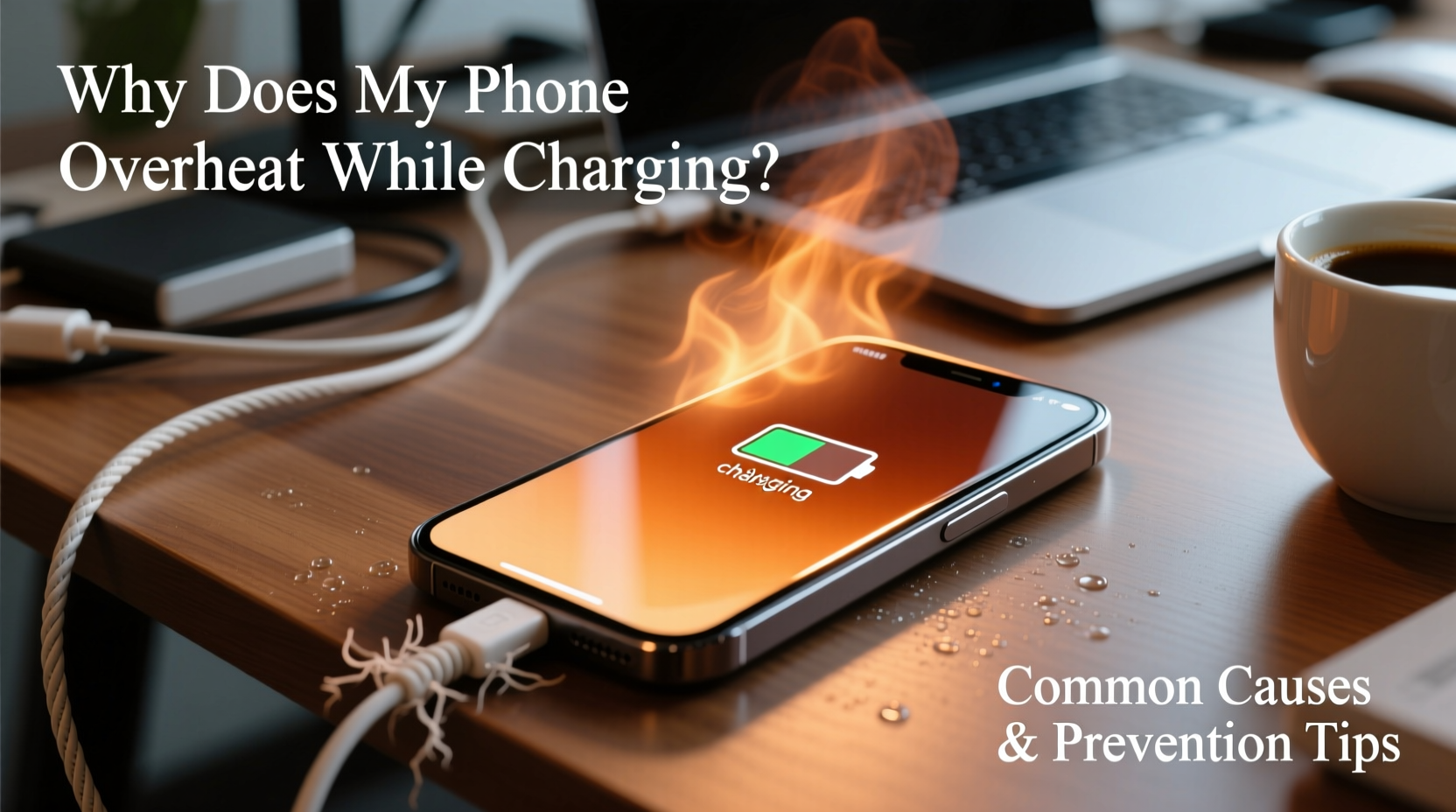
Heat generation during charging is inevitable due to electrical resistance in circuits and chemical reactions within lithium-ion batteries. However, several factors can intensify this process, pushing temperatures into problematic ranges. Identifying these root causes is the first step toward prevention.
1. Using Non-OEM or Low-Quality Chargers
Third-party chargers, especially those without proper certifications (like USB-IF or CE), often deliver inconsistent voltage or current. This forces your phone’s power management system to work harder, increasing thermal output. Poorly regulated fast-charging adapters may also exceed safe thresholds, leading to rapid temperature spikes.
2. Charging While Using Resource-Intensive Apps
Running graphics-heavy games, video streaming, GPS navigation, or multitasking under load while charging creates a double burden: the battery is both receiving energy and supplying it simultaneously. This \"charge-and-use\" cycle significantly increases internal temperature.
3. Environmental Heat Exposure
Charging your phone in direct sunlight, on a car dashboard, or near heat sources like radiators exacerbates thermal buildup. High ambient temperatures reduce the phone’s ability to dissipate heat, trapping warmth inside the chassis.
4. Battery Degradation
Lithium-ion batteries lose efficiency over time. As they age—typically after 500 full charge cycles—their internal resistance increases, causing more heat during charging. Swollen or damaged batteries are particularly prone to overheating and should be replaced immediately.
5. Background Processes and Software Issues
Malware, poorly optimized apps, or system bugs can cause CPU overuse even when the screen is off. If your phone runs intensive background tasks while charging, heat accumulates rapidly. Outdated operating systems may lack efficient thermal management protocols.
6. Physical Obstruction and Poor Ventilation
Thick cases, especially those made of silicone or leather, trap heat. Placing your phone under pillows, blankets, or on soft surfaces while charging blocks airflow, preventing natural cooling.
“Overheating during charging is rarely about one single factor—it's usually a combination of poor accessories, user behavior, and environment.” — Dr. Alan Reyes, Mobile Device Engineer at TechSafe Labs
Prevention Tips to Keep Your Phone Cool While Charging
Preventing overheating doesn’t require technical expertise—just consistent, mindful habits. The following strategies address the most frequent triggers and help maintain optimal thermal conditions.
Remove the Case During Charging
Many protective cases act as insulators. Removing your phone’s case while charging allows heat to escape more efficiently, especially during fast charging or overnight sessions.
Avoid Direct Sunlight and Hot Environments
Never charge your phone on a windowsill, in a parked car, or outdoors in summer. Ideal charging environments stay between 62°F and 72°F (16°C–22°C). If your phone feels warm before plugging in, let it cool down first.
Use Airplane Mode or Turn Off the Screen
Minimizing activity reduces CPU and radio module workload. Enabling Airplane Mode disables cellular, Wi-Fi, and Bluetooth signals—major contributors to heat—while still allowing charging. Alternatively, turn off the screen and avoid using the device until fully charged.
Unplug Before Bed or Use Timed Charging
Leaving your phone plugged in overnight keeps it in trickle-charge mode, where small currents top up the battery repeatedly. This constant cycling generates residual heat. Modern phones support adaptive charging (e.g., iOS Optimized Battery Charging, Android Adaptive Charging), which learns your routine and delays full charge until needed.
Keep Software Updated
Manufacturers release OS updates that improve power efficiency and thermal regulation. Regularly check for system and app updates to benefit from performance optimizations and bug fixes.
Do’s and Don’ts: Charging Best Practices
| Do’s | Don’ts |
|---|---|
| Use manufacturer-approved chargers and cables | Use cheap, uncertified third-party chargers |
| Charge in a cool, dry, well-ventilated area | Charge in direct sunlight or hot cars |
| Remove thick cases during charging | Leave phone under pillows or blankets while charging |
| Enable Airplane Mode or limit usage while charging | Play games or stream videos while fast charging |
| Update your phone’s OS regularly | Ignore repeated overheating warnings |
Step-by-Step Guide to Safer Charging Habits
Adopting safer charging practices takes only a few minutes a day but pays long-term dividends in battery health and device reliability. Follow this daily routine to minimize overheating risks:
- Inspect your charger and cable – Look for fraying, bent connectors, or loose fittings. Replace damaged accessories immediately.
- Choose a safe charging location – Pick a flat, hard surface away from heat sources and out of direct sunlight.
- Remove the phone case – Especially if it’s bulky or made of heat-retaining material.
- Turn off unnecessary functions – Enable Airplane Mode or disable Bluetooth, hotspot, and background app refresh.
- Plug in and monitor initial temperature – If the phone heats up within 5–10 minutes, unplug and investigate the cause.
- Avoid usage during fast charging – Wait until the battery reaches 80% before resuming heavy tasks.
- Unplug at 100% – Or rely on adaptive charging features to prevent prolonged connection.
Real Example: How One User Fixed Chronic Overheating
Jamal, a ride-share driver in Phoenix, noticed his Android phone would frequently shut down during afternoon charges. Despite using a “fast” third-party charger, the device became too hot to touch—even with the screen off. After reading about thermal risks, he reviewed his habits: he charged the phone on the dashboard, used a thick rubber case, and ran GPS navigation all day.
He made three changes: switched to an OEM charger, removed the case while driving, and placed the phone on a ventilated mount instead of the sun-exposed dash. Within days, the phone stayed within safe temperatures, battery drain slowed, and automatic shutdowns ceased. His simple adjustments extended his device’s usable life by over a year.
Battery Health and Long-Term Maintenance
Your phone’s battery is designed to retain up to 80% of its original capacity after 500 complete charge cycles. However, frequent overheating accelerates degradation. Each time the device exceeds 95°F (35°C), chemical wear inside the battery increases exponentially.
To preserve battery health:
- Avoid letting the battery drop below 20% regularly.
- Try not to charge past 80–90% unless necessary.
- Use partial charging throughout the day instead of deep discharges.
- Replace swollen or aging batteries promptly—do not ignore bulging screens or misaligned back panels.
“The single biggest factor in battery longevity isn’t charge speed—it’s temperature control. Keeping your phone cool during charging can extend battery life by up to 40%.” — Li Chen, Battery Research Scientist at IonLife Labs
Frequently Asked Questions
Is it normal for my phone to get warm while charging?
Yes, mild warmth is normal, especially with fast charging. However, if the phone becomes too hot to hold comfortably, shuts down unexpectedly, or displays a warning message, it’s overheating and requires attention.
Can overheating damage my phone permanently?
Yes. Prolonged exposure to high temperatures can degrade the battery, reduce performance through thermal throttling, damage internal adhesives (leading to screen separation), and in rare cases, cause permanent circuit failure.
What should I do if my phone overheats while charging?
Immediately unplug the device and turn it off. Let it cool in a shaded, room-temperature area. Avoid placing it in a refrigerator, as condensation can damage electronics. Once cooled, inspect your charger, case, and environment before attempting to charge again.
Final Checklist: Prevent Phone Overheating
- ✅ Use only certified chargers and cables
- ✅ Charge in a cool, ventilated space
- ✅ Remove thick cases during charging
- ✅ Avoid using the phone while fast charging
- ✅ Enable Airplane Mode or limit connectivity
- ✅ Keep software updated
- ✅ Monitor battery health monthly
- ✅ Replace aging or swollen batteries promptly
Conclusion: Take Control of Your Phone’s Temperature
Phone overheating during charging is a common but preventable issue. By understanding the interplay between hardware, environment, and usage patterns, you can take meaningful steps to protect your device. Small changes—like switching to an OEM charger, removing your case, or avoiding screen use while charging—can make a significant difference in thermal performance and long-term reliability.
Smartphones are essential tools, and treating them with care ensures they remain responsive, safe, and durable. Start applying these practices today—not just to stop overheating, but to maximize your phone’s overall lifespan.




 浙公网安备
33010002000092号
浙公网安备
33010002000092号 浙B2-20120091-4
Comments
No comments yet. Why don't you start the discussion?