
Seeing \"LTE\" on your smartphone when you expected \"5G\" can be confusing—especially if you're in a city with advertised 5G coverage or using a device marketed as 5G-capable. You may wonder if something is wrong with your phone, your carrier plan, or your location. The reality is more nuanced than it appears. Modern mobile networks dynamically switch between technologies based on signal strength, congestion, and network architecture. Understanding why LTE appears instead of 5G requires insight into how carriers deploy 5G, how phones manage connections, and what factors influence real-world performance.
How 5G and LTE Coexist in Today’s Networks
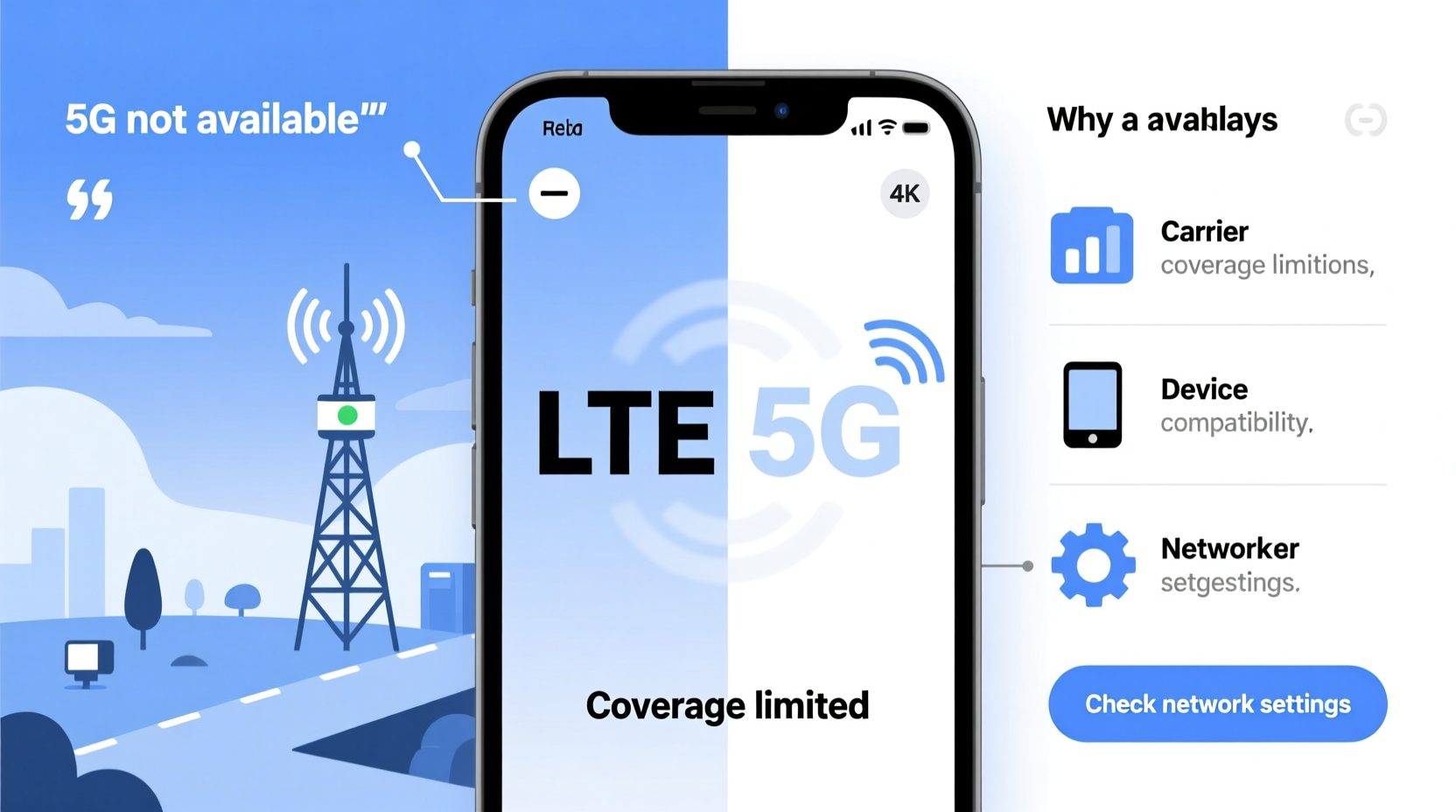
Despite the rollout of 5G, LTE (Long-Term Evolution) remains a foundational component of mobile connectivity. Carriers didn’t replace LTE with 5G—they built 5G on top of existing infrastructure. This hybrid approach, known as Non-Standalone (NSA) 5G, relies on LTE for control signaling while using 5G for faster data transmission. In this setup, your phone must maintain an LTE connection even when actively using 5G, which is why the LTE indicator often stays visible.
When your phone displays \"LTE,\" it doesn’t necessarily mean you’re not accessing 5G. Many devices will show LTE as the primary network type while silently leveraging 5G speeds through a technology called 5G Carrier Aggregation. This means LTE acts as the anchor band, managing call functions and handoffs, while 5G provides high-speed data bursts in the background.
“Even on 5G-capable phones, LTE remains essential for stability and backward compatibility. The network isn’t failing—it’s working smarter.” — Dr. Alan Reyes, Wireless Network Architect at NexLink Systems
Types of 5G: Why Not All 5G Is Equal
One major reason your phone shows LTE instead of 5G lies in the different types of 5G deployed by carriers. There are three primary forms:
- Low-band 5G: Offers wide coverage and better wall penetration but delivers speeds only slightly faster than LTE. Often, phones don’t display a separate 5G icon for low-band due to minimal performance difference.
- Mid-band 5G: Balances speed and coverage, offering significantly faster performance than LTE. This is where most noticeable improvements occur, and phones typically show a 5G icon.
- mmWave (high-band) 5G: Delivers ultra-fast speeds but has very limited range and poor obstacle penetration. Available only in dense urban areas, stadiums, or specific hotspots.
If you're in an area covered only by low-band 5G, your phone may stay on LTE or show 5G+ (or 5G UW/5G UC depending on carrier) inconsistently. This happens because low-band 5G operates so closely to LTE frequencies that the phone defaults to LTE mode unless higher bands are actively engaged.
Factors That Cause Your Phone to Display LTE Instead of 5G
Several technical and environmental variables determine whether your phone switches to 5G and shows the corresponding icon. These include:
Network Congestion
During peak hours, carriers may prioritize network stability over speed. If the 5G network is overloaded, your phone may fall back to LTE to maintain consistent service. This is especially common in crowded areas like transit hubs or shopping centers.
Signal Strength and Obstruction
5G, particularly mid-band and mmWave, struggles with distance and physical barriers. Walls, windows, and even weather can degrade 5G signals. Your phone automatically reverts to LTE when 5G becomes unreliable, ensuring uninterrupted connectivity.
Phone Settings and Carrier Configuration
Your device’s network mode setting plays a crucial role. Some phones default to “5G Auto” or “Smart 5G,” which only activates 5G when beneficial. In contrast, “5G On” forces constant 5G searching, increasing battery drain without guaranteeing better performance.
Carrier Plan Limitations
Not all plans support full 5G access. Budget-tier or older unlimited plans may restrict users to LTE or low-band 5G only. Check your carrier’s terms to confirm if premium 5G tiers (like Verizon’s 5G Ultra Wideband or AT&T’s 5G+) are included.
Firmware and Software Updates
Outdated phone software can impair 5G functionality. Manufacturers regularly release updates to improve modem performance and carrier compatibility. Delayed updates may result in incorrect network labeling or failure to connect to available 5G bands.
What Happens Behind the Scenes: How Phones Manage Network Transitions
Modern smartphones use intelligent radio resource management to balance speed, battery life, and reliability. When you move through different environments—say, from outdoors into a building—the phone constantly evaluates signal quality across multiple bands.
This process involves:
- Scanning: The phone checks available LTE and 5G frequencies.
- Evaluation: It assesses signal strength, latency, and congestion.
- Selection: Based on predefined thresholds, it chooses the optimal connection.
- Handover: Seamless switching occurs without disrupting active apps.
Because 5G consumes more power and generates more heat, phones often delay switching to 5G unless high bandwidth is needed—such as during video streaming or large downloads. For light browsing or messaging, LTE suffices and conserves battery.
Mini Case Study: Commuter in Chicago
Jamal, a daily commuter in downtown Chicago, noticed his iPhone showed LTE most mornings, despite being on Verizon’s Unlimited Plus plan. He assumed he wasn’t getting 5G. After testing speeds near Union Station, he recorded 220 Mbps down—far beyond typical LTE. A technician later explained that Verizon was using Dynamic Spectrum Sharing (DSS), allowing 5G to operate on LTE frequencies. His phone stayed on LTE mode but accessed 5G speeds invisibly. Only when he entered a mmWave hotspot near the Apple Store did the 5G UW icon appear.
Do’s and Don’ts: Managing Your 5G Experience
| Do | Don’t |
|---|---|
| Enable “5G On” mode if you prioritize speed over battery life | Assume LTE means no 5G access—check actual speeds |
| Update your phone’s software monthly | Ignore carrier notifications about plan upgrades affecting 5G |
| Use Wi-Fi in weak signal areas to avoid constant network searching | Expect mmWave 5G indoors or in suburban neighborhoods |
| Contact your carrier to verify 5G eligibility | Force restart your phone repeatedly hoping to trigger 5G |
Step-by-Step Guide to Troubleshoot LTE vs. 5G Display
If you want to ensure you're making the most of your 5G capabilities, follow this practical checklist:
- Verify 5G Compatibility: Confirm your phone model supports 5G and the specific bands used by your carrier (e.g., n71 for T-Mobile, n260 for Verizon mmWave).
- Check Carrier Settings: Open Settings > General > About and wait for a prompt indicating carrier settings update. Outdated profiles may disable 5G features.
- Review Network Mode: Go to Settings > Cellular > Cellular Data Options > Voice & Data. Select “5G On” or “5G Preferred” depending on your device.
- Run a Speed Test: Use apps like Ookla Speedtest or Fast.com to measure download/upload speeds. Consistent results above 100 Mbps suggest 5G-level performance.
- Test in Different Locations: Move near windows or go outside. Compare readings near known 5G hotspots (airports, tech campuses).
- Contact Your Carrier: Ask if your account has full 5G access. Some carriers require opt-in or plan upgrades for premium 5G tiers.
- Reset Network Settings: As a last resort, reset network settings (Settings > General > Transfer or Reset iPhone > Reset > Reset Network Settings). Note: This erases saved Wi-Fi passwords.
Frequently Asked Questions
Does LTE mean I’m not getting 5G speeds?
Not necessarily. With technologies like DSS and NSA 5G, your phone can achieve 5G-like speeds while displaying LTE. The network label doesn’t always reflect actual throughput. Always verify with a speed test.
Why does my 5G icon disappear indoors?
Higher-frequency 5G bands (especially mmWave) have difficulty penetrating walls and glass. Your phone seamlessly drops to LTE or low-band 5G for reliability. This is normal behavior designed to maintain connectivity.
Can I force my phone to stay on 5G?
Yes, on most Android and iOS devices, you can change the preferred network type to “5G Only” or “5G On.” However, this may lead to faster battery drain and potential signal instability in weak coverage zones.
Conclusion: Rethinking the Meaning of Network Icons
The shift from LTE to 5G isn’t a simple on-off transition—it’s a layered evolution in wireless technology. Seeing \"LTE\" on your screen doesn’t mean you’re missing out. In many cases, you’re already benefiting from 5G enhancements behind the scenes. Carriers and manufacturers prioritize seamless user experience over flashy icons, which means your phone makes silent decisions to balance speed, battery, and reliability.
Instead of fixating on the network indicator, focus on real-world performance. Run periodic speed tests, understand your carrier’s 5G strategy, and keep your device updated. True 5G adoption is less about the symbol and more about consistent, faster connectivity when you need it most.




 浙公网安备
33010002000092号
浙公网安备
33010002000092号 浙B2-20120091-4
Comments
No comments yet. Why don't you start the discussion?