
Spending time outdoors only to find your phone screen behaving erratically—flickering, pulsing, or becoming nearly unreadable—is more than just annoying. It can disrupt navigation, messaging, photography, and even emergency use. While it might seem like a hardware defect, screen flicker in bright sunlight is often the result of complex interactions between display technology, ambient light sensors, and software-driven brightness controls. Understanding the root causes and knowing how to respond empowers you to maintain optimal screen performance no matter the environment.
The Science Behind Screen Flicker in Sunlight
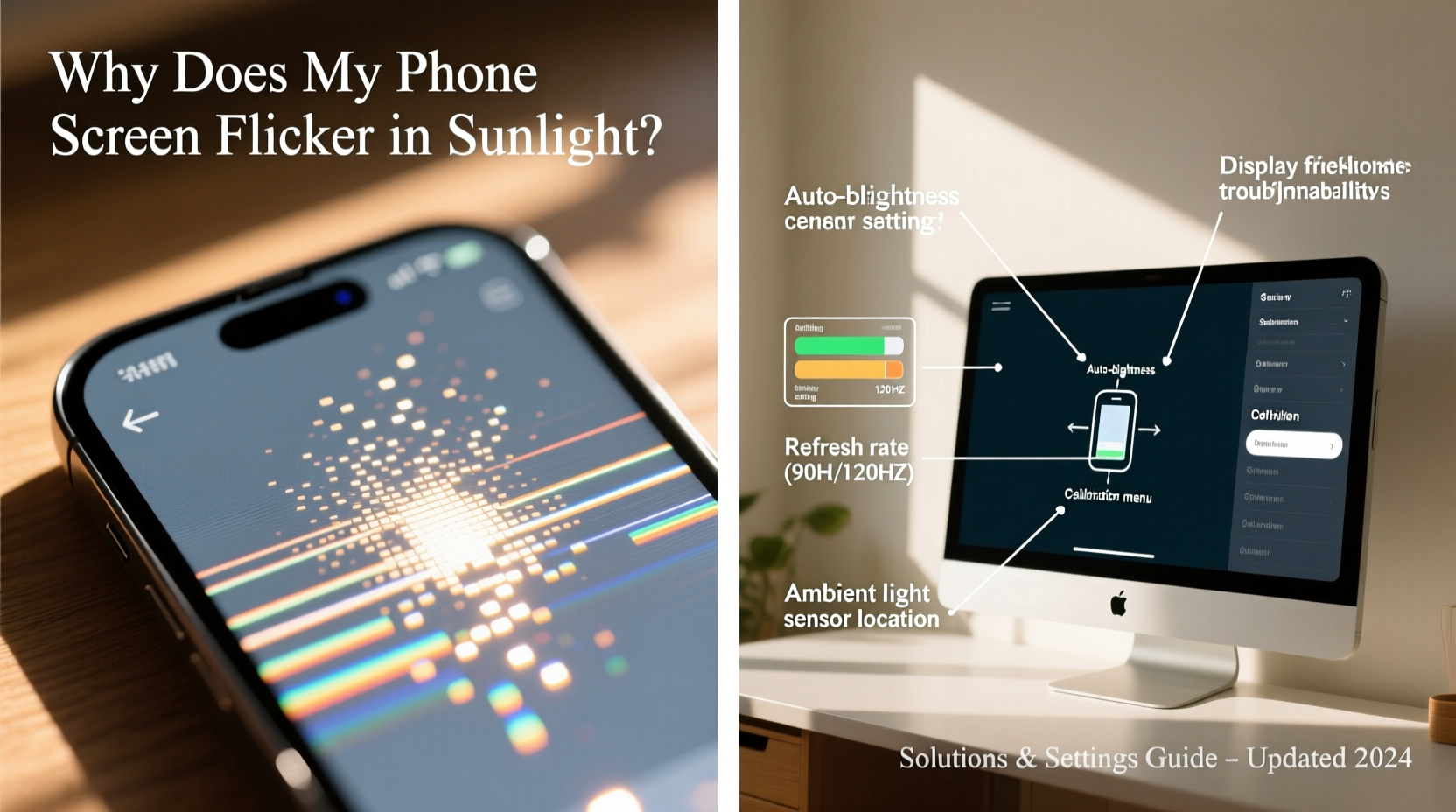
Modern smartphones use advanced display technologies such as OLED and LCD, each with unique behaviors under intense lighting. When exposed to direct sunlight, several factors converge to create the illusion—or reality—of screen flickering.
One primary contributor is the automatic brightness adjustment system. Your phone uses an ambient light sensor to detect surrounding light levels and adjusts screen brightness accordingly. In fluctuating outdoor conditions—like moving between shade and sunlight—the sensor may rapidly toggle brightness up and down, creating a strobing effect that appears as flicker.
OLED displays are particularly prone to this phenomenon due to their use of pulse-width modulation (PWM) for brightness control. At lower brightness levels, PWM rapidly turns pixels on and off to simulate dimming. In bright environments where the screen is already cranked to maximum, inconsistencies in how the human eye perceives rapid pulses under high contrast can make flickering more noticeable.
“PWM-based dimming is efficient but can cause perceptible flicker under certain lighting conditions, especially when combined with high ambient contrast.” — Dr. Lena Park, Display Technology Researcher at MobileVision Labs
Additionally, reflections and glare on the screen surface can interfere with visibility, making static content appear to shimmer or vibrate. This optical illusion is often mistaken for actual screen malfunction.
Common Causes of Sunlight-Induced Screen Flicker
- Aggressive auto-brightness algorithms: Some phones overreact to sudden changes in light, causing rapid brightness shifts.
- PWM dimming at high brightness: Though less common at full brightness, residual flicker can still occur on certain OLED panels.
- Screen protector interference: Low-quality or improperly applied protectors can scatter light and amplify flickering effects.
- Firmware bugs: Software updates sometimes introduce glitches in display drivers or sensor calibration.
- Physical screen damage: Micro-cracks or pressure marks can distort pixel behavior under bright light.
Step-by-Step Guide to Diagnose and Fix the Issue
Before assuming hardware failure, follow this systematic approach to identify and resolve the root cause.
- Disable Auto-Brightness Temporarily
Go to Settings > Display > Brightness and turn off “Adaptive” or “Auto” brightness. Manually set the slider to maximum and observe if flickering persists in sunlight. - Test Under Consistent Lighting
Step into direct sunlight and remain still for 30 seconds. If flickering stops after initial adjustment, the sensor is likely functioning normally but reacting to dynamic conditions. - Inspect for Physical Damage or Debris
Check the front-facing sensor (usually near the earpiece) for dust, smudges, or cracks. Clean gently with a microfiber cloth. - Remove Screen Protector
Take off any third-party screen protector and retest. Cheap films can create moiré patterns or refract sunlight in ways that mimic flicker. - Boot in Safe Mode (Android)
Restart your phone in safe mode to rule out third-party apps interfering with display functions. If flickering stops, uninstall recently added apps one by one. - Check for System Updates
Navigate to Settings > System > Software Update (or equivalent) and install any pending OS patches. Manufacturers often release fixes for display anomalies. - Reset Display Calibration (if available)
Some Samsung and OnePlus models include a “Display reset” option under Accessibility or Device Care. Use it to recalibrate brightness response.
Optimal Settings to Prevent Flicker in Bright Light
Adjusting your phone’s configuration can significantly reduce or eliminate flickering under sunlight. These settings balance usability, battery life, and visual comfort.
| Setting | Action | Benefit |
|---|---|---|
| Brightness Mode | Switch to manual and set to 100% | Eliminates erratic auto-adjustments |
| Night Mode / Blue Light Filter | Turn off in daylight | Reduces color shift that worsens readability |
| Refresh Rate | Set to highest available (e.g., 120Hz) | Smother motion reduces perceived flicker |
| Dark Mode | Enable in bright environments | Improves contrast and reduces glare on OLED screens |
| True Tone / Adaptive Display | Disable if causing instability | Prevents unwanted color temperature shifts |
Real-World Example: Hiking with a Flickering Screen
Consider Sarah, an avid hiker who relies on her smartphone for GPS navigation. During a trail trek in Arizona, she noticed her phone’s screen began flickering violently under midday sun, making it impossible to read directions. Initially fearing a broken device, she followed diagnostic steps:
First, she disabled auto-brightness and manually maxed the screen. The flickering reduced but didn’t vanish. Next, she removed her silicone screen protector, which had developed tiny air bubbles along the edges. After cleaning the screen and leaving the protector off, the issue disappeared entirely. She later realized the bubbled film was refracting sunlight unevenly across the OLED panel, creating a shimmering effect mistaken for flicker.
She now carries a high-clarity tempered glass protector and keeps auto-brightness off during outdoor adventures. Her experience underscores how environmental factors and accessories can mimic hardware failure.
Do’s and Don’ts: Quick Reference Table
| Do | Don't |
|---|---|
| Use a high-quality matte screen protector to reduce glare | Use scratched or low-adhesion plastic films |
| Keep your phone’s software updated | Ignore persistent flicker after factory reset |
| Enable dark mode for better outdoor contrast | Assume all flicker indicates hardware failure |
| Shield the screen with your hand or body to test visibility | Expose the device to extreme heat while troubleshooting |
| Factory reset if software issues are suspected | Apply pressure to the screen to “fix” flickering |
When to Seek Professional Help
While most cases of sunlight-induced flicker are manageable through settings or accessory changes, some symptoms indicate deeper issues:
- Flickering continues indoors at stable brightness
- Lines, discoloration, or dead pixels accompany the flicker
- The screen behaves erratically even after a factory reset
- The ambient light sensor fails to respond in any condition
If these signs are present, visit an authorized service center. Persistent flicker could stem from a failing display driver, damaged flex cable, or defective sensor array—all of which require professional repair.
“Many customers come in convinced their screen is dying, only to discover a simple setting tweak or protector replacement resolves it. Always rule out software and accessories first.” — Marcus Tran, Senior Technician at UrbanFix Mobile Repairs
FAQ: Common Questions About Phone Screen Flicker
Is screen flicker in sunlight harmful to my eyes?
Occasional exposure to flickering screens in bright light is unlikely to cause lasting harm, but it can contribute to eye strain, headaches, or visual fatigue. Using dark mode, reducing glare, and avoiding prolonged use in harsh sunlight helps minimize discomfort.
Can I stop PWM flicker completely on my OLED phone?
Most consumer smartphones do not offer native options to disable PWM. However, some manufacturers (like OnePlus with “Reading Mode”) provide DC dimming alternatives at lower brightness. Third-party apps exist but are not recommended due to potential security risks and battery impact.
Does turning on airplane mode help with screen flicker?
No. Airplane mode disables wireless signals but does not affect display drivers or brightness controls. It won’t resolve flickering caused by sunlight or sensor behavior.
Final Checklist: Eliminate Sunlight Flicker for Good
- Turn off auto-brightness and set screen to manual maximum
- Clean the ambient light sensor and screen surface
- Remove or replace low-quality screen protectors
- Disable True Tone, Night Mode, or Adaptive Display temporarily
- Update your phone’s operating system and apps
- Test in consistent sunlight without movement
- Perform a factory reset if software issues persist (back up data first)
- Consult a technician if flicker occurs across all conditions
Conclusion: Take Control of Your Outdoor Viewing Experience
Your phone should work reliably whether you're under a shaded tree or standing on a sun-drenched beach. Screen flicker in sunlight isn’t always a defect—it’s often a solvable interaction between technology and environment. By understanding how display systems respond to light, adjusting key settings, and using quality accessories, you can restore clarity and confidence in your device’s performance.




 浙公网安备
33010002000092号
浙公网安备
33010002000092号 浙B2-20120091-4
Comments
No comments yet. Why don't you start the discussion?