
It’s a familiar frustration: your phone displays five solid signal bars, indicating excellent reception, yet web pages crawl to load, videos buffer endlessly, and messages take forever to send. You’re not imagining it—strong signal strength doesn’t always mean fast internet. In fact, many users face this disconnect daily. The truth is, cellular signal bars measure only one part of the equation: signal strength. They don’t reflect network congestion, data throttling, bandwidth limitations, or backend server performance. Understanding why this happens—and how to fix it—is essential for anyone relying on mobile data for work, entertainment, or communication.
Understanding Signal Bars vs. Internet Speed
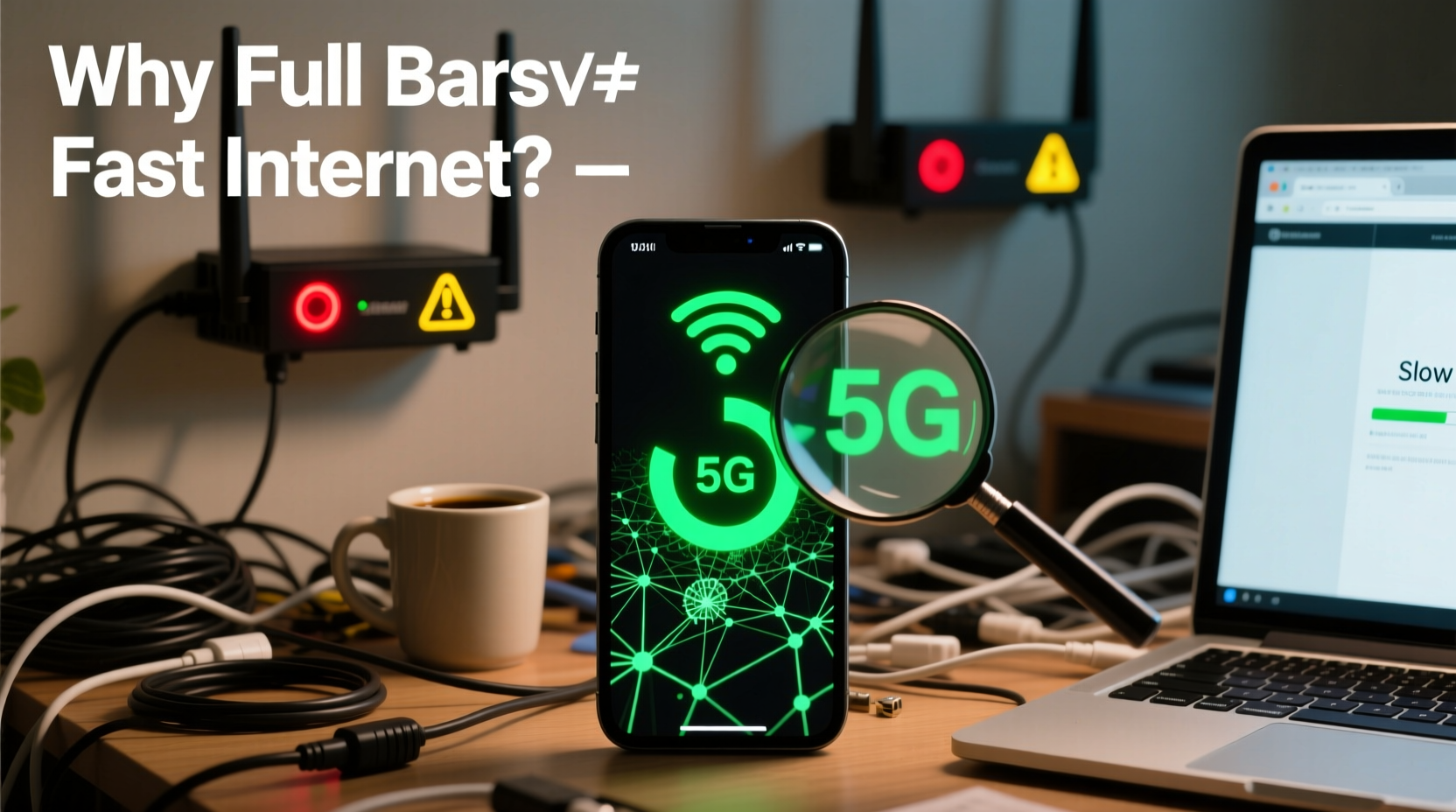
The number of bars on your phone reflects the strength of the radio signal between your device and the nearest cell tower. This is measured in decibels (dBm), typically ranging from -50 dBm (excellent) to -120 dBm (poor). However, strong signal strength alone doesn't guarantee high-speed data. Think of it like water pressure in a pipe: even if the pressure is high, the flow can be restricted if the pipe is clogged or too narrow.
Internet speed depends on several additional factors:
- Network congestion: Too many users on the same tower can slow everyone down.
- Backhaul capacity: The connection from the tower to the carrier’s core network may be limited.
- Data prioritization: Carriers may deprioritize certain plans during peak times.
- Device limitations: Older phones may not support newer, faster network technologies.
- Server-side delays: Slow websites or overloaded apps can create bottlenecks unrelated to your connection.
“Signal bars tell you how well your phone is talking to the tower. They don’t tell you how fast the internet is flowing through that connection.” — Dr. Alan Torres, Wireless Network Engineer at MIT Lincoln Laboratory
Common Causes of Slow Internet Despite Full Bars
1. Network Congestion
Even with perfect signal, being in a densely populated area—such as a stadium, concert, or busy urban district—can overwhelm a cell tower. When hundreds or thousands of devices connect simultaneously, available bandwidth per user drops dramatically. This is especially common during events or rush hours.
2. Carrier Throttling or Deprioritization
Many unlimited data plans come with fine print: after using a certain amount of high-speed data (e.g., 50GB), your speeds may be reduced during times of congestion. This is known as deprioritization. Your signal remains strong because you're still connected, but your data takes longer to travel.
3. Outdated or Poorly Configured Device
Your smartphone’s modem, antenna design, and software settings play a crucial role in actual performance. An older device may only support LTE Category 4 (max ~150 Mbps), while newer models handle Gigabit LTE or 5G. Additionally, incorrect APN (Access Point Name) settings can disrupt data routing.
4. Weak Backhaul Infrastructure
A cell tower might have great radio coverage, but if its backhaul—the physical connection to the internet (usually fiber or microwave)—is outdated or undersized, data throughput suffers. Rural areas often face this issue despite decent signal.
5. Interference and Environmental Factors
Physical obstructions like buildings, trees, or even weather can degrade signal quality even when bars appear full. Additionally, electromagnetic interference from other electronics may disrupt stable data transmission.
Step-by-Step Fixes to Improve Internet Speed
If your phone shows full bars but slow internet, follow this systematic approach to diagnose and resolve the issue:
- Restart your phone. A simple reboot clears temporary glitches, resets network stacks, and refreshes connections.
- Check real-time speed with a trusted app. Use tools like Ookla Speedtest, Fast.com, or Google’s built-in speed test (search “speed test” in Chrome) to confirm whether the slowness is consistent.
- Toggle Airplane Mode on and off. This forces your phone to reconnect to the network, often resolving stuck connections.
- Forget and rejoin Wi-Fi (if applicable). Even when using cellular, background Wi-Fi scanning can interfere. Turn off Wi-Fi temporarily to isolate the issue.
- Update your carrier settings and OS. Carriers push updates that improve network compatibility and fix bugs. Go to Settings > General > About to check for carrier updates.
- Verify APN settings. Incorrect Access Point Names can block proper data routing. Contact your carrier for correct settings or reset to default.
- Test in Safe Mode (Android) or without third-party apps (iOS). Some apps interfere with network performance. Boot into Safe Mode to rule out software conflicts.
- Try another device on the same network. If another phone also experiences slow speeds, the issue is likely network-related, not device-specific.
- Contact your carrier. Report persistent slowdowns. They can check for local outages, account throttling, or SIM card issues.
- Replace your SIM card. Over time, SIMs degrade. Request a new one—it’s often free and can restore optimal performance.
Do’s and Don’ts: Quick Reference Table
| Do | Don’t |
|---|---|
| Use speed tests to verify performance | Assume full bars = fast internet |
| Restart your phone weekly | Ignore carrier update notifications |
| Check your data usage cap | Run multiple large downloads simultaneously |
| Enable 5G if available and supported | Keep Bluetooth/Wi-Fi scanning on unnecessarily |
| Switch carriers if chronic issues persist | Blame your phone without testing alternatives |
Real-World Example: Maria’s Commute Problem
Maria, a digital marketer in Chicago, noticed her phone consistently showed full LTE bars during her morning train commute, yet Slack messages took minutes to send and Google Docs failed to sync. Frustrated, she assumed her phone was failing. She followed a diagnostic process: first running a speed test (which showed only 1.2 Mbps download), then toggling Airplane Mode, which briefly improved speeds. Further investigation revealed that her carrier deprioritized unlimited plan users between 7–9 AM on that route. By switching to a premium unlimited plan, her speeds returned to normal—even though the signal bars never changed. The issue wasn’t signal strength, but network priority.
Expert Tips for Long-Term Performance
Beyond immediate fixes, adopting proactive habits ensures consistent mobile internet performance:
- Monitor data usage monthly. Stay under your carrier’s high-speed threshold to avoid throttling.
- Use Wi-Fi whenever possible. Offloading data reduces reliance on cellular networks and avoids congestion.
- Keep your phone updated. Software patches often include modem firmware improvements.
- Consider a signal booster or femtocell. Devices like AT&T MicroCell or Verizon LTE Network Extender can enhance indoor performance by creating a mini tower in your home.
- Evaluate carrier alternatives. Compare MVNOs like Google Fi, which dynamically switch towers for better performance.
Frequently Asked Questions
Can a virus or malware cause slow internet on my phone?
Yes, though rare. Malicious apps can run background processes that consume bandwidth. Install apps only from official stores, review app permissions, and use reputable security tools if suspicious activity occurs.
Does 5G solve the full-bars-slow-internet problem?
Not always. While 5G offers higher potential speeds and lower latency, it’s still subject to congestion, throttling, and poor backhaul. In some cases, 5G signals are weaker indoors, leading to inconsistent performance despite strong display indicators.
Why does my internet work fine at home but slow down elsewhere with full bars?
This often points to localized network issues. Your home might be near a well-maintained tower with fiber backhaul, while other locations rely on older infrastructure. It could also indicate that your carrier performs better in certain regions due to partnership agreements or tower density.
Conclusion: Take Control of Your Connection
Full signal bars should mean reliable service, but modern mobile networks are complex ecosystems where signal strength is just the starting point. Slow internet despite strong reception is usually due to congestion, throttling, outdated hardware, or backend limitations—not user error. By understanding the root causes and applying targeted fixes, you can reclaim fast, dependable connectivity. Don’t accept sluggish performance as inevitable. Test your speeds, optimize your settings, and advocate for better service when needed. Your phone deserves to work as well as it looks.




 浙公网安备
33010002000092号
浙公网安备
33010002000092号 浙B2-20120091-4
Comments
No comments yet. Why don't you start the discussion?