
Walking into your home should mean comfort and convenience—not dropped calls, failed texts, or endless buffering. Yet for millions of people, indoor phone signal issues are a daily frustration. You might have full bars outside, only to see them vanish the moment you step through your front door. The reasons behind this are rooted in physics, building materials, and network design. The good news? You don’t need to pay hundreds for a commercial signal booster to fix it. With a few smart, low-cost strategies, you can significantly improve indoor reception.
What Causes Indoor Signal Loss?
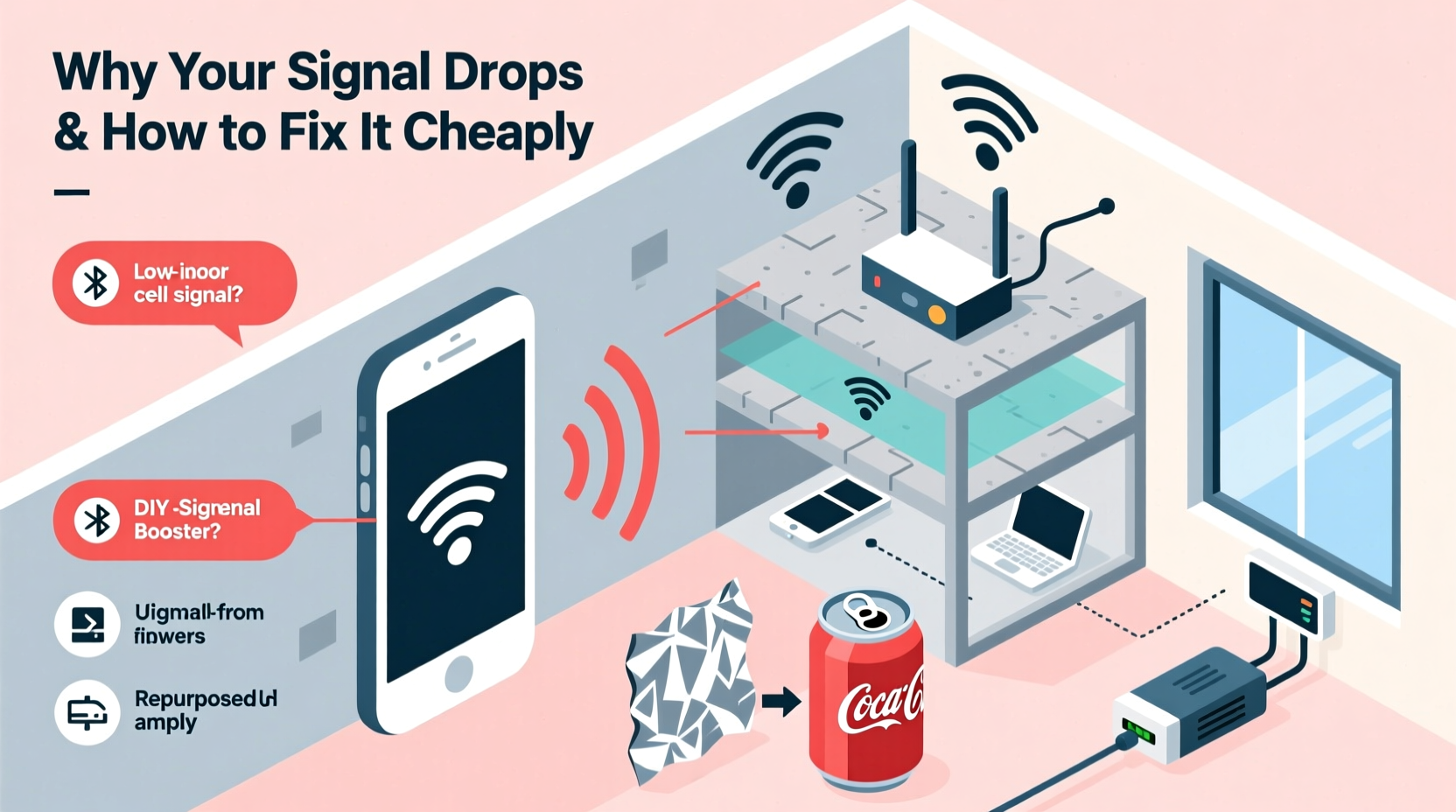
Your smartphone relies on radio frequency (RF) signals transmitted from cell towers miles away. These signals travel through the air but weaken when they encounter physical barriers. While modern networks are designed for wide coverage, indoor environments present unique challenges that degrade signal strength.
Several factors contribute to poor indoor reception:
- Building materials: Concrete, brick, metal framing, and energy-efficient glass often block or reflect RF waves. Insulated windows with metallic coatings, common in newer homes, are especially problematic.
- Distance from cell tower: The farther you are from the nearest tower, the weaker the baseline signal becomes before it even reaches your walls.
- Signal interference: Other electronic devices—microwaves, cordless phones, Wi-Fi routers—can emit electromagnetic noise that interferes with cellular frequencies.
- Network congestion: In densely populated areas, too many users sharing the same tower can slow speeds and reduce reliability, even if signal bars appear strong.
- Indoor layout: Basements, interior rooms, and multi-story buildings create dead zones where signals struggle to penetrate.
“Up to 70% of mobile data usage happens indoors, yet most buildings were never designed with cellular penetration in mind.” — Dr. Lena Patel, Wireless Communications Researcher at MIT
How to Test Your Signal Strength Accurately
Before attempting fixes, confirm whether you actually have a signal problem. Don’t rely solely on the number of bars displayed—this is a simplified indicator and varies by phone model.
For a more accurate reading, use your phone’s built-in field test mode:
On iPhone:
- Dial
*3001#12345#*and press Call. - This opens Field Test Mode.
- Look for the “rsrp” (Reference Signal Received Power) value. This measures signal strength in dBm.
On Android:
- Go to Settings > About Phone > Status > SIM Status (path may vary).
- Check “Signal Strength” in dBm.
Interpret the results using this scale:
| Signal Strength (dBm) | Quality | Expected Performance |
|---|---|---|
| -50 to -85 | Excellent | Full-speed data, clear calls |
| -86 to -95 | Good | Reliable service, minor slowdowns possible |
| -96 to -105 | Fair | Spotty data, occasional call drops |
| -106 to -120 | Poor | Frequent disconnections, slow browsing |
| Below -120 | No Service | Calls fail, no data connectivity |
Affordable Ways to Boost Indoor Signal
You don’t need a professional installation or high-end hardware to see improvement. Many cost-effective solutions work surprisingly well, especially when combined.
1. Optimize Your Wi-Fi Calling Settings
If your carrier supports Wi-Fi calling, enable it. This allows your phone to route calls and texts over your internet connection instead of relying on cellular signal.
To activate:
- iOS: Settings > Phone > Wi-Fi Calling > Enable
- Android: Settings > Network & Internet > Mobile Network > Advanced > Wi-Fi Calling > Turn On
Ensure your Wi-Fi router has strong coverage where you spend most of your time. A mesh system or Wi-Fi extender under $100 can eliminate dead zones.
2. Reposition Your Router and Devices
Believe it or not, your Wi-Fi router can interfere with cellular signals—especially if operating on the 2.4 GHz band, which overlaps with some LTE frequencies. Place your router away from your main phone-use areas, and avoid clustering it with cordless phones or microwaves.
Also, keep your phone away from metal objects like filing cabinets, refrigerators, or mirrors with metallic backing.
3. Use a Window-Mounted Phone Dock
Windows typically allow better signal penetration than walls, especially if not coated with low-emissivity (Low-E) film. Designate a charging spot near a south-facing window (in the Northern Hemisphere) where signal tends to be strongest.
This isn’t a permanent fix, but it’s useful for making important calls or downloading large files quickly.
4. Build a DIY Signal Reflector
A simple parabolic reflector can direct weak outdoor signals toward your phone. All you need is aluminum foil and cardboard.
“While not as effective as commercial boosters, passive reflectors can improve reception by 5–10 dB in marginal-signal areas.” — Tech Review Lab, University of Colorado
Steps to make one:
- Cut a U-shaped curve from stiff cardboard (about 12” wide).
- Cover the concave side with aluminum foil, shiny side out.
- Place your phone in the gap, facing outward toward the nearest cell tower.
- Position the reflector near a window with line-of-sight to the horizon.
This works best in rural or suburban areas with a clear direction to the tower.
5. Switch Carriers Based on Building Penetration
Not all carriers perform equally indoors. Some use lower-frequency bands (like 600–800 MHz), which penetrate walls better than higher bands (e.g., 1900+ MHz). For example:
- T-Mobile: Strong mid-band 5G but variable low-band coverage.
- Verizon: Excellent low-band LTE (Band 13) in many regions.
- AT&T: Reliable Band 12/17 coverage in urban and suburban zones.
Consider borrowing a friend’s SIM card or using a free trial SIM from a competitor to test performance in your home before switching.
Mini Case Study: Improving Reception in a Brick Townhouse
Sarah, a freelance graphic designer in Philadelphia, struggled with dropped Zoom calls from her basement office. Her two-story brick townhouse blocked nearly all cellular signal downstairs. Initial tests showed RSRP readings of -118 dBm—barely functional.
She tried several low-cost methods:
- Enabled Wi-Fi calling—immediately improved call clarity.
- Moved her Wi-Fi router upstairs near a window and added a $70 mesh extender to the basement.
- Placed her phone on a shelf near a small basement window with a DIY foil reflector.
After these changes, her effective signal improved to -94 dBm during peak hours. She no longer needed to climb stairs for client calls. Total cost: under $100.
Step-by-Step Guide to Boosting Signal on a Budget
Follow this sequence to maximize results without overspending:
- Test your current signal using field test mode in key rooms.
- Enable Wi-Fi calling and ensure your home network is stable.
- Reposition your phone near windows or exterior walls during calls.
- Reduce interference by moving electronics away from your workspace.
- Build or buy a passive signal enhancer, such as a reflector or Faraday cage blocker for noise.
- Test alternative carriers using free SIM kits or MVNO trials.
- Upgrade Wi-Fi coverage with a budget extender or mesh node if needed.
- Monitor results weekly and adjust placement as necessary.
Signal Boosting Do’s and Don’ts
| Do | Don’t |
|---|---|
| Use Wi-Fi calling when cellular signal is weak | Rely on “signal booster” apps—they’re fake and do nothing |
| Place your phone near windows or exterior walls | Keep your phone in your pocket or bag during calls |
| Try a foil reflector for directional gain | Spend over $200 without testing cheaper options first |
| Compare carrier coverage maps for your exact address | Assume 5G is always better—sometimes LTE penetrates better |
| Restart your phone regularly to refresh network connections | Ignore software updates—some include RF optimization patches |
FAQ: Common Questions About Indoor Signal
Can a refrigerator really block phone signal?
Yes. Refrigerators contain metal insulation and thick walls that act as partial Faraday cages. Keeping your phone inside or directly behind one can reduce signal by 10 dB or more.
Are there any free apps that actually boost signal?
No legitimate app can amplify cellular signal. Apps claiming to “boost” reception are misleading. They may toggle airplane mode or display signal info, but they don’t enhance hardware performance.
Will a screen protector affect my signal?
Standard screen protectors have no impact. However, magnetic cases or metal-backed accessories (like some car mounts) can interfere with antennas, especially in newer iPhones with MagSafe.
Conclusion: Take Control of Your Connection
Poor indoor phone signal doesn’t have to be a permanent annoyance. Understanding the causes—materials, distance, interference—puts you in a position to solve it intelligently. By combining Wi-Fi calling, strategic device placement, and simple DIY techniques, you can achieve dramatically better reception for little to no cost.
The key is experimentation. What works in one home may not work in another. But with patience and the right approach, most people can go from constant frustration to reliable service using tools they already own or can acquire affordably.




 浙公网安备
33010002000092号
浙公网安备
33010002000092号 浙B2-20120091-4
Comments
No comments yet. Why don't you start the discussion?