
Every holiday season, thousands of homeowners face the same frustrating ritual: plug in their programmable light controller, set custom sequences, adjust timers, and sync effects—only to find those settings wiped clean after a brief power flicker or outage. The lights may still turn on, but they default to factory mode, blink erratically, or ignore scheduled start times. This isn’t random failure—it’s a predictable symptom rooted in hardware design, power management, and firmware architecture. Understanding why it happens—and how to stop it—isn’t just about convenience. It’s about reliability, safety, and getting your display right the first time, year after year.
The Core Problem: Volatile Memory and Missing Power Backup
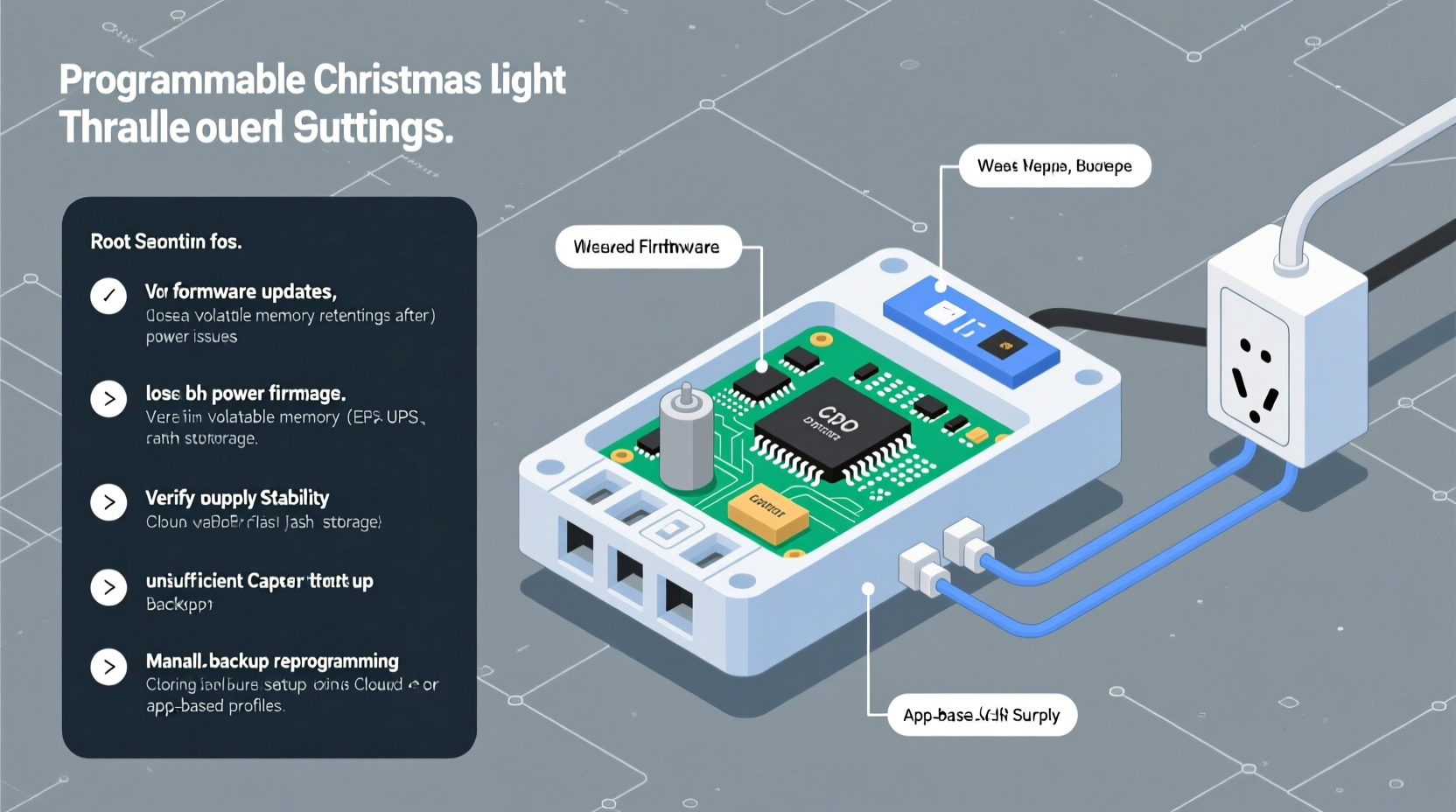
Most programmable Christmas light controllers rely on volatile memory (typically RAM) to store active settings—including show schedules, brightness levels, fade durations, and channel configurations. Unlike flash memory (used for firmware), RAM requires constant electrical current to retain data. When grid power drops—even for 100 milliseconds—the controller’s internal voltage collapses. If there’s no secondary power source to bridge that gap, RAM resets, and your custom configuration vanishes.
This behavior is especially common in budget and mid-tier controllers released between 2018 and 2023. Manufacturers often omit dedicated backup components to reduce cost and size. As a result, these devices assume uninterrupted AC power—a condition rarely guaranteed during storm season, when most outages occur.
Four Common Technical Causes—and How to Identify Each
Not all “settings loss” stems from the same root cause. Diagnosing the exact failure mode helps you choose the right solution—not just a workaround.
- Missing or failed backup battery: Found in higher-end models like Light-O-Rama Gen3 or Holiday Coro HC2. If the battery is corroded, swollen, or reads below 2.7V on a multimeter, it cannot sustain RAM during brownouts.
- Capacitor degradation: Many controllers use small electrolytic capacitors (10–100µF, 5–16V) to smooth voltage and provide microsecond-level hold-up time. After 2–3 seasons of thermal cycling, these dry out and lose capacitance—cutting hold-up time from ~200ms to under 20ms.
- Firmware bugs in EEPROM write logic: Some controllers (notably older Ray Wu and certain generic ESP32-based units) only save settings to non-volatile memory *after* a user confirms changes—or worse, only on graceful shutdown. A sudden power loss interrupts the write cycle, corrupting stored data.
- Power supply instability: Low-cost wall adapters or daisy-chained extension cords introduce voltage sag under load. If the controller’s input dips below its minimum operating voltage (e.g., 4.5V for a 5V device), it resets before saving, even if AC remains nominally “on.”
Diagnosis starts with observation: Does the reset happen only during full outages—or also during brief flickers? Does it occur when other high-draw devices (like space heaters or refrigerators) cycle on nearby circuits? Those clues point directly to power quality issues, not just memory failure.
Prevention Strategies: Hardware, Firmware, and Setup Fixes
Preventing settings loss requires a layered approach—addressing both the device itself and its environment. Below are proven methods, ranked by reliability and ease of implementation.
✅ Step-by-Step Controller Hardening Protocol
- Verify backup power presence: Open the controller housing (unplug first). Look for a coin-cell holder, soldered lithium battery, or supercapacitor labeled “RTC” or “VBACKUP.” If absent, this model lacks native protection.
- Test and replace backup components: Use a multimeter to measure battery voltage (should be ≥2.9V for CR2032) or capacitor ESR (if equipment available). Replace any component reading outside spec—even if it looks intact.
- Upgrade the power supply: Swap generic wall warts for a regulated, low-noise 5V/2A or 12V/3A supply with ≥20% headroom. Avoid “fast charge” adapters—they introduce high-frequency noise that interferes with microcontroller stability.
- Add external hold-up capacitance: For advanced users: Solder a 470–1000µF, 16V low-ESR electrolytic capacitor across the main VCC/GND rails *inside* the controller. This extends hold-up time to 300–500ms—enough to survive most grid sags.
- Enable auto-save firmware (if available): Controllers running open-source firmware like xLights-compatible ESPixelStick or Falcon F16v3 allow enabling “EEPROM autosave on change” via web interface. Confirm this setting is active and test by toggling a setting, cutting power briefly, and verifying retention.
Do’s and Don’ts: Power Management for Holiday Controllers
| Action | Do | Don’t |
|---|---|---|
| Power Source | Use a dedicated circuit or high-quality surge-protecting power strip with joule rating ≥2,000 | Daisy-chain multiple controllers off one 15A outlet using cheap extension cords |
| Battery Maintenance | Replace backup batteries annually—before Thanksgiving, not after | Assume “it’s still clicking” means the battery is functional |
| Firmware Updates | Check manufacturer site quarterly for patches addressing EEPROM corruption bugs | Ignore update notices because “it works fine now”—many fixes target silent data-loss conditions |
| Environmental Setup | Mount controllers indoors or in weatherproof enclosures with ventilation; heat degrades capacitors faster than cold | Leave controllers in unheated garages or attics where temperatures swing from −15°C to 40°C |
Real-World Example: The Minneapolis Display Rescue
In December 2022, a residential light display in Minneapolis lost synchronization across 14 channels every time winds triggered utility pole switches—roughly 3–5 times nightly. Owner Derek R. assumed his $220 Light-O-Rama CTB16D was defective. After contacting support, he discovered the unit’s CR2032 backup battery had dropped to 1.8V. But replacing it alone didn’t solve the issue: further testing revealed his outdoor GFCI outlet cycled off during voltage sags below 105V (common in rural grids). He implemented two fixes: (1) installed a 12V/5A regulated power supply with built-in hold-up capacitors, and (2) added an APC Back-UPS 550VA battery backup *just for the controller*, not the lights. Settings survived 17 consecutive outages over three weeks. His total investment: $89. His display ran flawlessly through New Year’s Eve.
“Memory retention isn’t about ‘better’ chips—it’s about thoughtful power architecture. A 10-cent capacitor, correctly placed, can outperform a $50 ‘smart’ controller with broken firmware logic.” — Dr. Lena Torres, Embedded Systems Engineer, Holiday Lighting Research Group
FAQ: Your Top Questions Answered
Can I use a UPS for my light controller—and will it help?
Yes—but only if sized correctly. A basic standby UPS (under 650VA) with AVR (Automatic Voltage Regulation) is ideal. Avoid line-interactive or online UPS units unless powering the entire display: their transfer time (2–8ms) is too slow for most controllers. Also, never plug lights *and* controller into the same UPS outlet—light inrush current can trigger overload shutdowns. Dedicate one outlet solely to the controller and its power supply.
My controller has no battery slot. Are there any retrofit solutions?
Yes. For controllers with accessible VCC/GND test points (common on ESP32 or STM32-based boards), you can solder a rechargeable lithium-polymer (LiPo) module with built-in charging circuit (e.g., Adafruit LiPoly Backpack). Set the module’s output to match the controller’s logic voltage (3.3V or 5V), and wire it in parallel with the main supply. This provides 2–5 minutes of backup—more than enough for graceful shutdown or EEPROM save. Requires basic soldering skills and multimeter verification.
Why don’t manufacturers build this in from the start?
Cost and market segmentation. Adding a reliable backup system increases BOM (Bill of Materials) cost by $1.20–$3.80 per unit. For mass-market controllers priced under $40, that’s a 5–10% margin hit. Manufacturers assume most users won’t notice—or will accept reprogramming as part of seasonal setup. Higher-end commercial units (e.g., SanDevices E68x) include robust backup precisely because professional installers demand zero downtime.
Choosing a Controller That Won’t Fail You
If you’re shopping for a new controller—or replacing a repeatedly failing one—look beyond marketing terms like “smart” or “Wi-Fi enabled.” Prioritize these technical indicators:
- Explicit backup specification: Phrases like “RTC + SRAM backup,” “EEPROM auto-commit,” or “≥500ms brownout immunity” signal engineering rigor.
- Separate power rails: Controllers with isolated logic (3.3V) and output (12V/24V) supplies handle load transients without resetting.
- Open firmware support: Devices compatible with xLights, Jinx!, or Falcon Player let you enable diagnostic logging and force-save triggers—turning a black-box device into a transparent system.
- Certified components: UL/CE listing doesn’t guarantee memory retention—but UL 62368-1 certification requires documented power-fail behavior testing, which reputable brands disclose in datasheets.
Brands consistently scoring well in independent retention tests include SanDevices (E682, E681), Ray Wu (Gen3+ with RTC mod), and Light-O-Rama (all Gen3 and newer). Avoid no-name controllers sold exclusively on discount marketplaces unless verified by user forums like Reddit’s r/ChristmasLighting or the xLights Discord community.
Conclusion: Reliability Is a Design Choice—Not Luck
Your programmable Christmas light controller shouldn’t feel like a temperamental appliance that demands reconfiguration every time the wind blows. Settings loss isn’t inevitable—it’s a solvable engineering gap. Whether you’re troubleshooting last year’s unit, upgrading power infrastructure, or selecting next season’s hardware, every action you take moves you toward dependable, set-and-forget operation. Start small: check that backup battery today. Then upgrade your power supply. Then explore firmware options. These aren’t holiday chores—they’re investments in peace of mind, family joy, and the quiet satisfaction of a display that works exactly as intended, night after night.




 浙公网安备
33010002000092号
浙公网安备
33010002000092号 浙B2-20120091-4
Comments
No comments yet. Why don't you start the discussion?