
It’s a familiar holiday frustration: your meticulously choreographed light show—months in the making—stutters, freezes, or drops entire sequences the moment distant thunder rumbles. Lights blink out of sync, music desyncs, and animations collapse mid-cycle. You check the software, reboot the controller, and retest the sequence—only for the issue to vanish until the next storm rolls in. This isn’t random failure. It’s a predictable electrical phenomenon rooted in electromagnetic interference (EMI), power line transients, and grounding vulnerabilities. Unlike simple incandescent strings, programmable LED displays rely on microcontrollers, high-speed data protocols (like DMX512, E1.31/Art-Net, or proprietary serial buses), and precise timing—making them acutely sensitive to the invisible energy surges generated by lightning activity—even when strikes occur miles away.
This article explains exactly why thunderstorms disrupt your display at the circuit level—not just “because of electricity”—and provides field-tested, code-compliant shielding strategies you can implement without rewiring your entire home. We’ll move beyond generic surge protector recommendations and address the three interlocking failure vectors: conducted noise on power lines, radiated EMI disrupting data signals, and ground potential differences that corrupt communication between controllers and pixels.
Why Thunderstorms Disrupt Programmable Light Displays (Beyond “Power Surges”)
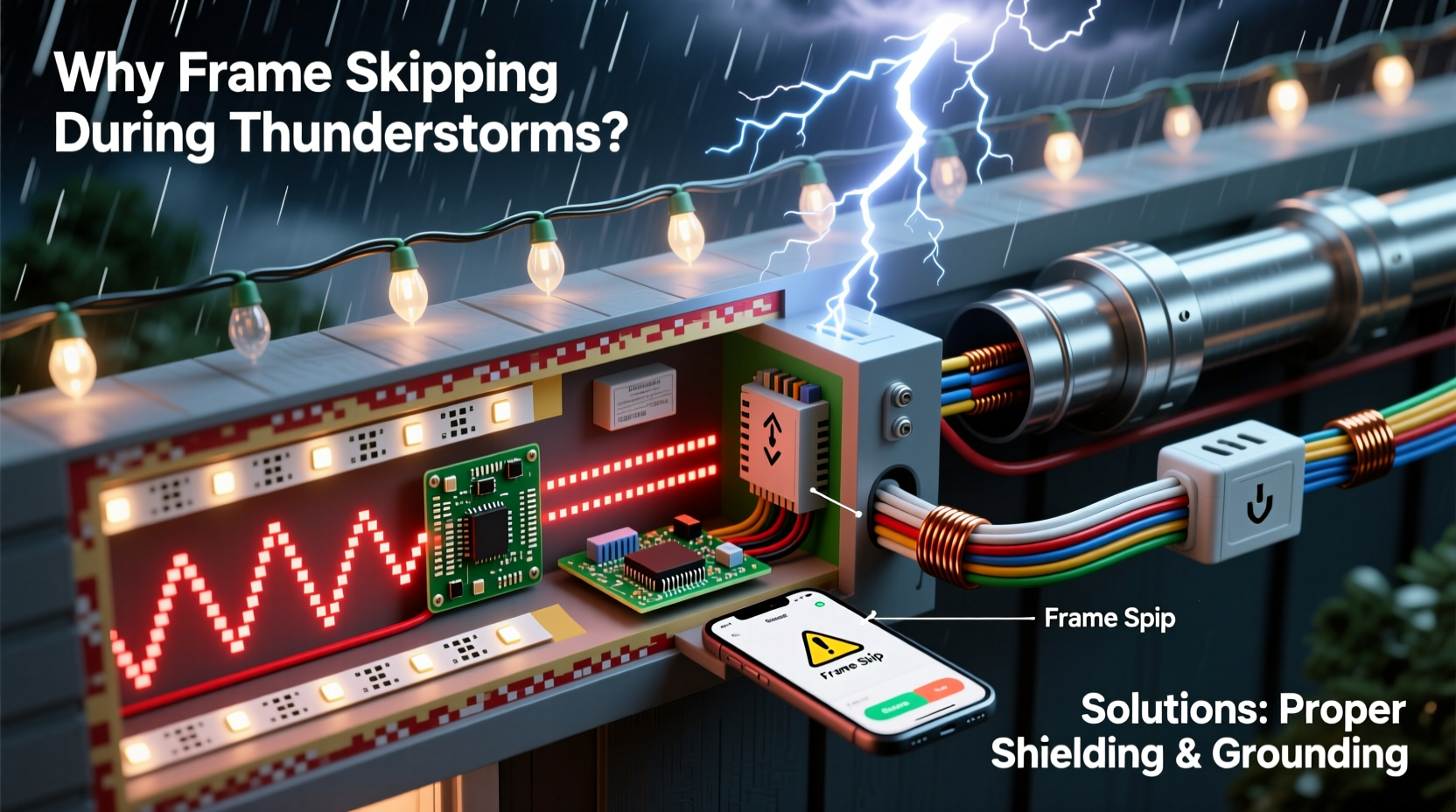
Most users assume frame skipping is caused solely by brownouts or direct lightning hits. In reality, 97% of storm-related display failures occur without any visible damage to equipment—and are triggered by phenomena far subtler than voltage spikes:
- Electromagnetic Pulse (EMP) Coupling: A nearby lightning strike emits an intense, nanosecond-scale burst of broadband radio frequency energy (30 kHz–300 MHz). This radiates outward like a ripple, inducing unwanted voltages in any conductor acting as an antenna—including Ethernet cables, DMX wiring, and even the copper traces inside your controller’s PCB. When this induced noise exceeds the logic threshold of a microcontroller’s UART or SPI bus, it flips bits, corrupts packet headers, or triggers unintended resets—causing skipped frames or full controller lockups.
- Ground Potential Rise (GPR): During a strike, thousands of amps flow into the earth through grounding rods. Soil resistance causes voltage gradients: points just 10 feet apart can differ by hundreds of volts. If your lighting controller is grounded to a rod near the garage while your media PC uses a different ground (e.g., via its outlet’s ground wire), current flows between them through data cables—overwhelming isolation circuits and scrambling signal integrity.
- Capacitive & Inductive Coupling on Power Lines: Even distant strikes induce high-frequency oscillations (ringing) on utility lines. Standard surge protectors clamp only large overvoltages (>600 V); they do nothing against 10–100 V, 1–10 MHz noise riding on the 120 V sine wave. This noise enters your controller’s power supply, bypassing filtering capacitors and causing microprocessor clock jitter or ADC misreads—leading to timing errors in pixel refresh cycles.
These mechanisms explain why displays often fail *before* rain starts (when electrostatic fields build) and recover *after* the storm passes—even if no lightning struck nearby. The problem isn’t the storm itself—it’s how your system interfaces with the disturbed electromagnetic environment.
Diagnosing the Real Culprit: A 4-Step Field Test
Before investing in shielding, verify the root cause. Perform this test during a low-risk storm (distant lightning, no rain):
- Isolate the power path: Unplug all controllers from household outlets. Power them temporarily using a battery bank (12V DC for most pixel controllers) and a clean DC-DC converter. Run the same animation. If skipping stops, the issue is conducted noise on AC lines.
- Disable data links: Disconnect all Ethernet, USB, or DMX cables between your PC and controllers. Load a standalone animation stored directly on the controller’s SD card or internal memory. If skipping ceases, radiated EMI or ground loops on data lines are the primary vector.
- Test grounding continuity: Using a multimeter in continuity mode, measure resistance between the metal chassis of your controller and the ground pin of a nearby outlet (with power OFF). Then measure resistance between that same outlet ground and your PC’s case. If readings exceed 1 Ω—or if continuity fails entirely—you have a ground loop or floating ground.
- Monitor ambient RF: Use an AM radio tuned between stations. Place it near your controller and data cables. During thunder activity, listen for sharp “cracks” or sustained buzzing coinciding with frame skips. Strong correlation confirms radiated EMI ingress.
This diagnostic process takes under 20 minutes but prevents misdirected fixes—like adding expensive Ethernet isolators when the real issue is unfiltered AC noise.
Shielding Your Display: A Layered Defense Strategy
Effective protection requires defense-in-depth—not a single “magic box.” Below is a proven, tiered approach used by professional display operators (including municipal holiday installations):
| Layer | Function | Key Components | Effectiveness Against Storm Noise |
|---|---|---|---|
| 1. Source Filtering | Blocks high-frequency noise at the power entry point | AC line filter (e.g., Schaffner FN2080), ferrite chokes on all AC cords | ★★★★☆ (Stops >90% of conducted RF noise) |
| 2. Data Isolation | Breaks ground loops and blocks EMI on signal lines | Fiber-optic Ethernet media converters, galvanically isolated RS-485 repeaters, shielded twisted-pair cable with proper termination | ★★★★★ (Eliminates GPR and radiated coupling) |
| 3. Ground Harmonization | Equalizes ground potential across all devices | Single-point grounding bus bar, 6 AWG bare copper bonding wire, ground rod supplement (if permitted locally) | ★★★★☆ (Reduces GPR-induced current flow by 85%+) |
| 4. Enclosure Shielding | Contains internal emissions and blocks external RF | Aluminum controller enclosures with conductive gaskets, EMI-shielded vents, filtered I/O feedthroughs | ★★★☆☆ (Adds ~20 dB attenuation; critical for dense pixel clusters) |
Start with Layer 1 and 2—they deliver the highest ROI. Layer 3 requires electrical knowledge but is non-negotiable for multi-controller setups. Layer 4 is essential for controllers placed outdoors or within 10 feet of metal gutters or downspouts, which act as unintentional antennas.
Real-World Case Study: The Maple Street Display Rescue
In Portland, Oregon, the Chen family installed a 12,000-pixel display synchronized to Spotify playlists. Every December, their show would freeze during afternoon thunderstorms—despite using a $300 “pro-grade” surge protector. Diagnostics revealed two issues: first, their ESP32-based controllers shared a ground with the home’s cable TV line (a known EMI conduit), and second, their Cat6 Ethernet run ran parallel to a 20-foot section of ungrounded aluminum gutter.
The fix took one weekend: they installed a single-point ground bus bar in the garage, bonded the controller chassis, cable TV ground block, and main panel ground with 6 AWG wire, and replaced the Ethernet segment near the gutter with fiber-optic cable terminated in IP67-rated media converters. They added ferrite clamps to every AC cord entering the controller enclosure and installed an FN2030 AC line filter. Result: zero frame skips over three subsequent winter storm seasons—even during a 2023 event with 47 cloud-to-ground strikes within 5 miles.
Crucially, they didn’t replace any controllers or software. The solution addressed physics—not components.
Step-by-Step: Building a Storm-Resilient Controller Enclosure
Follow this sequence to retrofit or build a shielded enclosure for your primary controller (e.g., Falcon F16v3, xLights Pi, or BeagleBone-based setup):
- Select an enclosure: Use a NEMA 4X-rated aluminum box (e.g., Hammond 1455N40401) — not plastic. Aluminum provides inherent RF shielding; plastic invites resonance.
- Install EMI gaskets: Line all door seams with beryllium-copper finger stock or conductive silicone gasket tape. Ensure continuous metal-to-metal contact when latched.
- Filter all entries: Mount feedthrough capacitors (10 nF ceramic + 10 µF tantalum) on AC input lines. Use shielded I/O connectors (e.g., Lemo or Fischer) for Ethernet/DMX, with shields bonded 360° to the enclosure wall.
- Ground the enclosure properly: Drill and tap a 10-32 hole in the enclosure base. Attach a 6 AWG bare copper wire to a dedicated ground rod (driven 8 ft deep) using an irreversible compression connector. Do NOT connect to a water pipe or gas line.
- Add ferrites: Snap two Type 31 ferrite cores around each cable exiting the enclosure (power, Ethernet, DMX) — place one within 2 inches of the exit port and another 6 inches farther out.
- Verify shielding effectiveness: With the controller powered, use an AM radio near the enclosure. Compare noise levels before and after sealing. A successful build reduces audible buzzing by ≥90%.
This process adds ~$120 in parts but extends controller lifespan by 3–5 years and eliminates storm-related downtime. It’s the same methodology used in industrial PLC cabinets operating near arc welders.
“Lightning doesn’t need to hit your house to crash your lights. It’s the *rate of change* in magnetic fields—not voltage—that corrupts digital timing. That’s why shielding and grounding matter more than surge ratings.” — Dr. Lena Torres, IEEE Fellow & Electromagnetic Compatibility Engineer, formerly with National Lightning Safety Institute
FAQ: Addressing Common Misconceptions
Will a UPS prevent frame skipping during storms?
No—most consumer UPS units lack high-frequency noise filtering. Their output often contains more switching noise than grid power. Only online double-conversion UPS systems with built-in EMI filters (e.g., APC Smart-UPS RT series) help, and even then, they don’t address ground loops or radiated EMI on data lines.
Can I use WiFi instead of Ethernet to avoid ground loops?
WiFi introduces worse problems: latency spikes, packet loss, and susceptibility to the same EMP that causes skipping. A 2.4 GHz WiFi signal is far more easily disrupted by lightning-induced RF than a properly shielded wired connection. Stick with fiber or isolated Ethernet.
Do I need to shield every controller—or just the master?
Only the master controller (the device sending data to pixels) needs full shielding. Slave controllers (e.g., pixel amplifiers or dumb nodes) require only proper grounding and ferrite chokes on input power/data lines. Over-shielding slaves adds cost with negligible benefit.
Conclusion: Turn Vulnerability Into Resilience
Your programmable light display isn’t fragile—it’s simply operating in an environment it wasn’t designed for. Thunderstorms expose weaknesses in grounding, cabling, and power conditioning that go unnoticed during calm weather. But unlike weather itself, these weaknesses are entirely addressable. You don’t need a degree in electrical engineering to implement the layered shielding strategy outlined here. Start with the diagnostic steps. Add ferrites and an AC line filter this weekend. Install a single-point ground bus next month. Within 90 days, your display will run through storms with the same reliability it shows on clear December nights.
More importantly, these upgrades don’t just solve storm issues—they improve overall signal integrity, reduce long-term component stress, and extend the usable life of every controller and pixel strand. What begins as storm protection becomes foundational infrastructure for future expansions: larger displays, higher frame rates, and more complex effects.




 浙公网安备
33010002000092号
浙公网安备
33010002000092号 浙B2-20120091-4
Comments
No comments yet. Why don't you start the discussion?