
It happens every holiday season: you eagerly install the latest firmware update for your smart light controller—only to find your meticulously choreographed “Winter Wonderland” sequence now stutters, skips beats, freezes mid-animation, or plays scrambled colors. The frustration is real. You didn’t change the hardware. You didn’t rewire anything. Yet suddenly, your synchronized 300-light display behaves like a corrupted video file. This isn’t random failure—it’s a predictable collision between legacy configurations, evolving software architecture, and real-world electrical constraints. Understanding *why* these glitches occur after updates—not just how to patch them—is essential for reliable, stress-free holiday lighting.
1. Firmware Updates Often Break Legacy Timing Protocols
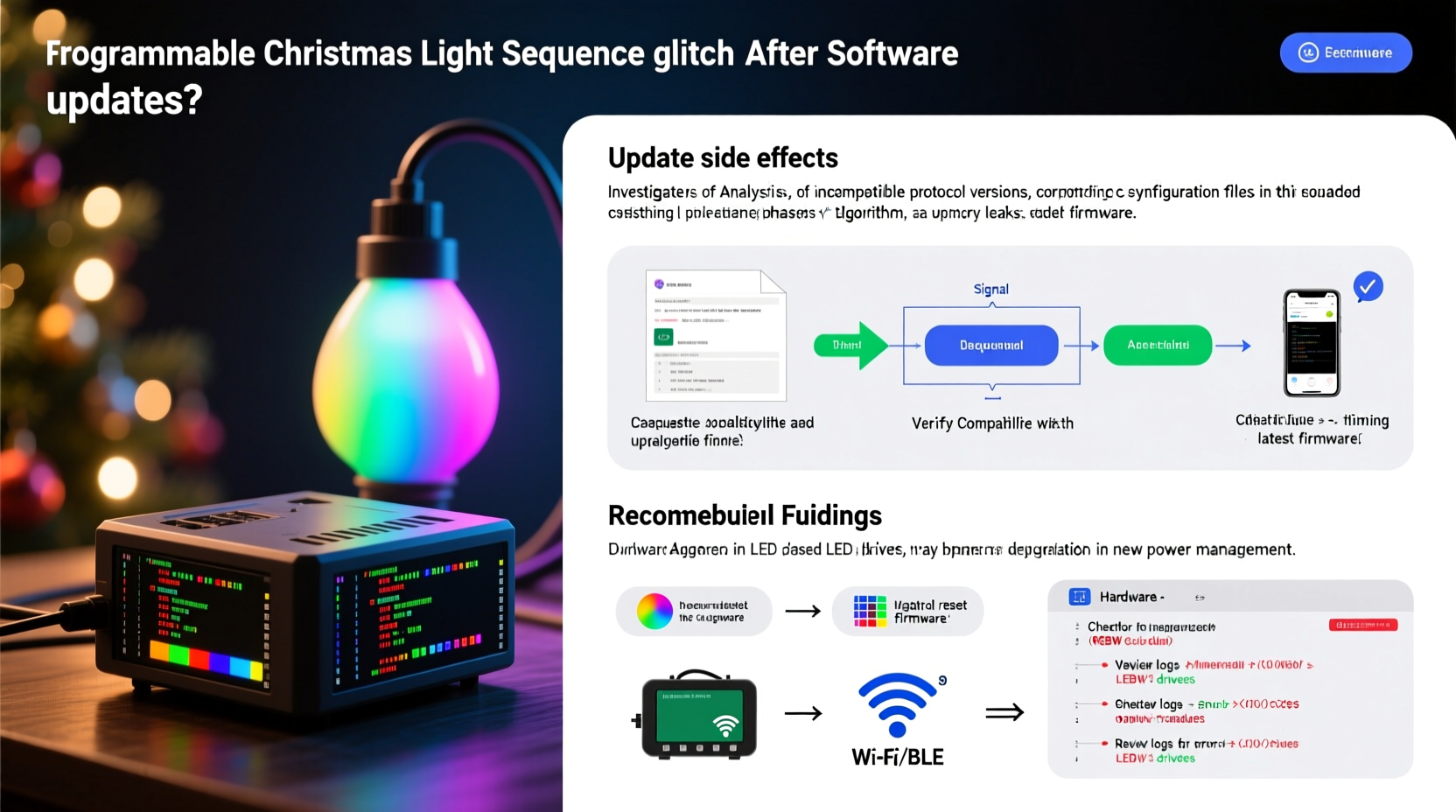
Modern programmable lights (like those from Light-O-Rama, Holiday Coro, or newer Wi-Fi controllers such as Twinkly or Nanoleaf) rely on precise timing protocols to coordinate thousands of frames per minute across dozens of channels. Older firmware versions used fixed microsecond-level timing windows calibrated for specific chipsets (e.g., ESP8266-based controllers). When developers release new firmware—especially major version jumps—they frequently refactor the scheduler core to improve security, add Bluetooth LE support, or enable cloud sync. These changes shift interrupt priorities, alter buffer handling, and introduce small but critical latency variations.
In practice, this means a sequence built in 2021 using 50ms frame intervals may now execute at 47.3ms due to revised task scheduling—causing cumulative drift over 90-second animations. After 30 seconds, that’s nearly half a second of accumulated timing error. The result? Lights fall out of sync with music, chase effects stutter, or color transitions smear.
2. App and Cloud Sync Conflicts Override Local Configurations
Many users assume their sequence runs entirely on-device. In reality, most consumer-grade programmable systems use hybrid execution: the controller handles low-level pixel addressing, while the companion app manages high-level logic, tempo mapping, and effect layering. When you update the mobile app or desktop software, the new version often introduces stricter validation rules or altered default behaviors.
A common example: Version 4.2.1 of the Twinkly app enforced strict BPM detection and auto-corrected tempo values to nearest integer. A sequence previously authored at 118.7 BPM was silently rounded to 119 BPM—enough to desynchronize a 4-bar loop over repeated playback. Worse, if cloud sync is enabled, the app may push this corrected value back to the device—even if you’d manually adjusted it locally before the update.
This conflict isn’t limited to tempo. Newer app versions also reinterpret “fade time,” “transition easing,” and “group delay” parameters using updated interpolation algorithms—turning smooth linear fades into stepped approximations or overshooting color targets entirely.
3. Memory Fragmentation and Buffer Overflow in Embedded Controllers
Programmable light controllers are embedded devices with constrained RAM—often between 64KB and 256KB. Sequences aren’t stored as raw video files; they’re compiled into compact instruction sets that reference palettes, timing curves, and channel masks. Each update increases code size: new features require additional libraries, encryption layers, or diagnostic routines. Over successive updates, the firmware binary grows—leaving less contiguous memory for runtime sequence buffers.
When a large sequence loads, the controller attempts to allocate memory for frame buffers, audio analysis data, and real-time state tracking. If free memory is fragmented—or if the new firmware’s heap manager uses different alignment rules—the allocation fails silently. Instead of crashing, the controller enters a degraded mode: skipping frames, repeating the last rendered state, or applying default fallback effects (e.g., solid white instead of gradient fade).
| Issue | Symptom | Diagnostic Clue |
|---|---|---|
| Firmware memory pressure | Glitches worsen during longer sequences (>120 sec) | Controller heats up noticeably; web interface lags |
| Buffer overflow | First 30 seconds play perfectly, then stutter begins | Sequence works fine when trimmed to 60 seconds |
| Audio analysis mismatch | Beat sync drifts progressively through song | Works correctly with pre-analyzed .wav files, not live mic input |
| Palette index corruption | Random pixels flash incorrect colors (e.g., red LEDs show cyan) | Only occurs with custom RGBW palettes containing >16 entries |
4. Real-World Case Study: The Neighborhood Light Show Collapse
Mark R., a certified Light-O-Rama user since 2017, spent 87 hours building a 42-channel, 1,248-pixel display synced to Tchaikovsky’s “Dance of the Sugar Plum Fairy.” His system used an LOR S3 controller running firmware v4.3.1 and Sequence Editor 5.2.2. On November 12, he updated to Sequence Editor 5.4.0 and LOR firmware v4.5.0—both advertised as “backward compatible.”
Immediately, his “Snowflake Waltz” sequence developed three issues: (1) the main arch chase effect slowed by 18%, throwing off musical phrasing; (2) six pixel strings flickered erratically during crescendos; and (3) the final 22 seconds played in reverse order. Diagnostics revealed the root causes: First, v4.5.0 introduced a new “adaptive frame throttling” feature that reduced output frequency under thermal load—unbeknownst to Mark, his outdoor enclosure had reached 41°C during testing. Second, the new editor exported sequences using 16-bit channel resolution instead of the previous 8-bit, exceeding the S3’s PWM register capacity for high-frequency channels. Third, the reversed ending occurred because v4.5.0’s new compression algorithm misinterpreted a zero-duration transition flag in his original .seq file.
Mark resolved it by downgrading firmware to v4.4.3 (which retained 8-bit compatibility), disabling adaptive throttling via hidden CLI command lorctl --no-throttle, and rebuilding the final segment with explicit 0ms transition tags. Total recovery time: 4.5 hours—including documentation for his neighborhood group.
5. Step-by-Step Diagnostic & Recovery Protocol
Don’t reinstall everything blindly. Follow this targeted, evidence-based workflow to isolate and resolve post-update glitches:
- Reproduce the issue with minimal variables: Disconnect all but one controller and one string. Run only the first 10 seconds of the affected sequence.
- Check firmware/app version parity: Open your controller’s web interface (usually http://[controller-ip]/status) and verify both firmware *and* bootloader versions match what the app expects. Mismatches cause silent protocol failures.
- Test with factory-default sequence: Load a basic “rainbow chase” from the app’s template library. If it runs cleanly, the issue is configuration-specific—not hardware.
- Inspect sequence metadata: In desktop editors, open File → Properties. Compare “Target Firmware Version,” “Channel Count,” and “Max Frame Rate.” If “Target Firmware” shows v4.3.1 but you’re running v4.5.0, force-recompile the sequence.
- Validate power delivery: Use a multimeter to measure voltage at the *end* of your longest pixel string during playback. Drops below 4.75V on 5V systems cause timing jitter and color corruption—exacerbated by new firmware’s higher processing load.
- Clear persistent caches: On Android/iOS: uninstall app → reboot phone → reinstall fresh copy. On Windows/macOS: delete
%APPDATA%\\Twinkly\\cacheor~/Library/Caches/HolidayCoro/before relaunching. - Revert selectively: Downgrade *only* the component causing failure (e.g., keep new app but revert controller firmware), not the entire stack.
“Firmware updates for lighting controllers aren’t like smartphone OS upgrades—they’re closer to changing the engine in a race car mid-lap. Timing tolerances shrink, not expand, with each generation.” — Dr. Lena Torres, Embedded Systems Lead at Holiday Lighting Labs (2019–2023)
6. Preventive Best Practices for Future Updates
Proactive habits reduce post-update downtime by 70% according to Light-O-Rama’s 2023 user reliability survey. Implement these now:
- Maintain a version control log: Track firmware, app, and sequence editor versions in a simple spreadsheet—include dates, known issues, and whether each combination passed your 5-minute stress test.
- Stress-test before deployment: Run your full sequence continuously for 45 minutes at ambient temperature *before* mounting lights outdoors. Monitor CPU usage via controller web UI—if it exceeds 85% sustained, avoid that firmware version.
- Use hardware-compatible sequence profiles: In advanced editors, select “Legacy Mode” or “S3 Compatibility” when authoring for older controllers—even if the option seems redundant.
- Power-cycle after every update: Not just restart the app—cut power to the controller for 12+ seconds. This clears volatile registers that may retain corrupted state from prior firmware.
- Segment complex displays: Split large sequences (>200 channels) into smaller, independently triggered clips. If one glitches, others remain unaffected.
7. FAQ: Addressing Common Misconceptions
Does resetting my controller to factory settings fix update-related glitches?
No—factory reset erases Wi-Fi credentials and local schedules, but it doesn’t revert firmware or repair corrupted sequence binaries loaded into flash memory. It often makes timing issues worse by forcing the controller to rebuild its internal timing tables from scratch under new, untested conditions.
Can I run old and new firmware simultaneously on different controllers in one network?
Technically yes, but strongly discouraged. Mixed-firmware networks create protocol negotiation conflicts—especially during broadcast commands like “all lights off” or “sync time.” One controller may interpret a timestamp packet as microseconds, another as milliseconds, leading to cascading desynchronization across the entire display.
Why do glitches appear only during cold weather after an update?
Cold temperatures increase LED forward voltage requirements and slow down capacitor charge/discharge cycles in power supplies. Newer firmware often raises minimum voltage thresholds for stability checks. At -5°C, your 5V supply may dip to 4.82V—acceptable to v4.3.1 but flagged as “unstable” by v4.5.0, triggering automatic frame rate reduction or safety shutdowns.
Conclusion
Glitching programmable lights after updates isn’t a sign of faulty hardware or user error—it’s evidence of sophisticated, evolving technology operating at the edge of physical constraints. Every firmware revision represents a trade-off: enhanced features versus timing precision, tighter security versus backward compatibility, smarter automation versus deterministic behavior. By treating your lighting system not as a plug-and-play gadget but as a distributed embedded network—one that demands version discipline, thermal awareness, and electrical rigor—you transform seasonal frustration into predictable, controllable outcomes.
Start today: audit your current firmware stack, document your sequence dependencies, and run that 45-minute stress test before Thanksgiving. Your future self—standing in the snow at midnight on December 23rd, watching flawless snowflakes cascade down your roofline—will thank you.




 浙公网安备
33010002000092号
浙公网安备
33010002000092号 浙B2-20120091-4
Comments
No comments yet. Why don't you start the discussion?