
It’s a familiar holiday frustration: you’ve spent hours designing the perfect synchronized light show—fading snowflakes, pulsing wreaths, cascading starbursts—only to watch it unravel the moment December’s first hard freeze hits. Lights freeze mid-animation. Sequences skip or stutter. Entire strands go dark for no apparent reason. Then, as temperatures rise again at dawn, everything snaps back into place. This isn’t faulty software or bad wiring—it’s physics meeting electronics in sub-zero conditions. Programmable Christmas lights (especially those using WS2811, WS2812B, SK6812, or APA102 chips) are engineered for indoor labs and temperate garages—not New England wind chills or Midwest ice storms. Understanding *why* cold triggers these glitches is the first step toward building a resilient outdoor display that performs reliably from Thanksgiving through New Year’s Eve.
The Physics of Cold: How Low Temperatures Disrupt LED Electronics
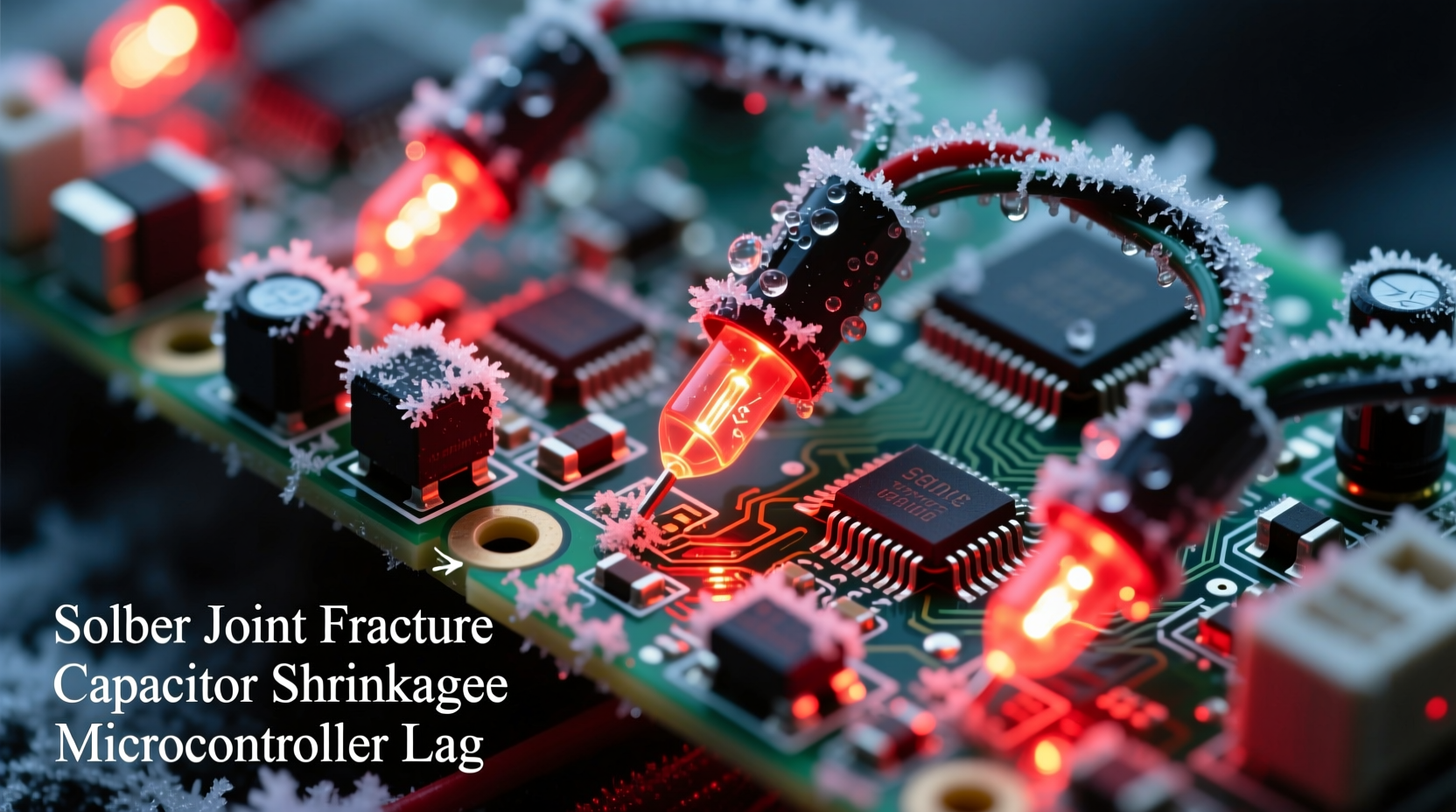
Cold doesn’t just “slow things down”—it alters material behavior at multiple levels. In programmable LED strips and nodes, three interdependent systems suffer simultaneously: semiconductor performance, power delivery integrity, and signal timing precision.
Silicon-based driver ICs (like the ubiquitous WS2812B) have specified operating temperature ranges—typically –25°C to +70°C for industrial-grade variants, but many consumer models are only rated down to 0°C or –10°C. Below their minimum spec, internal transistor switching speeds drop. The chip’s internal oscillator drifts, causing timing errors in the precise 1.25µs high/low pulses required for data communication. Even a 5% timing shift can corrupt the first byte of a frame—leading to color shifts, flickering, or complete dropout across downstream pixels.
Simultaneously, copper traces contract. At –20°C, copper shrinks by ~0.003% per °C—seemingly negligible, but across a 5-meter strip with hundreds of solder joints and flex points, cumulative micro-gaps appear. These increase resistance and introduce intermittent contact, especially where wires enter controllers or connect between segments. Voltage drop worsens not just due to longer wire runs, but because cold increases the resistivity of copper by ~0.4% per °C—meaning your 5V supply may sag to 4.6V at the far end of a long run, pushing marginal pixels below their operational threshold.
Finally, electrolytic capacitors—common in power supplies and controller boards—lose capacitance and increase equivalent series resistance (ESR) in cold. A capacitor rated for 1000µF at 25°C may deliver only 650µF at –15°C. That reduced smoothing capacity allows voltage ripple to spike during rapid pixel refreshes, destabilizing the entire data chain.
Why “Just Plug It In” Isn’t Enough: Power Supply Limitations in Winter
Most users assume their 5V/10A power supply is sufficient—until cold exposes its hidden weaknesses. Switch-mode power supplies (SMPS) behave unpredictably below freezing. Their feedback loops rely on thermally stable reference voltages; cold causes reference ICs to drift, leading to under-voltage output. Worse, many budget SMPS units use low-grade electrolytic capacitors that become sluggish or fail outright below –5°C.
A telling symptom: your lights work perfectly indoors at 22°C, but when moved outside at 2°C—even with identical wiring and power—you get random resets every 90 seconds. That’s not firmware failure. It’s the power supply’s over-current protection triggering as cold-induced resistance spikes cause momentary current surges during white or full-brightness frames.
Controller Hardware: The Hidden Weak Link
Your Raspberry Pi, ESP32, or dedicated controller board may be running flawless code, yet still cause glitches. Why? Most hobbyist controllers aren’t designed for outdoor thermal cycling. The Pi’s USB-to-serial adapter (e.g., CP2102 or CH340G) has known cold sensitivity: its internal PLL fails to lock below –10°C, dropping data packets silently. Similarly, ESP32 modules using internal RC oscillators (rather than external crystals) exhibit >10% clock drift at –15°C—enough to break the strict timing requirements of WS281x protocols.
Even connectors betray you. Standard JST-SM or PH-2.0 plugs develop microscopic condensation inside housings overnight. When temperatures dip, that moisture freezes, expanding and slightly misaligning contacts. Next morning, as the sun warms the connector, meltwater creates brief short circuits or leakage paths—causing erratic reboots or data corruption.
“The single biggest reliability upgrade we made for our commercial installations wasn’t better LEDs—it was replacing all controller-to-strip connections with IP67-rated locking connectors and specifying industrial-grade power supplies with wide-temperature-range capacitors.” — Derek Lin, Lead Engineer, LuminaFX Lighting Systems
Practical Cold-Weather Fixes: A Step-by-Step Resilience Plan
Fixing cold-induced glitches isn’t about buying “winterized” lights (most don’t exist)—it’s about engineering redundancy and thermal margin into every layer of your system. Follow this sequence before the first frost:
- Test and validate components individually: Place your controller, power supply, and a 1-meter test strip in a freezer (–15°C) for 2 hours. Power on and run a static white pattern. If any pixel flickers or goes dark, that component is unfit for outdoor winter use.
- Replace all non-temperature-rated power supplies: Choose units explicitly rated for –30°C operation (e.g., Mean Well LRS-150-5 or TDK-Lambda CCG150-5). Avoid “12V to 5V buck converters”—they lack thermal compensation and fail catastrophically below 0°C.
- Inject power every 2 meters—not just at ends: Use screw-terminal distribution blocks with weatherproof enclosures. Solder connections instead of relying on plug-in headers.
- Shield controllers thermally: Mount Raspberry Pi or ESP32 inside an insulated, vented enclosure with a small 12V PTC heater (e.g., 2W unit set to activate below 5°C). Do not seal completely—trapped moisture causes condensation.
- Upgrade signal integrity: Replace standard 3-wire ribbon cable with shielded twisted-pair (e.g., Belden 8451) for data lines. Add a 47Ω series resistor at the controller’s data output and a 100nF ceramic capacitor from data to ground near the first pixel.
Cold-Weather Troubleshooting Checklist
- ✅ Verify ambient temperature at controller location (not air temp—use a probe taped to the board)
- ✅ Measure voltage *at the first pixel*, not at the power supply terminals
- ✅ Check for condensation inside connectors—wipe with 99% isopropyl alcohol and air-dry
- ✅ Confirm firmware uses hardware SPI (not bit-banged GPIO) for data transmission
- ✅ Ensure strand length complies with actual cold-temperature voltage drop calculations—not nominal specs
- ✅ Test with minimal sequence (solid white) before complex animations
Real-World Example: The Chicago Rooftop Display Rescue
In December 2022, a community group installed a 1,200-pixel animated display on a Chicago rooftop. By night three, sequences were skipping every 45 seconds. Volunteers tried everything: new SD cards, updated firmware, thicker gauge wire. Nothing helped—until they noticed the glitches coincided precisely with wind gusts dropping ambient temps below –12°C.
Using a thermal camera, they found the Raspberry Pi’s USB-to-serial chip was dropping to –18°C during gusts. They relocated the Pi into a polycarbonate box lined with closed-cell neoprene foam, added a 1.5W self-regulating heater pad, and replaced the $12 buck converter with a Mean Well LRS-150-5. Crucially, they also cut the original 8-meter strip into four 2-meter segments, each with independent 5V injection and separate data lines (using a 74HCT245 level shifter for each branch).
Result: zero glitches for the remainder of the season—even during a –27°C wind chill event. Total cost: $89. Total time saved troubleshooting: 17 hours.
Cold-Performance Comparison: What Works vs. What Fails
| Component Type | Works Down To | Common Failure Mode Below Spec | Reliable Alternative |
|---|---|---|---|
| Standard WS2812B strip (non-“cold-rated”) | 0°C | Color shifts, skipped pixels, random resets | SK6812MINI-E (rated –40°C) |
| Generic 5V/10A SMPS | 5°C | Output voltage sag, OCP tripping, audible coil whine | Mean Well LRS-150-5 (–30°C rated) |
| Raspberry Pi 4 + CH340G USB adapter | –5°C | Data packet loss, device disconnects, kernel panics | ESP32-WROVER with external 26MHz crystal |
| JST-SM connectors (unsealed) | –10°C | Intermittent connection, corrosion after freeze-thaw cycles | IP67 Molex Micro-Fit 3.0™ with silicone grease |
Frequently Asked Questions
Can I use heat tape to keep my lights warm?
No—heat tape introduces fire risk, uneven thermal expansion (causing solder joint fatigue), and can melt PVC jackets or diffusers. Instead, focus on thermal management at the *electronics* level: insulate controllers, use cold-rated components, and ensure proper power injection. LEDs themselves don’t need warming—their efficiency actually improves slightly in cold—but their supporting electronics do.
Will upgrading to 12V addressable lights solve this?
Partially—but not entirely. While 12V systems reduce current (and thus voltage drop), they introduce new cold vulnerabilities: 12V drivers often use larger electrolytic capacitors more prone to ESR rise, and many “12V” strips still rely on 5V logic-level data signals that remain timing-sensitive. Always verify the *controller IC’s* cold rating—not just the bus voltage.
Is firmware optimization helpful?
Marginally. Reducing refresh rate from 400Hz to 200Hz eases timing demands, and disabling gamma correction lowers processing load—but cold glitches originate in analog hardware layers (power, signal integrity, thermal drift), not software. Firmware fixes mask symptoms; hardware fixes eliminate root causes.
Conclusion: Build for Winter, Not Just for Show
Your programmable Christmas lights shouldn’t require daily babysitting or seasonal retirement. Glitches in the cold aren’t a sign of inferior products—they’re a predictable consequence of deploying consumer-grade electronics outside their design envelope. The solution lies not in chasing “magic bullet” solutions, but in systematic, layered hardening: selecting components with verified cold specifications, engineering for voltage stability across thermal swings, protecting signal integrity against condensation and contraction, and validating every subsystem under real-world low-temperature stress. When you treat your display like critical infrastructure—not disposable decor—you gain reliability that lasts through blizzards, polar vortexes, and decades of holidays. Start this season by auditing one element of your setup: your power supply’s temperature rating. Then move to connectors. Then controllers. Small, deliberate upgrades compound into a display that doesn’t just look magical—it operates with quiet, unwavering confidence, even when the world outside is frozen still.




 浙公网安备
33010002000092号
浙公网安备
33010002000092号 浙B2-20120091-4
Comments
No comments yet. Why don't you start the discussion?