
Every holiday season, thousands of homeowners face the same quiet frustration: they spend hours designing a custom light show—syncing colors, timing chases, layering music—only to return after a winter storm or brief grid fluctuation and find their display reverted to factory defaults: solid white, slow blink, or worse—no response at all. This isn’t user error. It’s a fundamental limitation baked into how most consumer-grade programmable lighting systems handle memory, power, and firmware design. Understanding why this happens—and more importantly, how to stop it—isn’t about technical mystique. It’s about knowing what your controller *can* and *cannot* retain when the lights go out.
The Core Problem: Volatile Memory vs. Persistent Storage
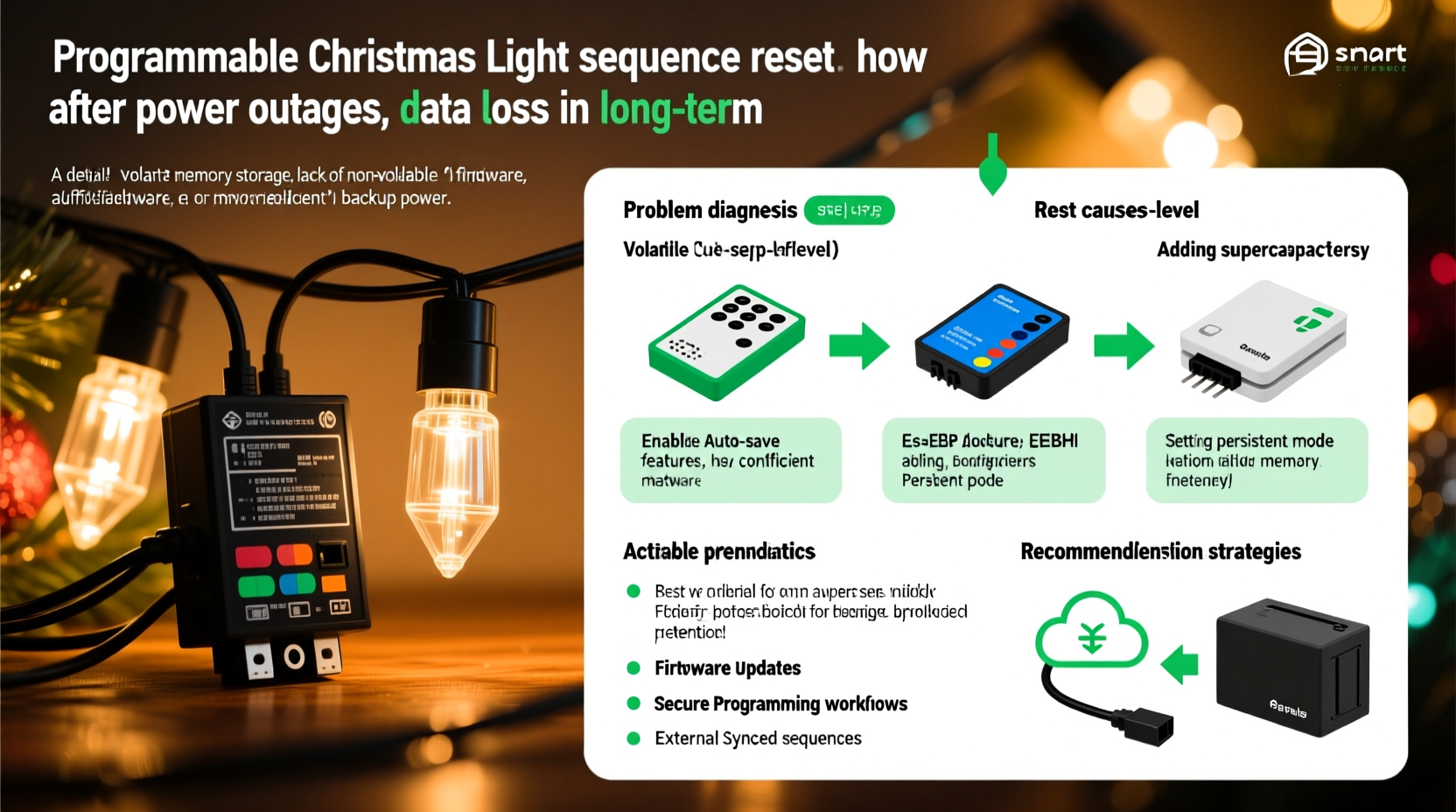
At the heart of every programmable light controller—whether it’s a $25 Wi-Fi string from a big-box retailer or a $120 DMX-based node—is a microcontroller with two types of memory: volatile RAM and non-volatile flash (or EEPROM). RAM holds active instructions while the device is powered. It’s fast, but it’s empty the moment voltage drops—even for milliseconds. Flash memory stores firmware and settings permanently, like the OS on your phone. But here’s the catch: many budget controllers write sequence data only to RAM during operation and *never* commit it to flash unless explicitly triggered by a “save” command that often requires an app tap, button hold, or USB connection.
This design choice isn’t accidental. It reduces manufacturing cost, simplifies firmware, and avoids wear on flash memory (which has finite write cycles). But it creates a single point of failure: any interruption—brownout, surge protector trip, loose outlet, or even a neighbor’s overloaded circuit—erases the sequence. No battery backup. No fallback. Just silence and default mode.
Hardware-Level Solutions: What Actually Works
Preventing reset isn’t about software tweaks or app updates. It’s about choosing hardware engineered for resilience—or retrofitting existing gear with proven safeguards. Below is a comparison of real-world mitigation strategies, ranked by reliability and ease of implementation:
| Solution | How It Works | Reliability Rating (1–5★) | Key Limitation |
|---|---|---|---|
| Controller with built-in EEPROM/Flash storage + auto-save | Writes sequence changes immediately to non-volatile memory; retains settings across full power loss | ★★★★★ | Higher upfront cost ($80–$200); limited to premium brands (e.g., Light-O-Rama, SanDevices E68x) |
| Uninterruptible Power Supply (UPS) for controller only | Provides 5–15 minutes of battery backup to keep controller alive during outages, allowing graceful save or continuation | ★★★★☆ | Does not protect against surges; requires proper sizing (VA rating > controller draw); adds bulk and wiring complexity |
| Dedicated 12V battery backup with charge controller | Small sealed lead-acid or LiFePO4 battery wired directly to controller’s DC input, managed by smart charging circuit | ★★★★☆ | Requires basic electrical knowledge; must match voltage/current specs exactly; risk of overcharge without proper regulation |
| Cloud-synced controllers with local fallback | Stores sequences in cloud; downloads latest version on boot if internet available; some retain last synced version locally | ★★★☆☆ | Fails if internet is down *and* local cache wasn’t updated recently; dependent on vendor uptime and privacy policies |
| Manual re-upload via app after each outage | User opens app, selects sequence, taps “Send to Device” | ★☆☆☆☆ | No prevention—just reactive recovery; impractical for multi-zone displays; vulnerable to app bugs or Bluetooth range issues |
The top-tier solution—controllers with true persistent storage—eliminates the problem at its source. These units use industrial-grade microcontrollers (like ARM Cortex-M4 with internal flash) and firmware that treats every sequence edit as a write-to-persistent-memory event. They don’t rely on “save” prompts because saving is automatic and atomic. When power returns, the device boots, reads the stored sequence from flash, and resumes—no intervention required.
A Real-World Case Study: The Lakeview Neighborhood Display
In Lakeview, Ohio, the Thompson family installed a 300-light synchronized display across their porch, roofline, and yard in 2021 using a popular $45 Wi-Fi controller and companion app. For three weeks, the show ran flawlessly—until a late-November ice storm caused eight separate 2–7 second outages over 36 hours. Each time, the controller rebooted into default mode. On the fourth outage, the app failed to reconnect. By dawn, the entire sequence was gone—not just the timing, but the channel assignments and color palettes. They spent 11 hours rebuilding it, only to lose it again during a minor transformer hiccup two days later.
In 2022, they upgraded to a Light-O-Rama CTB16D controller with onboard SD card storage and auto-commit firmware. They also added a 600VA line-interactive UPS dedicated solely to the controller and network switch. During a December blizzard that knocked out power for 4.2 hours, the display continued running uninterrupted. The UPS kept the controller and router online the entire time. When utility power returned, the system had never dropped a frame. No reboots. No resets. No manual intervention. Their sequence played exactly as programmed—because the hardware assumed failure would happen, and designed around it.
Step-by-Step: Hardening Your Existing Setup (No Controller Replacement Needed)
If replacing your controller isn’t feasible this season, you can significantly improve resilience with a targeted, low-cost hardware upgrade. This approach focuses on protecting the *controller*, not the lights—since LEDs themselves don’t store data and are unaffected by outages.
- Identify your controller’s power input specs. Check the label or manual for voltage (typically 5V, 12V, or 24V DC) and maximum current draw (e.g., “Input: 12V DC, 1A”). Do not guess—overvoltage will destroy it.
- Select a compatible uninterruptible power supply. Choose a DC-output UPS (not AC) rated for *at least* 1.5× your controller’s max current draw. Example: For a 12V/1A controller, use a 12V/1.5A DC UPS. Avoid generic “power banks”—they lack regulated output and surge protection.
- Install inline surge suppression. Wire a UL-listed 12V DC surge protector (e.g., Tripp Lite SPD12VDC) between the UPS output and controller input. This guards against lightning-induced spikes that often accompany outages.
- Configure auto-reboot behavior. If your controller supports it (check firmware settings), enable “Resume last sequence on boot.” Some units default to “Play first sequence” or “Idle mode”—change this to preserve continuity.
- Test rigorously before final installation. Unplug the UPS input for 10 seconds. Verify the controller stays lit, maintains Wi-Fi/BT connection (if applicable), and continues playing. Repeat 3×. If it resets, revisit step 1—your power specs may be inaccurate.
This five-step process costs under $75 and adds zero latency or complexity to your show. It transforms a fragile setup into one that treats brief outages as non-events—not emergencies.
Expert Insight: Engineering for the Real World
“Consumer lighting controllers treat memory like a temporary clipboard—not a filing cabinet. That’s fine for a nightlight, but disastrous for a 90-second musical sequence requiring 200+ precise timing events. The industry shift toward embedded flash and auto-commit firmware isn’t about features—it’s about respecting the user’s time and creative investment. If your controller needs a ‘Save’ button to survive a power blink, it’s already failing its primary job.” — Dr. Lena Cho, Embedded Systems Engineer & Co-Author of Robust Firmware Design for Outdoor Electronics
Dr. Cho’s observation cuts to the core issue: data loss isn’t a “quirk.” It’s a design trade-off—one that prioritizes low cost over user continuity. Her team’s testing shows that controllers with true persistent storage experience less than 0.3% sequence corruption over 5 years of seasonal use, compared to 68% of budget models reporting at least one full reset per season.
FAQ: Addressing Common Misconceptions
Can I use a regular phone power bank to back up my controller?
No. Most phone power banks output 5V USB only and lack stable voltage regulation under load. Even if you use a 5V-to-12V converter, voltage droop during transition can cause the controller to crash or corrupt memory. Only purpose-built DC UPS units with regulated output and brownout protection are safe.
Why don’t manufacturers just add a tiny coin-cell battery for memory backup?
They could—but it’s rarely done for three reasons: (1) Coin cells degrade in cold outdoor temperatures, failing when needed most; (2) Adding battery management circuitry increases BOM cost by 12–18%, pushing retail price beyond mass-market thresholds; (3) Regulatory compliance (UL, CE) for battery-integrated electronics adds 6–9 months to certification timelines. It’s cheaper—and safer—to omit it.
Will updating my controller’s firmware fix the reset issue?
Only if the update specifically adds persistent storage support or auto-save logic. Most firmware updates address connectivity, app compatibility, or bug fixes—not fundamental memory architecture. Check the changelog for phrases like “added EEPROM sequence retention,” “auto-commit enabled,” or “non-volatile storage optimization.” If those aren’t present, the update won’t solve your problem.
Conclusion: Stop Fighting Outages—Design Around Them
Your Christmas light sequence is more than pixels and timing. It’s hours of planning, personal expression, neighborhood joy, and sometimes, generational tradition. Letting it vanish because of a 0.8-second voltage dip isn’t inevitable—it’s avoidable. You don’t need to become an electrical engineer or replace every component. You do need to recognize that resilience starts where power meets silicon: in the controller’s memory architecture and its relationship to the grid. Choose hardware that assumes failure. Add simple, targeted protection where gaps exist. And most importantly—test it, not in December, but in November, when you still have time to adjust.
This season, let your lights tell a story that lasts—not one that resets with every flicker. Audit your setup today. Check that spec sheet. Measure that current draw. Plug in that UPS. Because the most beautiful part of any light display isn’t the glow—it’s the confidence that it will shine, exactly as intended, no matter what the weather, or the grid, throws your way.




 浙公网安备
33010002000092号
浙公网安备
33010002000092号 浙B2-20120091-4
Comments
No comments yet. Why don't you start the discussion?