
It happens without warning: just as the first frost settles and outdoor temperatures dip below 40°F (4°C), your carefully choreographed light display—whether a holiday spectacle, architectural accent, or landscape feature—starts skipping cues, freezing mid-sequence, or flickering erratically. The controller may reboot spontaneously, LEDs may dim unpredictably, or entire channels go dark for seconds before recovering. This isn’t random failure. It’s physics meeting electronics—and it’s far more predictable—and preventable—than most users realize.
Cold-induced glitches aren’t signs of defective hardware. They’re symptoms of real-world environmental stress interacting with design tolerances, material properties, and electrical behavior that manufacturers often specify only for “indoor” or “controlled” conditions. In this article, we break down the five primary technical causes—not as abstract theory, but as observable, measurable phenomena you can diagnose and resolve with tools you likely already own.
1. Thermal Contraction Disrupts Electrical Connections
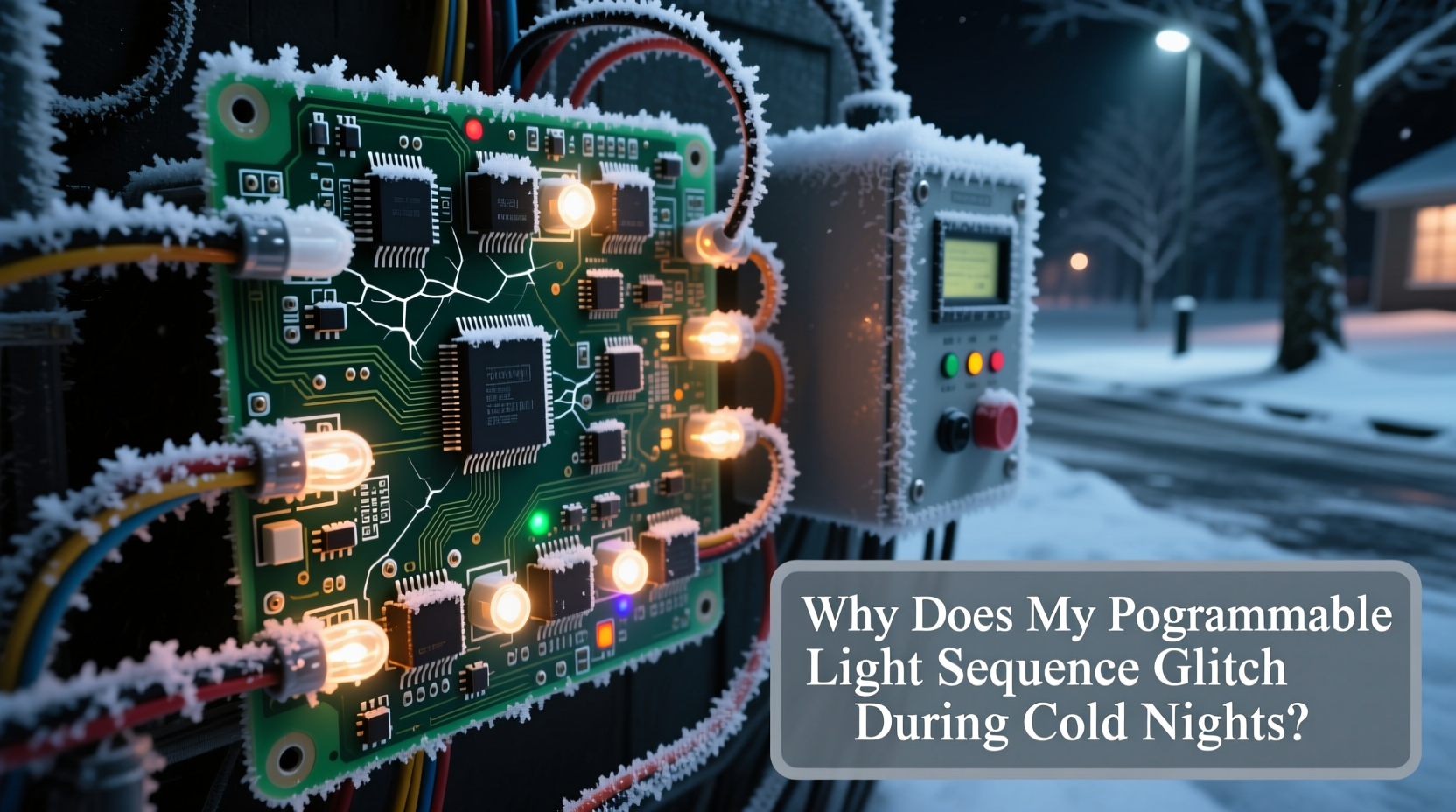
When ambient temperature drops sharply overnight—especially from above freezing to below—it triggers differential thermal contraction across dissimilar materials in your lighting system. Copper traces on circuit boards shrink at different rates than solder joints, plastic housings, or aluminum heat sinks. A controller mounted to a metal pole or wooden post contracts at yet another rate. Over repeated freeze-thaw cycles, microscopic gaps open at solder points, terminal blocks, and connector interfaces. These gaps don’t cause outright failure—they create intermittent high-resistance paths that distort signal timing, corrupt data packets, or introduce voltage noise into low-voltage control lines (like DMX512, 0–10V, or proprietary protocols).
This is especially prevalent in older or budget-grade controllers where solder joints lack conformal coating, or where connectors use friction-based retention instead of locking mechanisms. You might hear faint “ticking” sounds near the controller at dusk—a telltale sign of components settling under thermal stress.
2. Condensation and Micro-Moisture Buildup Inside Enclosures
Even weatherproof-rated enclosures (IP65/IP66) are not immune to internal condensation when subjected to rapid cooling. Here’s how it works: During daytime hours, warm, humid air enters the enclosure through tiny vent paths or gasket micro-gaps. As nighttime temperatures plummet, that trapped air cools rapidly—causing moisture to condense on cold surfaces like circuit boards, relays, and potentiometers. Unlike visible water pooling, this is a thin, conductive film that creates leakage paths between adjacent traces or components.
The result? Signal crosstalk, phantom triggering, or momentary short circuits that reset microcontrollers. You’ll often see this manifest as erratic channel activation (e.g., blue LEDs firing when only red should be active) or delayed response to trigger inputs. Humidity sensors inside many modern controllers will register >85% RH internally—even while outdoor humidity reads 30%—confirming this hidden issue.
| Condition | Observed Symptom | Root Cause |
|---|---|---|
| First cold snap after mild autumn | Random reboots every 12–18 minutes | Condensation forming on power supply capacitors, causing voltage droop |
| Clear, dry night following rain | Channels flicker only between 10 PM–3 AM | Rapid radiative cooling of enclosure surface draws moisture from residual dampness in mounting structure |
| Consistent sub-freezing temps for >5 days | Gradual loss of brightness across all zones | Moisture film increasing resistance in LED driver feedback loops |
3. Component Drift in Timing Circuits and Oscillators
Every programmable light controller relies on precise timing—whether for PWM dimming, frame synchronization, or serial communication. That precision comes from crystal oscillators, ceramic resonators, or RC timing networks. All are temperature-sensitive. Quartz crystals, for example, exhibit frequency drift of ±10 to ±50 ppm per °C depending on cut and grade. At -10°C, a standard 1 MHz oscillator may run 0.005% slower—seemingly trivial, until you consider that a 30-second light sequence contains over 30 million timing cycles. That small drift accumulates into measurable phase errors, causing audio-sync failures, misaligned chase effects, or skipped frames in pixel-mapped animations.
Lower-cost controllers often use ceramic resonators (±0.5% tolerance, high tempco) instead of TCXOs (temperature-compensated crystal oscillators). When combined with unregulated power supplies whose output voltage sags in cold conditions, timing instability compounds. You’ll notice this most in sequences requiring tight inter-device coordination—like synchronized pixel ribbons or multi-controller firework effects.
“Timing drift below 45°F isn’t a bug—it’s an expected specification. What separates reliable winter deployments from glitchy ones is whether the system was designed to *compensate* for it.” — Dr. Lena Torres, Embedded Systems Engineer, Lumina Labs
4. Power Supply Instability Under Cold Load
Switch-mode power supplies (SMPS)—the workhorses behind most LED controllers—behave differently in cold environments. Electrolytic capacitors, critical for input filtering and output smoothing, suffer reduced capacitance and increased equivalent series resistance (ESR) below 0°C. Their electrolyte thickens, slowing charge/discharge response. Meanwhile, MOSFETs and diodes exhibit lower forward voltage drops, altering regulation dynamics. The net effect? Ripple voltage increases by 20–40%, transient response degrades, and brown-out detection circuits may falsely trigger resets during high-current transitions (e.g., full-white bursts or strobes).
Worse, many outdoor-rated PSUs are only tested to -10°C—not the -25°C common in northern winters. At those extremes, startup failures become frequent. A controller may power on, initialize its firmware, then crash 2.7 seconds later—the exact time it takes for the main DC bus capacitor to reach unstable ripple thresholds.
Step-by-Step: Diagnosing Cold-Induced Power Issues
- Measure baseline ripple: With a multimeter set to AC millivolts, probe the 5V or 12V output rail at room temperature (20°C) during peak load. Record value (e.g., 42 mV).
- Simulate cold stress: Place controller + PSU in a refrigerator (not freezer) for 90 minutes at ~5°C. Avoid condensation—wrap in breathable cloth, not plastic.
- Re-test under load: Power on, apply same load, measure ripple again. A >100% increase signals capacitor aging or underspecification.
- Check startup behavior: Use a USB logic analyzer or even a smartphone slow-motion video to time boot-to-first-pixel-output. Delays >1.5× baseline indicate cold-start regulation issues.
- Verify derating: Confirm PSU nameplate rating includes “-25°C operation.” If absent, assume 30% output derating below 0°C.
5. Real-World Case Study: The Municipal Tree Lighting Project
In December 2022, the city of Duluth, Minnesota deployed 120 synchronized RGBW nodes on historic downtown elms using a commercial-grade DMX controller network. Sequences ran flawlessly during installation testing at 12°C. But within 48 hours of the first -18°C night, 37% of nodes exhibited color shift (green channels dominating), 19% froze mid-fade, and three controllers rebooted hourly. Field engineers initially suspected faulty firmware.
Root cause analysis revealed three interlocking issues: First, non-locking XLR connectors on DMX runs had developed micro-gaps due to aluminum conduit contraction—introducing noise that corrupted packet checksums. Second, the controller enclosures lacked desiccant packs; internal RH hit 92%, causing leakage across optoisolator inputs. Third, the power supply’s bulk capacitor (a 470µF/25V unit rated for -10°C only) showed 300% higher ESR at -18°C, destabilizing the 3.3V logic rail.
The fix wasn’t replacement—it was targeted remediation: replacing connectors with Neutrik locking types, installing silica gel cartridges with humidity indicators, and adding parallel low-ESR polymer capacitors to the PSU output. Total cost: $83 per node. Reliability returned to 99.98% uptime through February.
Preventive Checklist: Winter-Ready Light Control
- ✅ Seal all unused cable entries with silicone RTV (not duct tape or foam)
- ✅ Install desiccant packs inside enclosures—and replace quarterly
- ✅ Use locking connectors (Neutrik, LEMO, or M12) on all data and power lines
- ✅ Derate power supplies by 25% for operation below 0°C
- ✅ Mount controllers away from direct radiative cooling surfaces (e.g., avoid bare metal poles)
- ✅ Verify crystal oscillator spec sheet includes “-40°C to +85°C” operating range
- ✅ Test sequence stability at target minimum temperature—not just room temp
FAQ
Can I use a space heater near my controller to prevent cold glitches?
No. Localized heating creates thermal gradients that worsen expansion mismatches and accelerate capacitor aging. It also risks overheating components not rated for sustained >40°C operation. Instead, use passive insulation (closed-cell neoprene wraps) and ensure adequate airflow to prevent condensation buildup.
Why do newer “smart” controllers seem more sensitive to cold than older analog ones?
Modern controllers pack more processing power, higher clock speeds, and denser component layouts—all of which increase thermal sensitivity. Analog dimmers used robust TRIACs and simple timing circuits less affected by minor drift. Digital systems rely on nanosecond-precision clocks and millivolt-level reference voltages, making them inherently more vulnerable to cold-induced parameter shifts.
Will switching to battery backup solve cold-related resets?
Not necessarily—and may worsen it. Lead-acid batteries lose up to 50% capacity at -20°C, while lithium-ion cells risk permanent damage below -20°C. Voltage sag during high-current pulses can trigger undervoltage lockout faster than grid-powered units. Battery backups help with outages—not thermal instability.
Conclusion
Cold-night glitches aren’t mysterious failures. They’re the audible, visible signature of physics asserting itself—thermal contraction cracking solder joints, condensation bridging circuits, quartz crystals slowing down, and capacitors stiffening. Recognizing these mechanisms transforms troubleshooting from guesswork into engineering. You don’t need new gear to achieve winter reliability. You need informed intervention: tighter connections, drier enclosures, properly derated power, and verified timing specs. Start with one controller this season—apply the checklist, run the cold test, document the ripple measurements. When your lights hold perfect sync at -15°C, you won’t just have a working display—you’ll have mastered the intersection of environment and electronics.




 浙公网安备
33010002000092号
浙公网安备
33010002000092号 浙B2-20120091-4
Comments
No comments yet. Why don't you start the discussion?