
If your programmable light sequence resets every morning—returning to default settings or losing custom patterns—you're not alone. This is a common frustration among smart lighting users, especially those relying on LED strips, holiday displays, or home automation systems. While it may seem like a minor glitch, repeated resets disrupt ambiance, security schedules, and energy efficiency. The root causes are rarely random; they stem from predictable technical issues ranging from power instability to firmware flaws. Understanding these factors allows you to implement lasting fixes rather than temporary workarounds.
This guide dives deep into the most frequent reasons behind automatic resets, offering diagnostic steps, real-world examples, and preventive strategies. Whether you're managing a single RGB strip in your living room or an entire outdoor display synced across multiple controllers, this article will help you identify the culprit and restore reliable operation.
Power Supply Instability: The Silent Culprit
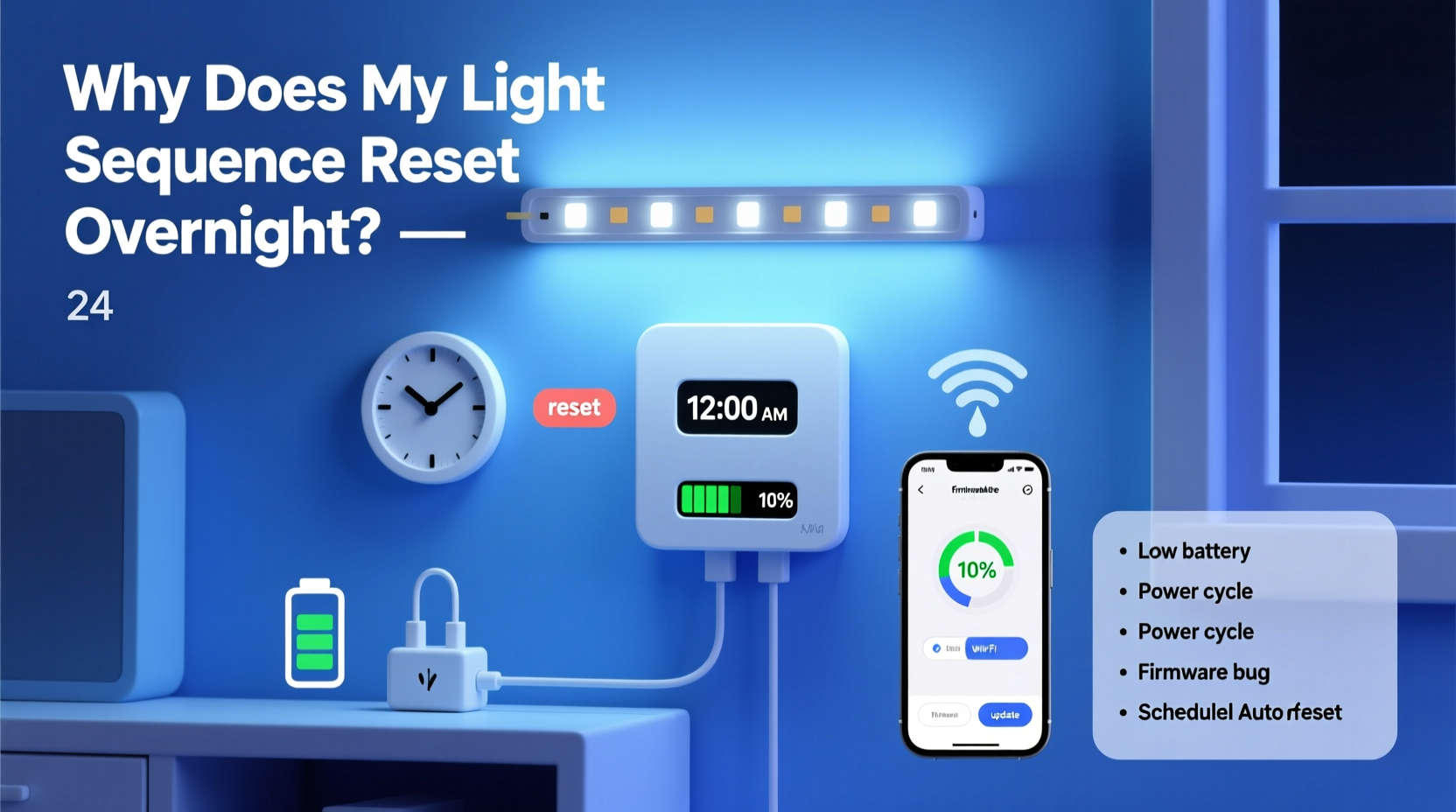
One of the leading causes of unexpected resets in programmable lighting is inconsistent power delivery. Many users assume that as long as the lights turn on, power is sufficient. However, voltage drops, brownouts, or intermittent disconnections—even for a fraction of a second—can cause microcontrollers within the light system to reboot.
LED strips and smart controllers often operate on low-voltage DC power (typically 5V, 12V, or 24V). When the input voltage dips below operational thresholds, the controller loses power momentarily. Even if the lights appear unaffected, the onboard memory storing your programmed sequence may not retain data without continuous power.
This issue is particularly common in:
- Long LED runs where voltage drop occurs at the far end
- Cheap or undersized power supplies unable to handle peak loads
- Extension cords or daisy-chained outlets introducing resistance
- Outdoor installations exposed to weather-related electrical fluctuations
Firmware Glitches and Memory Limitations
Some programmable lights rely on embedded firmware that lacks robust error handling or persistent memory management. In lower-cost controllers, especially those based on basic microcontrollers like ESP8266 or STM32 clones, configuration data may be stored in volatile memory instead of non-volatile flash storage. This means any interruption—even a brief one—can erase saved sequences.
Firmware bugs can also trigger unintended reboots. For example:
- A memory leak accumulates over hours until the system crashes.
- A failed network handshake during Wi-Fi reconnection forces a restart.
- A watchdog timer activates due to unresponsive processes.
In many cases, manufacturers release firmware updates to address such issues, but users often remain unaware unless they actively check product support pages or community forums.
“We’ve seen dozens of reports where updating to the latest firmware resolved nightly reset issues. It’s not always hardware—it’s often code.” — Rajiv Mehta, Embedded Systems Engineer at Lumos Automation
Wi-Fi Connectivity and Network Interference
For Wi-Fi-enabled lighting systems (e.g., using apps like WLED, Tuya, or proprietary platforms), network instability plays a significant role. If your router restarts overnight—common with ISPs pushing updates during off-peak hours—or experiences signal degradation, the light controller may disconnect and fail to reconnect properly.
When the device attempts to reconnect, some models default to factory behavior until full communication resumes. Others interpret connection loss as a fault condition and reboot automatically. Additionally, IP address changes via DHCP renewal can break static configurations, leaving the controller unable to reach its command server.
| Network Issue | Effect on Lights | Solution |
|---|---|---|
| Router reboot at 2 AM | Lights lose sync, reset to default | Set static IP or use local control mode |
| Weak Wi-Fi signal | Intermittent disconnections | Add Wi-Fi extender or switch to 2.4 GHz band |
| DHCP lease expiration | Controller gets new IP, becomes unreachable | Assign reserved IP in router settings |
Environmental and Physical Factors
Physical conditions around the controller unit can contribute to resets. Heat buildup inside enclosed spaces—such as behind baseboards, under eaves, or in junction boxes—can cause thermal throttling or shutdowns. Similarly, moisture ingress in outdoor setups leads to short circuits or corrosion over time, disrupting power flow.
Vibration or loose wiring may also play a role. A slightly disconnected barrel plug or corroded terminal block might maintain contact most of the time but break under slight movement (e.g., wind shaking wires outdoors).
Consider the following environmental checklist:
- Is the controller installed in a ventilated area?
- Are all connectors fully seated and waterproofed (if outdoors)?
- Is there visible condensation or dust accumulation?
- Are power cables protected from foot traffic or animals?
- Have recent temperature swings occurred (freezing nights, hot days)?
Step-by-Step Guide to Diagnose and Fix Nightly Resets
Follow this structured troubleshooting process to isolate and resolve the cause of your programmable light sequence resetting overnight.
- Observe Reset Timing: Note exactly when the reset occurs. Is it always at the same time? Around 2–4 AM suggests router or ISP activity.
- Inspect Power Connections: Check all plugs, terminals, and adapters. Gently wiggle connections while powered to test for intermittency.
- Test with a Known-Good Power Supply: Replace the current adapter with one rated for higher amperage and stable output.
- Disconnect from Network Temporarily: Run the lights in standalone mode (using internal programs or SD card) to see if resets persist without Wi-Fi.
- Update Firmware: Visit the manufacturer’s website or app to ensure the latest version is installed.
- Monitor Voltage Overnight: Use a logging multimeter or USB power monitor to detect dips during the night.
- Relocate Controller: Move the unit indoors or to a climate-controlled space to rule out environmental triggers.
- Implement Local Backup Control: Use a Raspberry Pi or NodeMCU running WLED in access point mode so lights don’t depend on home Wi-Fi.
Real Example: Holiday Display That Wouldn’t Stay On
Daniel, a homeowner in Portland, Oregon, spent weeks programming an elaborate Christmas light show synchronized to music using a WLED-powered setup. Each evening, he activated the sequence perfectly—but by morning, the lights reverted to a rainbow cycle.
After checking connections and replacing fuses, he noticed his outdoor timer outlet was set to cut power between 12:30 AM and 6:00 AM to save energy. Though the outlet appeared live, the circuit actually cycled off briefly each night. The controller lost power for just three seconds, enough to wipe volatile memory but not trigger a visible flicker.
The fix? He bypassed the timer for the lighting circuit and used software scheduling instead through Home Assistant. With constant power restored, the sequence remained intact indefinitely.
This case highlights how automated systems—intended to help—can inadvertently interfere with sensitive electronics. Always verify whether timers, surge protectors, or smart plugs have built-in shutoff features.
Prevention Strategies for Long-Term Stability
Once you’ve identified and fixed the immediate cause, take proactive steps to prevent future disruptions:
- Use a UPS for Critical Controllers: A small uninterruptible power supply keeps the controller online during brief outages.
- Enable Auto-Reconnect Features: Configure devices to restore last-known settings upon reboot, if supported.
- Store Backups of Sequences: Save your custom patterns externally (e.g., JSON files for WLED) so you can quickly reload them.
- Label All Components: Clearly mark power inputs, data lines, and controller models for faster troubleshooting.
- Switch to Local Control Where Possible: Reduce reliance on cloud services that may go down or require authentication refreshes.
Frequently Asked Questions
Can a surge protector cause my lights to reset?
Yes. Some surge protectors include auto-shutoff features after detecting a fault or after a set period. Even if no surge occurs, internal circuitry may interrupt power momentarily. Use a basic power strip without advanced protection features for lighting controllers, or confirm the model doesn’t cycle power.
Why do only some of my lights reset while others stay programmed?
This usually indicates uneven power distribution or different controller types. Older strips with simpler ICs (like WS2811) may lack memory retention, while newer ones (e.g., SK9822) support brightness and color persistence. Also, units on separate circuits may experience varying power quality.
Do battery backups work for LED light controllers?
Absolutely. Small USB battery packs (5V) can serve as emergency backup for Wi-Fi-enabled controllers. Connect via micro-USB or USB-C to maintain power for several hours during outages. Ensure the pack supports pass-through charging so it stays topped up while plugged in.
Conclusion: Take Control of Your Lighting System
Your programmable light sequence shouldn’t vanish overnight. With methodical diagnosis and targeted improvements, you can achieve reliable, hands-free operation. Start by ruling out power issues—often the simplest to overlook yet most impactful. Then evaluate network stability, firmware health, and environmental factors. Most problems are solvable without replacing equipment.
Remember: consistency in performance starts with attention to detail. Whether it's securing a loose wire, reserving an IP address, or upgrading a power adapter, small actions yield major reliability gains. Don’t accept nightly resets as normal—they’re a symptom, not a feature.




 浙公网安备
33010002000092号
浙公网安备
33010002000092号 浙B2-20120091-4
Comments
No comments yet. Why don't you start the discussion?