
The PlayStation 5 delivers stunning performance, but extended gaming marathons can push the system to its thermal limits. Many users report increased fan noise, sudden shutdowns, or even frame rate drops after prolonged use—clear signs of heat buildup. While some warmth is normal, consistent overheating isn’t just uncomfortable; it can shorten the console’s lifespan and degrade performance over time. Understanding the root causes of PS5 overheating and taking proactive steps to enhance airflow isn’t optional—it’s essential for preserving both hardware integrity and gaming quality.
How the PS5 Manages Heat: Design and Limitations
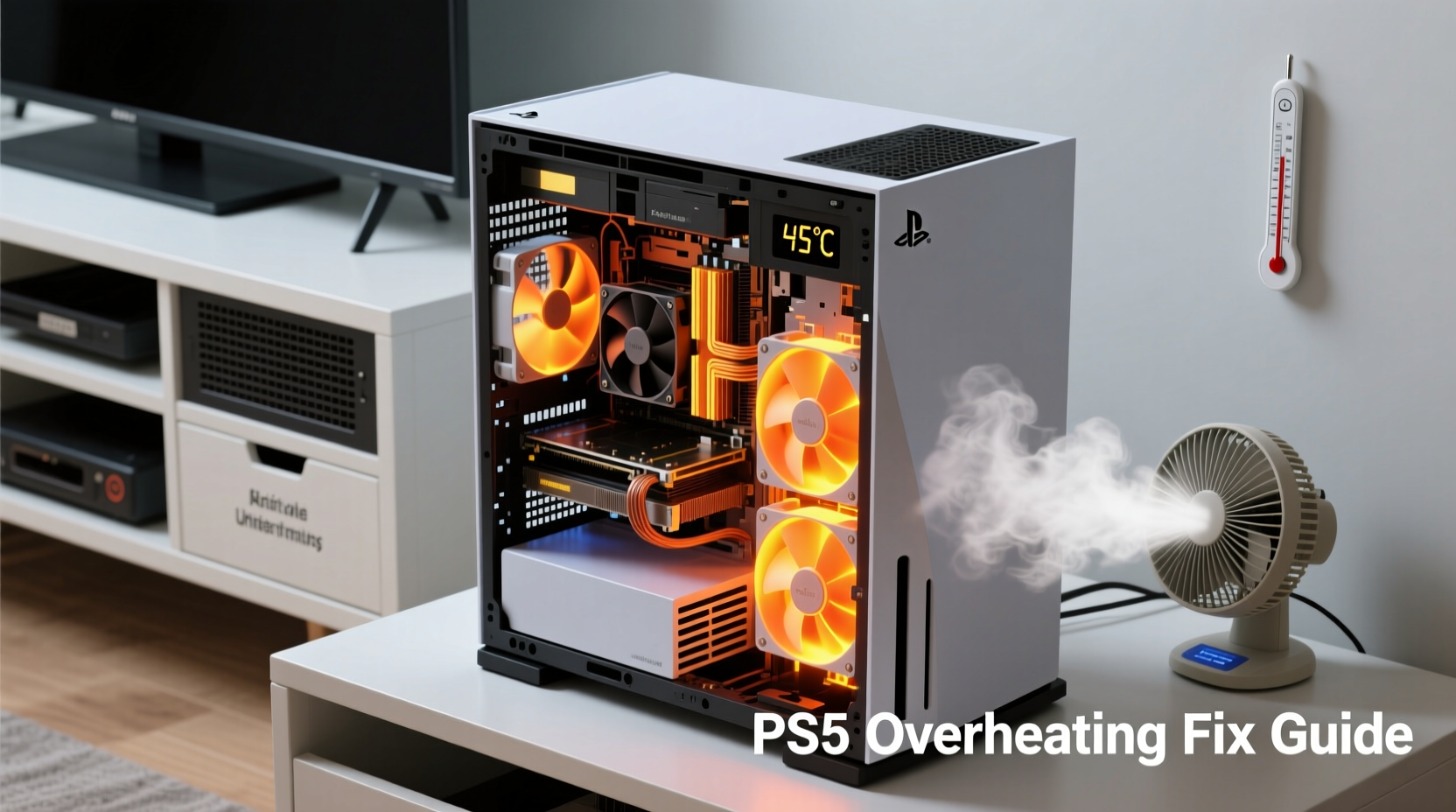
Sony engineered the PS5 with a robust cooling solution centered around a large heatsink, dual intake/exhaust fans, and an internal airflow channel designed to move hot air efficiently out of the chassis. Unlike previous generations, the PS5 uses a liquid metal thermal interface material (TIM) between the APU (Accelerated Processing Unit) and the heatsink. This compound conducts heat far more effectively than traditional thermal paste, allowing faster heat transfer away from the processor.
However, this high-performance design has limitations. The sheer power output of the PS5—especially when running demanding titles like *Horizon Forbidden West* or *Call of Duty: Modern Warfare II*—generates significant heat. Under sustained load, the internal temperature climbs, forcing the fan to ramp up speed. Over time, dust accumulation, poor placement, or obstructed ventilation can compromise this carefully balanced system.
“Even the best cooling architecture will fail if airflow is restricted. Dust and positioning are silent killers of console longevity.” — Mark Tran, Senior Hardware Analyst at TechInsight Labs
Common Causes of PS5 Overheating
Overheating rarely stems from a single issue. More often, it's the result of multiple factors converging. Identifying these contributors is the first step toward a lasting fix.
- Dust buildup: Dust clogs air intakes and coats internal components, acting as insulation that traps heat.
- Poor placement: Placing the PS5 flush against a wall, inside a closed cabinet, or near other heat-emitting devices restricts airflow.
- Vertical vs. horizontal orientation: Incorrect stand installation or unstable positioning can block vents depending on how the console is placed.
- Ambient room temperature: Gaming in poorly ventilated or sunlit rooms increases baseline heat, making cooling less efficient.
- Fan wear or failure: After years of use, the cooling fan may lose efficiency or develop mechanical issues.
Step-by-Step Guide to Improving Airflow Around Your PS5
Optimizing airflow doesn’t require technical expertise—just attention to detail and consistency. Follow this timeline to create a cooler, more stable environment for your console.
- Choose the right location (Day 1): Place the PS5 in an open area with at least 4 inches (10 cm) of clearance on all sides, especially near the rear exhaust and side intakes.
- Evaluate orientation (Day 1): If standing vertically, ensure the base screw is securely fastened so the console doesn’t wobble or tilt, which could block airflow.
- Clear surrounding heat sources (Day 1): Move the PS5 away from TVs, amplifiers, radiators, or direct sunlight. Electronics stacked together create microclimates of trapped heat.
- Inspect and clean vents (Day 2): Use a dry microfiber cloth and compressed air to gently blow dust from intake grills and exhaust ports. Avoid spraying liquids or inserting sharp objects.
- Monitor internal temperature (Ongoing): Pay attention to fan noise. An unusually loud or constantly spinning fan indicates potential airflow strain.
- Upgrade room ventilation (Week 1): Add a small desk fan nearby or crack a window to promote general air circulation, especially during summer months.
Do’s and Don’ts: Best Practices for PS5 Ventilation
| Do’s | Don’ts |
|---|---|
| Place the PS5 on a hard, flat surface | Set it on carpet, fabric, or cushions that block bottom vents |
| Leave 4+ inches of space around all sides | Install it in a closed entertainment cabinet without ventilation |
| Use compressed air every 1–2 months | Use a vacuum cleaner—static can damage internal circuits |
| Keep the room temperature below 77°F (25°C) | Game for hours in a hot, unventilated room |
| Check fan operation periodically | Ignore persistent grinding noises or shutdowns |
Mini Case Study: How One Gamer Fixed Chronic Overheating
James R., a competitive *Apex Legends* player from Phoenix, AZ, experienced frequent PS5 shutdowns during 3-hour ranked sessions. His console sat vertically in a glass media cabinet with sliding doors, surrounded by a soundbar and cable box. Despite regular external cleaning, the fan noise grew unbearable within 45 minutes of startup.
After reading about airflow dynamics, James moved the PS5 onto a dedicated shelf in his living room, removed the cabinet doors, and began using a USB-powered cooling pad beneath the base. He also started a bi-weekly maintenance routine using compressed air. Within a week, fan speeds dropped significantly, and he completed a 5-hour tournament stream with no thermal warnings. “I didn’t realize how much the enclosed space was suffocating the system,” he said. “Now it runs quieter and feels more responsive.”
When to Consider Internal Cleaning or Professional Service
While Sony discourages user disassembly due to warranty and liquid metal risks, internal dust accumulation becomes inevitable after 12–18 months of regular use. If you’ve optimized external conditions but still face overheating, deeper intervention may be necessary.
Some third-party repair shops offer professional PS5 cleaning services, including heatsink removal, liquid metal reapplication, and fan inspection. These procedures restore peak thermal conductivity and can reduce internal temperatures by 10–15°F (5–8°C). However, they carry risks: improper reassembly can damage components or void warranties.
If your PS5 shuts down unexpectedly, displays error code CE-108262-3 (overheating warning), or emits unusual grinding sounds, contact Sony Support or an authorized technician. Attempting DIY repairs without proper tools or knowledge can do more harm than good.
FAQ: Common Questions About PS5 Overheating
Is it normal for the PS5 to get hot?
Yes, to an extent. High-performance gaming generates heat, and the PS5 is designed to run warm. However, the exterior should never feel too hot to touch, and the fan shouldn’t remain at maximum speed throughout gameplay. Consistent excessive heat indicates a problem with airflow or cooling efficiency.
Can I use a cooling fan or stand for my PS5?
Yes, external cooling accessories can help. Active cooling stands with built-in fans improve ambient airflow around the console, especially when placed underneath. Choose models with quiet operation and USB power to avoid adding clutter. Just remember: these supplements don’t replace proper placement and cleaning—they enhance them.
Does playing in rest mode cause overheating?
No. Rest mode consumes minimal power and generates little heat. Overheating occurs during active gameplay or intensive background tasks like downloads and updates. If the system overheats in rest mode, it may indicate a hardware fault or severe dust blockage.
Comprehensive Overheating Prevention Checklist
- ✅ Position PS5 in an open area with 4+ inches of clearance on all sides
- ✅ Ensure correct installation of the vertical stand (if used)
- ✅ Avoid placing the console on carpets or soft surfaces
- ✅ Clean exterior vents every 2–3 weeks with compressed air
- ✅ Keep room temperature below 77°F (25°C) during extended sessions
- ✅ Monitor fan noise levels and response over time
- ✅ Remove nearby heat-generating electronics
- ✅ Update system software regularly for improved thermal management
- ✅ Schedule professional internal cleaning every 12–18 months (optional)
- ✅ Replace faulty fans or seek service if shutdowns persist
Conclusion: Protect Performance with Proactive Cooling
Your PS5 is built for power, but even the most advanced hardware depends on basic physics: heat must escape. Ignoring airflow concerns leads to louder fans, reduced component life, and potential performance throttling. Simple habits—like keeping vents clear, choosing the right location, and monitoring ambient conditions—can dramatically extend your console’s reliability and comfort.
Gaming should be immersive, not interrupted by system warnings. By treating your PS5 with the same care you’d give any precision machine, you ensure smoother sessions, quieter operation, and years of dependable play. Take action today—clean those vents, reposition the unit, and make airflow part of your routine. Your next epic session will run cooler, quieter, and better than ever.




 浙公网安备
33010002000092号
浙公网安备
33010002000092号 浙B2-20120091-4
Comments
No comments yet. Why don't you start the discussion?