
It’s a common but unsettling experience: you step outside on a freezing morning, pull out your phone or tablet, and the screen starts flickering uncontrollably. The display might dim, flash, or even go completely blank for a few seconds. If this has happened to you, you’re not imagining things — and you’re definitely not alone. Cold-induced screen flickering affects smartphones, laptops, tablets, and even car infotainment systems. But what causes it? And more importantly, is it harmful to your device in the long run?
This phenomenon isn’t just a minor annoyance; it can signal underlying vulnerabilities in how modern electronics handle extreme temperatures. Understanding the mechanics behind cold-weather screen flickering helps users make informed decisions about device use, storage, and maintenance — especially during winter months.
The Science Behind Cold-Weather Screen Flickering
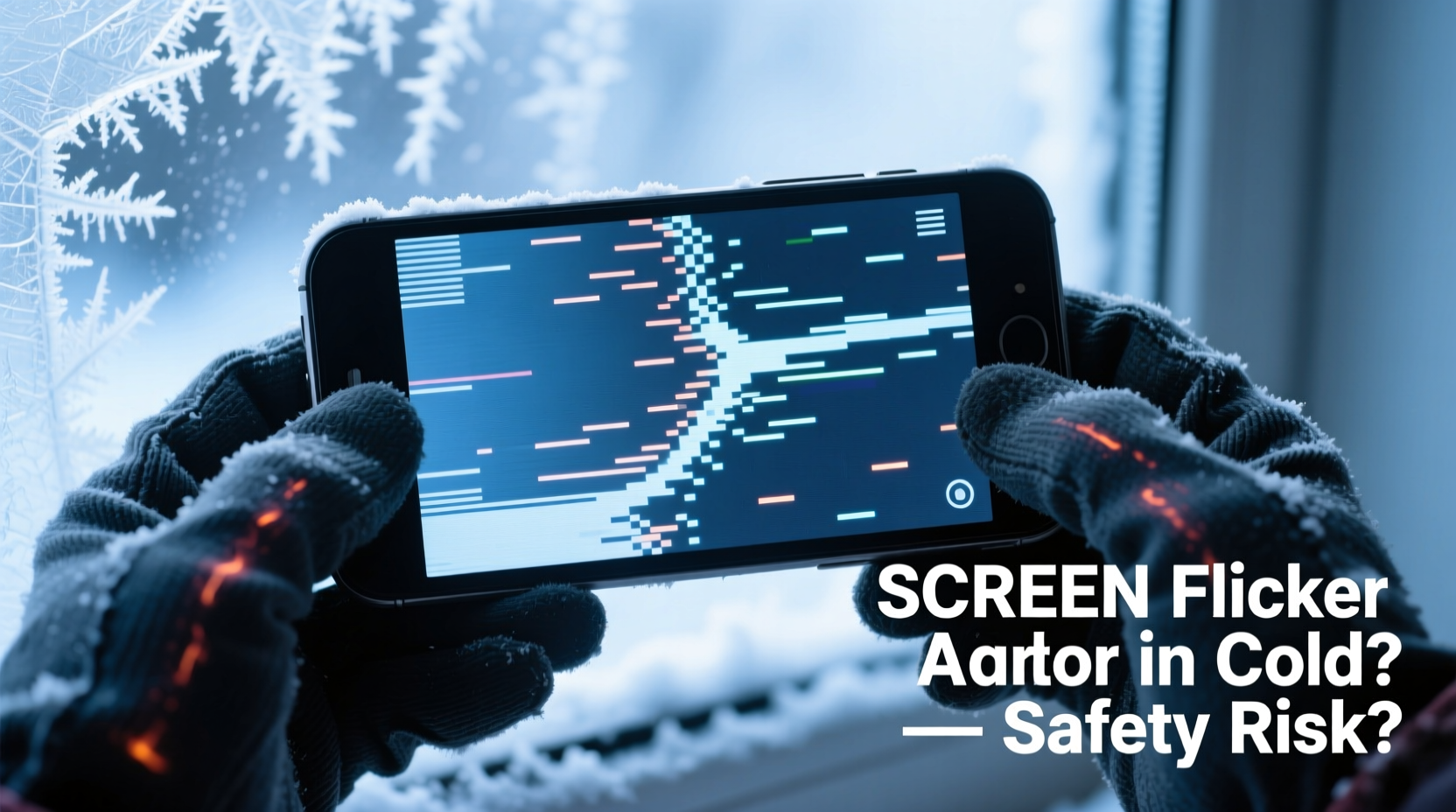
Modern screens, particularly those using LCD (Liquid Crystal Display) or OLED (Organic Light-Emitting Diode) technology, are sensitive to temperature changes. At their core, these displays rely on precise electrical signals and material responses to produce images. When exposed to cold environments, several physical and chemical processes slow down or behave unpredictably.
In LCD screens, liquid crystals are used to control light passage through polarized filters. These crystals become sluggish in low temperatures, reducing their ability to respond quickly to voltage changes. This lag results in delayed pixel transitions, which appear as flickering, ghosting, or temporary unresponsiveness.
OLED screens, while more resilient in some aspects, also face challenges. The organic compounds that emit light when electrified can lose efficiency in the cold. Additionally, the thin-film transistors (TFTs) that drive individual pixels may malfunction temporarily due to thermal contraction of materials and reduced electron mobility.
Battery performance further exacerbates the issue. Lithium-ion batteries, standard in most portable electronics, deliver less power in cold conditions. As voltage drops, the power supply to the display controller becomes unstable, leading to inconsistent brightness and flickering.
“Temperature fluctuations directly impact the viscosity of liquid crystals and the conductivity of electronic components. Even brief exposure below 0°C can trigger visible screen anomalies.” — Dr. Alan Zhou, Materials Scientist at Nordic Electronics Research Lab
Is Cold-Induced Screen Flickering Dangerous?
The short answer: usually not immediately dangerous, but potentially harmful over time.
Occasional flickering when moving from a warm indoor environment to a cold outdoor one is typically a temporary response. Once the device warms up — either through internal operation or being returned to a warmer space — normal function resumes without lasting damage. However, repeated or prolonged exposure to suboptimal temperatures increases the risk of permanent degradation.
Here’s why:
- Liquid crystal damage: Prolonged cold exposure can cause irreversible alignment shifts in LCD layers, leading to dead pixels or persistent discoloration.
- Condensation risks: Bringing a cold device into a warm, humid environment invites condensation inside the casing. Moisture can corrode circuits, damage connectors, and short out display drivers.
- Thermal stress: Rapid temperature swings cause different materials (glass, metal, plastic) to expand and contract at varying rates, increasing the likelihood of microfractures or delamination in screen layers.
- Battery strain: Frequent deep discharges in cold weather reduce overall battery lifespan, indirectly affecting screen stability by limiting consistent power delivery.
Devices Most Vulnerable to Cold-Weather Flickering
Not all screens react the same way to cold. Some are engineered for resilience; others are more consumer-grade and susceptible. Here's a comparison:
| Device Type | Vulnerability Level | Common Symptoms | Mitigation Tips |
|---|---|---|---|
| Smartphones (Consumer Models) | High | Flickering, touch lag, auto-dimming | Use protective case, limit outdoor time |
| Rugged/Outdoor Phones | Low | Minimal to no issues down to -20°C | Still avoid rapid temperature shifts |
| Laptops (Standard) | Moderate | Screen flicker on startup, backlight instability | Warm gradually before powering on |
| Tablets | High | Flickering, unresponsive touch, shutdowns | Keep powered off when cold; warm slowly |
| Car Infotainment Systems | Moderate-High | Delayed boot, flickering, touch errors | Pre-warm cabin if possible; update firmware |
Manufacturers often specify an operating temperature range — typically between 0°C and 35°C (32°F to 95°F) for most consumer electronics. Operating outside this range voids warranties and increases failure risks.
Real-World Scenario: A Photographer’s Winter Challenge
Consider Sarah Lin, a landscape photographer based in northern Canada. During a January shoot in Banff National Park, temperatures dropped to -25°C (-13°F). She noticed her smartphone screen began flickering within minutes of stepping outside, making GPS navigation nearly impossible. Her tablet, used for reviewing shots, shut down unexpectedly despite showing 40% battery.
Sarah switched to a ruggedized Android phone rated for -30°C operation. While the screen still dimmed slightly in extreme cold, flickering was minimal. She adopted a strategy of keeping backup devices in an inner pocket, rotating them every 15–20 minutes. She also avoided touching the screen with bare fingers, as skin contact accelerated localized cooling.
Her experience highlights a key truth: preparation and device selection matter. High-performance gear designed for harsh climates performs better, but behavioral adjustments are equally critical.
How to Prevent and Manage Cold-Weather Screen Issues
You don’t need specialized equipment to reduce the risk of screen flickering in cold weather. Simple, proactive habits can make a significant difference.
Step-by-Step Guide: Protecting Your Device in Cold Conditions
- Limit Exposure Time: Only take your device outside when necessary. Keep it in a pocket close to your body to maintain warmth.
- Use Insulated Cases: Invest in a thermal or neoprene-lined case designed for cold climates. These add a layer of insulation without bulk.
- Avoid Touchscreen Use in Extreme Cold: Operate the device minimally. Use voice commands or pre-set functions before heading out.
- Warm Devices Gradually: If your device gets cold, don’t place it near a heater or blow hot air directly. Allow it to warm up slowly at room temperature to prevent condensation.
- Enable Auto-Brightness Carefully: While convenient, automatic brightness sensors can misread cold-induced dimming as ambient light change, worsening flicker. Consider setting brightness manually in winter.
- Update Firmware and OS: Manufacturers sometimes release updates that improve temperature management and display driver stability.
- Monitor Battery Health: Replace aging batteries before winter. Older cells perform worse in cold and contribute to power instability.
Checklist: Cold-Weather Device Readiness
- ✅ Check manufacturer’s operating temperature specs
- ✅ Acquire a well-insulated case or sleeve
- ✅ Fully charge devices before cold exposure
- ✅ Disable unnecessary background apps to conserve battery
- ✅ Test touchscreen responsiveness in mild cold before relying on it
- ✅ Keep a backup device available if critical tasks depend on screen access
- ✅ Store spare batteries at room temperature (not in the cold)
Frequently Asked Questions
Can cold weather permanently damage my screen?
Yes, repeated or prolonged exposure to temperatures below the device’s operating range can cause permanent damage. This includes dead pixels, persistent flickering, delamination of screen layers, and moisture ingress from condensation. While a single brief incident is unlikely to destroy your screen, cumulative stress weakens components over time.
Why does my phone screen flicker but still work fine later?
The flickering is often a temporary response to slowed chemical and electrical processes in the cold. Once the device returns to a stable temperature, the liquid crystals regain mobility, circuits stabilize, and normal function resumes. This doesn’t mean there’s no risk — each episode contributes to wear at the microscopic level.
Do OLED screens handle cold better than LCD?
Not necessarily. While OLEDs don’t rely on backlights and liquid crystals, their organic materials are sensitive to temperature extremes. OLEDs may flicker less initially but are still vulnerable to power fluctuations and thermal stress. Both technologies have trade-offs in cold environments.
Conclusion: Smart Habits for Safer Winter Use
Screen flickering in cold weather is more than a quirk — it’s a warning sign from your device. While not always dangerous in the moment, it reflects real physical stresses that can shorten your gadget’s lifespan. The good news is that most risks are preventable with awareness and simple precautions.
By understanding how temperature affects your screen, recognizing early signs of stress, and adopting protective routines, you can keep your devices reliable all winter long. Whether you're commuting in a snowy city, hiking in mountain terrain, or simply walking the dog on a frosty morning, your electronics don’t have to pay the price.




 浙公网安备
33010002000092号
浙公网安备
33010002000092号 浙B2-20120091-4
Comments
No comments yet. Why don't you start the discussion?