
As holiday lighting becomes increasingly sophisticated, many homeowners are turning to smart bulbs to create dynamic, synchronized Christmas displays. From gentle color fades to rhythmic strobes that match music, these lights promise a modern twist on seasonal cheer. But when transitions between colors or effects don’t happen smoothly—when the display stutters, delays, or appears out of sync—frustration quickly sets in. If you’ve asked, “Why does my smart bulb Christmas display lag during transitions?” you’re not alone. The answer lies in a combination of network performance, device limitations, software settings, and environmental factors.
This article breaks down the technical and practical reasons behind transition lag in smart bulb displays and provides actionable solutions to ensure your holiday lights perform flawlessly.
Understanding Smart Bulb Communication
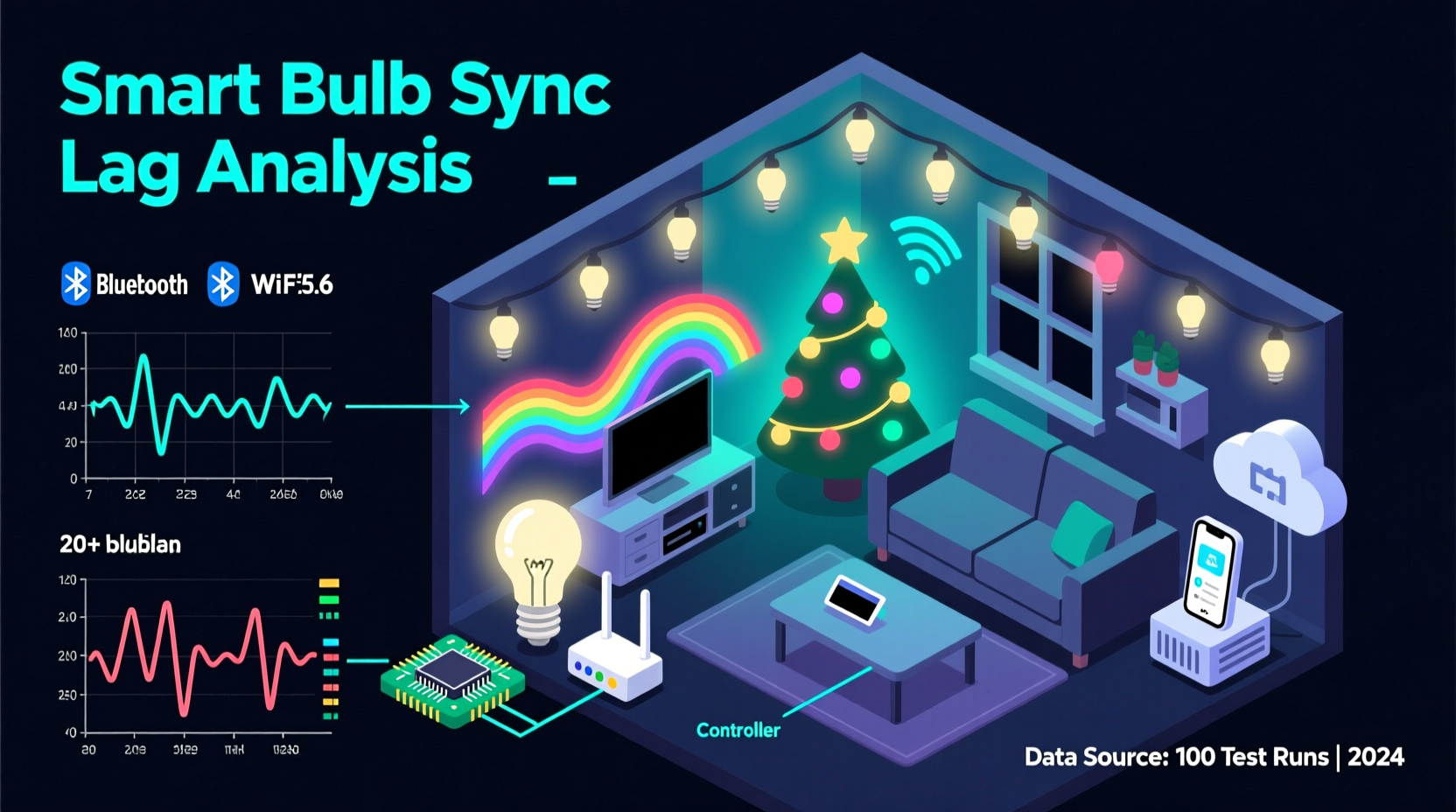
Smart bulbs rely on wireless communication protocols—most commonly Wi-Fi, Bluetooth, or Zigbee—to receive commands from a central hub or mobile app. When you trigger a light effect such as a color fade or flash sequence, the command travels from your smartphone or controller through your home network to each bulb. The speed and reliability of this process determine whether the transition appears smooth or delayed.
The most common protocols used in smart holiday lighting include:
- Wi-Fi: Direct connection to your router; convenient but prone to congestion.
- Zigbee: Uses a mesh network with a central hub; more stable for large setups.
- Bluetooth: Short-range, low-power; suitable for small indoor displays.
Larger displays with dozens—or hundreds—of bulbs place significant demand on your network. Each bulb must receive and interpret the same command simultaneously. Even minor delays in packet delivery can result in visible lag, especially when precise timing is required for transitions.
“Even a 100-millisecond delay across multiple nodes can throw off synchronization in a large smart lighting setup.” — David Lin, IoT Network Engineer at LightSync Labs
Common Causes of Transition Lag
Lag isn't always due to a single factor. It often results from a chain of inefficiencies across hardware, software, and environment. Below are the primary contributors:
1. Network Congestion
Your home Wi-Fi network likely supports multiple devices—smartphones, laptops, TVs, security cameras, and more. During peak usage hours (especially in December), bandwidth competition increases. Smart bulbs may struggle to receive timely commands, leading to delayed transitions.
2. Distance and Signal Interference
Physical distance from the router, thick walls, metal structures, and even microwave ovens can degrade Wi-Fi signals. Outdoor installations are particularly vulnerable. A weak signal means slower data transmission and inconsistent bulb response.
3. Inadequate Hub or Controller Performance
If your system uses a hub (e.g., Philips Hue Bridge, Samsung SmartThings), an overloaded or outdated hub can bottleneck command distribution. Firmware issues or processing limits may prevent real-time execution of complex lighting sequences.
4. Bulb Processing Delays
Not all smart bulbs are created equal. Lower-end models may have slower onboard processors, resulting in a slight delay between receiving a command and executing the change. This becomes noticeable when multiple bulbs don’t update at the same time.
5. App or Software Limitations
The app controlling your lights may not be optimized for high-frequency updates. Some consumer-grade apps send transition commands sequentially rather than broadcasting them simultaneously, causing a ripple effect across the display.
6. Overloaded Lighting Sequences
Complex animations—such as wave effects, music syncing, or rapid color cycles—require frequent command updates. If the sequence demands more updates per second than your system can handle, lag is inevitable.
Solutions to Eliminate or Reduce Lag
Fixing lag requires a systematic approach. Start by identifying the weakest link in your setup, then apply targeted improvements.
Optimize Your Network Infrastructure
Ensure your smart lighting system has a strong, dedicated connection. Consider these steps:
- Use a dual-band router and connect your smart bulbs to the less crowded 5 GHz band if supported.
- Install a Wi-Fi extender or mesh node near your display area to boost signal strength.
- Set up a separate guest network for smart devices to reduce congestion on your main network.
Upgrade to a Dedicated Hub System
Hubs like the Philips Hue Bridge or Lutron Smart Bridge process lighting commands locally, reducing reliance on cloud servers and minimizing latency. They also support multicast messaging, allowing all bulbs to receive the same command at once.
Choose High-Performance Bulbs
Invest in bulbs known for fast response times. Look for models advertising “low-latency mode” or “synchronization support.” Brands like Nanoleaf, LIFX, and Hue typically offer better performance for dynamic displays.
Reduce Sequence Complexity
Simplify your lighting effects during testing. Use gradual fades instead of rapid flashes. Once you confirm smooth operation, gradually reintroduce complexity while monitoring performance.
Troubleshooting Checklist
Follow this step-by-step checklist to diagnose and resolve lag in your smart bulb Christmas display:
- ✅ Reboot your router and smart lighting hub.
- ✅ Confirm all bulbs are within range and showing full signal strength.
- ✅ Update firmware on bulbs, hub, and controlling app.
- ✅ Switch to a 5 GHz Wi-Fi network (if supported).
- ✅ Disconnect non-essential devices to free up bandwidth.
- ✅ Test with a simple on/off cycle to check responsiveness.
- ✅ Replace any unresponsive or slow bulbs.
- ✅ Use local control (not cloud-based) modes when available.
- ✅ Limit the number of simultaneous effects in your scene.
- ✅ Monitor temperature—cold weather can affect bulb electronics.
Real-World Example: The Johnson Family Display
The Johnsons installed 75 Wi-Fi smart bulbs across their front yard for their annual holiday show. While individual colors worked fine, transitions during their nightly light show were noticeably staggered—red lights changed before green, and blue trailed behind.
After consulting a smart home technician, they discovered three key issues:
- Their router was located in the basement, far from the outdoor lights.
- They were using a mix of older and newer bulb models with varying response speeds.
- Their lighting app relied on cloud processing, adding ~300ms delay per command.
The solution included:
- Installing a mesh Wi-Fi satellite near the front porch.
- Replacing outdated bulbs with a uniform set of LIFX Z strips.
- Switching to a local API-based controller (Home Assistant) for direct command routing.
Result: Transitions became nearly instantaneous, and their synchronized music display received rave reviews from neighbors.
Comparison of Smart Lighting Systems
Different platforms handle transitions differently. The table below compares common systems based on latency and scalability.
| System | Typical Latency | Max Recommended Bulbs | Best For |
|---|---|---|---|
| Wi-Fi (Direct) | 150–500ms | 20–30 | Small indoor displays |
| Philips Hue + Bridge | 50–100ms | 50 | Medium to large synchronized shows |
| Nanoleaf + Controller | 30–80ms | 40 panels | Wall-mounted dynamic art |
| LIFX (Wi-Fi, no hub) | 100–300ms | 25 | Bright outdoor accents |
| Home Assistant + Zigbee | 20–60ms | 100+ | Advanced users, large-scale setups |
Latency values are approximate and depend on network conditions and configuration. Systems using local processing consistently outperform those relying on cloud services.
Environmental and Seasonal Factors
Outdoor smart bulb displays face unique challenges during winter months. Cold temperatures can slow down electronic components, including the microcontrollers inside smart bulbs. Batteries in remote controllers or sensors may drain faster, affecting signal consistency.
Moisture and condensation can also interfere with connections, especially in non-weatherproof fixtures. Always verify that your bulbs are rated for outdoor use (IP65 or higher) and install them under eaves or protective covers when possible.
Additionally, holiday energy spikes—like running heaters, ovens, or additional appliances—can cause voltage fluctuations. These power inconsistencies may reset or destabilize smart devices connected to the same circuit.
“In cold climates, allow bulbs to acclimate indoors before installation. Sudden temperature shifts can cause temporary performance drops.” — Maria Tran, Smart Home Product Tester
Frequently Asked Questions
Can I fix lag without buying new equipment?
Yes, in many cases. Start by optimizing your Wi-Fi signal, reducing connected devices, updating firmware, and simplifying your lighting scenes. Often, these steps significantly improve responsiveness without additional cost.
Do all smart bulbs lag during transitions?
No. Higher-end bulbs with faster processors and better radio modules exhibit minimal lag. Cheaper models, especially generic Wi-Fi bulbs, are more prone to delays due to slower chipsets and inefficient firmware.
Is it better to use a hub or direct Wi-Fi?
For anything beyond a few bulbs, a hub is almost always better. Hubs reduce network load, enable local control, and support multicast commands—critical for synchronized transitions. Direct Wi-Fi works for basic setups but struggles at scale.
Final Steps to a Seamless Holiday Display
Achieving smooth, lag-free transitions in your smart bulb Christmas display is entirely possible with the right setup. Begin by auditing your current system: assess your network health, bulb quality, and control method. Address bottlenecks one at a time, starting with the easiest fixes—like rebooting your router or updating software.
As you refine your display, document what changes make the biggest difference. You might discover that switching to a local automation platform like Home Assistant or Node-RED cuts lag by half. Or that relocating your Wi-Fi extender improves signal stability across all outdoor nodes.
Remember, the goal isn’t just to eliminate lag—it’s to create a reliable, repeatable experience that delights viewers night after night. With careful planning and attention to detail, your smart lighting display can become the highlight of the neighborhood.




 浙公网安备
33010002000092号
浙公网安备
33010002000092号 浙B2-20120091-4
Comments
No comments yet. Why don't you start the discussion?