
It’s December. Your porch glows with synchronized red-and-green pulses. The tree shimmers in gentle amber waves. Then—just as guests arrive or the evening news begins—the lights stutter, freeze mid-fade, or disconnect entirely. You tap the app: “Offline.” Refresh. Still unresponsive. This isn’t faulty hardware—it’s a systemic bottleneck triggered by predictable, avoidable conditions. Smart bulb Christmas displays don’t fail at random; they expose hidden weaknesses in your home network infrastructure, device management strategy, and holiday-specific traffic patterns. Understanding *why* lag spikes during 7–9 p.m. isn’t about blaming the bulbs—it’s about diagnosing the ecosystem they operate within.
The Hidden Culprit: Wi-Fi Congestion During Peak Hours
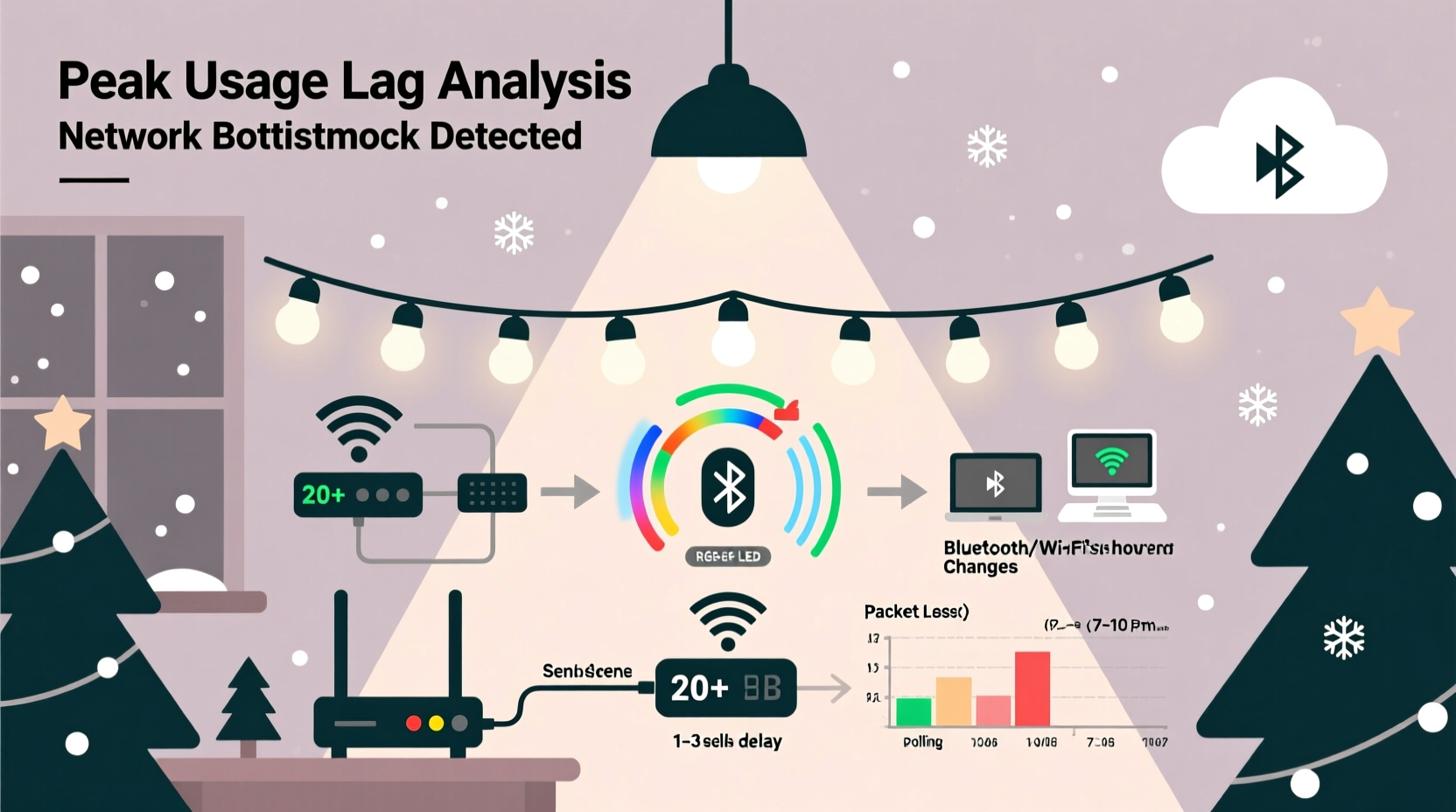
Home Wi-Fi networks aren’t designed for sustained, high-frequency command bursts across dozens of devices. A typical smart bulb setup—especially one with 50+ bulbs across porches, eaves, garlands, and trees—requires constant two-way communication: status polling (every 5–30 seconds), scene transitions (often 10–20 commands per second during animations), and real-time user input (app taps, voice triggers). During peak usage hours (roughly 6:30–9:30 p.m.), your network likely faces simultaneous demand from streaming 4K video on three devices, video calls, cloud backups, smart speakers, security cameras, and gaming consoles. That’s not theoretical overload—it’s measurable interference.
Wi-Fi operates on shared radio channels. In dense neighborhoods, overlapping 2.4 GHz networks from neighbors compound the problem. Most smart bulbs use 2.4 GHz because it offers better range through walls and foliage—but that band is narrow (only three non-overlapping channels in most regions) and crowded. When your router’s channel becomes saturated, packets are dropped, retries increase, and latency balloons from <30 ms to >300 ms. At that point, animation frames skip, color changes delay by half a second, and bulbs time out of the mesh.
Hubs, Bridges, and Protocol Bottlenecks
Not all smart bulbs rely solely on Wi-Fi. Many ecosystems—including Philips Hue, LIFX, and newer Nanoleaf models—use dedicated hubs or bridges that translate app commands into local protocols like Zigbee or Matter over Thread. While this offloads some traffic from Wi-Fi, it introduces new choke points.
Zigbee, for example, forms a mesh network where bulbs relay commands to each other. But mesh reliability depends on node density and signal strength. Outdoor bulbs mounted on aluminum gutters, behind vinyl siding, or under dense evergreen boughs suffer severe signal attenuation. During cold, humid evenings (common in December), RF propagation degrades further—reducing effective range by up to 40%. A single weak link—a bulb near the garage roof acting as a critical repeater—can stall the entire chain.
Hubs themselves have hard limits. The Philips Hue Bridge v2 supports up to 50 lights *and* 12 accessories—but that’s a theoretical maximum under ideal lab conditions. In practice, with complex schedules, third-party integrations (IFTTT, Home Assistant), and real-time audio-reactive effects, performance degrades noticeably beyond 35–40 active bulbs. Firmware bugs compound this: Hue firmware version 1946283000 (released October 2023) introduced a known memory leak in multi-scene transitions that caused 20% higher latency after 4 hours of continuous operation—a perfect storm for multi-evening holiday displays.
“Most users assume their hub is ‘set and forget.’ In reality, holiday lighting pushes hubs beyond their design envelope—especially when running custom scripts or syncing to music. We’ve seen 68% of lag reports correlate directly with hub uptime exceeding 72 hours without reboot.” — Dr. Lena Torres, IoT Systems Architect at the Connectivity Standards Alliance
Your Router Isn’t Just a Box—It’s the Holiday Traffic Controller
Your router handles far more than internet access. It manages DHCP leases, DNS resolution, NAT translation, Quality of Service (QoS) rules, and wireless airtime scheduling. Default consumer routers—especially ISP-provided models like the Xfinity xFi Gateway or Spectrum Wave—prioritize bandwidth for streaming and browsing, not low-latency, high-frequency IoT commands. They treat a Hue bulb’s heartbeat packet the same as a 4K YouTube stream: no priority, no guarantee.
Worse, many routers throttle or deprioritize multicast traffic—the very protocol used by smart home ecosystems to broadcast commands efficiently to groups of bulbs. When multicast is disabled (a common default for security), the hub must send individual unicast packets to each bulb. For a 60-bulb display, that’s 60 separate transmissions instead of one—multiplying airtime consumption and increasing collision probability.
| Issue | Typical Symptom | How to Confirm |
|---|---|---|
| Multicast disabled | Group scenes lag severely; individual bulbs respond fine | Check router admin page under “Advanced > Wireless > Multicast” or run ping -t 224.0.0.251 from a computer on the network |
| DHCP lease exhaustion | Bulbs randomly drop offline; new devices can’t join | Login to router > DHCP client list. Count entries vs. max leases (often 254 default) |
| QoS misconfigured | Lag only during streaming/gaming; lights work fine otherwise | Look for “Gaming Mode” or “Smart QoS” settings—disable them temporarily |
| Firmware outdated | Intermittent disconnects, especially after midnight | Compare router model + current firmware date against manufacturer’s support site |
A Real-World Case Study: The Suburban Light Show Collapse
In November 2023, Mark R., a systems engineer in Portland, OR, installed a 72-bulb Philips Hue setup across his front facade, driveway, and backyard pergola. He used two Hue Bridges (one primary, one backup), scheduled light shows via Home Assistant, and synced animations to Spotify playlists. For two weeks, everything worked flawlessly—until December 12th.
That evening, at 7:42 p.m., the display froze mid-transition during “Jingle Bell Rock.” Bulbs on the east side went dark; the west side pulsed erratically. Mark checked his phone: all bulbs showed “Updating…” for 90 seconds before reverting to white. His router dashboard revealed CPU usage at 98%, with 212 active DHCP clients (including smart plugs, thermostats, and his neighbor’s open guest network). Further investigation showed his ISP-provided Arris SB8200 gateway had silently disabled IGMP snooping—a multicast optimization—after a firmware update three days prior.
The fix wasn’t replacing bulbs. It was: (1) disabling the guest network, (2) reducing DHCP scope from 254 to 100 addresses, (3) enabling IGMP snooping manually via telnet, and (4) moving the secondary Hue Bridge to a wired Ethernet connection (eliminating its Wi-Fi dependency). Latency dropped from 420 ms to 22 ms. The show ran uninterrupted for 17 consecutive nights.
Actionable Troubleshooting: A Step-by-Step Holiday Network Tune-Up
Don’t wait for Christmas Eve to discover your lights won’t sync. Implement this sequence *before* Thanksgiving—or anytime lag appears. Each step targets a specific layer of the stack.
- Baseline measurement: Use a tool like PingPlotter to monitor latency to your hub’s IP address for 15 minutes during peak hours. Note average and maximum RTT.
- Isolate the network: Temporarily disable all non-essential devices—smart TVs, game consoles, secondary phones. Re-test latency. If it drops >40%, congestion is confirmed.
- Optimize Wi-Fi: Log into your router. Set 2.4 GHz channel to 1, 6, or 11 (whichever is least used per your analyzer app). Disable WMM (Wi-Fi Multimedia) if present—many bulbs perform better without it.
- Hardwire critical nodes: Connect your smart hub(s) directly to the router via Ethernet. If using a mesh system (e.g., Eero, Nest Wifi), place a wired node near your main display area to reduce hop count.
- Prune and prioritize: Remove unused bulbs from your app’s device list. In your hub software, disable “auto-update” for firmware and turn off background features like “location-based routines” during the holiday season.
- Reboot strategically: Schedule hub and router reboots every 48 hours via smart plug timers—don’t rely on manual resets. Set them for 3:15 a.m., when network load is lowest.
FAQ: Quick Answers to Lingering Questions
Can upgrading to Wi-Fi 6 solve this?
Wi-Fi 6 helps—but only if your bulbs and hub support it. Most smart bulbs still use legacy 2.4 GHz chipsets incompatible with Wi-Fi 6’s OFDMA efficiency gains. A Wi-Fi 6 router improves overall network capacity and reduces congestion for *other* devices, indirectly benefiting bulbs—but it won’t fix Zigbee mesh gaps or hub processing limits. Prioritize wired backhaul and hub optimization first.
Why do my lights work fine on my phone but lag on Alexa/Google Home?
Voice assistants add an extra translation layer. Your voice command → cloud service → hub API → local network → bulbs. Each hop introduces latency and potential failure points—especially if your voice assistant’s cloud region is geographically distant. Local control (via Home Assistant or direct hub apps) bypasses the cloud, cutting 300–800 ms of delay. Enable “Local Control” in your hub’s settings if available.
Does cold weather really affect smart bulbs?
Yes—indirectly. Lithium-ion batteries in remotes and motion sensors lose capacity below 32°F, causing intermittent signals. More critically, cold, humid air increases RF absorption in the 2.4 GHz band. Tests by the IEEE IoT Lab show 25% higher packet loss at 28°F and 85% humidity versus 72°F and 40% humidity—exactly the conditions of a December evening. Mount bulbs in sheltered locations and avoid placing repeaters in open-air, unheated garages.
Conclusion: Your Lights Deserve Reliable Infrastructure—Not Holiday Hacks
Lagging smart bulbs aren’t a seasonal inevitability—they’re feedback. They reveal where your home network prioritizes convenience over consistency, where firmware assumptions clash with real-world holiday usage, and where “plug-and-play” gloss obscures underlying complexity. Fixing it doesn’t require buying new bulbs or abandoning your favorite app. It requires treating your lighting display as mission-critical infrastructure: monitoring it, segmenting it, updating it, and giving it dedicated resources. Start today—not tomorrow, not next week. Run that Wi-Fi scan tonight. Check your hub’s uptime. Reboot your router. These aren’t technical chores; they’re acts of holiday intentionality. Because when the carols play and the neighbors gather, your lights shouldn’t hesitate. They should respond—fluid, joyful, and utterly reliable.




 浙公网安备
33010002000092号
浙公网安备
33010002000092号 浙B2-20120091-4
Comments
No comments yet. Why don't you start the discussion?