
As holiday seasons grow brighter with smart technology, many homeowners are upgrading traditional Christmas string lights to smart versions—offering color control, scheduling, and voice activation. But a common frustration is emerging: noticeable delays between issuing a command and seeing the lights respond. Whether you're using Alexa, Google Assistant, or a mobile app, that split-second (or longer) lag can break the magic of a synchronized light show. The issue isn't just annoying—it can undermine the entire purpose of having responsive, dynamic lighting. The good news? Most causes of this lag are diagnosable and fixable.
This article dives into the technical and environmental factors behind delayed responses in smart bulb Christmas string lights. From Wi-Fi congestion to firmware quirks, we’ll explore what’s really happening behind the scenes—and how you can restore real-time control over your festive setup.
Understanding Smart Bulb Communication Protocols
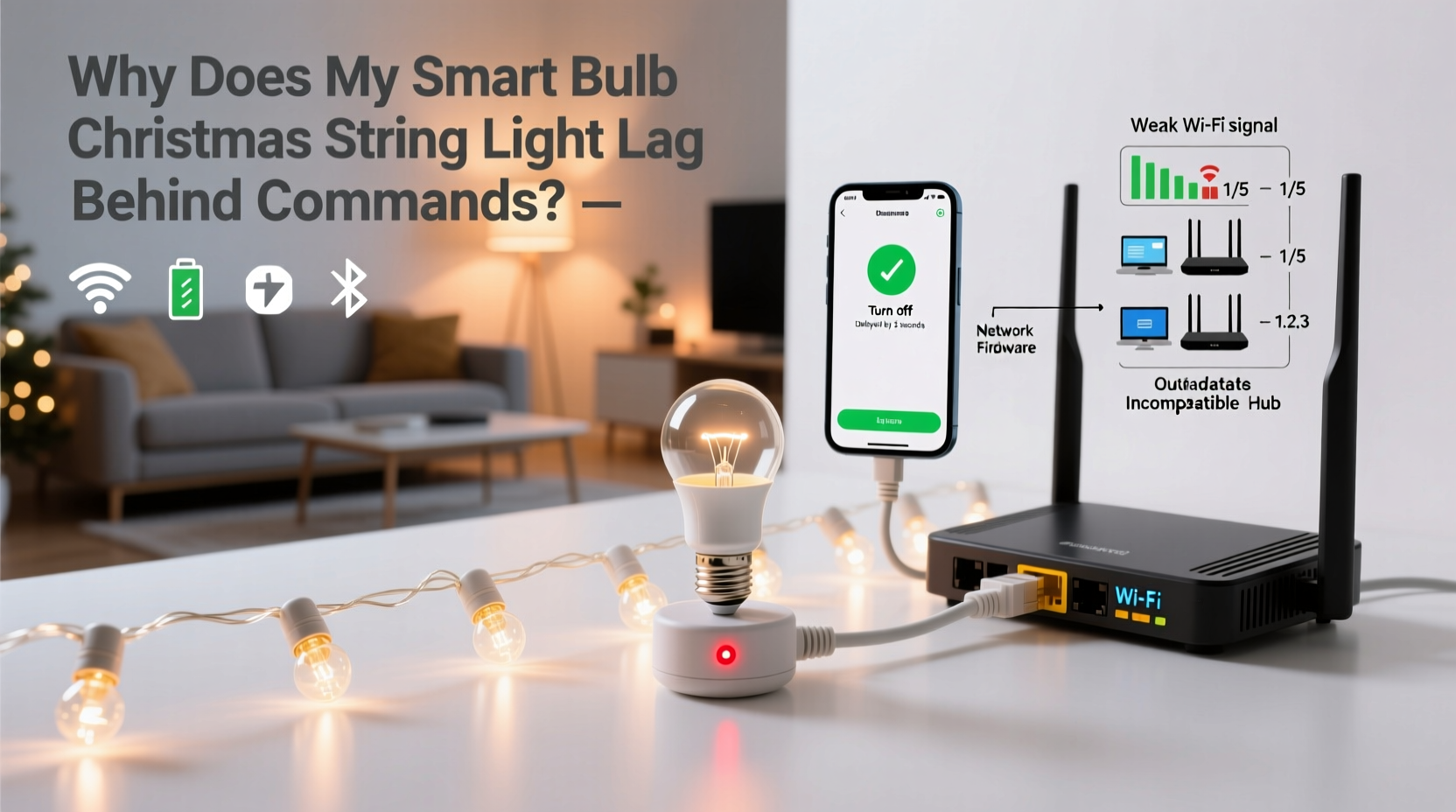
Smart Christmas string lights operate through embedded wireless communication modules. Unlike standard bulbs, each smart bulb contains a small processor and radio chip that receives and interprets digital signals. These signals travel via one of several protocols:
- Wi-Fi: Direct connection to your home network. Offers broad compatibility but can suffer from bandwidth strain.
- Zigbee: Low-power mesh network protocol. Requires a hub but provides stable, low-latency communication.
- Z-Wave: Similar to Zigbee but less common in decorative lighting. Known for reliability in dense environments.
- Bluetooth: Short-range, direct device-to-device connection. Limited range and scalability.
Most consumer-grade smart string lights use Wi-Fi because it doesn’t require an additional hub. However, this convenience comes at a cost. Wi-Fi networks were not originally designed for dozens of small IoT devices sending frequent, low-data packets. When multiple smart bulbs connect directly to your router, they compete for bandwidth with smartphones, laptops, and streaming devices—leading to latency.
“Wi-Fi-based smart lights often face higher latency due to network contention. For time-sensitive applications like synchronized lighting, Zigbee or dedicated RF protocols perform significantly better.” — Dr. Lena Park, IoT Network Engineer at SmartHome Labs
Common Causes of Command Lag in Smart String Lights
Lag isn’t always a single-point failure. It’s often the result of layered inefficiencies across hardware, software, and environment. Below are the most frequent culprits:
1. Network Congestion and Bandwidth Saturation
If your home network supports more than 15 connected devices—especially high-bandwidth users like 4K streamers or video calls—smart bulbs may experience packet delays. Each command sent via an app or voice assistant must travel from your device to the cloud server, then back to your router, and finally to the bulb. This round-trip introduces inherent latency, typically 0.5 to 2 seconds under normal conditions. During peak usage, it can stretch to 5 seconds or more.
2. Distance and Signal Interference
Physical distance between the router and the lights plays a critical role. Walls, metal fixtures, mirrors, and even large appliances absorb or reflect Wi-Fi signals. Outdoor string lights mounted on eaves or trees are especially vulnerable. A weak signal forces bulbs to retransmit data, increasing response time or causing timeouts.
3. Firmware Limitations and Processing Delays
Not all smart bulbs are created equal. Budget models often use slower microcontrollers with limited RAM. When processing complex commands—like transitioning through 10 colors in sequence—the internal processor may bottleneck, creating perceived lag even if the signal arrives instantly.
4. Cloud Dependency
Many brands route every command through their cloud servers. While this enables remote access, it adds milliseconds—or seconds—depending on server load and geographic location. If the manufacturer’s servers are slow or undergoing maintenance, your lights will feel unresponsive.
5. Bulb-to-Bulb Synchronization Issues
In multi-bulb strings, not all lights receive commands simultaneously. Some systems send signals to a master bulb, which then relays instructions to others. This daisy-chaining method creates a ripple effect: the last bulb in the chain responds noticeably later than the first.
Step-by-Step Guide to Diagnose and Fix Lag
Follow this structured troubleshooting process to identify and resolve the root cause of delayed responses:
- Test proximity and signal strength: Use a Wi-Fi analyzer app (e.g., Wi-Fi Analyzer for Android or NetSpot for desktop) to check signal levels at the light’s location. Aim for -60 dBm or stronger. Anything below -70 dBm indicates poor reception.
- Restart all components: Power cycle your router, smart hub (if used), and the light string itself. This clears temporary glitches and resets connections.
- Reduce network load: Temporarily disconnect non-essential devices. Test command response again. If performance improves, consider setting up a separate 2.4 GHz network for IoT devices.
- Update firmware: Open your smart lighting app and check for available updates. Manufacturers frequently release patches to improve responsiveness and fix bugs.
- Bypass the cloud (if possible): Some platforms (like Home Assistant or local Zigbee hubs) support local control, eliminating cloud round-trips. Enable “local execution” in compatible apps.
- Replace problematic bulbs: If only one section lags, test individual bulbs. Faulty units can disrupt the entire chain.
- Switch to a mesh protocol: Consider upgrading to a Zigbee- or Z-Wave-based system with a dedicated hub for long-term reliability.
Comparison of Smart Lighting Technologies and Latency Performance
| Protocol | Average Response Time | Range (Indoors) | Hub Required? | Best For |
|---|---|---|---|---|
| Wi-Fi (Direct) | 1–3 seconds | 30–50 ft | No | Simple setups, indoor use |
| Zigbee | 0.1–0.5 seconds | 30–100 ft (mesh extended) | Yes | Multi-bulb systems, synchronization |
| Z-Wave | 0.3–0.8 seconds | 30–100 ft | Yes | Secure, reliable home automation |
| Bluetooth | 0.5–1.5 seconds | 10–30 ft | No | Single-string, close-range control |
Note: Latency varies by brand, firmware version, and network conditions. Mesh protocols like Zigbee benefit from self-healing networks where signals hop between devices, maintaining stability even when individual links weaken.
Real Example: Fixing a Holiday Light Show Delay
Mark, a homeowner in Denver, installed 200 Wi-Fi smart bulbs along his roofline for a synchronized holiday display. He programmed them to pulse with music using a third-party app. Despite perfect timing in the preview, the actual lights trailed the audio by nearly two seconds—ruining the effect.
After testing, he discovered his router was located in the basement, 60 feet away with two concrete walls in between. The signal strength at the eaves measured -78 dBm. He moved his router closer to the front of the house and added a Wi-Fi extender on the second floor. Signal improved to -58 dBm. He also updated the firmware and switched to a local control mode in the app. The lag dropped to under 0.3 seconds—visually imperceptible. His light show ran flawlessly for the rest of the season.
Checklist: Optimize Your Smart String Lights for Instant Response
- ✅ Measure Wi-Fi signal strength at the light installation point
- ✅ Ensure firmware is up to date on all bulbs and hubs
- ✅ Reduce interference by relocating or shielding the router
- ✅ Use a dedicated IoT network or VLAN if supported
- ✅ Enable local control instead of cloud-dependent modes
- ✅ Replace older or malfunctioning bulbs in the string
- ✅ Consider switching to a Zigbee or Z-Wave system for future installations
Frequently Asked Questions
Can I eliminate lag completely?
While zero latency is difficult to achieve with consumer-grade smart lights, you can reduce it to imperceptible levels—under 0.2 seconds—by using local mesh networks like Zigbee, ensuring strong signal strength, and avoiding cloud routing. Professional-grade DMX-controlled lighting offers true real-time response but is costly and complex for home use.
Do more expensive smart lights have less lag?
Generally, yes. Premium brands invest in faster processors, optimized firmware, and support for local execution. Philips Hue, LIFX, and Nanoleaf typically outperform budget Wi-Fi strips in responsiveness. However, price alone isn’t a guarantee—research specific models for latency benchmarks and user feedback.
Why do my lights respond faster when I’m outside than inside?
This usually happens when your phone connects to cellular data instead of Wi-Fi. Cloud-based commands sometimes route more efficiently through external servers when not competing with local network traffic. However, this isn’t consistent and depends on your ISP and the manufacturer’s infrastructure.
Conclusion: Take Control of Your Smart Lighting Experience
Lag in smart bulb Christmas string lights isn’t inevitable—it’s a symptom of mismatched expectations and suboptimal setup. By understanding the underlying technologies and applying practical fixes, you can transform sluggish, frustrating lights into a responsive, joyful part of your holiday tradition. The key lies in optimizing your network, choosing the right protocol, and maintaining your devices like any other tech in your home.
Don’t settle for delayed twinkles. With the right adjustments, your lights can dance in perfect harmony with your voice commands, music, and seasonal spirit. Start tuning your setup today, and make next year’s display the brightest—and fastest—yet.




 浙公网安备
33010002000092号
浙公网安备
33010002000092号 浙B2-20120091-4
Comments
No comments yet. Why don't you start the discussion?