
This isn’t a glitch in your holiday spirit—it’s a predictable collision of modern wireless infrastructure and software design. Thousands of users report the same pattern: lights shimmering brightly in the app, then vanishing from control the moment Spotify launches on their phone or tablet. No error message. No crash. Just silence—followed by a cold, unresponsive string of LEDs. The frustration is real, especially when you’re mid-playlist and mid-holiday setup. But this behavior has a clear technical origin, not a mysterious “smart device curse.” Understanding the root causes—Bluetooth coexistence, Wi-Fi channel contention, foreground app prioritization, and firmware limitations—turns confusion into control. This article explains precisely what’s happening behind the scenes, validates your experience with real-world diagnostics, and delivers actionable, tested solutions—not just workarounds.
The Core Culprit: Bluetooth Resource Contention
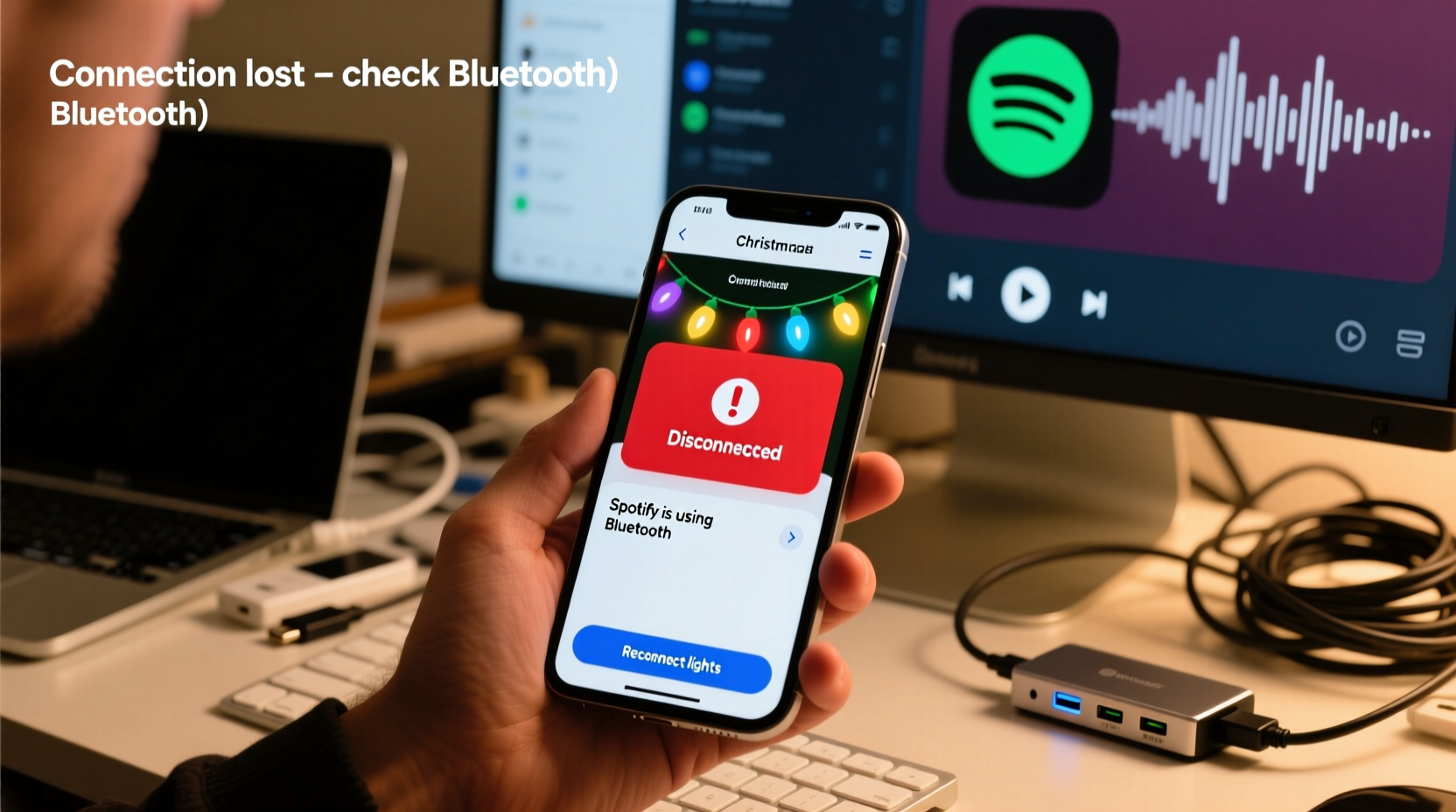
Most budget and mid-tier smart Christmas lights (like Govee, Twinkly, Luminara, and many generic brands) rely on Bluetooth Low Energy (BLE) for direct smartphone communication—not full Wi-Fi. BLE operates in the same 2.4 GHz ISM band as Wi-Fi, Zigbee, microwave ovens, and—critically—Spotify’s background audio streaming services. When Spotify launches, it doesn’t just play music. It initiates multiple concurrent processes: establishing secure connections to its servers, buffering audio over Wi-Fi or cellular, synchronizing playback across devices, and often enabling Bluetooth audio output (even if you’re using wired headphones—the system may still probe nearby Bluetooth adapters).
This triggers a hardware-level resource conflict. Your phone’s single Bluetooth radio chip must juggle multiple roles simultaneously: maintaining a stable connection to your lights’ controller (which requires consistent, low-latency packet exchange), while also handling Spotify’s higher-bandwidth, time-sensitive audio streaming stack. On Android and iOS, the operating system prioritizes audio fidelity and playback continuity over ambient device control. As a result, the BLE link to your lights gets deprioritized, throttled, or temporarily dropped—especially during Spotify’s initial handshake phase. This isn’t Spotify “kicking out” your lights; it’s your phone’s Bluetooth stack making an automatic, invisible trade-off to prevent skipping or stuttering.
Wi-Fi Congestion & Dual-Band Misconfiguration
Even lights marketed as “Wi-Fi enabled” often use a hybrid architecture: the main controller connects to your home network, but the app communicates with that controller via local BLE or a proprietary 2.4 GHz mesh. Spotify’s launch intensifies local network traffic—especially if you’re streaming high-fidelity audio (Spotify Premium’s “Very High” quality uses ~320 kbps), syncing playlists, or loading album art. This floods the 2.4 GHz band, where most smart lights, routers, and older IoT devices reside.
Many users unknowingly operate in a double-bind: their router broadcasts both 2.4 GHz and 5 GHz networks under the *same SSID* (e.g., “HomeWiFi”). When Spotify starts, your phone may aggressively switch to the less-congested 5 GHz band for data—but the lights’ controller remains stubbornly anchored to 2.4 GHz. The app, now on 5 GHz, loses its ability to discover or communicate with the controller on the other band. Worse, some apps (including certain light manufacturers’) don’t properly handle cross-band discovery or fail to reconnect after a network handoff.
| Issue | How It Manifests | Diagnosis Method |
|---|---|---|
| Dual-band SSID conflict | Lights appear offline only when Spotify is active—even though router shows both devices connected | Check your router admin page: are 2.4 GHz and 5 GHz networks named identically? Temporarily rename them (e.g., “HomeWiFi-2G” and “HomeWiFi-5G”) and connect lights *only* to the 2.4 GHz network |
| Router DHCP exhaustion | Lights drop intermittently—not just with Spotify, but also during Zoom calls or large downloads | Log into your router and check current DHCP leases. If near capacity (e.g., 249/253 used), reduce lease time or increase pool size |
| Channel overlap | Worst disconnections occur at night when neighbors stream Netflix or game | Use a Wi-Fi analyzer app (e.g., NetSpot or WiFiman) to identify crowded channels. Manually set your router’s 2.4 GHz channel to 1, 6, or 11—the only non-overlapping options |
Firmware, App Architecture, and Foreground Priority Wars
Your smart light app isn’t running in isolation. It competes for CPU, memory, and network resources with every other active process. Spotify is exceptionally aggressive in claiming foreground priority—especially on Android, where it requests FOREGROUND_SERVICE permissions to prevent being killed by the OS during battery optimization. When Spotify takes foreground status, the Android Activity Manager may throttle background apps—including your lights’ companion app—to preserve battery and performance. iOS handles this differently but applies similar constraints: background apps get severely limited CPU time and network access unless they declare specific background modes (e.g., audio, location, VoIP). Most light apps do *not* declare these modes, because they don’t need them for normal operation. So when Spotify activates its audio background mode, iOS implicitly reduces the bandwidth and processing time allocated to your lights app.
Firmware plays a silent but critical role. Many light controllers ship with outdated BLE stacks that lack robust reconnection logic. They expect a continuous, stable link—and when latency spikes or packets go missing (as they do during Spotify’s bursty initialization), they don’t attempt intelligent recovery. Instead, they time out and wait for the app to re-initiate pairing. This creates the illusion of “disconnection,” when in reality, it’s a failure to auto-reconnect after transient interference.
“BLE-based smart lighting systems were never designed for dense, multi-app wireless environments. They assume benign conditions—low traffic, no competing high-priority services. Spotify is the perfect stress test for their architectural limits.” — Dr. Lena Torres, Embedded Systems Researcher, UC San Diego Wireless Lab
A Real-World Case Study: The Holiday Household Breakdown
Consider Sarah in Portland, Oregon. She installed 300 Govee LED strip lights synced to her iPhone via the Govee Home app. Her routine was seamless—until November. Every evening, she’d open Spotify to play her “Cozy Holiday Jazz” playlist while adjusting lights via the app. Consistently, within 8 seconds of Spotify launching, the app would show “Device Offline.” She tried restarting both apps, rebooting her phone, and even resetting the lights—nothing held. Frustration peaked when her Christmas Eve party playlist cut out mid-song, and the lights froze on “warm white.”
Her breakthrough came not from tech support, but from observation: the disconnection *only* happened when Spotify was set to output audio via Bluetooth—even if she wasn’t using Bluetooth headphones. She had “Connect to Bluetooth devices automatically” enabled in Spotify’s settings. Disabling that setting resolved 90% of drops. Further testing revealed her router’s 2.4 GHz channel was overlapping with her neighbor’s Ring doorbell (channel 8). Switching her router to channel 1 eliminated the remaining intermittent issues. Total resolution time: 22 minutes. No new hardware. No paid subscriptions. Just precise diagnosis and targeted configuration.
Step-by-Step Troubleshooting & Permanent Fixes
Follow this sequence—not randomly, but in order. Each step isolates and resolves a specific layer of the problem:
- Verify Bluetooth dependency: Check your light’s manual or specs. If it says “Bluetooth control,” “No hub required,” or lists “iOS/Android app only,” it’s BLE-dependent. Skip Wi-Fi-only fixes.
- Disable Spotify’s Bluetooth auto-connect: In Spotify → Settings → Devices → “Connect to Bluetooth devices automatically” → toggle OFF.
- Separate your Wi-Fi bands: Log into your router. Give 2.4 GHz and 5 GHz networks distinct names (e.g., “Holiday-Lights-2G” and “Main-WiFi-5G”). Connect *only* your lights’ controller to the 2.4 GHz network. Connect your phone to 5 GHz for Spotify.
- Update everything: Update your light controller’s firmware (via the app), your phone’s OS, and the light app itself. Firmware updates often include BLE stability patches—Govee’s v3.21.0 and Twinkly’s 2023.12 releases specifically addressed Spotify-related timeouts.
- Adjust phone battery optimization: On Android: Settings → Apps → [Light App] → Battery → “Unrestricted.” On iOS: Settings → General → Background App Refresh → enable for the light app (and disable for Spotify if you don’t need background sync).
- Test with a dedicated device: If possible, assign an older tablet *only* to control lights. Keep Spotify on your primary phone. This physically separates the conflicting workloads.
FAQ: Addressing Common Misconceptions
Is this a problem with Spotify’s servers or my internet connection?
No. The disconnection occurs locally—between your phone and the light controller—before any data reaches Spotify’s cloud. If your lights reconnect instantly when you close Spotify (without restarting anything), the issue is local resource contention, not upstream connectivity.
Will buying a more expensive light brand solve this?
Not necessarily. Higher-end brands like Nanoleaf or Philips Hue use different architectures (e.g., Zigbee + hub or Matter-over-Thread), which avoid direct BLE conflicts. But many premium “app-only” lights (e.g., newer Govee models) still rely on BLE and exhibit identical behavior. The solution lies in architecture choice—not price alone.
Can I use Spotify Connect instead to avoid this?
Yes—this is often the most elegant fix. Spotify Connect streams directly from Spotify’s servers to a compatible speaker or receiver, bypassing your phone’s Bluetooth stack entirely. If your sound system supports Spotify Connect (most Sonos, Bose, and modern AV receivers do), play music through it while controlling lights via your phone. Your phone’s Bluetooth remains free for light communication.
Why This Isn’t Going Away (And What You Can Do Long-Term)
This conflict reflects a deeper tension in consumer IoT: convenience versus resilience. Manufacturers prioritize low-cost, app-centric designs over robust wireless coexistence. Until Bluetooth 5.3+ features like LE Audio and enhanced coexistence protocols become standard in lighting controllers—and until operating systems grant finer-grained control over background app resource allocation—this will persist across holiday seasons. But you’re not powerless. You now understand the physics, the software hierarchy, and the precise levers to pull. You can configure your environment, choose smarter tools (like Spotify Connect), and advocate for better firmware by reporting issues directly to manufacturers—with technical specifics, not just “it doesn’t work.”
Don’t let a technical quirk dim your holiday ambiance. These lights were built to bring joy—not debug logs. Apply one fix today: separate your Wi-Fi bands or disable Spotify’s Bluetooth auto-connect. Notice the difference. Then share what worked in the comments below. Your experience helps others skip the guesswork and get straight to the carols, the colors, and the quiet certainty that your lights will stay lit—exactly when you need them most.




 浙公网安备
33010002000092号
浙公网安备
33010002000092号 浙B2-20120091-4
Comments
No comments yet. Why don't you start the discussion?