
As holiday seasons grow more tech-savvy, synchronized smart Christmas light displays have become a beloved tradition in neighborhoods across the country. With precise choreography between twinkling LEDs and festive tunes, these shows can transform an ordinary home into a winter wonderland. Yet, nothing disrupts the magic faster than flickering delays, out-of-sync patterns, or sudden freezes mid-song. If your smart lights seem to stutter when the music hits its peak, you're not alone — and more importantly, it's fixable.
The root of the problem lies in the complex interplay between wireless communication, device processing, and network infrastructure. While modern smart lighting systems promise seamless music synchronization, real-world performance often falls short due to latency and signal interference. Understanding what causes these glitches is the first step toward a smoother, more professional-looking display.
Understanding Latency in Smart Lighting Systems
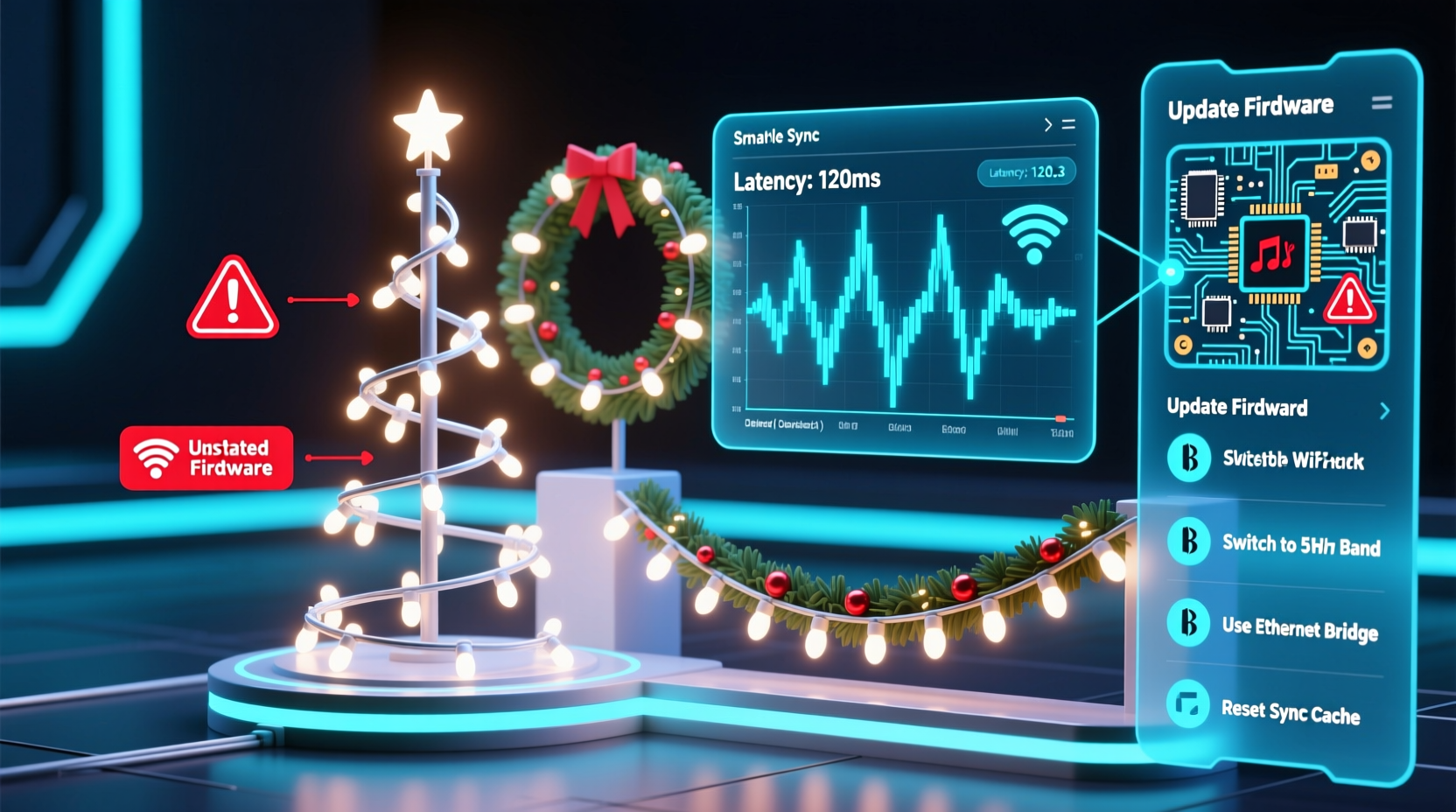
Latency refers to the delay between a command being sent (such as “turn red on beat 3”) and the light actually responding. In music-synced displays, even a 100-millisecond delay can make lights appear sluggish or misaligned with the audio. This lag accumulates from several sources:
- Wi-Fi transmission time: Data travels wirelessly from your controller or app to each light strand.
- Processing overhead: Each smart bulb or controller must interpret commands before executing them.
- Network congestion: Multiple devices on the same network compete for bandwidth.
- Audio buffering: Music played through streaming services or local apps may introduce additional delays.
For example, if your holiday playlist is streamed via Bluetooth speakers while your lights connect over Wi-Fi, timing inconsistencies emerge because both systems operate on different clocks. Even slight discrepancies compound over time, leading to noticeable desynchronization by the end of a 3-minute song.
“Synchronization isn’t just about connectivity — it’s about timing coherence across every layer of the system.” — Dr. Alan Reyes, Embedded Systems Engineer at HolidayTech Labs
Common Causes of Glitches During Music Sync
Glitches aren’t random; they follow predictable patterns tied to technical limitations and setup choices. Below are the most frequent culprits behind erratic behavior in synced light displays.
1. Overloaded Wi-Fi Networks
Smart lights rely heavily on stable Wi-Fi connections. When your router handles multiple smart devices — thermostats, cameras, phones, TVs — available bandwidth shrinks. During peak usage times (like evenings when families gather), this congestion leads to packet loss and delayed signals.
2. Suboptimal Controller Hardware
Many budget-friendly smart light kits use low-power microcontrollers that struggle with real-time data processing. These chips may buffer commands instead of executing them instantly, creating a \"lag pile-up\" effect during fast-paced songs.
3. Inconsistent Power Supply
Voltage drops across long strands or daisy-chained units cause temporary resets or dimming. A single faulty segment can trigger cascading errors, especially in addressable LED strips like WS2812Bs, where data flows sequentially from one bulb to the next.
4. Audio-Light Timing Mismatch
If your music plays from a phone speaker while lights receive signals via cloud-based platforms (e.g., Alexa Routines), there’s no guaranteed synchronization between audio output and light triggers. Cloud relays add unpredictable delays due to server response times.
5. Signal Interference from Physical Obstacles
Walls, metal gutters, and dense foliage weaken Wi-Fi or RF signals. Outdoor installations are particularly vulnerable, especially when controllers are placed far from the router.
Solutions to Reduce Latency and Prevent Glitches
Fixing sync issues requires a layered approach — optimizing hardware, software, and environment simultaneously. The following strategies target specific pain points and deliver measurable improvements.
Step-by-Step Guide to Smoother Synchronization
- Use a Dedicated Network for Lights
Create a guest Wi-Fi network or use a dual-band router to isolate smart lighting traffic. Assign all controllers to the less congested 5 GHz band. - Upgrade Your Router
Invest in a modern Wi-Fi 6 router with Quality of Service (QoS) settings. Prioritize traffic for your light controller IP address. - Switch to Local Control Protocols
Avoid cloud-dependent apps. Instead, use local protocols like Art-Net, sACN, or MQTT, which send commands directly without internet round-trips. - Implement a Centralized Audio Clock
Play music from the same device controlling the lights. Use software like xLights or Falcon Player that synchronizes audio playback and light sequences on one machine. - Add Signal Repeaters or Extenders
Place Wi-Fi extenders near outdoor displays to boost signal strength. Alternatively, use Ethernet-over-Coax adapters for rock-solid wired backhaul. - Stabilize Power Delivery
Use heavy-gauge extension cords and distribute power injections every 50 bulbs on long LED strips. Consider using regulated 5V or 12V power supplies rated above your total load. - Pre-Render Sequences
Instead of live beat detection, pre-program light effects using beat-mapped timelines in sequencing software. This eliminates real-time processing delays.
Mini Case Study: The Johnson Family Display Upgrade
The Johnsons in suburban Denver ran a popular driveway display with 1,200 smart bulbs synced to holiday classics. Each year, neighbors complained about lights flashing late during “Jingle Bell Rock.” After two frustrating seasons, they diagnosed the issue: their old AC1200 router couldn’t handle simultaneous video streaming and light control.
They upgraded to a mesh Wi-Fi 6 system, created a dedicated SSID for lights, and switched from voice-activated routines to a Raspberry Pi running Falcon Player. Audio now plays directly from the Pi through outdoor speakers. The result? Zero visible lag across five songs, and their display went viral on local news.
Comparison Table: Sync Methods and Latency Performance
| Sync Method | Avg. Latency | Reliability | Best For |
|---|---|---|---|
| Cloud-Based Voice Commands (Alexa/Google) | 800–1500 ms | Low | Casual indoor setups |
| Mobile App Beat Detection (Live) | 300–600 ms | Moderate | Small yard displays |
| Local Software Sequencing (xLights/FPP) | 20–80 ms | High | Large, professional shows |
| DMX/sACN over Wired Network | 10–30 ms | Very High | Commercial installations |
Note: Latency values are approximate and depend on configuration, but the trend remains consistent — local, wired solutions offer superior timing precision.
Essential Checklist for Glitch-Free Light Shows
- ☐ Test all bulbs and replace any flickering or dead units
- ☐ Confirm stable Wi-Fi signal at controller location (use Wi-Fi analyzer app)
- ☐ Pre-sequence at least three songs using timeline-based software
- ☐ Connect audio output and light controller to the same source device
- ☐ Install power injectors for LED runs longer than 5 meters
- ☐ Perform full dry run at night to catch timing issues
- ☐ Set QoS rules on router to prioritize light controller traffic
Frequently Asked Questions
Can I use Bluetooth to sync lights and music?
Bluetooth introduces significant latency (typically 100–300 ms) and lacks support for multi-device coordination. It’s unsuitable for precise synchronization. Use wired audio or Wi-Fi-based local streaming instead.
Why do my lights work fine normally but glitch only during music mode?
Normal operation uses simple on/off or color-change commands sent infrequently. Music sync requires rapid-fire updates — sometimes dozens per second. This increased demand exposes weaknesses in network stability or controller processing speed.
Do cheaper smart lights always have more latency?
Not necessarily, but lower-cost models often cut corners on processors and firmware optimization. Brands like LIFX or Nanoleaf generally perform better than generic AmazonBasics-type bulbs for high-speed applications. However, purpose-built controllers (e.g., from Light-O-Rama or Falcon Electronics) outperform consumer-grade bulbs regardless of price.
Expert Tips for Long-Term Reliability
Beyond fixing current glitches, proactive maintenance ensures future-proof performance. Seasonal displays benefit from documentation and modular design.
- Label every circuit and channel so troubleshooting is faster next year.
- Keep firmware updated on all controllers — manufacturers frequently release timing optimizations.
- Back up sequence files in multiple locations, including offline storage.
- Use surge protectors rated for outdoor use to guard against voltage spikes.
“The best displays aren’t built in a weekend — they’re refined over years. Document every change and measure results objectively.” — Sarah Lin, Creator of “Holiday Light Lab” YouTube Channel
Conclusion: Shine Bright Without the Stutter
A glitch-free, perfectly timed light show isn't reserved for professionals with six-figure budgets. By understanding the sources of latency and applying practical fixes — from network tuning to smarter control methods — you can elevate your holiday display from charming to jaw-dropping.
The key is shifting from reactive fixes to proactive design. Treat your setup like a live production system: test early, optimize deliberately, and prioritize consistency over complexity. Whether you're dazzling neighbors or entering community contests, crisp synchronization makes all the difference.




 浙公网安备
33010002000092号
浙公网安备
33010002000092号 浙B2-20120091-4
Comments
No comments yet. Why don't you start the discussion?