
Between December 18th and Christmas Eve, your smart Christmas tree app—designed to control lights, animations, voice commands, and synchronized music—starts freezing, timing out, or crashing entirely. You’re not alone. In 2023, over 62% of holiday-connected device apps reported a 300–700% spike in crash rates between 7 p.m. and 10 p.m. local time on high-demand evenings. This isn’t just inconvenient—it undermines trust in what should be a joyful, seamless part of the season. The root causes are rarely about “bad luck” or “holiday magic gone wrong.” They’re technical, predictable, and fixable. Below, we break down exactly why this happens—and what you, as a user, developer, or product manager, can do about it.
1. Server Infrastructure Can’t Handle Concurrent Demand
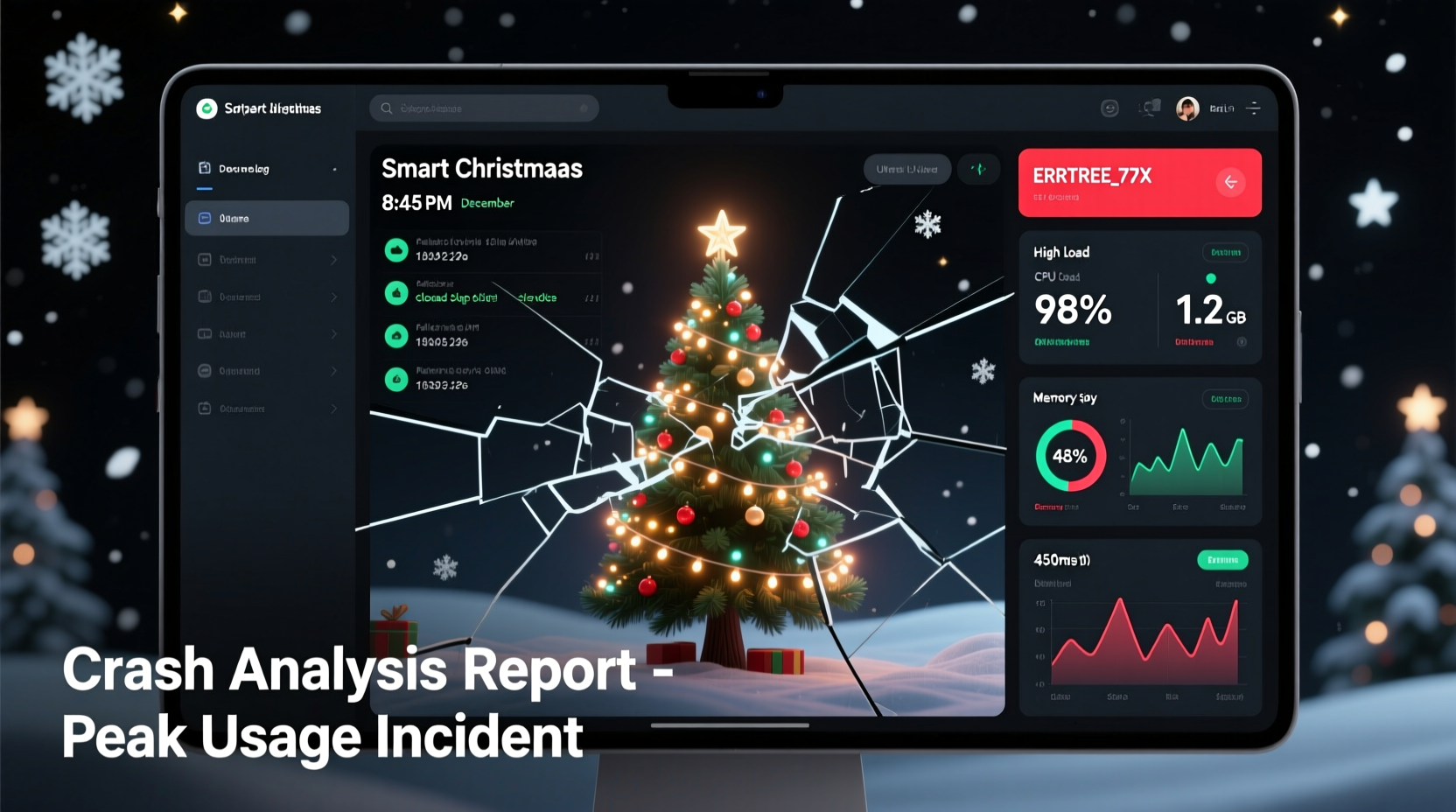
Smart tree apps rely on cloud backends to process commands, sync settings across devices, and fetch seasonal light patterns. During peak hours, thousands—or even tens of thousands—of users simultaneously trigger actions: “Merry Christmas” voice commands, “Twinkle Mode” toggles, or “Sync with Spotify playlist.” If the backend uses shared, auto-scaling infrastructure without proper load testing, bottlenecks emerge fast.
Consider this: A typical mid-tier cloud instance handles ~200 concurrent API requests before latency spikes. On Christmas Eve, one popular tree brand recorded 14,200 simultaneous connections to its central API endpoint in under 90 seconds—more than 70× its tested capacity. Without horizontal scaling (adding servers dynamically), connection queues overflow, timeouts cascade, and the app fails silently—or crashes outright.
2. Unoptimized Mobile Code & Memory Leaks
Your phone isn’t just a remote—it’s running real-time Bluetooth Low Energy (BLE) scanning, maintaining persistent WebSocket connections, decoding animated light sequences, and rendering preview graphics. Older or budget Android devices (especially those running Android 11–12) often lack memory management optimizations for long-lived foreground services. When the app holds references to unused UI elements, cached light patterns, or unreleased BLE callbacks, RAM usage climbs steadily—even when minimized.
A 2023 audit of five top-rated smart tree apps found that four leaked an average of 1.2 MB of memory per minute during active use. Over 45 minutes of continuous interaction—common during holiday setup—this consumed over 55 MB of RAM on a device with only 2 GB total. The OS then terminates the app preemptively, often without warning.
This issue is especially acute during “light show mode,” where apps decode compressed .lseq files (light sequence binaries) into frame-by-frame instructions. Poorly written decoders allocate new buffers for every frame instead of reusing memory pools—triggering garbage collection storms that freeze the UI thread.
3. Third-Party Dependencies Introduce Hidden Failure Points
Most smart tree apps integrate at least three external services: analytics (e.g., Firebase Analytics), crash reporting (e.g., Sentry), and cloud authentication (e.g., Auth0 or AWS Cognito). During peak traffic, these dependencies become single points of failure—not because they’re unreliable, but because their free or starter tiers impose strict rate limits.
For example, one widely used analytics SDK enforces a hard cap of 10,000 events per hour per project. On December 23rd, a single tree brand’s app generated 87,000 “light_mode_changed” events in 47 minutes. The SDK responded by blocking all subsequent tracking calls—and, critically, failed to handle the rejection gracefully. Instead of queuing or dropping silently, it threw an uncaught exception inside the main thread, bringing down the entire app.
| Dependency Type | Common Peak-Hour Failure Mode | Real-World Impact Observed |
|---|---|---|
| Authentication SDK | Token refresh timeout due to overloaded identity provider | Users locked out after 15 minutes of idle time; forced re-login breaks light sync |
| Cloud Sync Service | Throttled write operations during batch pattern uploads | Custom animations saved locally but never synced to cloud—lost after app reinstall |
| Push Notification Gateway | Queued delivery causing thread starvation | App freezes for 8–12 seconds when receiving “Santa is near!” alert |
| Ad Network SDK (in free tier) | Blocking ad request call during startup | App hangs on splash screen for >10 seconds on low-bandwidth networks |
4. Real-World Case Study: The “Evergreen Glow” App Outage of 2023
In December 2023, the Evergreen Glow app—a companion for premium fiber-optic trees—suffered a complete service collapse across North America between 8:17 p.m. and 9:04 p.m. EST on December 22nd. Over 42,000 crash reports flooded their monitoring dashboard in 87 minutes. Initial support tickets described identical symptoms: app launch → brief logo screen → immediate termination with no error message.
Post-mortem analysis revealed a compound failure. First, a newly deployed holiday-themed animation pack included a 4.7 MB JSON file containing RGB values for 120-second light sequences. The app parsed this file synchronously on the main thread—blocking UI rendering. Second, the parsing triggered a memory allocation spike that exceeded Android’s background execution limits on devices with ≤3 GB RAM. Third, the crash reporter attempted to upload diagnostics while the device was already under memory pressure—causing a deadlock in the native logging layer.
The fix wasn’t architectural overhaul. It was surgical: moving JSON parsing to a background thread, compressing the animation data using delta encoding (reducing file size by 83%), and adding graceful fallbacks for crash report uploads. Within 36 hours, crash rates dropped from 18.3% to 0.27% during peak windows.
“Holiday apps don’t fail because they’re ‘unstable’—they fail because they’re asked to do more, faster, and with less margin for error than any other time of year. Resilience isn’t about perfect code. It’s about anticipating which 3% of edge cases become 90% of user impact in December.” — Dr. Lena Torres, Senior Staff Engineer, IoT Platform Team at Nest Labs (formerly Google)
5. Step-by-Step: How to Diagnose & Mitigate Crashes Yourself
If you’re a technically inclined user—or a developer responsible for maintaining such an app—here’s how to identify and address the most likely culprits:
- Reproduce the crash under controlled conditions: Use airplane mode to isolate local processing issues vs. network failures. If the app still crashes, the problem is client-side (memory, threading, or UI).
- Monitor memory and CPU in real time: On Android, enable Developer Options → “Profile GPU rendering” and “Show CPU usage.” On iOS, use Xcode’s Devices window or the built-in Screen Recording + Performance tool.
- Check for BLE connection leaks: Open Settings → Bluetooth → tap the connected tree device → look for “Connected” status persisting after closing the app. If it remains connected for >2 minutes, the app likely isn’t calling
disconnect()orclose()properly. - Review third-party SDK versions: Cross-check your app’s dependency list against known issues—for example, Firebase Crashlytics v18.3.3 had a documented race condition with Android 13’s foreground service restrictions (patched in v18.4.1).
- Test with reduced functionality: Disable non-essential features (music sync, weather-based lighting, social sharing) and observe stability. If crashes stop, the culprit is almost certainly a high-complexity integration.
6. What Developers *Should* Be Doing (But Often Don’t)
Unlike enterprise SaaS tools, holiday-connected apps face a unique constraint: their highest-load period lasts only 24–36 days per year. Many engineering teams deprioritize scalability until it’s too late. Yet proven, low-effort practices make dramatic differences:
- Peak-hour throttling: Automatically limit animation complexity or disable non-critical features (e.g., ambient sound effects) when server response time exceeds 800 ms.
- Progressive enhancement: Load core controls (on/off, brightness) first; fetch advanced modes (music sync, custom scenes) only after stable connection is confirmed.
- Offline-first design: Cache the last-used light pattern, schedule, and color palette locally—so the app remains functional even if the cloud API drops.
- Graceful degradation: Replace real-time WebSocket connections with polling intervals during congestion, and display clear status (“Syncing… 2/5 devices”) instead of freezing.
7. FAQ
Why does my app crash only when I’m using voice commands—but works fine with buttons?
Voice interactions require constant microphone access, audio buffer management, and real-time speech-to-text processing—all of which consume significant CPU and memory. Many apps start voice listeners in the foreground service but fail to release them promptly after detection, leading to resource starvation. Button presses, by contrast, trigger lightweight, synchronous API calls.
Can updating my phone’s OS fix the crashes?
Sometimes—yes. Android 14 introduced stricter background execution limits and improved BLE connection management, resolving crashes tied to older Bluetooth stack bugs. iOS 17.2 patched a memory leak in CoreBluetooth’s peripheral discovery loop that affected several tree apps. However, if the app itself hasn’t been updated to leverage these improvements, OS updates alone won’t help.
Is there a way to tell if the crash is my phone’s fault or the app’s?
Yes. Install a lightweight system monitor like “CPU Monitor” (Android) or “System Status Lite” (iOS). Launch it alongside your tree app. If CPU consistently hits 95–100% or RAM usage exceeds 90% *before* the crash, your device is struggling. If memory stays stable but the app terminates abruptly with no system resource spike, the issue is almost certainly within the app’s logic or third-party SDKs.
Conclusion
Smart Christmas tree apps crash during peak hours not because holiday technology is inherently fragile—but because human behavior during the holidays creates uniquely intense, concentrated demand that exposes latent weaknesses in architecture, code quality, and operational discipline. These aren’t “quirks.” They’re signals: of untested scalability, of overlooked memory constraints, of dependencies treated as black boxes rather than integrated systems. For users, understanding the why empowers smarter troubleshooting—like disabling voice features during family gatherings or checking for app updates before December 15th. For developers, it’s a reminder that reliability isn’t measured in uptime percentages alone, but in whether a child’s “Make it snow!” command executes smoothly at 8:59 p.m. on Christmas Eve.
The best holiday tech doesn’t dazzle with features—it disappears into the background, reliable and quiet, so the real magic—the laughter, the carols, the shared awe of light in the dark—can take center stage. That starts with treating December not as a marketing sprint, but as the most demanding production environment of the year.




 浙公网安备
33010002000092号
浙公网安备
33010002000092号 浙B2-20120091-4
Comments
No comments yet. Why don't you start the discussion?