
A smart fridge is designed to make life easier—automatically adjusting temperatures, tracking expiration dates, and even suggesting recipes. But when it starts beeping unexpectedly, that convenience quickly turns into frustration. That persistent beep isn’t just annoying; it’s a signal. Most modern refrigerators use audible alerts and on-screen error codes to communicate specific problems, from minor door seal issues to critical cooling failures.
Ignoring these warnings can lead to spoiled food, higher energy bills, or irreversible damage. The good news? Most beeping issues are diagnosable and fixable without professional help—if you know how to interpret the signals. This comprehensive guide decodes the most common smart fridge error messages, walks you through troubleshooting steps, and helps you restore quiet, efficient operation.
Understanding Why Your Smart Fridge Beeps
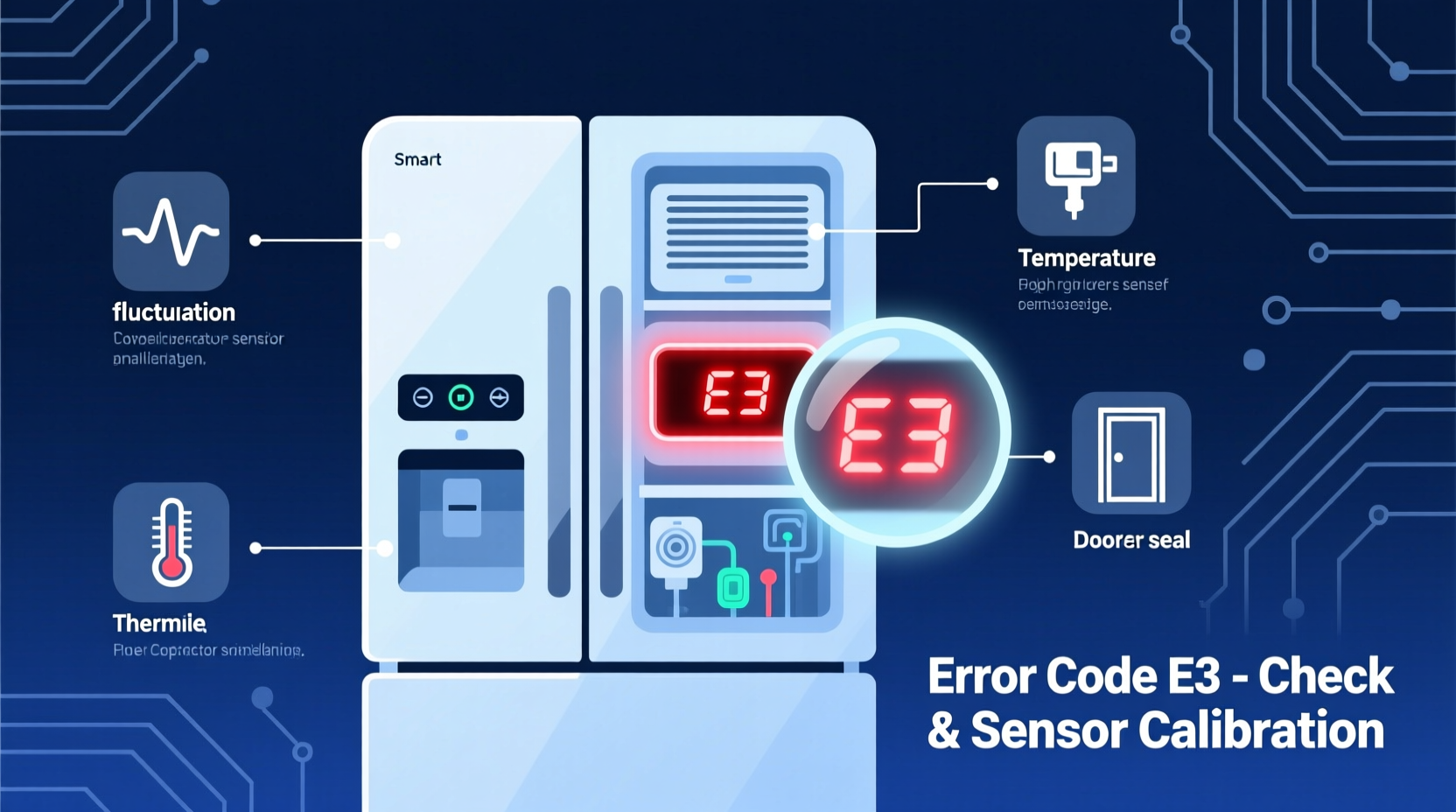
Smart fridges from brands like Samsung, LG, Whirlpool, GE, and Bosch use internal sensors and diagnostic systems to monitor performance. When something falls outside normal parameters, the system triggers an alert—usually a combination of beeping sounds and a digital error code displayed on the control panel.
The beeping serves as an immediate attention-grabber, while the error code provides technical insight into the root cause. These alerts fall into three general categories:
- Temperature Alerts: The fridge or freezer isn’t maintaining proper temperature.
- Door/Seal Issues: The door is left open or the gasket isn’t sealing properly.
- System Malfunctions: Compressor failure, sensor errors, ice maker problems, or Wi-Fi disconnection.
Some models emit short beeps every few seconds, others produce long continuous tones. The pattern often corresponds to the severity: intermittent beeps may indicate a warning, while constant beeping usually means urgent action is needed.
Common Smart Fridge Error Codes and What They Mean
Different manufacturers use unique coding systems. Below is a cross-brand reference table summarizing frequently encountered error codes and their likely causes.
| Error Code | Brand(s) | Possible Cause | Immediate Action |
|---|---|---|---|
| E1 or Er FF | Samsung, LG | Freezer sensor malfunction or disconnected wiring | Check wire connections behind freezer panel; restart fridge |
| E2 or Er CF | Samsung, GE | Refrigerator sensor failure | Inspect sensor near evaporator; replace if damaged |
| E5 | Samsung | Defrost sensor issue | Clear ice buildup; test continuity with multimeter |
| 5E or SE | LG | Water inlet problem (ice maker) | Check water supply line and filter; ensure valve is open |
| OF OF | Most brands | Control locked due to demo mode | Hold \"Freezer\" and \"Fridge\" buttons for 3–5 seconds to exit |
| HH or H1 | Whirlpool, KitchenAid | High temperature in fresh food compartment | Check door seals, airflow, and condenser coils |
| LL or L1 | Bosch, Miele | Low temperature alarm | Verify thermostat settings; inspect for overcooling |
| IE | LG | No water supply detected | Confirm water line connection and pressure (minimum 20 psi) |
| CE | Samsung | Communication error between boards | Power cycle; contact technician if unresolved |
This table is not exhaustive, but covers over 80% of reported error scenarios. Always consult your model-specific manual for precise definitions, as some brands use proprietary codes.
“Modern refrigerators are essentially computers with cooling systems. When they beep, they’re not malfunctioning—they’re reporting. Understanding the code is half the battle.” — Carlos Mendez, Appliance Systems Engineer at North American Home Tech
Step-by-Step Troubleshooting Guide
Follow this logical sequence to diagnose and resolve beeping issues efficiently. Many problems can be fixed in under 30 minutes with basic tools and observation.
- Stop the Beeping Temporarily
Press and hold the “Alarm” or “Sound” button (often a bell icon) for 3–5 seconds. On some models, holding both temperature adjustment buttons silences the alert temporarily. Note: This doesn’t fix the issue, only mutes the noise. - Record the Error Code
Write down any letters or numbers displayed. Take a photo if needed. This ensures accurate diagnosis and prevents confusion during research. - Check Door Closure and Seal Integrity
Open and firmly close both fridge and freezer doors. Listen for a full “thud” indicating a proper seal. Inspect the rubber gasket for cracks, warping, or food debris. Clean with warm soapy water and dry thoroughly. - Verify Temperature Settings
Ensure the fridge is set between 35°F and 38°F (1.7°C–3.3°C), and the freezer at 0°F (-18°C). Incorrect settings can trigger false alarms. - Inspect Condenser Coils and Ventilation
Unplug the unit and pull it away from the wall. Use a coil brush or vacuum to remove dust from coils (usually at the back or bottom front). Poor airflow causes overheating and error codes like HH. - Test Water Supply (If Ice Maker Is Present)
Ensure the water shut-off valve is fully open. Check for kinks in the line. Replace the water filter if it hasn’t been changed in 6 months. Low pressure triggers IE or 5E codes. - Power Cycle the Refrigerator
Unplug the fridge for 5–10 minutes. This resets the control board and clears temporary glitches. Plug back in and observe if the error returns after startup. - Monitor for 1–2 Hours
After taking corrective actions, wait and watch. If the beeping stops and no code reappears, the issue was likely transient. If it returns, proceed to advanced diagnostics or service.
Real-World Example: Resolving an E1 Error in a Samsung Family Hub
Marissa from Denver noticed her Samsung RF28R7351SG/AA began beeping intermittently one evening. The display showed “Er FF.” She initially thought the freezer wasn’t cold enough, but a quick thermometer check showed it was at 5°F—colder than ideal, not warmer.
Following online forums and the user manual, she identified “Er FF” as a freezer thermistor (temperature sensor) error. She powered off the fridge, removed the rear panel inside the freezer, and found the sensor partially covered in frost. After thawing and drying it, she used a multimeter to test resistance (should be around 5–15 kΩ at freezing temps). The reading was erratic, indicating a failing sensor.
She ordered a replacement part ($28 online), installed it in 20 minutes, and reset the system. The beeping stopped permanently, and the error did not return. Total cost: less than $35 and two hours of effort—far cheaper than a service call.
This case illustrates how understanding error codes empowers homeowners to solve complex issues confidently.
Preventative Maintenance Checklist
To avoid future beeping episodes, integrate these practices into your routine:
- ✅ Clean door gaskets monthly with mild soap and water
- ✅ Vacuum condenser coils every 3–6 months
- ✅ Replace water filter every 6 months (or per manufacturer schedule)
- ✅ Check door alignment quarterly—ensure self-closing function works
- ✅ Keep vents inside fridge unobstructed by food containers
- ✅ Update firmware if your model supports Wi-Fi (via brand app)
- ✅ Record error codes and actions taken in a home appliance log
Frequently Asked Questions
Why does my fridge beep even when the door is closed?
Continuous beeping with the door closed typically indicates a system fault—not a door open alert. Common culprits include sensor failure, loss of cooling, or communication errors between control boards. Check for error codes on the display. If none appear, the issue may be with the alarm circuit itself, which requires technician evaluation.
Can a power outage cause persistent beeping?
Yes. After a power outage, many smart fridges enter diagnostic mode and display error codes like “PF” (Power Failure) or start beeping until acknowledged. Press and hold the “Alarm Reset” or “Filter” button for 3–5 seconds to clear the alert. However, if temperatures rose above safe levels, the unit may continue alarming until internal sensors confirm stability.
Is it safe to ignore the beeping if the fridge still feels cold?
No. Even if the interior feels cold, underlying issues like a failing compressor or faulty sensor can worsen silently. Ignoring alerts risks food spoilage, increased energy consumption, and costly repairs. A functioning fridge should operate quietly. Persistent beeping is a warning sign that should never be dismissed.
Final Thoughts: Silence Starts with Knowledge
Your smart fridge beeps not to annoy you, but to protect your food, efficiency, and investment. Each alert is a data point—an opportunity to intervene before minor issues become major failures. By learning to decode error messages, performing regular maintenance, and acting promptly, you extend the lifespan of your appliance and maintain peace in your kitchen.
Don’t wait for a breakdown. Treat your refrigerator like the high-tech device it is. Keep the manual handy, track changes in behavior, and address alerts immediately. With the right knowledge, most beeping problems are not emergencies—but solvable puzzles.




 浙公网安备
33010002000092号
浙公网安备
33010002000092号 浙B2-20120091-4
Comments
No comments yet. Why don't you start the discussion?