
Smart fridges promise convenience—remote temperature control, internal camera access, grocery tracking, and even recipe suggestions. But when your fridge keeps dropping its Wi-Fi connection, these features become frustratingly unreliable. Frequent disconnections don’t just disrupt functionality; they can interfere with food safety alerts, software updates, and integration with other smart home devices. The root causes are often overlooked, ranging from network congestion to outdated firmware. Understanding why this happens—and how to fix it—is essential for restoring stability and getting the most out of your appliance.
Common Causes of Smart Fridge Disconnections
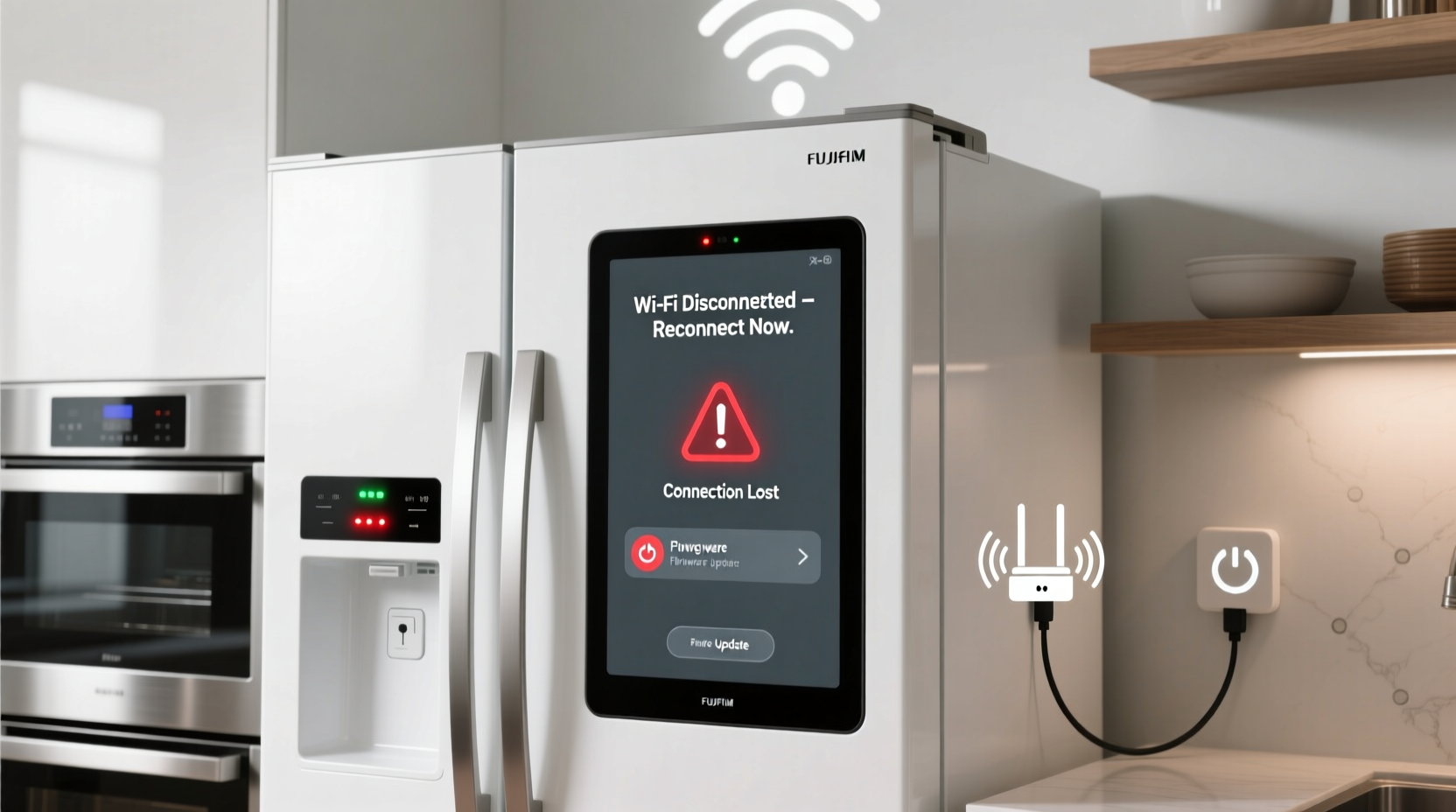
Unlike smartphones or laptops, smart fridges operate in a unique environment: behind metal doors, near high-moisture areas, and often far from the router. These conditions make them particularly vulnerable to connectivity issues. Several factors contribute to persistent disconnections:
- Weak Wi-Fi signal strength: Refrigerators are typically placed in kitchens, which may be distant from the router or obstructed by walls, appliances, or cabinetry.
- Network congestion: Too many connected devices can overwhelm your network, especially during peak usage times.
- Incompatible Wi-Fi bands: Some older routers only support 5 GHz networks, while certain smart fridges only work on 2.4 GHz.
- Firmware bugs: Outdated or corrupted firmware can cause instability in the device’s communication stack.
- Power fluctuations: Fridges cycle on and off, and minor power interruptions can reset the Wi-Fi module.
- Router settings: Overzealous security protocols, MAC filtering, or DHCP timeouts may prevent consistent reconnection.
Identifying which factor applies to your situation is the first step toward resolution.
Step-by-Step Guide to Stabilizing Your Smart Fridge Connection
Follow this systematic approach to diagnose and resolve connectivity problems. Each step builds on the previous one, ensuring no potential solution is skipped.
- Reboot all components: Power down your smart fridge (unplug for 30 seconds), restart your router, and then power everything back on. This clears temporary glitches in both devices.
- Verify Wi-Fi band compatibility: Check your fridge’s user manual to confirm whether it supports 2.4 GHz, 5 GHz, or both. Most smart fridges only operate on 2.4 GHz due to better wall penetration and wider coverage.
- Move closer to the router or use an extender: If possible, relocate the router closer to the kitchen. Alternatively, install a Wi-Fi range extender or mesh node nearby to boost signal strength.
- Forget and re-pair the network: In your fridge’s settings, remove the saved Wi-Fi network and reconnect from scratch. This forces a fresh handshake with the router.
- Assign a static IP address: Prevent IP conflicts by reserving a fixed IP for your fridge in your router’s DHCP settings. This ensures consistent identification on the network.
- Update firmware: Check for available updates via the manufacturer’s app or directly on the fridge’s display. Firmware patches often include connectivity improvements.
- Disable aggressive power-saving modes: Some fridges enter low-power states that disable Wi-Fi. Adjust settings to maintain background connectivity if available.
This process typically resolves over 80% of recurring disconnection issues when followed carefully.
Do’s and Don’ts When Troubleshooting Connectivity
| Do | Don't |
|---|---|
| Use a 2.4 GHz network if your fridge doesn’t support 5 GHz | Assume your router is functioning perfectly without testing |
| Label your fridge’s MAC address for easy router management | Ignore error codes displayed on the fridge screen |
| Place a Wi-Fi extender within line of sight of the fridge | Surround the fridge with metal objects that block signals |
| Set up Quality of Service (QoS) rules to prioritize the fridge | Use public or guest networks for primary device operation |
| Monitor connection logs through your router interface | Factory reset the fridge without backing up settings first |
Following best practices minimizes trial-and-error and accelerates troubleshooting.
Real-World Example: A Kitchen in Suburbia
Sarah, a homeowner in Austin, Texas, noticed her Samsung Family Hub fridge kept losing connection every few hours. She couldn’t view the internal cameras remotely, and grocery lists wouldn’t sync. After checking her phone’s signal in the kitchen, she found only one bar of Wi-Fi. Her router was in the basement, separated by two floors and thick concrete walls.
She tried rebooting multiple times with no lasting effect. Then, she used a Wi-Fi analyzer app and confirmed poor signal strength. Sarah purchased a mesh Wi-Fi system and installed a satellite node on the ground floor near the kitchen. After reconnecting the fridge to the new network, the disconnections stopped entirely. The fridge has remained online for over six months since.
This case illustrates how environmental factors—not device defects—are often the real issue.
Expert Insight on Smart Appliance Reliability
“Many consumers assume their smart appliances should work like phones, but they’re built with cost-effective wireless modules that aren’t as robust. Stability comes from optimizing the network environment, not just the device itself.” — David Lin, Senior IoT Engineer at NetSignal Labs
Experts emphasize that smart fridges are designed for basic connectivity, not high-performance networking. Their antennas are smaller, processing power is limited, and they lack advanced radio tuning. As such, external network optimization plays a larger role in performance than users often realize.
Checklist: Ensure Your Smart Fridge Stays Connected
Use this checklist monthly or after any network changes to maintain stable connectivity:
- ✅ Confirm Wi-Fi signal strength near the fridge (minimum -67 dBm)
- ✅ Verify the fridge is connected to the correct 2.4 GHz band
- ✅ Reboot router and fridge simultaneously once per month
- ✅ Check for firmware updates in the manufacturer’s app
- ✅ Assign a static IP address to prevent DHCP conflicts
- ✅ Review router logs for repeated disconnection timestamps
- ✅ Minimize physical obstructions between router and fridge
- ✅ Disable automatic band steering if it forces 5 GHz connections
Completing this checklist helps catch emerging issues before they escalate into full disconnections.
Frequently Asked Questions
Why does my smart fridge disconnect at night?
Nighttime disconnections often occur due to reduced network activity triggering power-saving modes on either the router or fridge. Some ISPs also throttle bandwidth during off-peak hours. Additionally, if your fridge runs a defrost cycle at night, brief power fluctuations could reset the Wi-Fi module. Try disabling eco-mode settings and ensure your router remains fully powered overnight.
Can a strong microwave signal interfere with my smart fridge?
Yes. Microwaves operate in the 2.4 GHz frequency band—the same as many Wi-Fi networks. When running, they emit electromagnetic interference that can disrupt nearby wireless devices. If your fridge loses connection whenever the microwave is in use, consider upgrading to a shielded microwave model or switching your Wi-Fi channel to 1, 6, or 11 (least prone to overlap). Positioning the router away from kitchen appliances also reduces cross-talk.
Is it safe to leave my smart fridge constantly connected?
Yes, provided your network is secure. Keeping the fridge online allows timely software updates, remote diagnostics, and real-time alerts (e.g., door left open). However, ensure your home network uses WPA3 encryption, change default passwords, and disable Universal Plug and Play (UPnP) unless required. Regular monitoring prevents unauthorized access.
Final Steps for Long-Term Stability
Persistent disconnections are rarely due to a single flaw. Instead, they stem from a combination of weak signals, outdated configurations, and environmental challenges. By methodically addressing each potential cause—from signal strength to firmware—you create a resilient setup where your smart fridge functions as intended.
Stability isn’t achieved overnight. It requires ongoing attention: periodic reboots, firmware checks, and awareness of network changes. Treat your smart fridge like any critical connected device—because in many modern homes, it is.




 浙公网安备
33010002000092号
浙公网安备
33010002000092号 浙B2-20120091-4
Comments
No comments yet. Why don't you start the discussion?