
It’s the holiday season, and you’ve spent time decorating your home with vibrant, colorful Christmas lights—only to find them mysteriously dimming on their own. If your smart home system is turning down your festive display without warning, you're not alone. Many homeowners using smart lighting systems report unexpected dimming behavior during holidays, especially when integrating seasonal decorations into automated routines. The root causes range from scheduled automations and ambient light sensors to firmware quirks and device conflicts. This guide breaks down exactly why this happens, how to diagnose the issue, and most importantly—how to fix it permanently.
Understanding Smart Home Lighting Automation
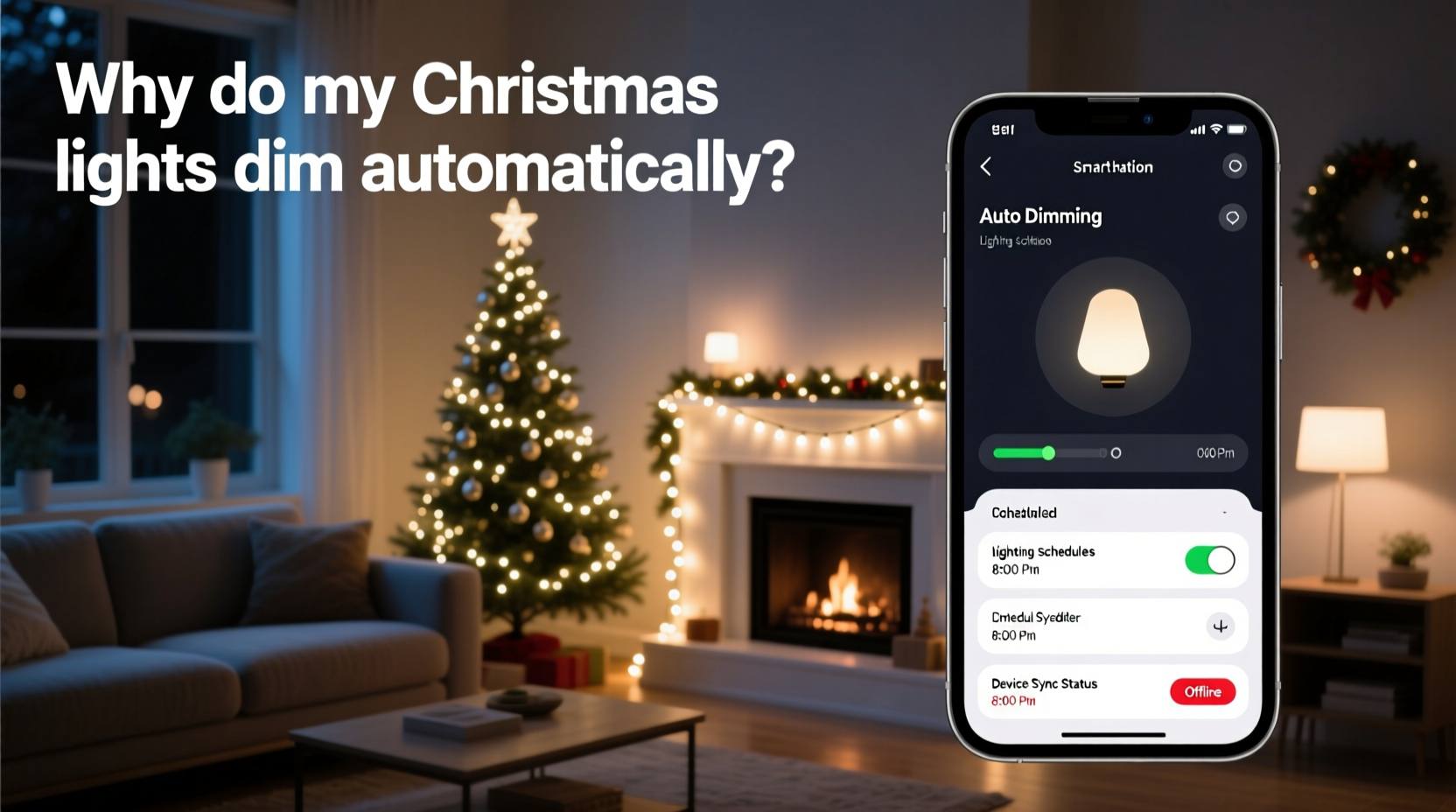
Smart home ecosystems like Google Home, Amazon Alexa, Apple HomeKit, and Samsung SmartThings use a combination of rules, schedules, and environmental triggers to manage connected devices. Christmas lights, when linked through smart plugs or Wi-Fi-enabled LED strings, become part of this network. Once integrated, they can be influenced by:
- Time-based automations (e.g., “Turn off all lights at 10 PM”)
- Ambient light sensors that adjust brightness based on room lighting
- Geofencing rules that respond to your phone’s location
- Voice assistant commands stored in history
- Firmware updates that reset default behaviors
The convenience of automation comes with complexity. A rule designed for indoor mood lighting might unintentionally apply to outdoor holiday displays. For example, a “Goodnight” routine that dims bedroom lights may also affect any device labeled “light,” including Christmas strings if not properly segmented.
“Automation is only as smart as its configuration. Mislabeling or overgeneralizing device groups leads to unintended consequences.” — Daniel Reeves, Smart Home Systems Engineer at Nest Certified Partners
Common Causes of Automatic Dimming
Before jumping into fixes, identify what’s triggering the dimming. Below are the most frequent culprits behind unexplained brightness changes in holiday lighting setups.
1. Scheduled Routines or Scenes
Many users create daily scenes such as “Evening Wind Down” or “Sleep Mode” that gradually reduce light levels across multiple zones. If your Christmas lights are grouped under a broad category like “Porch” or “Outdoor Lights,” they may inherit these settings.
2. Adaptive Brightness Features
Certain smart bulbs and hubs support adaptive lighting, where brightness adjusts based on natural daylight detected via phone sensors or weather APIs. While useful indoors, this feature rarely suits holiday decor, which should remain consistently bright regardless of ambient conditions.
3. Third-Party Integrations
Apps like IFTTT (If This Then That) or Zapier can link external triggers—such as sunset times or weather alerts—to your lights. An applet set to “Dim all decorative lights after sunset + 2 hours” could silently override manual settings.
4. Firmware Updates Resetting Defaults
After a firmware update, some smart devices revert to factory presets. A previously stable brightness level may drop back to 50% or trigger an old automation no longer in active use.
5. Device Group Conflicts
If your smart plug or bulb is part of multiple groups (e.g., “Holiday Lights,” “Front Yard,” and “All Lights”), conflicting instructions from different automations can cause erratic behavior, including flickering or progressive dimming.
Step-by-Step Guide to Fix Unwanted Dimming
Follow this structured approach to regain full control over your holiday lighting display.
- Isolate the Affected Devices
Open your smart home app (e.g., Google Home, Alexa, or SmartThings). Locate your Christmas lights and verify whether they’re controlled via a smart plug, strip, or individual bulbs. Note the exact device names and assigned rooms. - Review Active Automations
Navigate to the “Routines,” “Scenes,” or “Automations” section. Look for any rules that include phrases like “dim,” “reduce brightness,” “turn off,” or “set to 50%.” Pay special attention to time-based triggers occurring around dusk or bedtime. - Check Group Memberships
Tap on each affected light or plug and review which groups it belongs to. Remove it from general categories like “All Lights” or “Outdoor” unless necessary. Create a dedicated group called “Christmas Decorations” with no default automations. - Disable Adaptive & Ambient Features
In device settings, turn off options like “Adaptive Brightness,” “Sunset Sync,” or “Auto-Dimming.” These are often buried under “Light Settings” or “Accessibility” menus depending on the platform. - Inspect Third-Party Applets
Log into IFTTT, Alexa Skills, or Home Assistant dashboards. Disable any applets related to holiday lights, sunset actions, or energy-saving modes until testing confirms stability. - Test Manually After Changes
Set the lights to 100% brightness manually. Wait through one full automation cycle (e.g., until evening or next scheduled routine). Confirm the setting holds. - Reapply Custom Schedules (Optional)
Once baseline stability is achieved, create a new, specific routine just for Christmas lights—e.g., “On at 4 PM, Off at 11 PM”—without dimming phases.
Do’s and Don’ts When Managing Holiday Smart Lights
| Do | Don’t |
|---|---|
| Create a unique device name and room assignment (e.g., “Living Room – Xmas Tree”) | Name all decorations generically as “Lights” or “String Light 1” |
| Use separate smart plugs for different displays | Daisy-chain multiple light strands into one plug without load consideration |
| Schedule on/off times instead of gradual dimming | Enable adaptive brightness for seasonal decor |
| Update firmware before the holiday season begins | Ignore pending updates that may alter default behavior |
| Label physical plugs or outlets for easy identification | Mix critical holiday circuits with high-power appliances |
Mini Case Study: The Over-Automated Front Lawn
Mark from Portland, Oregon, installed a new set of RGB Christmas lights along his roofline, connecting them through a Kasa smart plug. He noticed every night at 8:30 PM, the lights would slowly dim from full brightness to 30%, despite setting them manually to stay bright.
After checking his Kasa app, he discovered an old “Winter Evening” scene tied to geofencing—designed to lower indoor lights when he arrived home. Because the Christmas lights were grouped under “Exterior,” they inherited the same rule. Additionally, an IFTTT applet adjusted brightness based on local sunset time, compounding the effect.
By removing the lights from the “Exterior” group, disabling the IFTTT applet, and creating a standalone schedule for December 1–31, Mark restored consistent brightness. His display now turns on at 5 PM and shuts off at midnight—exactly as intended.
Troubleshooting Checklist
- ✅ Identify all smart devices controlling your Christmas lights
- ✅ Review current automations and disable suspicious ones
- ✅ Check group memberships and remove from broad categories
- ✅ Turn off adaptive brightness and ambient light features
- ✅ Log into third-party services (IFTTT, Alexa Routines) and disable related applets
- ✅ Manually set lights to 100% and observe for 24 hours
- ✅ Rebuild a dedicated holiday lighting schedule with fixed on/off times
Expert Insight: Why Context Matters in Automation
Smart home technology excels when context is preserved. However, holiday decorations introduce temporary devices into a permanent system, creating mismatches in logic and expectation.
“Most automatic dimming issues stem from treating seasonal items like permanent fixtures. Treat holiday lights as ‘temporary zones’ with isolated controls.” — Lena Patel, Senior UX Designer at Philips Hue Labs
This means avoiding integration with long-term routines. Instead of adding Christmas lights to your “Porch Lights” automation, treat them as a standalone project with start and end dates. Some advanced systems even allow “time-limited automations” that expire on January 2nd.
Frequently Asked Questions
Can voice assistants accidentally dim my Christmas lights?
Yes. If you've ever said something like “Alexa, dim the lights” near a holiday display, and the system interpreted it as applying to all connected lights, it could have saved that action. Review your voice command history in the Alexa or Google Home app. You can delete misinterpreted commands or set confirmation requirements for brightness changes.
Will unplugging and replugging the smart device reset the issue?
Temporarily, yes. Power cycling clears active states and stops ongoing automations. However, unless you address the root cause—like a recurring routine—the behavior will return once the device reconnects. Use power cycling as a diagnostic tool, not a permanent fix.
How do I prevent this from happening next year?
Create a “Holiday Lighting Protocol” in your smart home setup. This includes:
- Dedicated smart plugs labeled “XMAS ONLY”
- A non-recurring December-only automation
- A pre-season checklist to disable conflicting features
- A post-holiday shutdown routine to archive or disable devices
Final Thoughts: Take Control of Your Holiday Ambiance
Your Christmas lights should spark joy, not confusion. While smart home systems offer incredible convenience, they require careful management—especially when blending temporary decor with permanent infrastructure. Automatic dimming isn’t a flaw in the technology; it’s a symptom of mismatched expectations between user intent and system logic.
The solution lies in precision: naming devices clearly, isolating seasonal setups, and reviewing automations before the first bulb lights up. With the right configuration, your holiday display can shine brightly throughout the season—on your terms, not the algorithm’s.




 浙公网安备
33010002000092号
浙公网安备
33010002000092号 浙B2-20120091-4
Comments
No comments yet. Why don't you start the discussion?